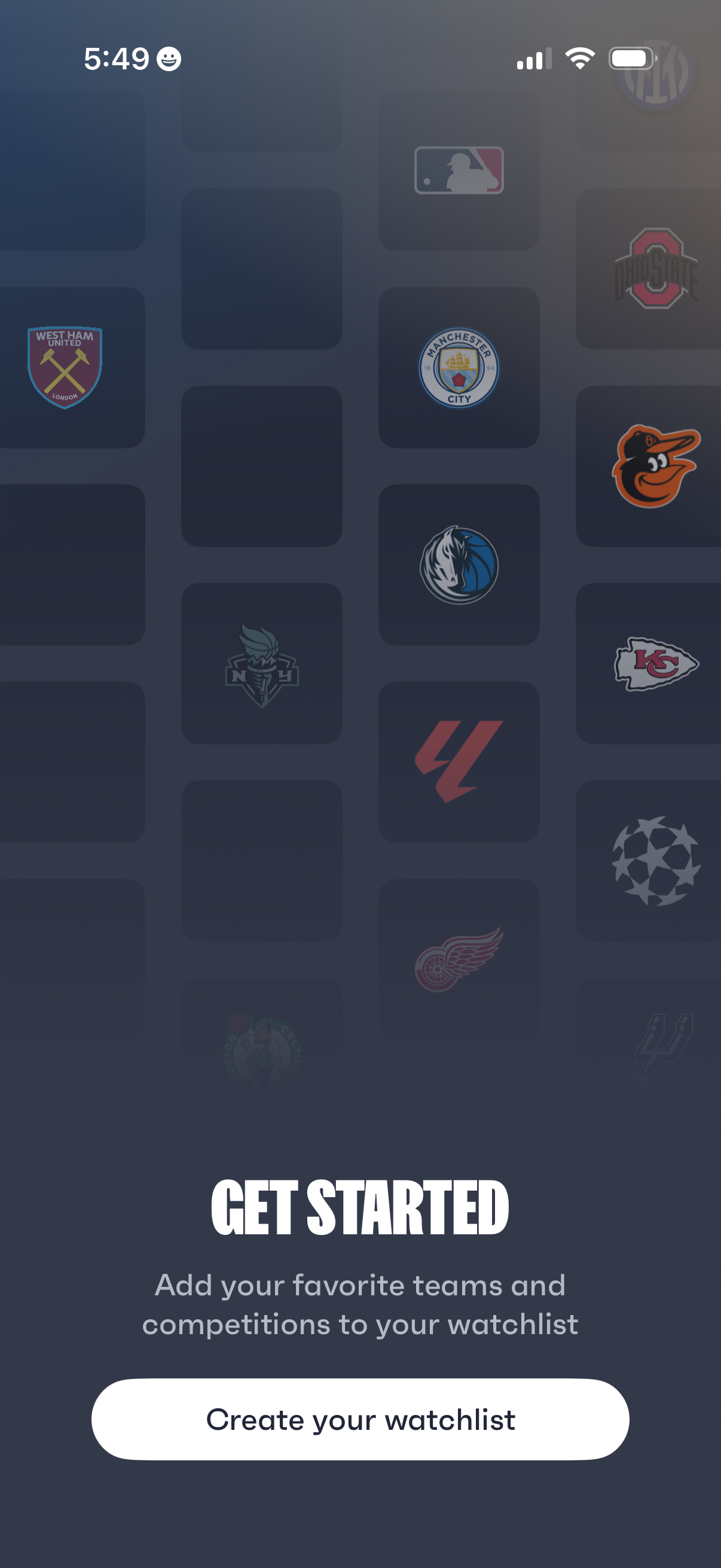
Onboarding “Get Started” screen for a sports app prompting users to add favorite teams and competitions to a watchlist. Includes a prominent primary CTA button to “Create your watchlist” over a background grid of league and team logos.
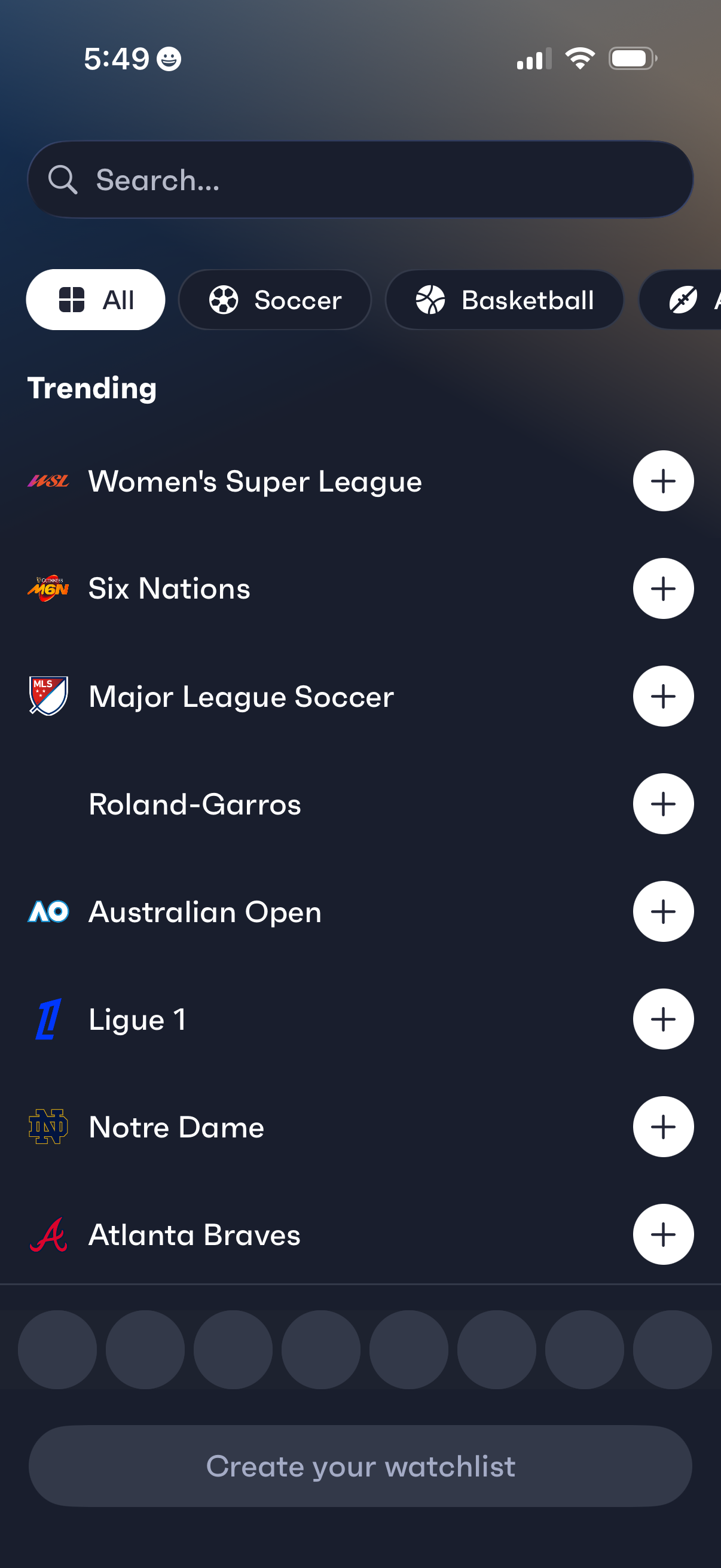
Sports watchlist discovery screen with a search bar and sport category filters (All, Soccer, Basketball) showing a “Trending” list of leagues and events, each with a plus button to follow/add to the watchlist. A bottom call-to-action prompts the user to create their watchlist.
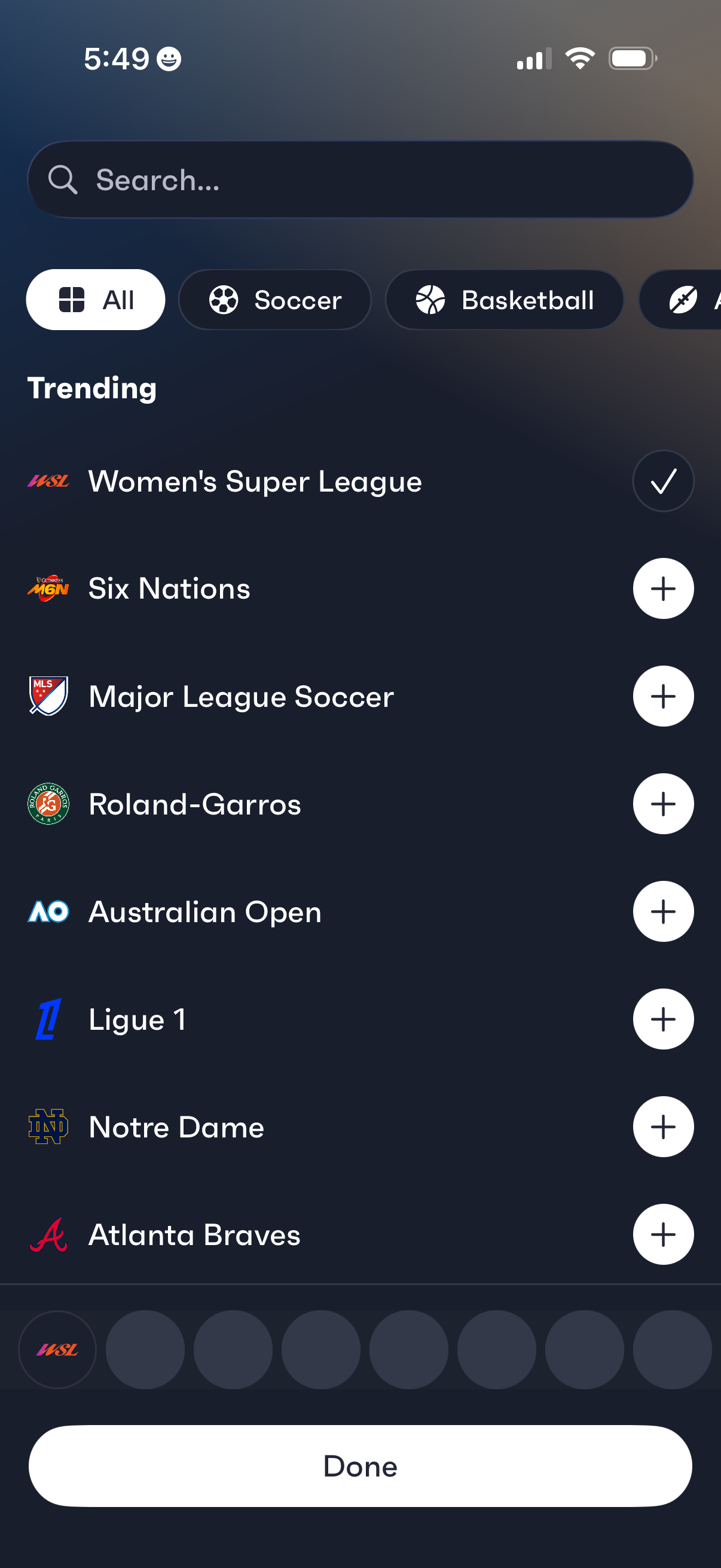
Sports preferences selection screen with a search bar and category filters (All, Soccer, Basketball) showing a trending list of leagues and teams. Users can follow/unfollow items using plus/check buttons and tap Done to confirm their selections.
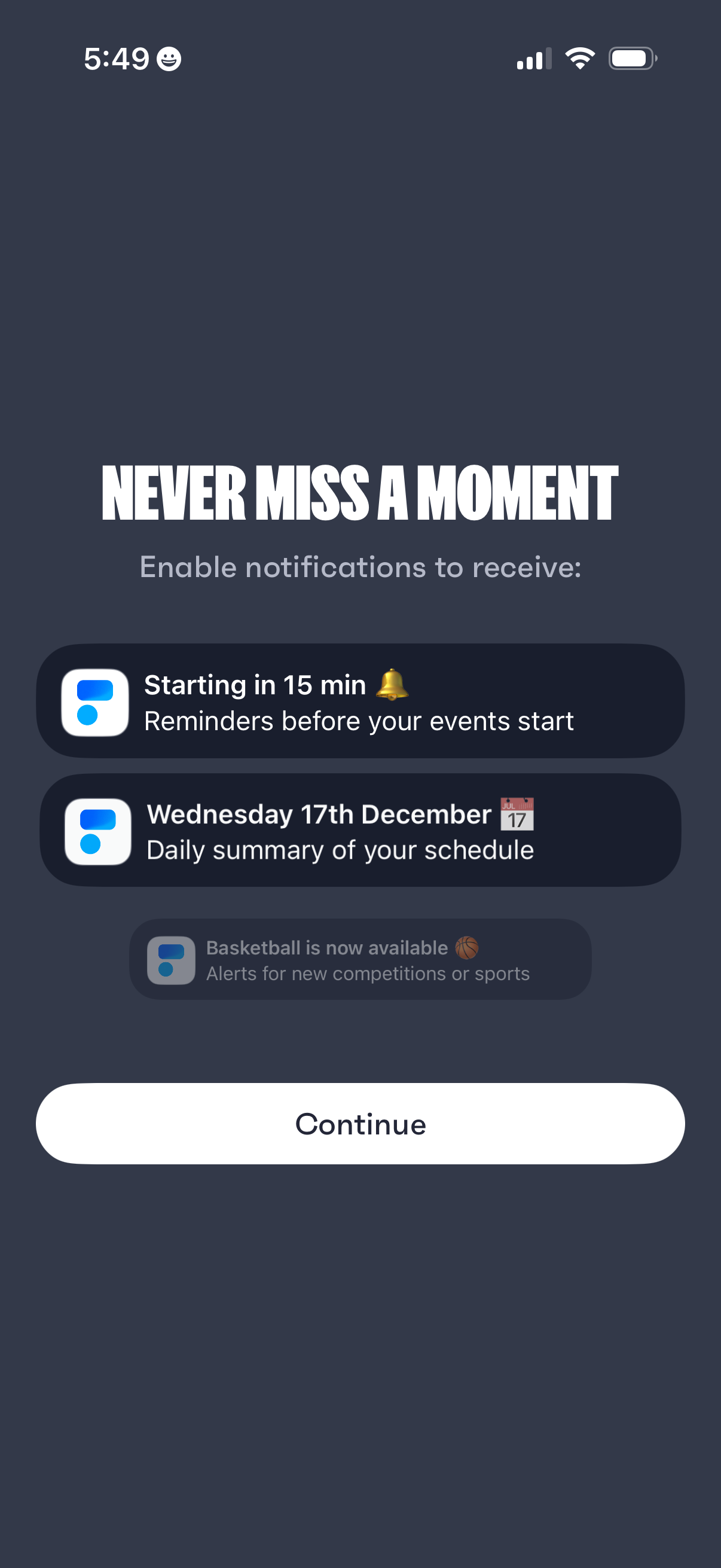
Notification permission onboarding screen prompting users to enable push notifications so they don’t miss events, highlighting reminder alerts before events start and daily schedule summaries. Includes a primary “Continue” button to proceed with enabling notifications.