browse sport categories
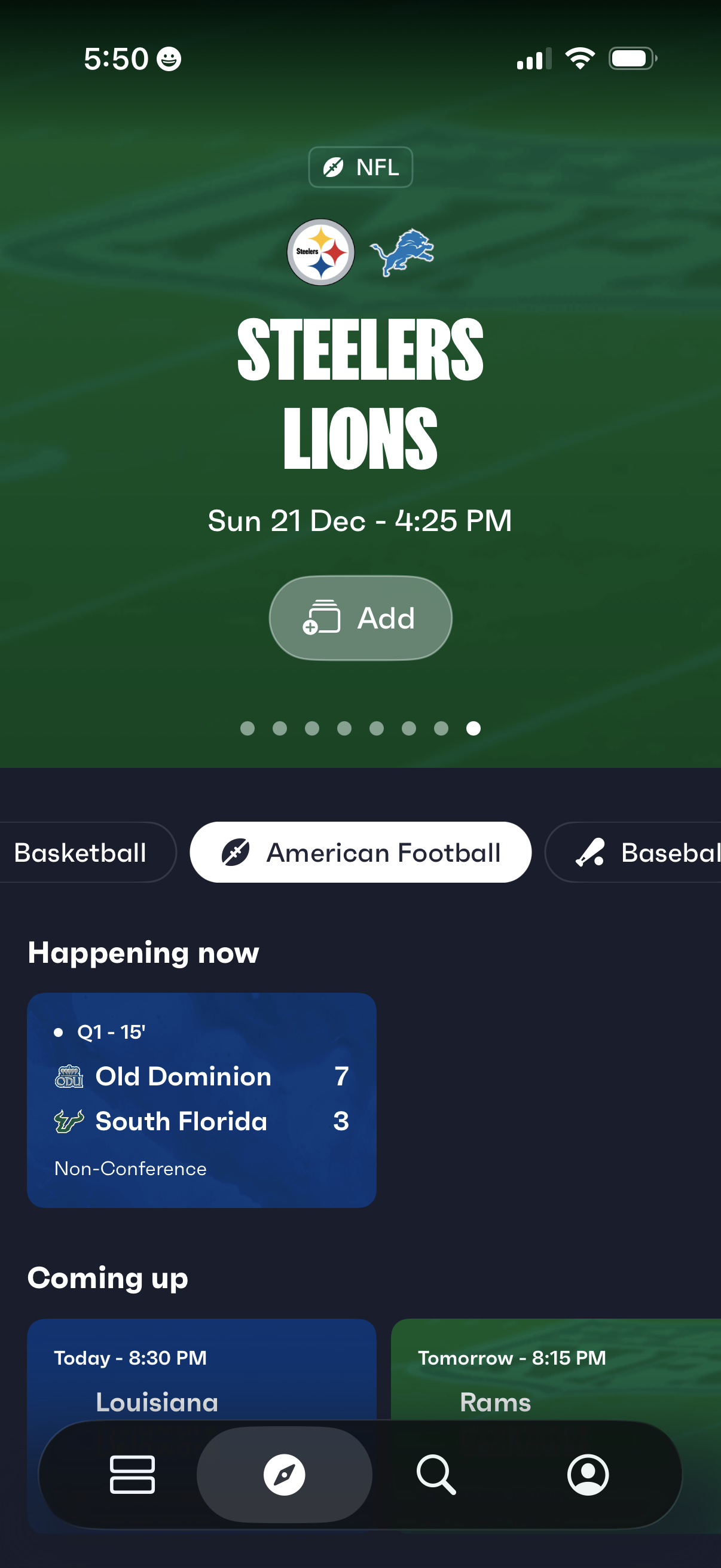
Sports scores home screen focused on American football, highlighting an upcoming NFL matchup with team logos, date/time, and an Add button to save the event. Below, a segmented sport selector and cards show live “Happening now” game scores and “Coming up” scheduled games, with bottom navigation for browsing, search, and profile.
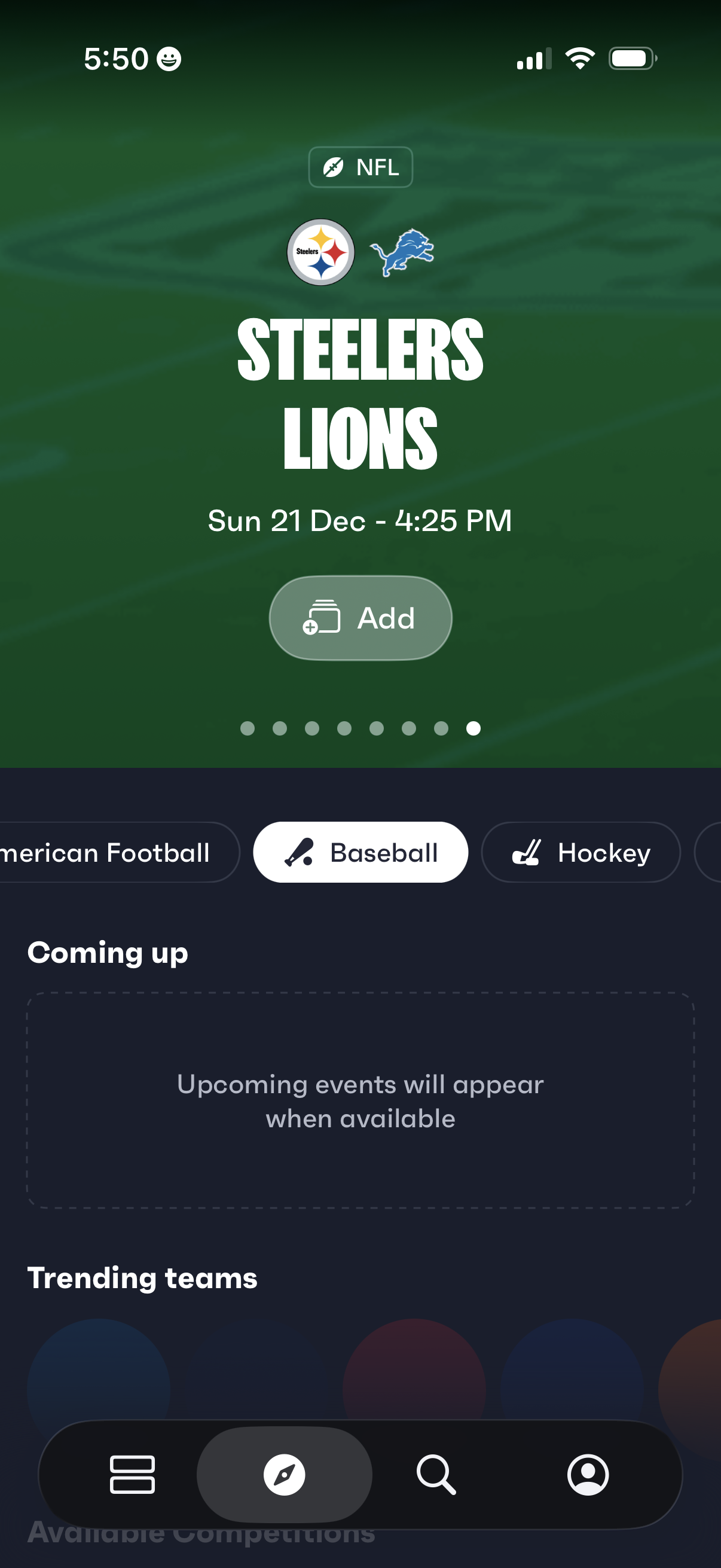
Sports events dashboard showing an upcoming NFL matchup with team logos, game date/time, and an “Add” button to save the event to a calendar or list. Includes a horizontal sport/category selector (e.
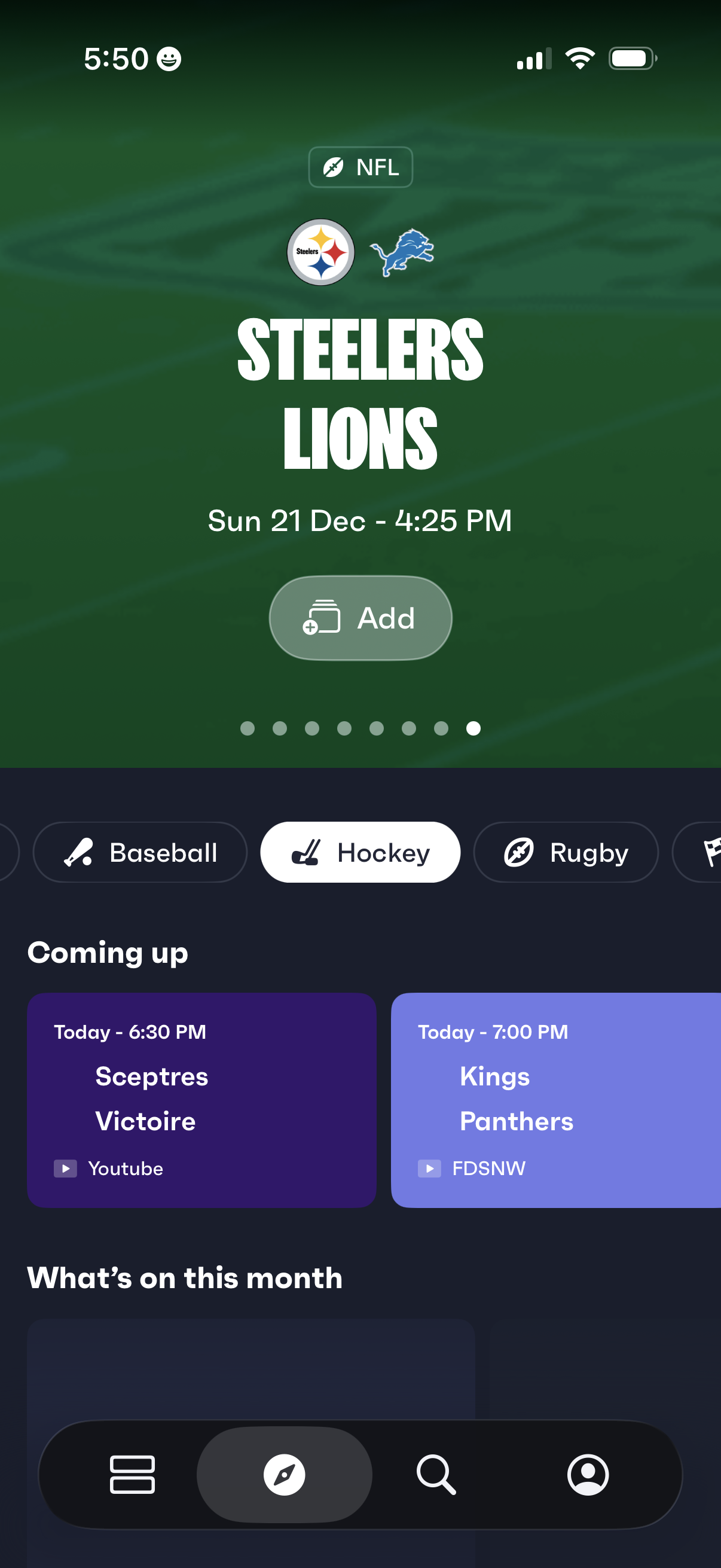
Sports schedule home screen showing an upcoming NFL matchup with team logos, game date/time, and an “Add” button to save the event. Below, users can switch sports categories via horizontal chips and browse “Coming up” cards listing upcoming games with start times and streaming/broadcast providers.
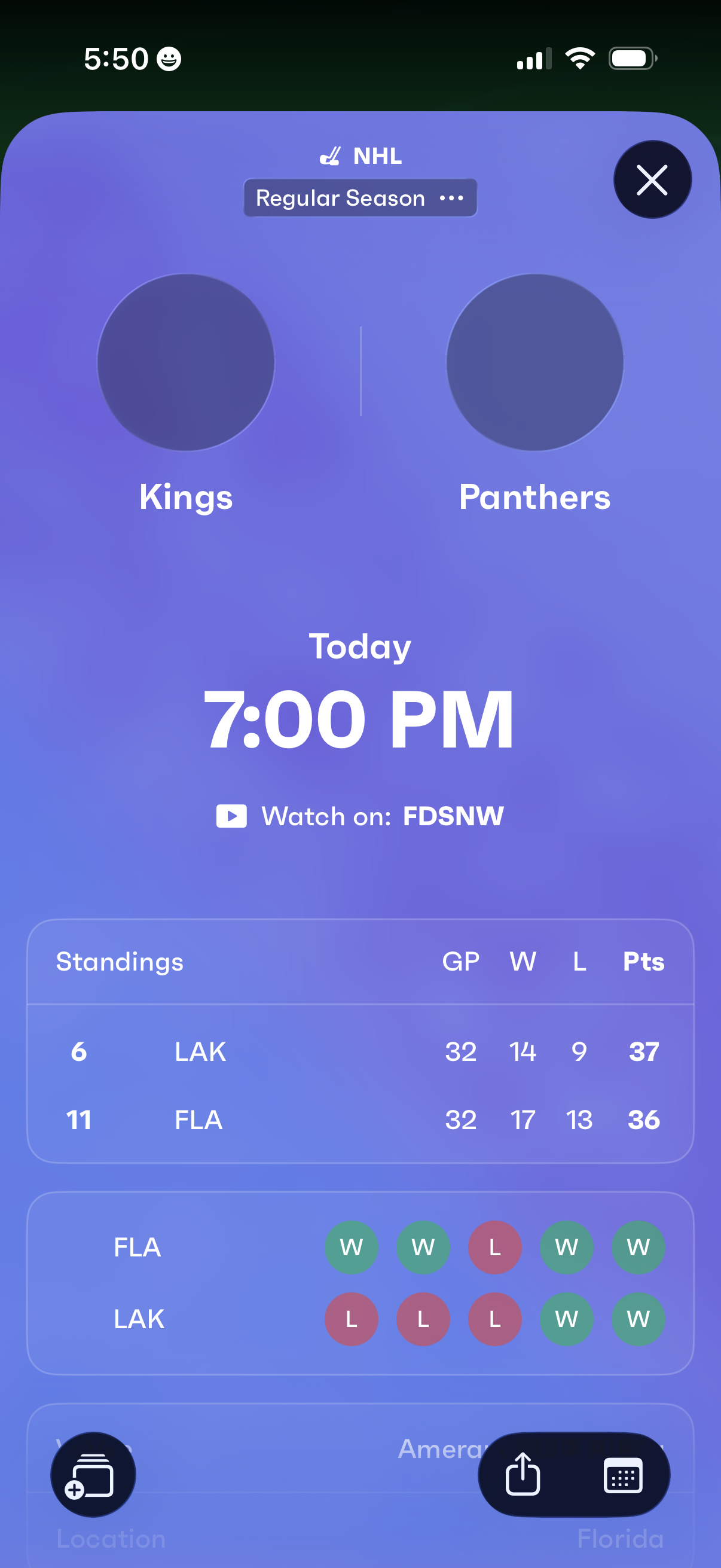
Sports matchup details screen for an NHL regular season game showing the two teams, scheduled start time, and where to watch on TV/streaming. Includes a quick standings comparison (games played, wins, losses, points) and recent form indicators for each team, with a close button to dismiss.
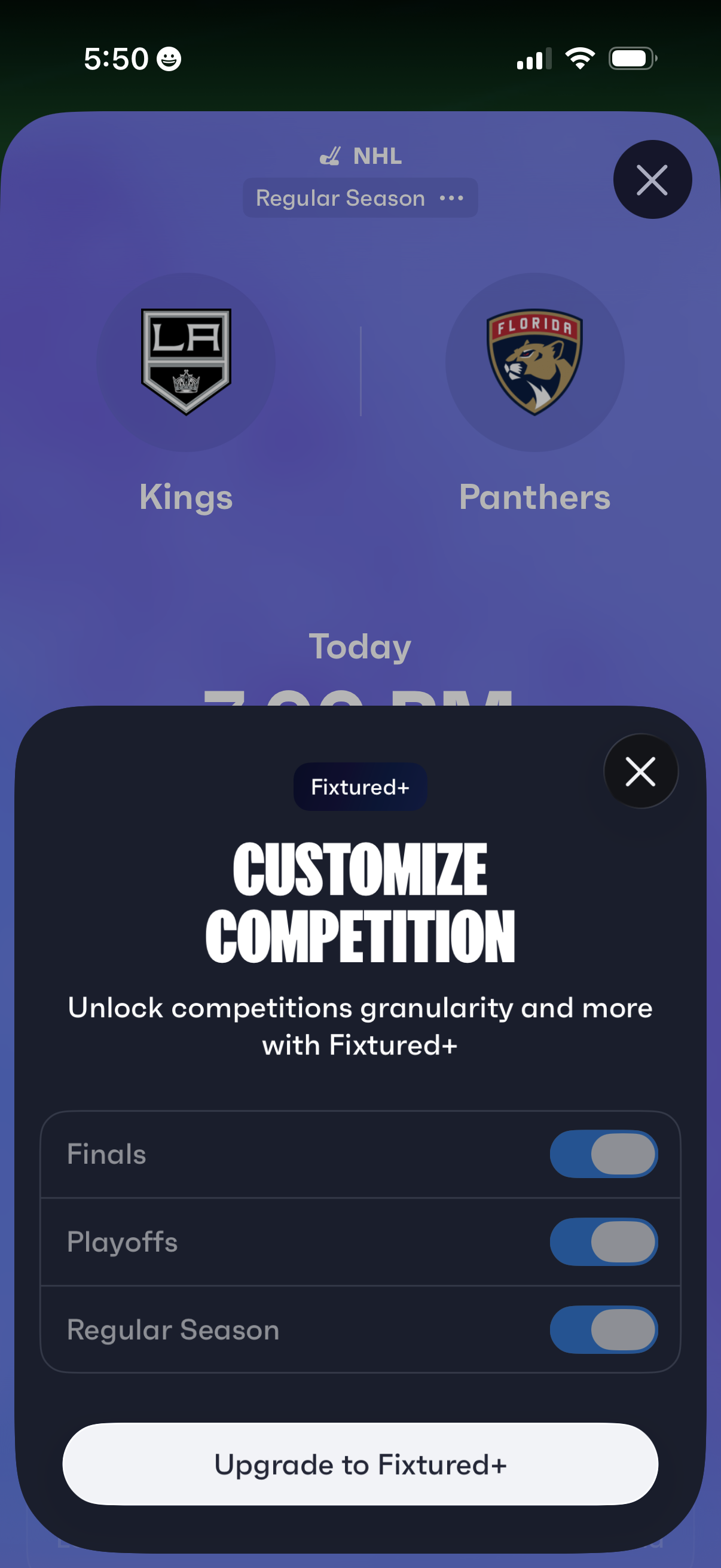
Sports schedule screen for an NHL matchup showing teams and game time, with a “Customize competition” paywall modal offering premium (Fixtured+) filters to toggle season stages like finals, playoffs, and regular season. The dialog includes close buttons and a primary CTA to upgrade to the subscription.
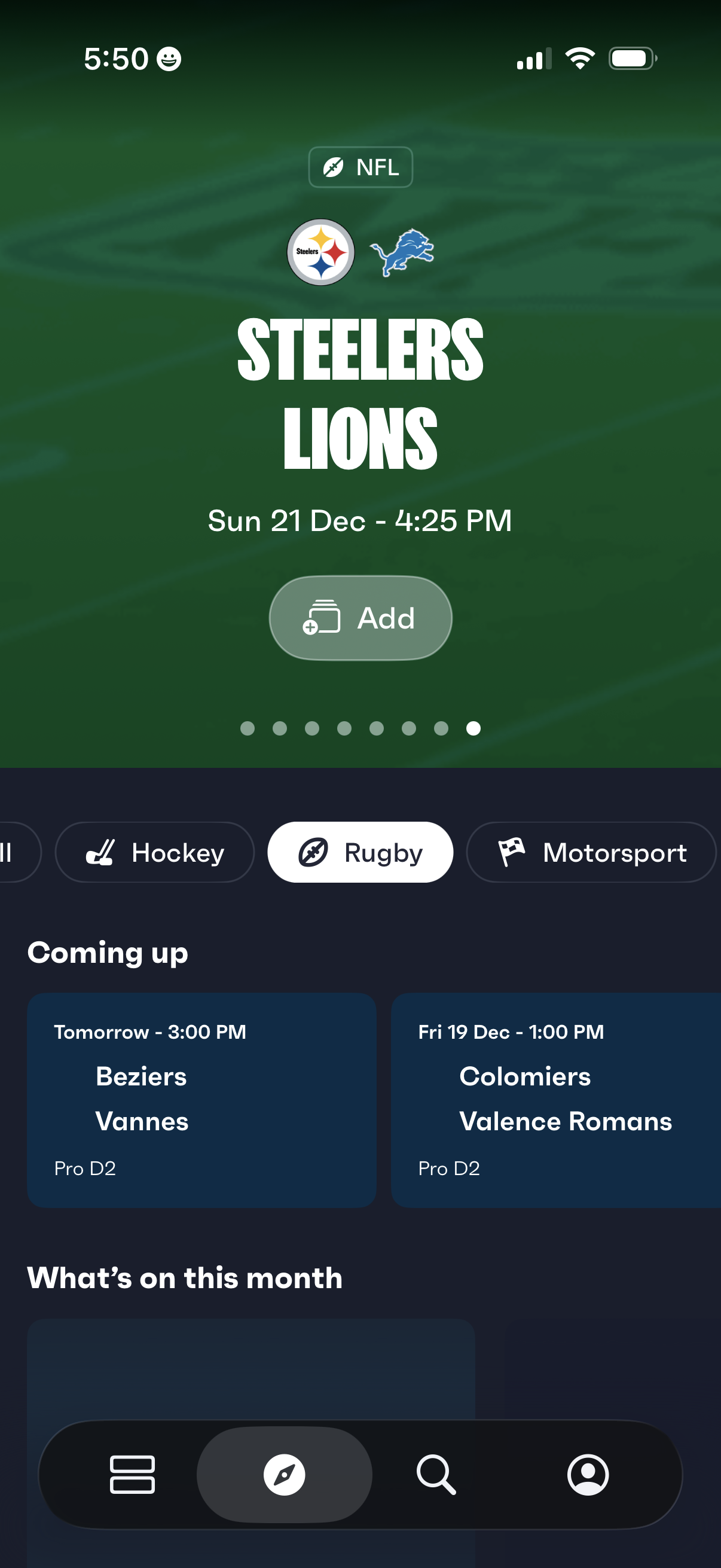
Sports events home screen showing a featured matchup with team logos, league label, and game date/time plus an “Add” button to save it, with a horizontal sport-category selector and upcoming fixtures cards below for browsing the schedule.
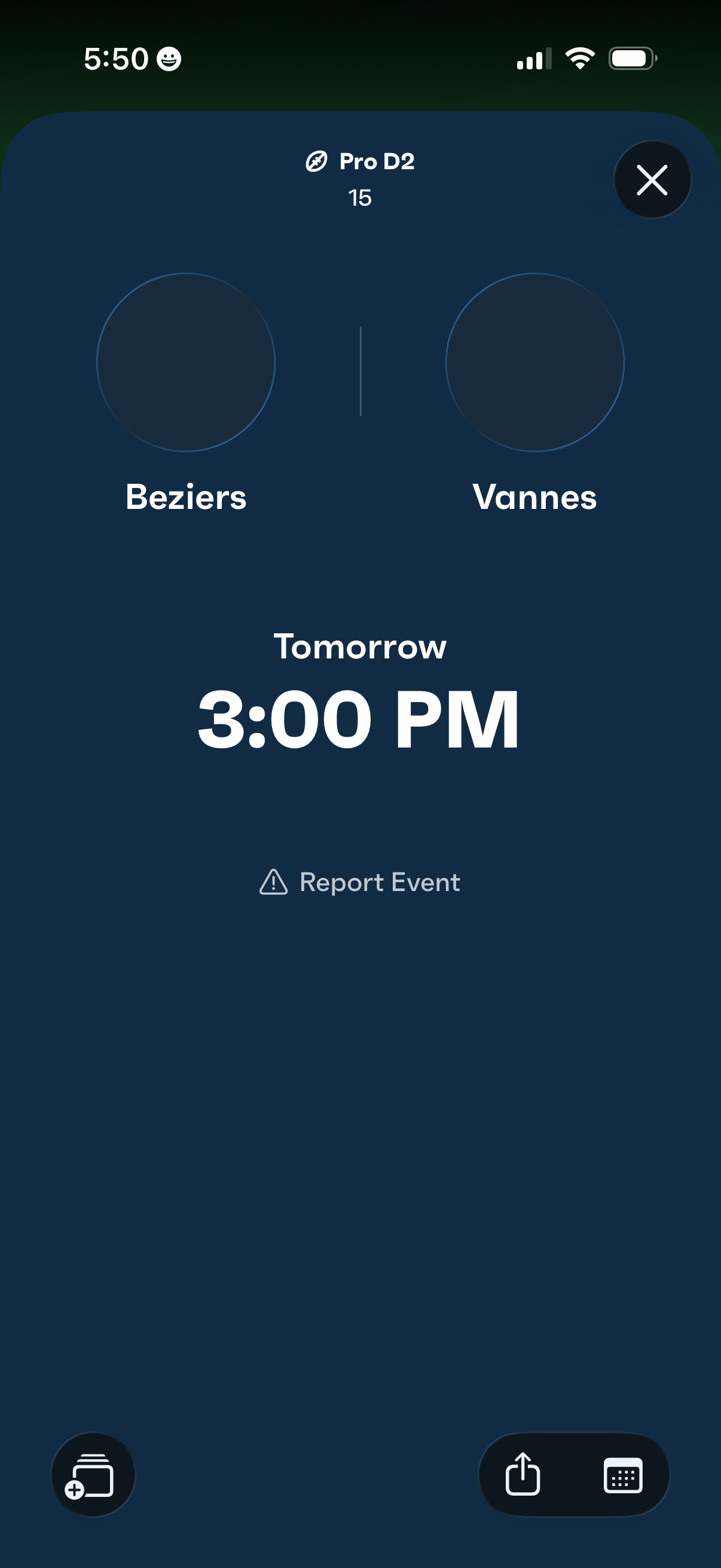
Match event details screen showing an upcoming sports game with the two teams and start time (e. g.
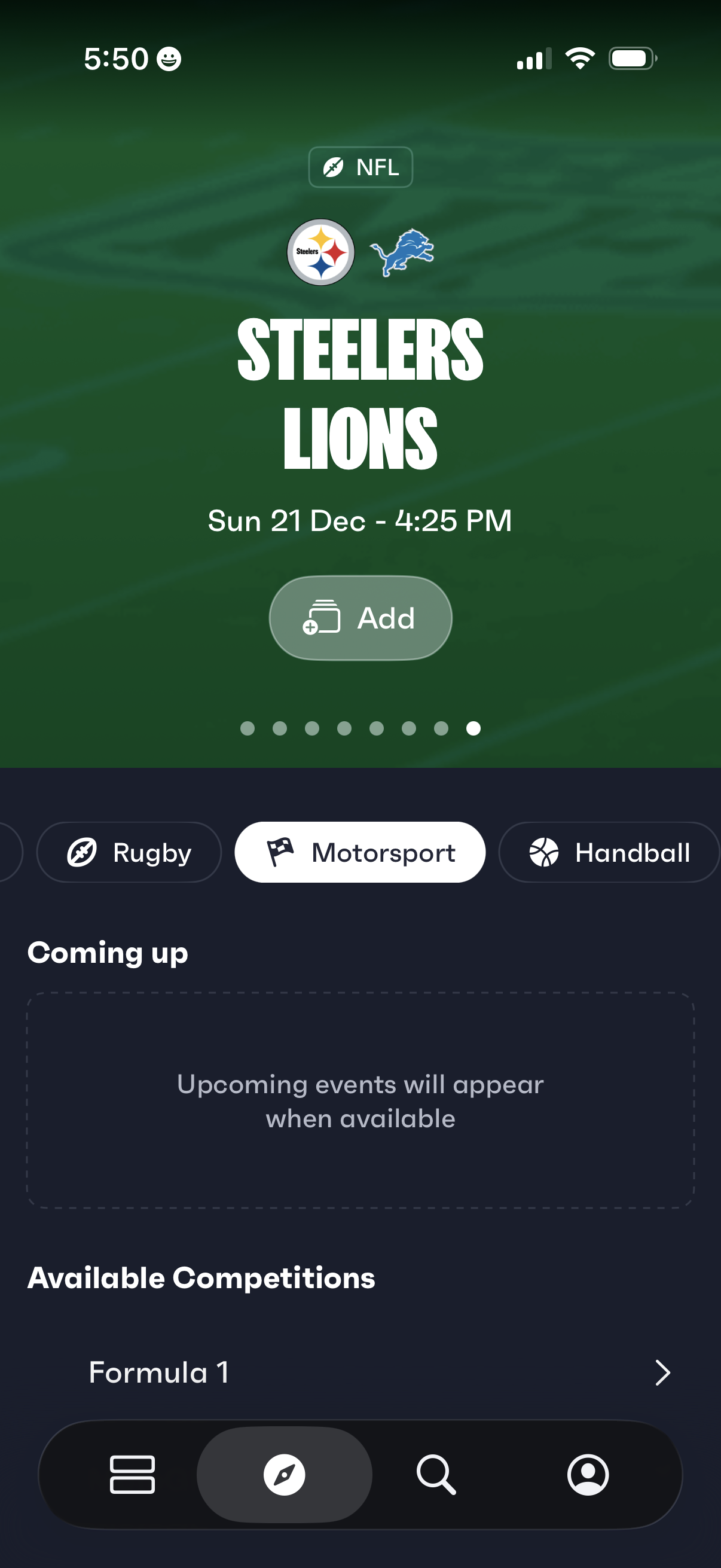
Sports events home screen showing a featured upcoming game matchup with team logos, date/time, and an “Add” button to save it to your calendar or schedule. Below, users can switch sports via category tabs, view a “Coming up” section for upcoming events, and browse available competitions like Formula 1, with bottom navigation for main sections and search.
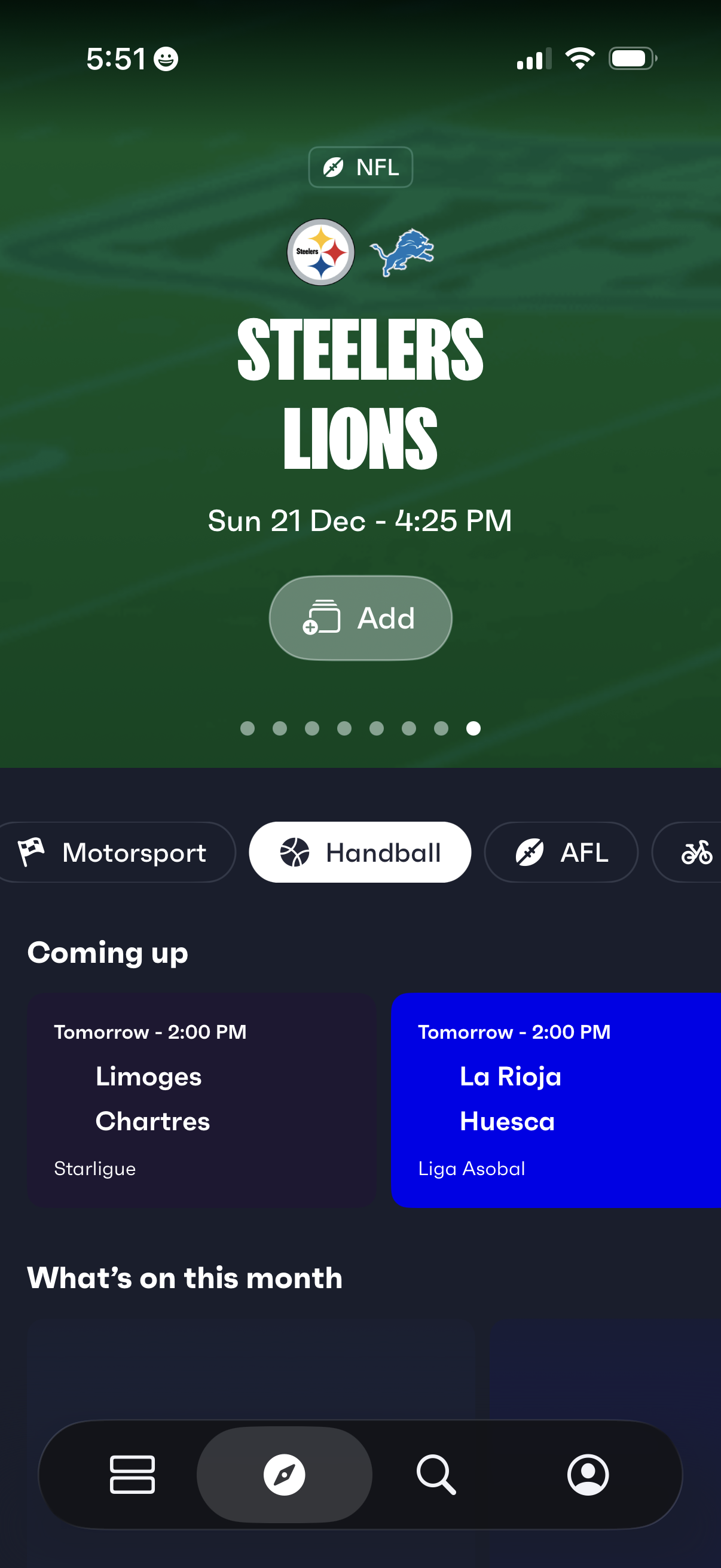
Sports schedule home screen featuring a highlighted upcoming NFL matchup with team logos, date/time, and an “Add” button to save the event to a calendar. Below, users can switch sports via category chips and browse “Coming up” match cards and a monthly overview of fixtures.
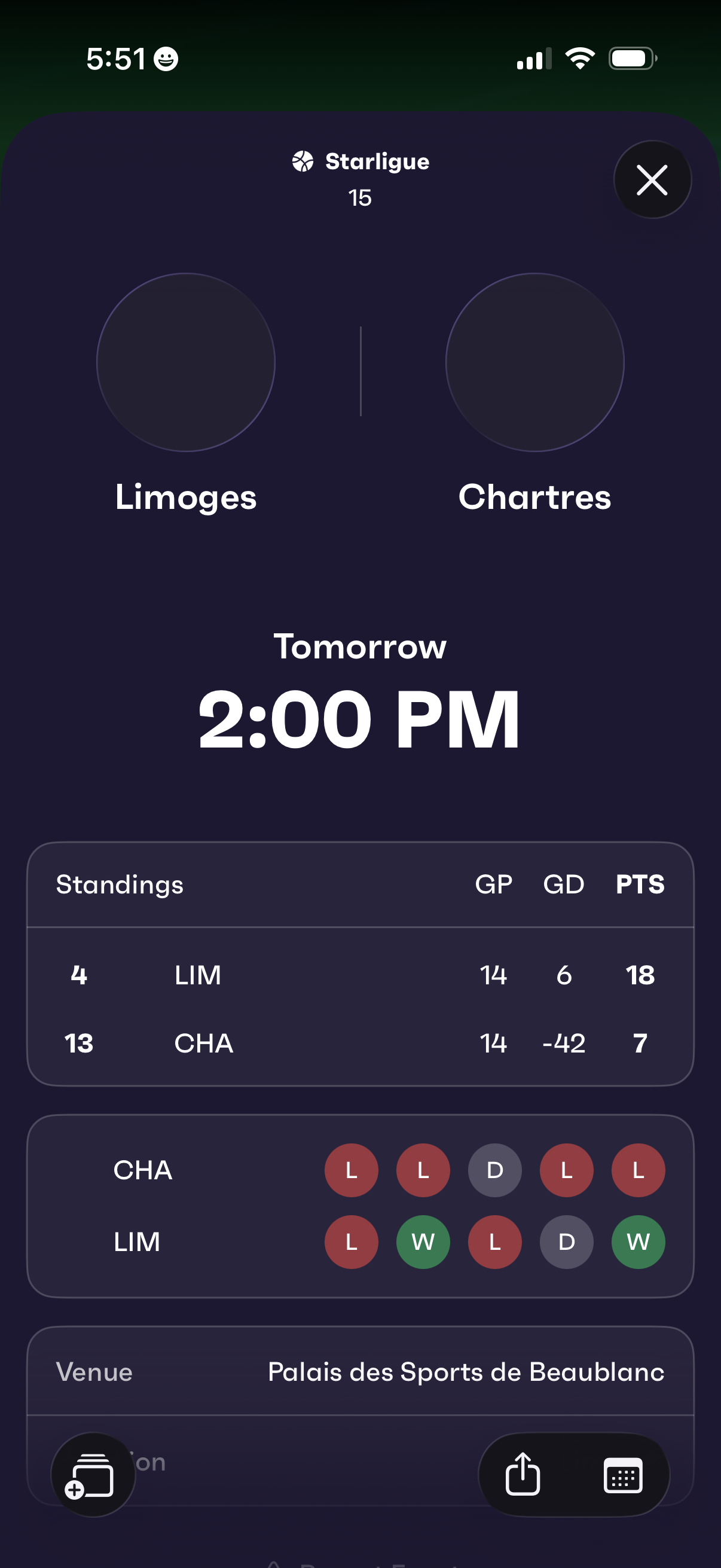
Match details screen for a sports league showing an upcoming game between two teams with the scheduled date and time. Includes team standings comparison (games played, goal difference, points), recent form indicators (win/loss/draw), and venue information, with options to close or share.
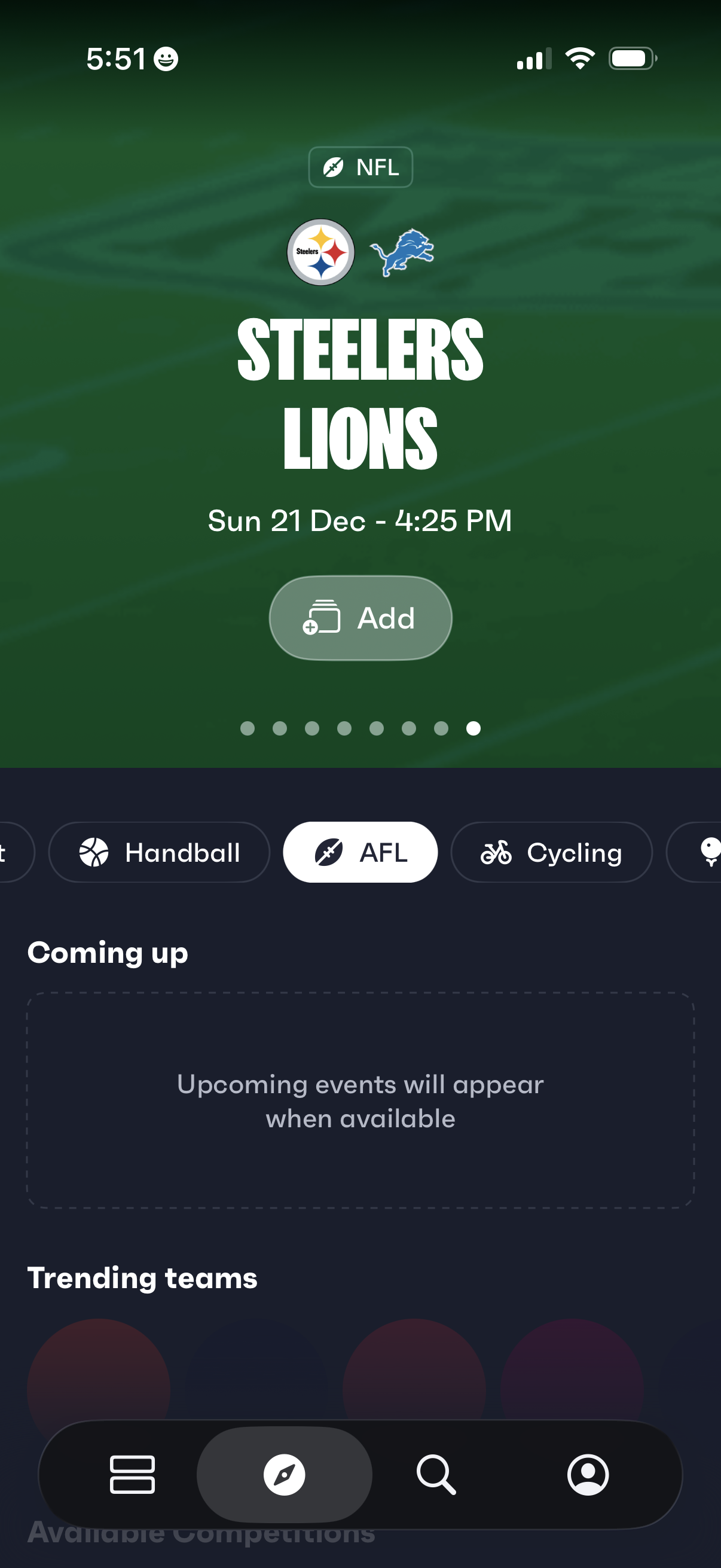
Sports events discovery screen showing an upcoming NFL matchup with team logos, game date/time, and a prominent Add button to save the event. Includes horizontal tabs to switch sports categories and sections for “Coming up” and “Trending teams” to browse more events.
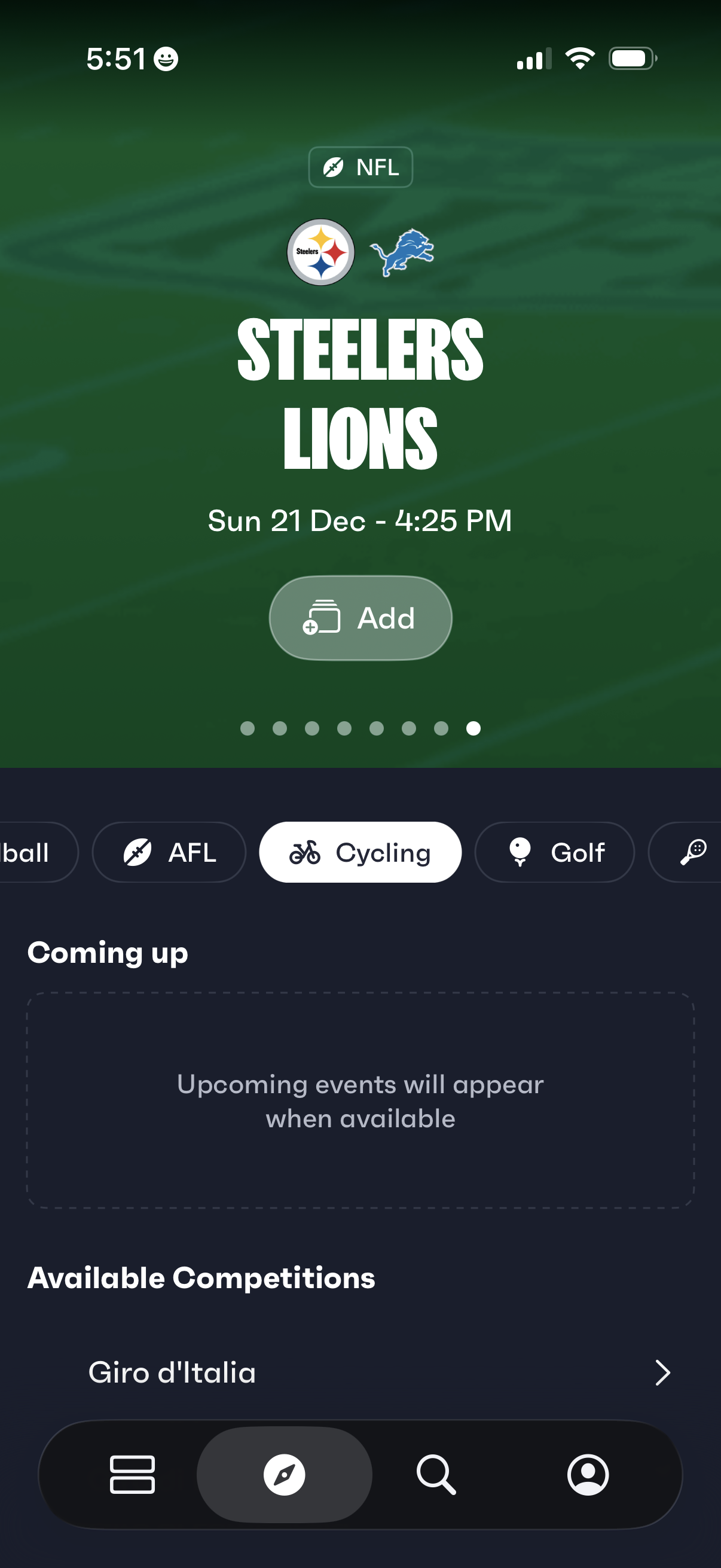
Sports events discovery screen showing an upcoming NFL matchup with team logos, date/time, and an “Add” button to save or add the game to a calendar. Includes sport category tabs (e.
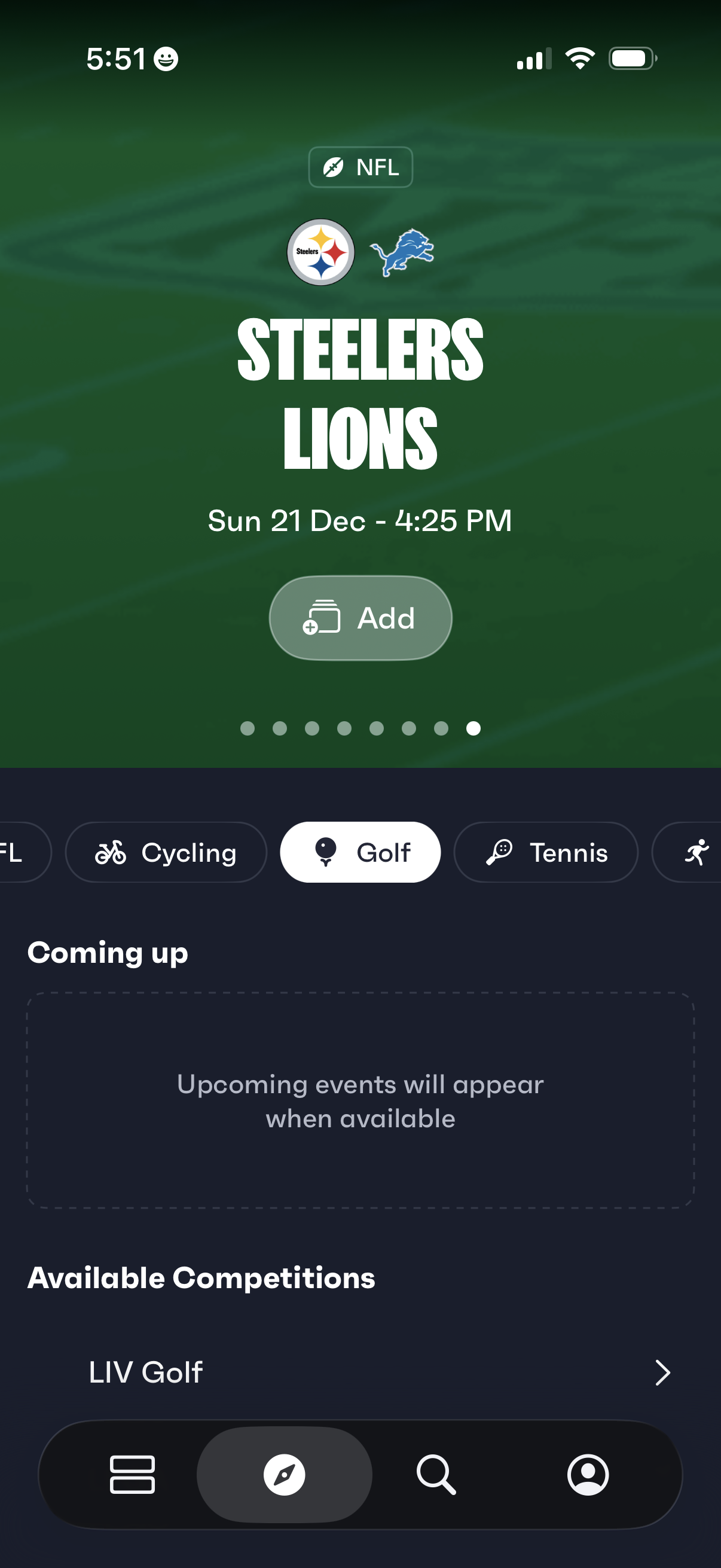
Sports app home screen showing a featured upcoming game matchup with league tag, team logos, and date/time, plus an “Add” button to save the event. Below, users can switch between sport categories (e.
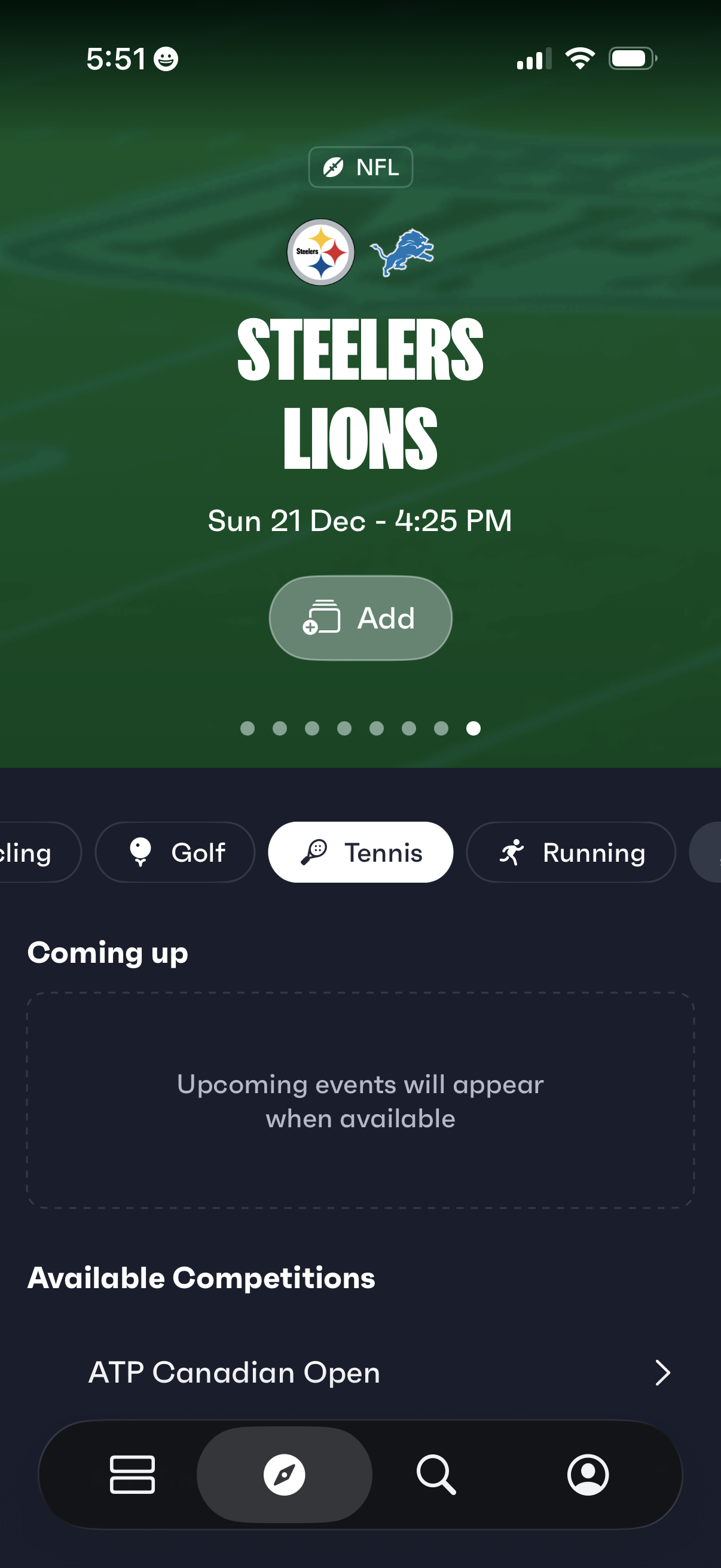
Sports events discovery screen showing a featured NFL matchup card with team logos, game date/time, and an Add button to save the event to a calendar or list. Below, users can switch sports categories via a horizontal chip selector, view a “Coming up” section for upcoming events, and browse available competitions.
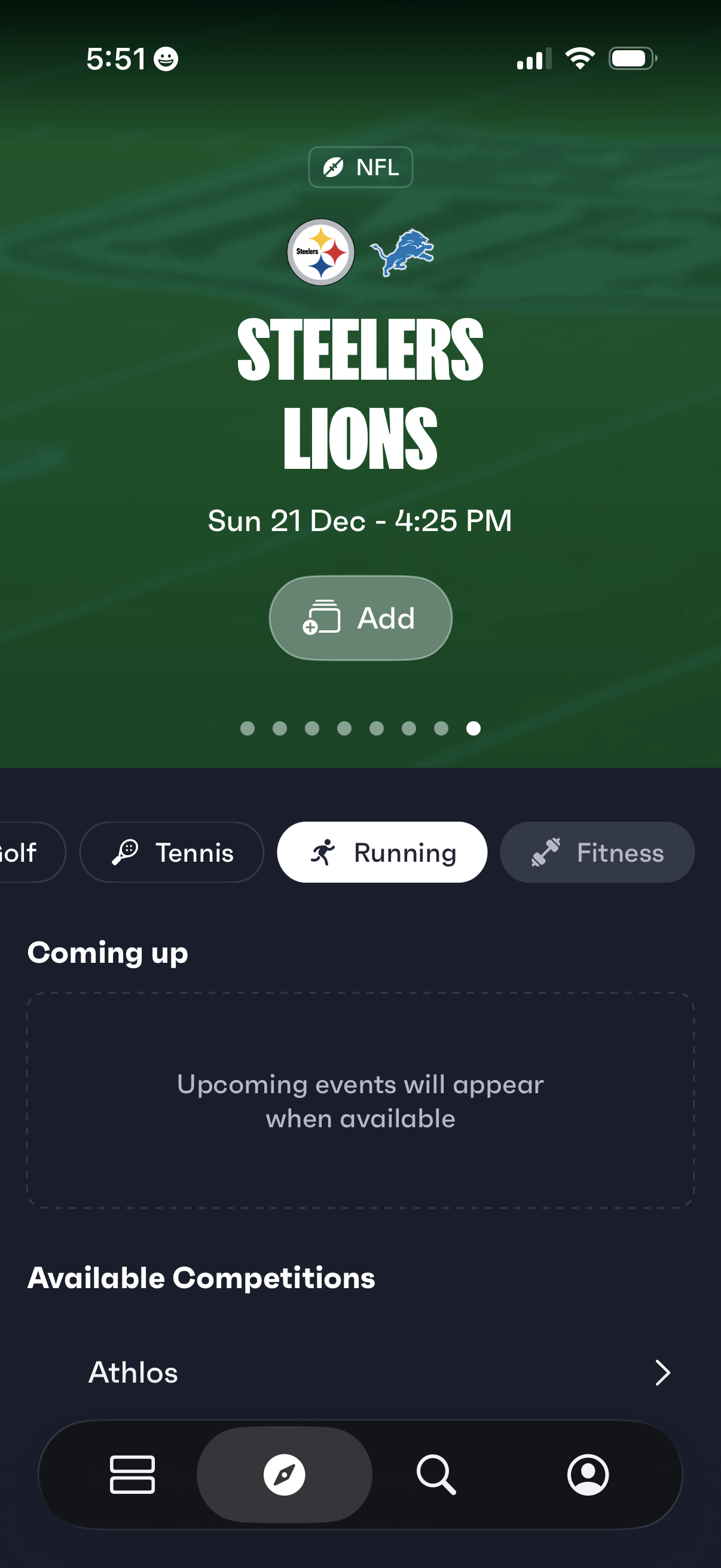
Sports events discovery home screen featuring a highlighted NFL matchup card with team logos, game date/time, and an “Add” button to save the event. Below, a horizontal category filter (e.