start meal plan onboarding
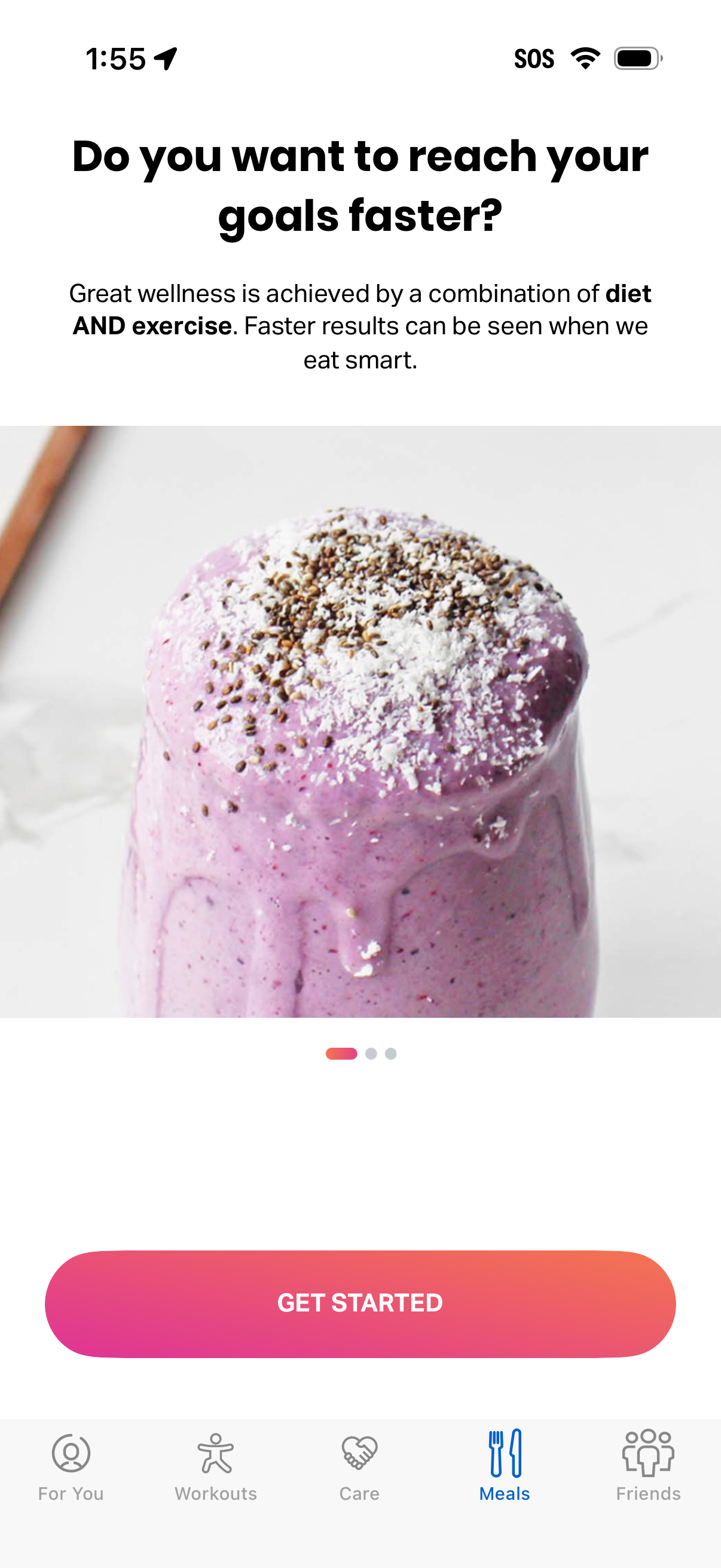
Nutrition onboarding or promo screen in a wellness/fitness app encouraging users to combine diet and exercise to reach goals faster, with a carousel-style image and message about eating smart. Includes a primary “Get Started” call-to-action and a bottom tab bar for navigating to For You, Workouts, Care, Meals (selected), and Friends.
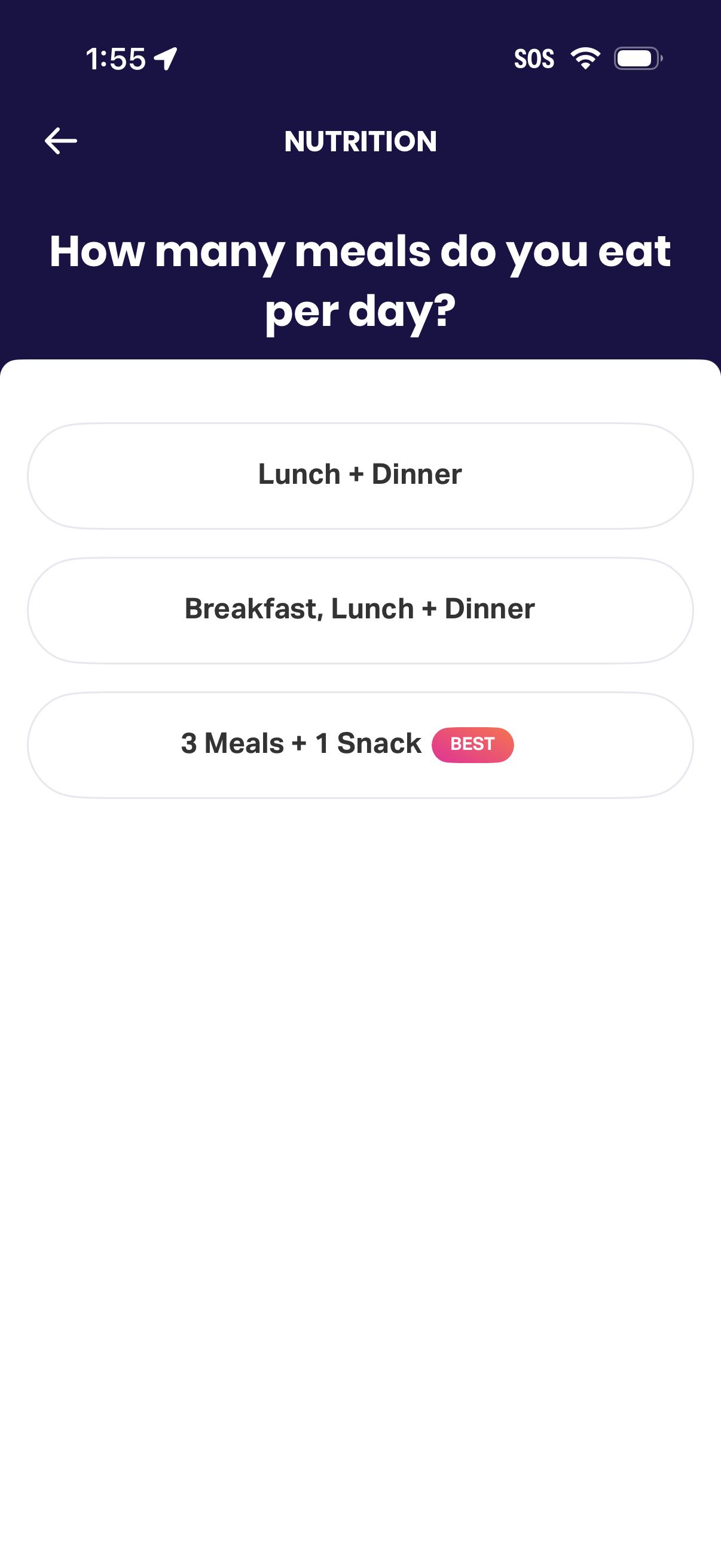
Nutrition onboarding question screen asking users how many meals they eat per day, with selectable options like Lunch + Dinner, Breakfast/Lunch/Dinner, or 3 meals + 1 snack (recommended), plus a back navigation arrow.
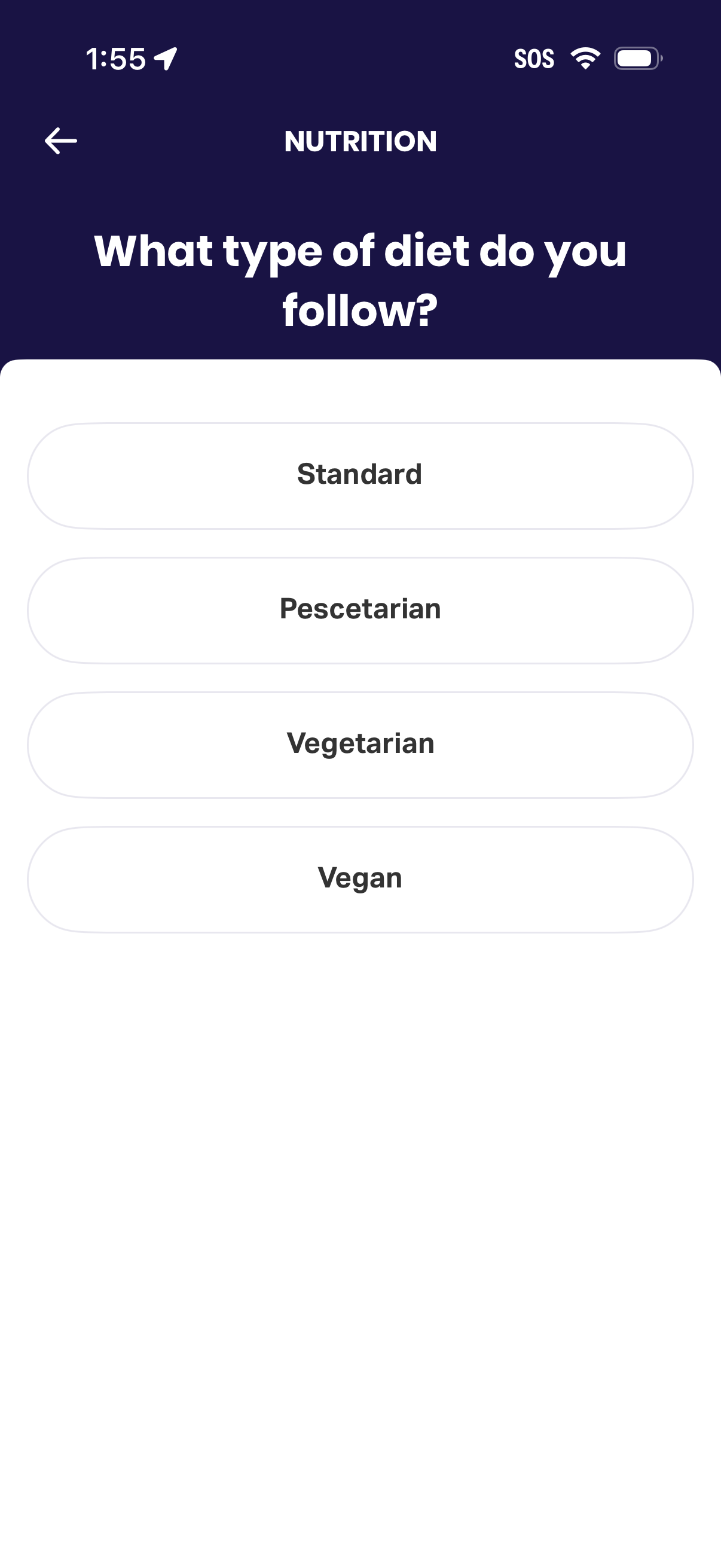
Nutrition onboarding/preferences screen asking the user to choose their diet type, with selectable options for Standard, Pescetarian, Vegetarian, and Vegan and a back navigation button.
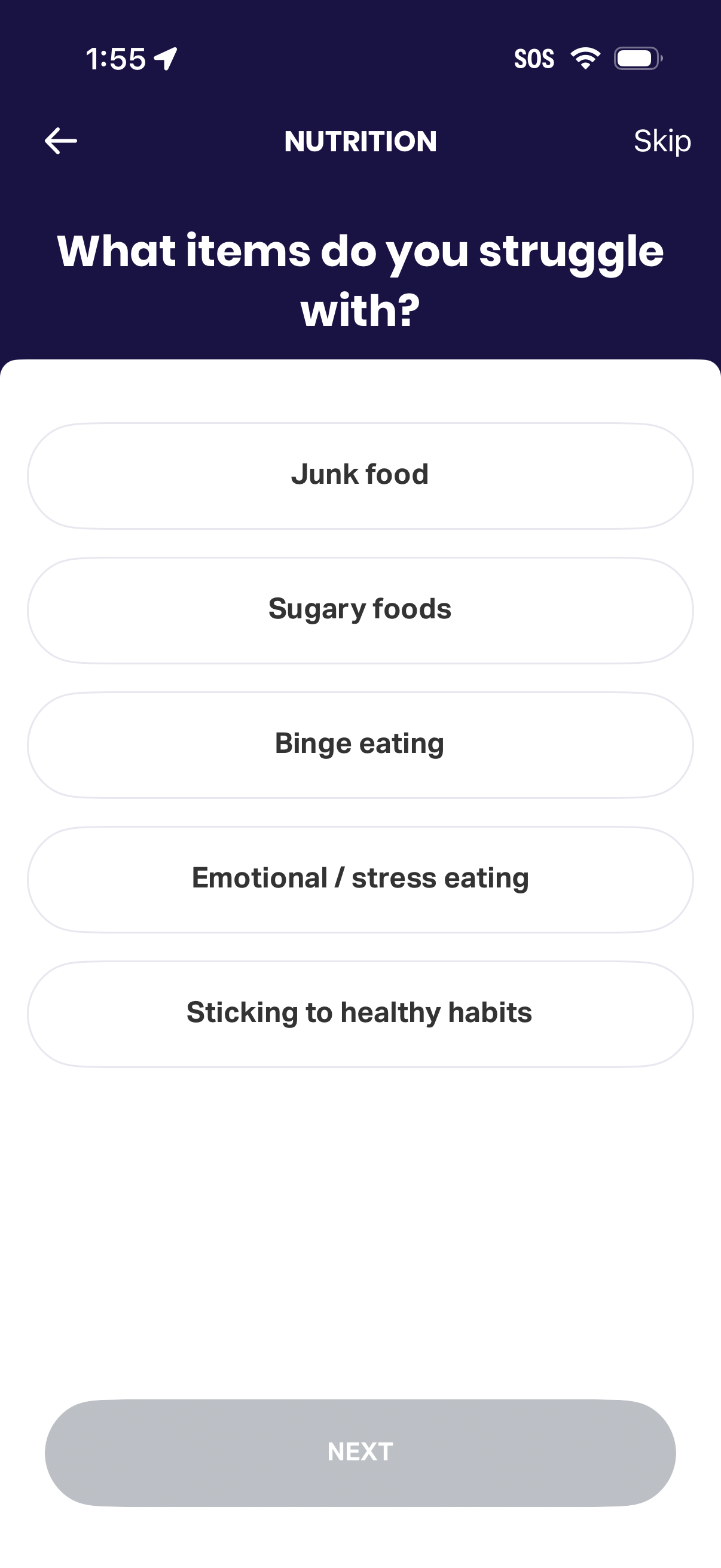
Nutrition onboarding questionnaire screen asking “What items do you struggle with? ” and prompting the user to select eating challenges like junk food, sugary foods, binge eating, emotional/stress eating, or sticking to healthy habits.
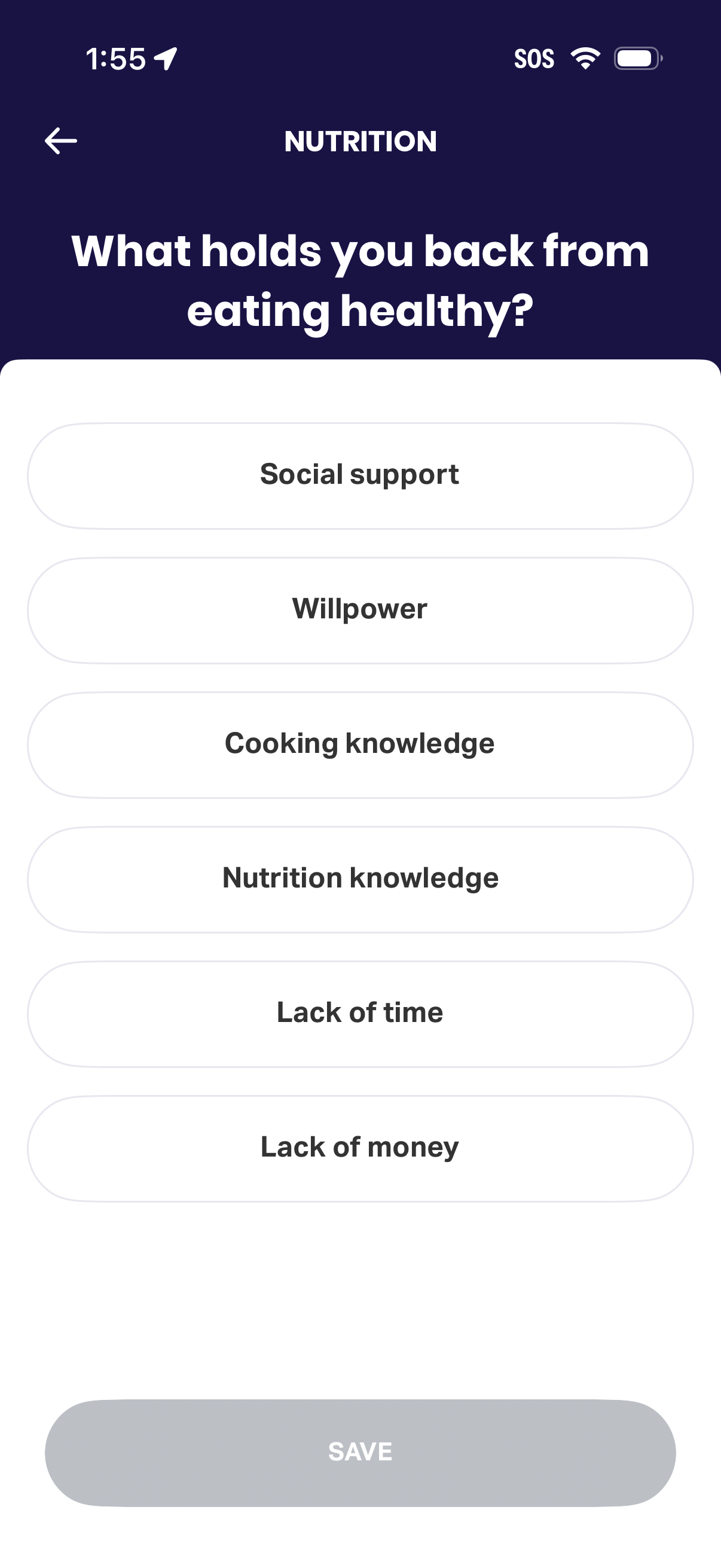
Nutrition onboarding survey screen asking “What holds you back from eating healthy? ” with selectable barrier options like social support, willpower, cooking/nutrition knowledge, lack of time, and lack of money.
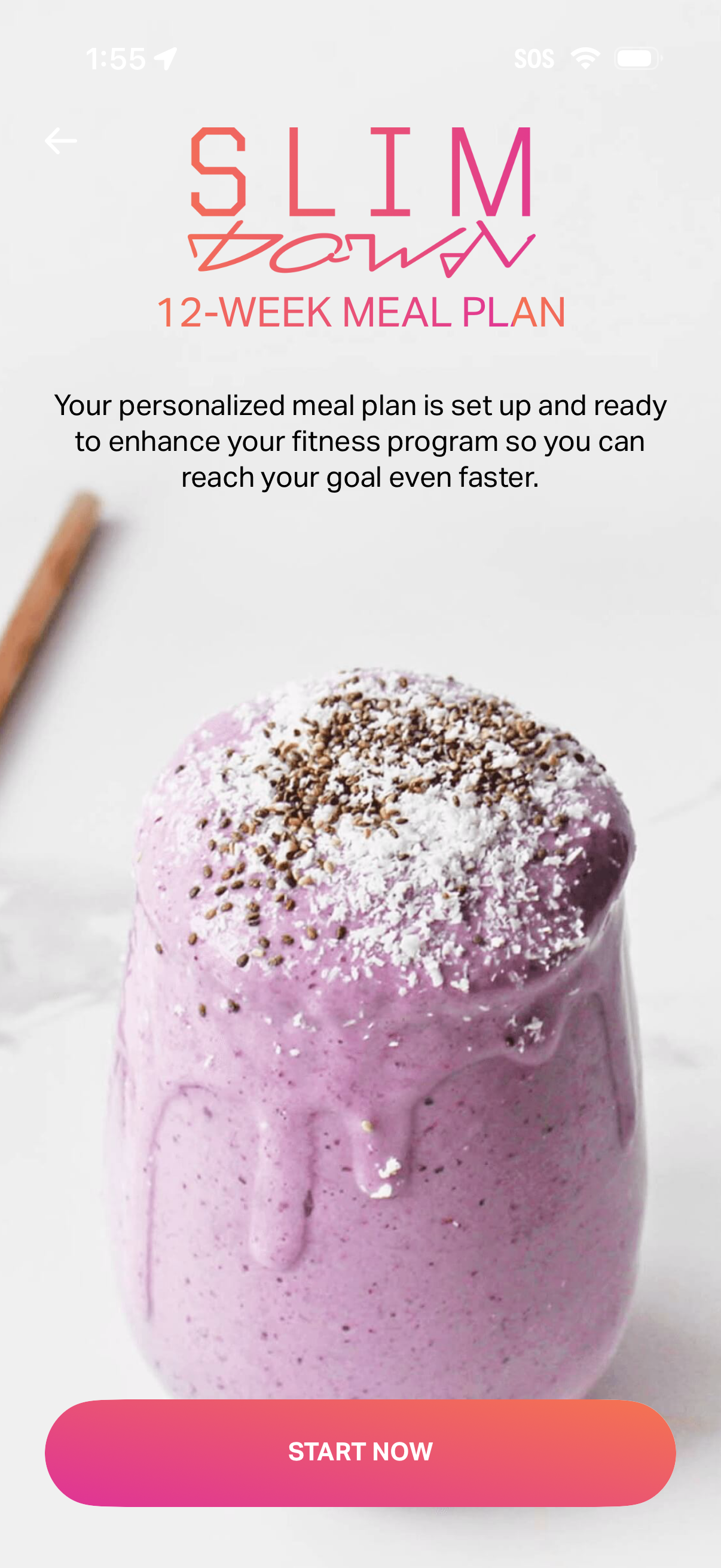
Onboarding confirmation screen for a fitness/nutrition app announcing a personalized 12-week meal plan is ready, with a brief explanatory message and a primary “Start now” CTA button to begin the program. Includes a back navigation arrow and a hero food image to reinforce the meal-plan feature.