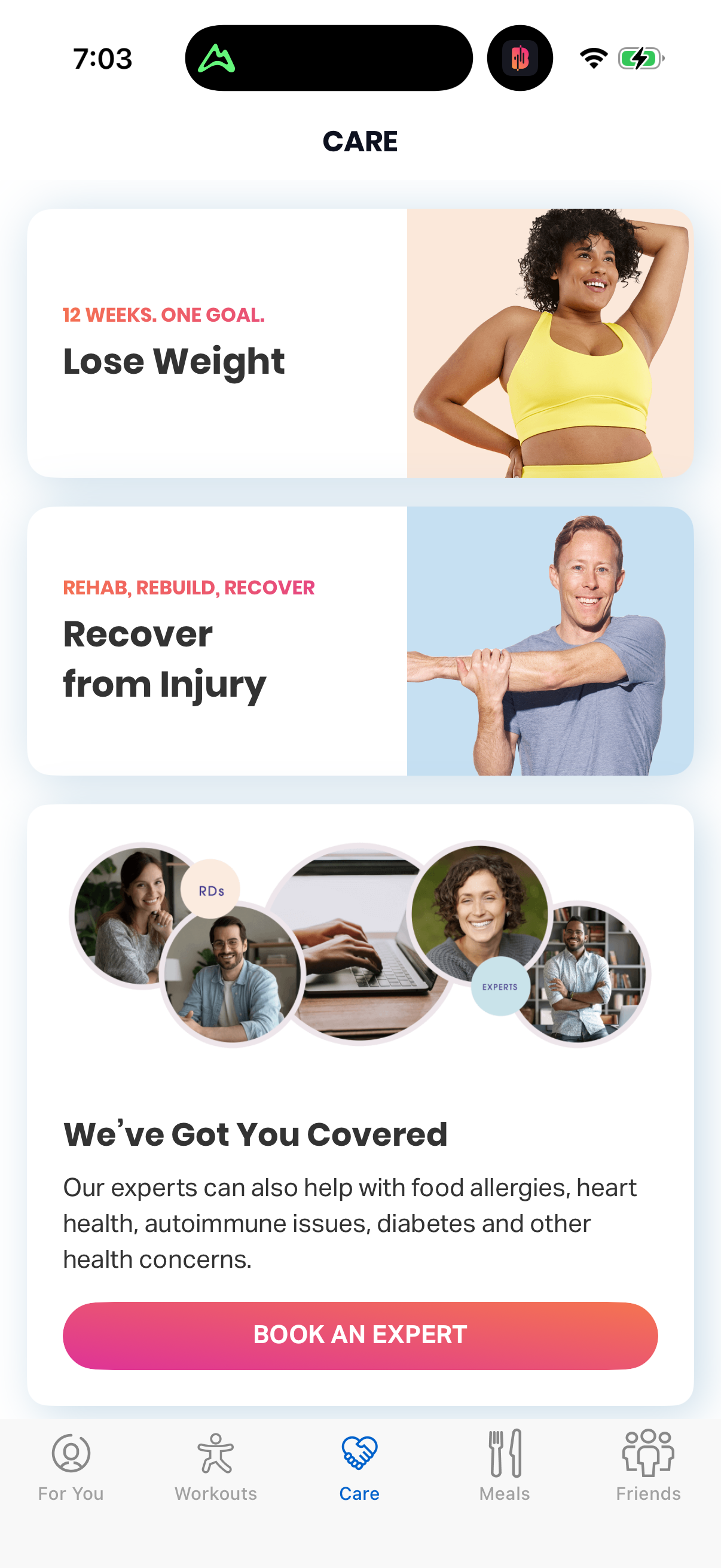
book an expert
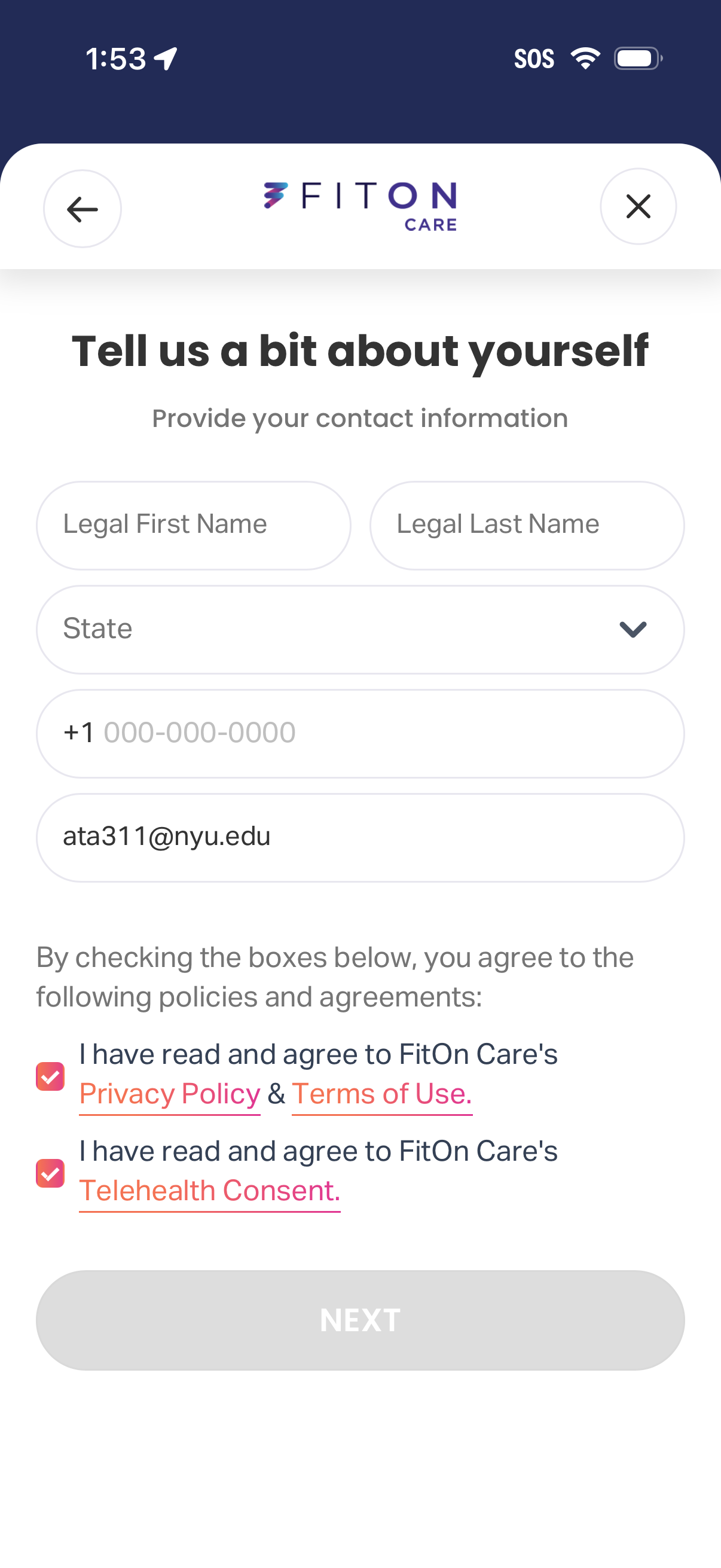
Onboarding profile form in a healthcare/telehealth app asking for contact information including legal first and last name, state selection dropdown, phone number, and email address. Includes required consent checkboxes linking to Privacy Policy/Terms of Use and Telehealth Consent, with back/close navigation and a disabled Next button until completion.
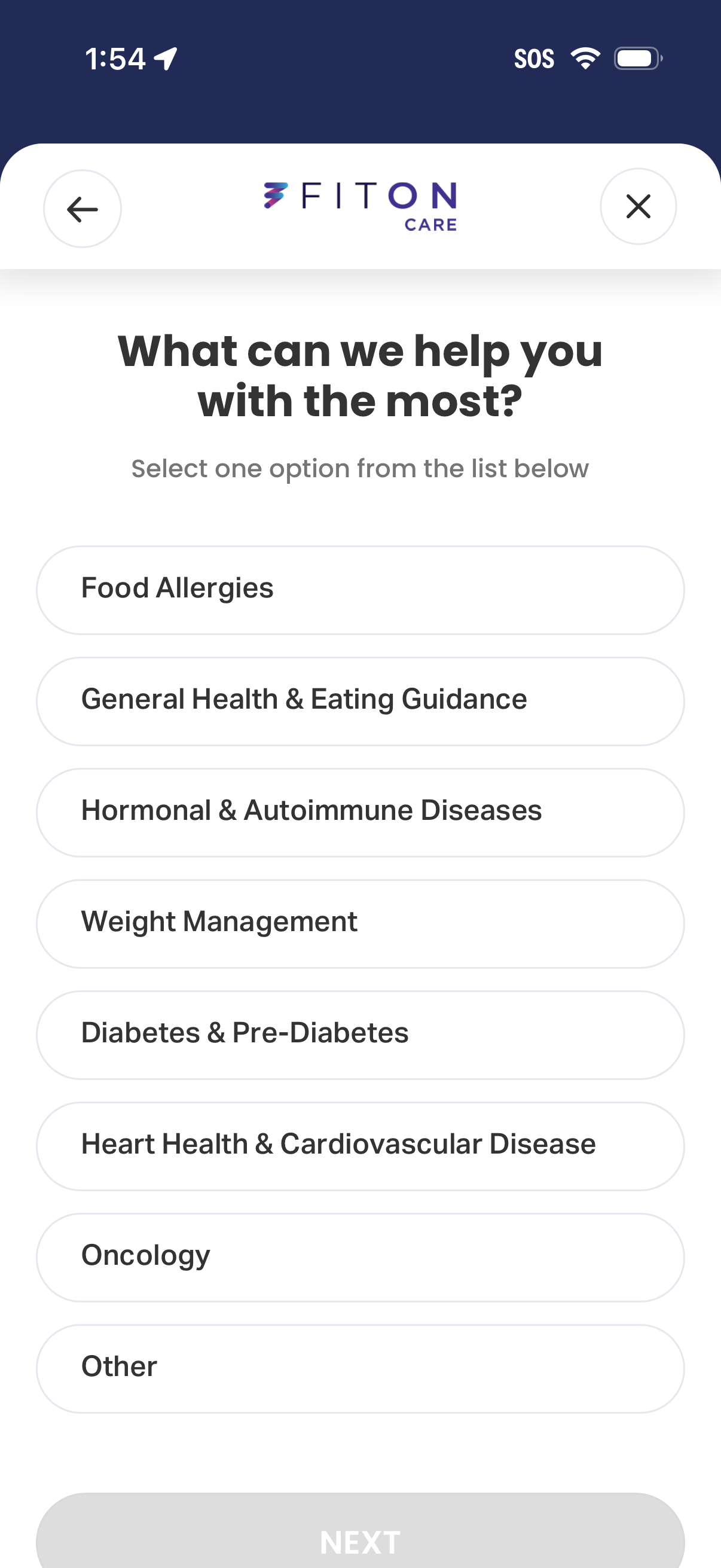
Health coaching intake screen asking the user what they need help with most, with a single-select list of nutrition and medical topics (food allergies, general eating guidance, hormonal/autoimmune, weight management, diabetes, heart health, oncology, other). Includes back/close navigation and a disabled Next button that becomes enabled after choosing an option.
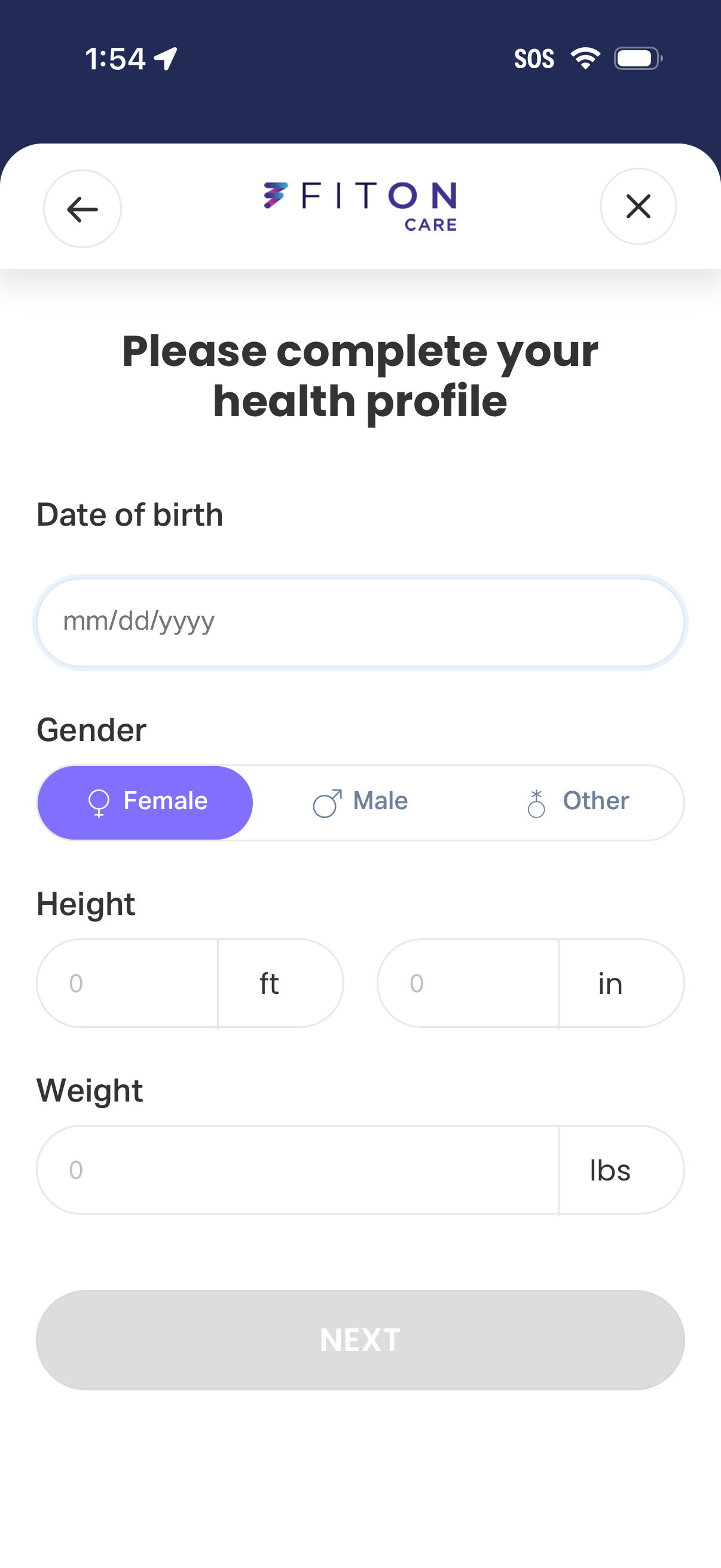
Health profile onboarding form requesting personal metrics, including date of birth, gender selection (female/male/other), height in feet and inches, and weight in pounds. Includes back/close navigation and a disabled “Next” button that becomes available after completing required fields.
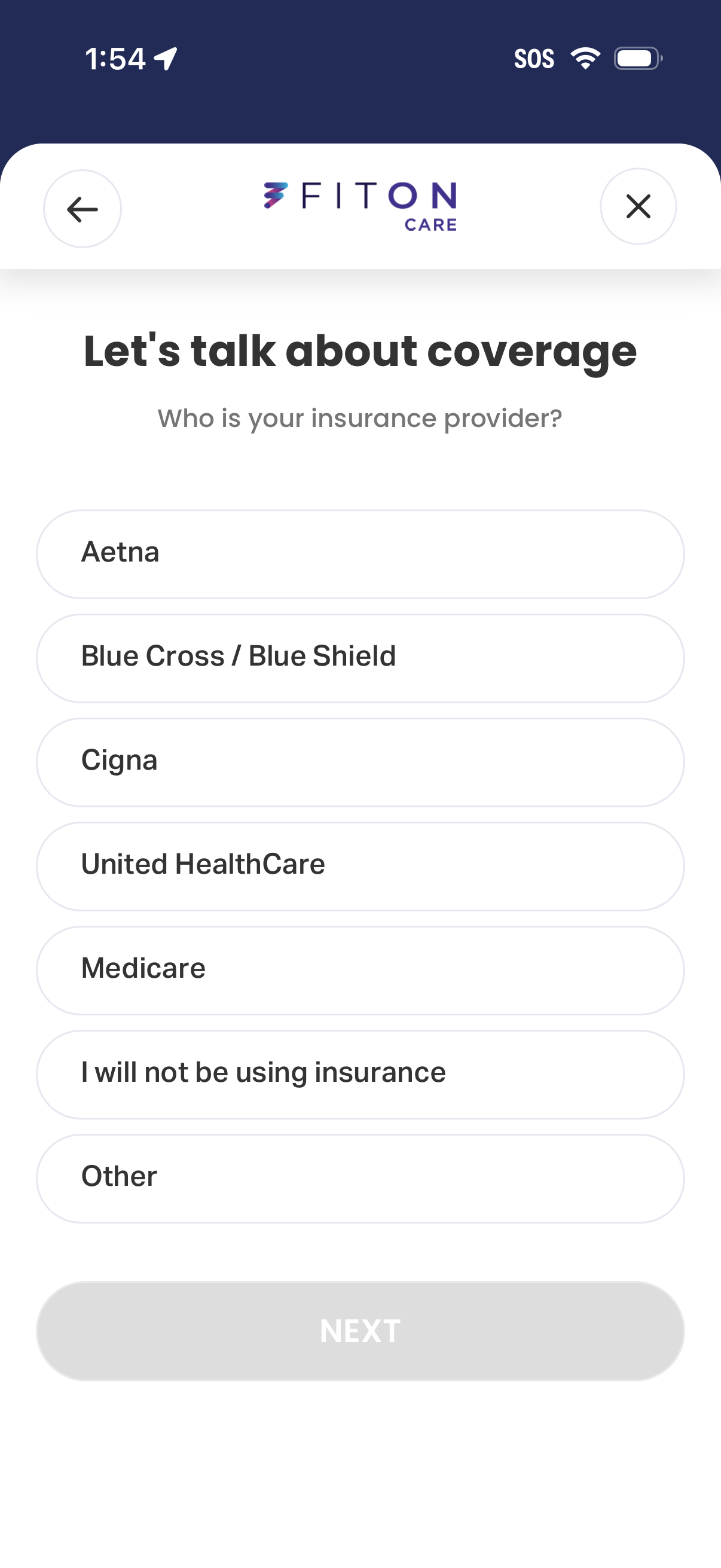
Insurance coverage intake screen asking the user to select their insurance provider from a list of common options (e. g.
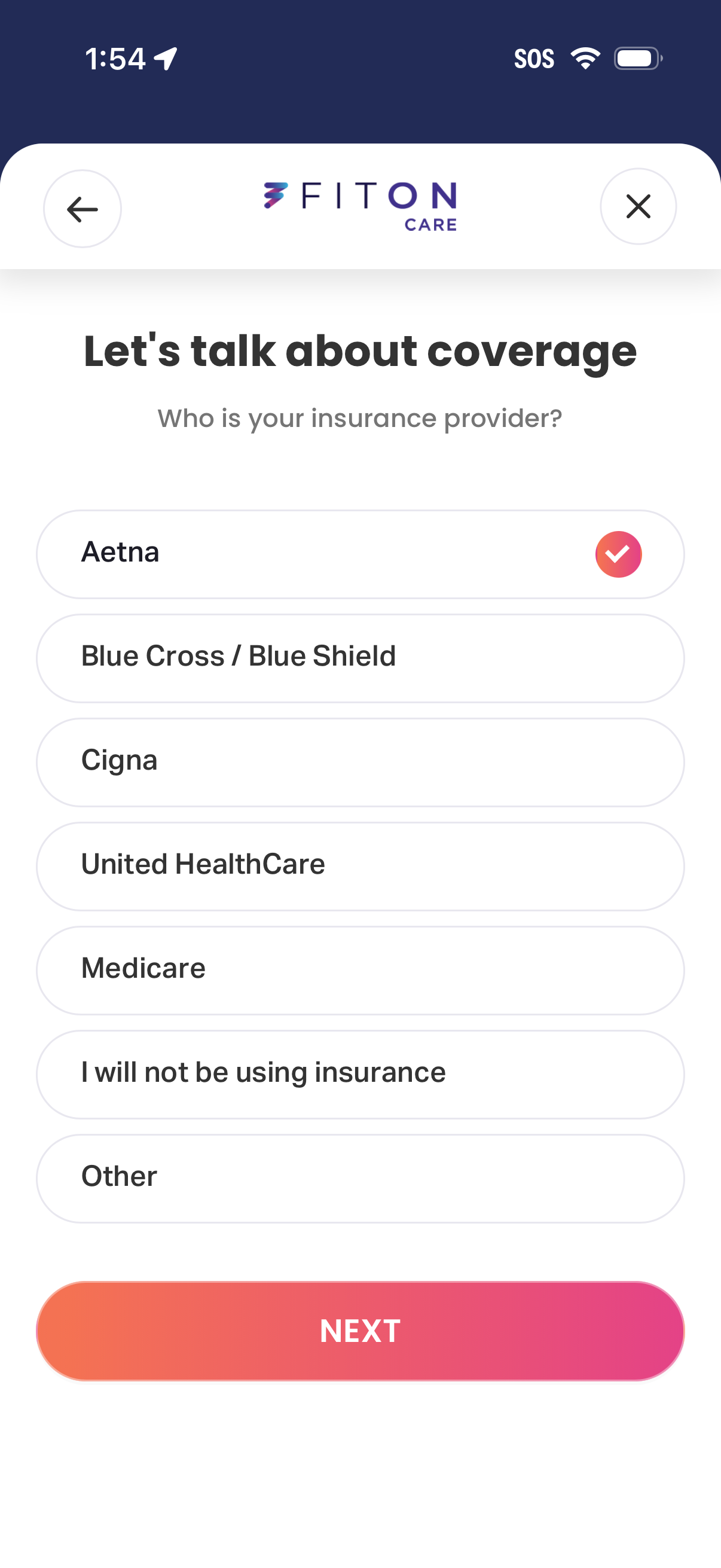
Insurance coverage onboarding screen asking the user to select their insurance provider from a single-choice list (e. g.
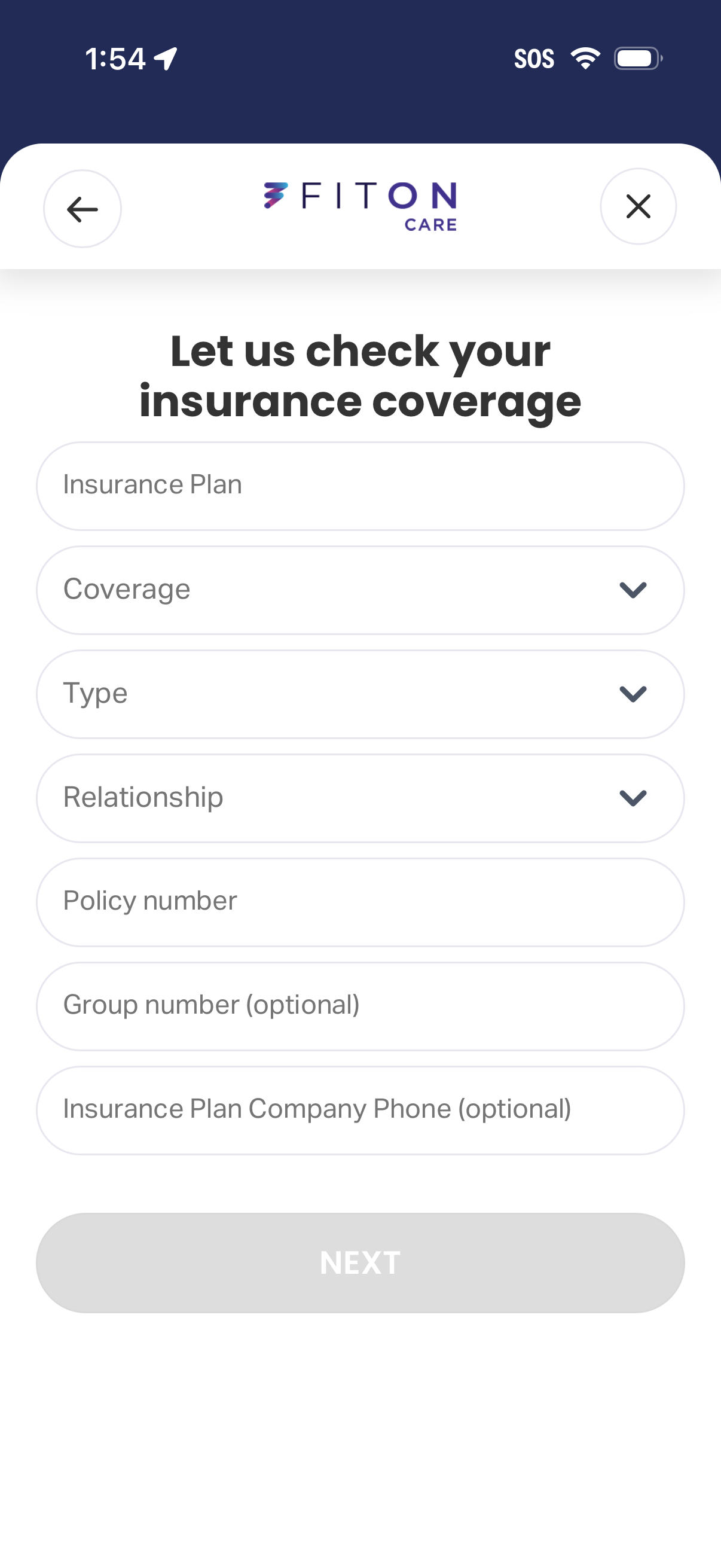
Insurance coverage verification form in a healthcare app that collects insurance plan details via text fields and dropdown selectors for coverage, type, and relationship, plus policy number, optional group number, and insurer phone. Users can navigate back or close the flow and proceed with a Next button.
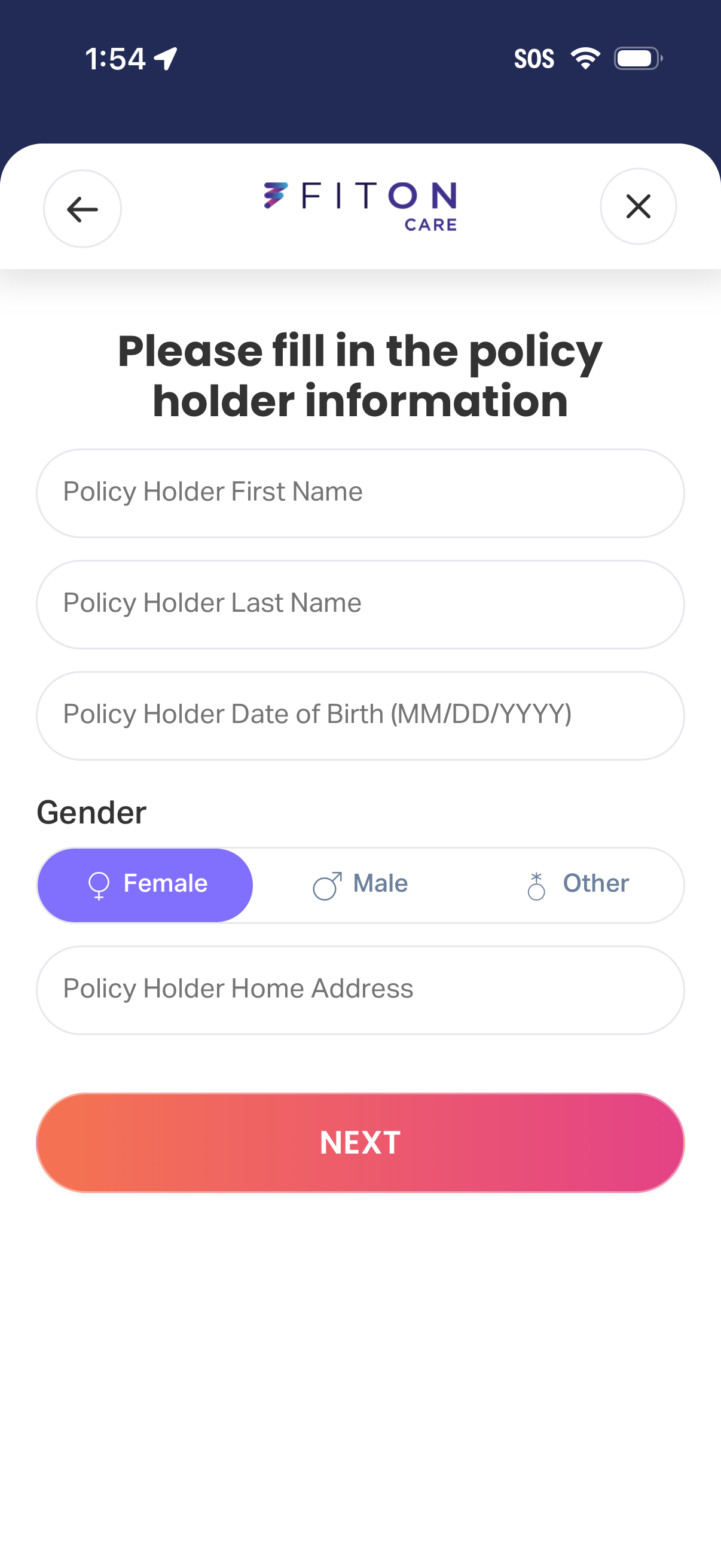
Insurance onboarding form screen prompting users to enter policy holder details including first name, last name, date of birth, gender selection (female/male/other), and home address. Includes back/close navigation and a primary “Next” button to continue the application.
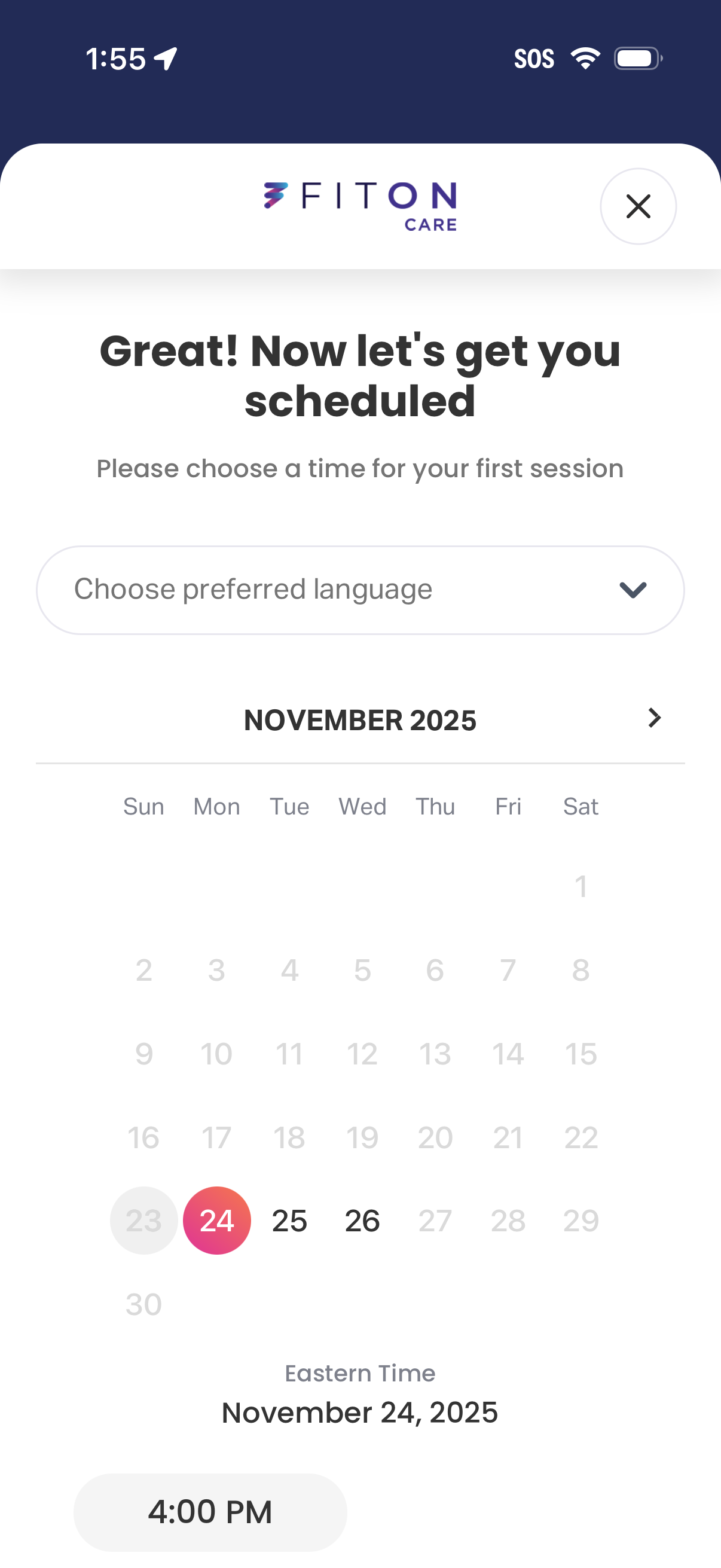
Appointment scheduling screen for booking a first care/therapy session, with a dropdown to choose preferred language, a monthly calendar to select a date, and available time slots shown in the selected time zone, plus a close button to exit.
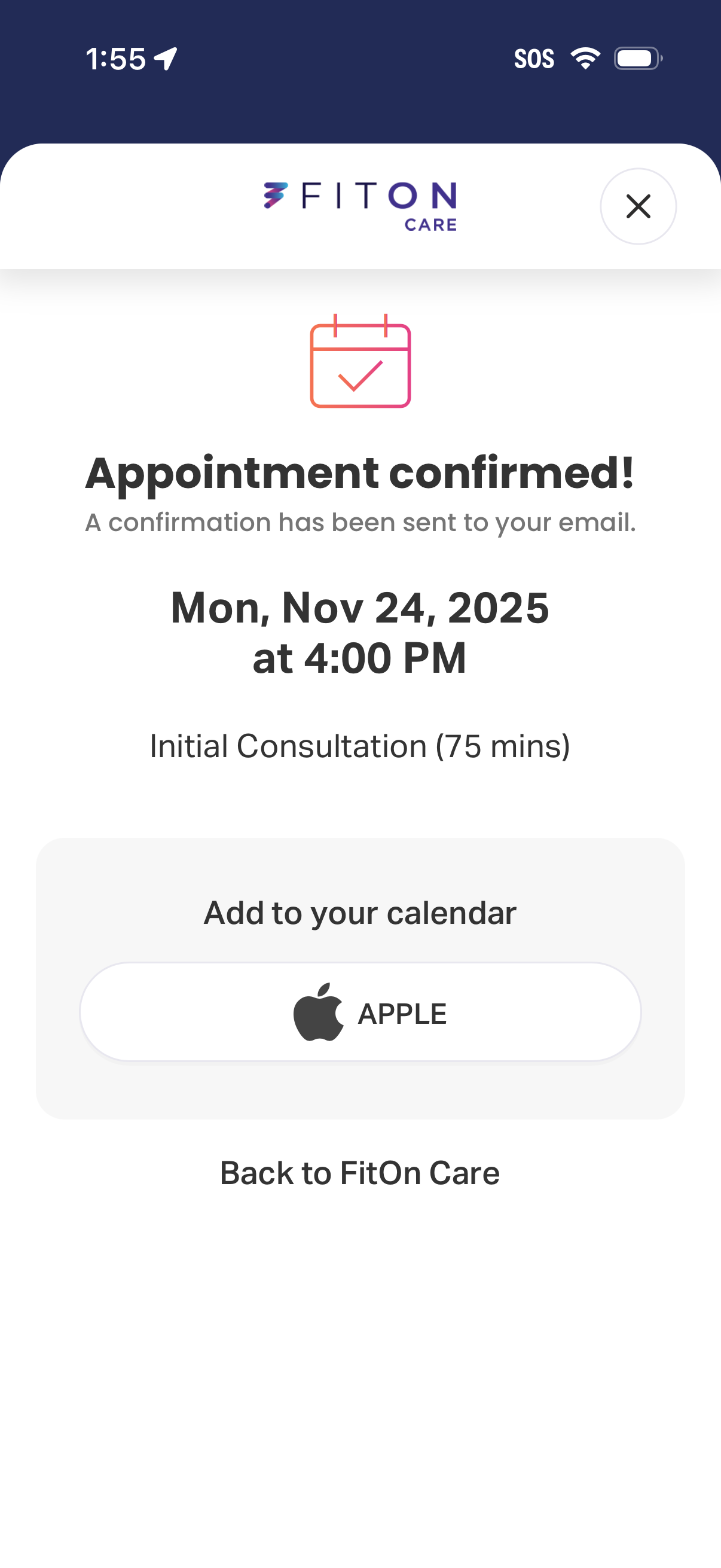
Appointment confirmation screen for a healthcare/telehealth booking showing the scheduled date, time, and appointment type/duration, with a message that email confirmation was sent. Primary actions include adding the appointment to the Apple Calendar and returning to the main care dashboard, with a close button to dismiss.