
Profile screen with an in-app App Store rating prompt modal asking users to tap 1–5 stars to rate the app, with a “Not Now” dismiss button. The underlying page is dimmed and shows a primary “Tap to pray” action button.

Profile screen showing an in-app App Store rating prompt modal asking the user to tap a 1–5 star rating, with primary Submit and secondary Cancel actions. The dialog overlays the page while keeping the background dimmed.

A feedback confirmation modal after a 5-star rating, thanking the user and prompting them to write a review. The dialog offers two primary actions: “Write a Review” or dismiss with “OK.
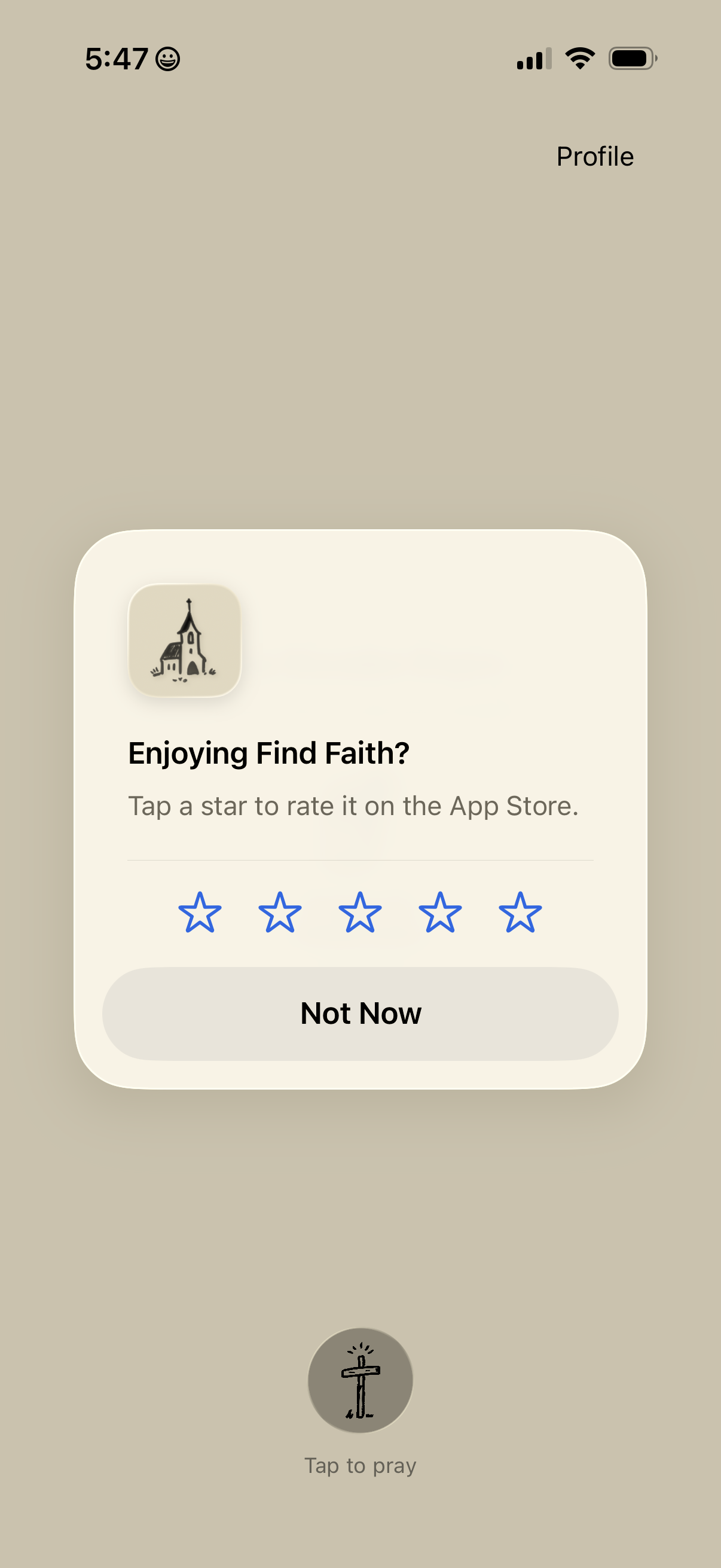
Profile screen showing an in-app rating prompt modal asking users to rate the app on the App Store with a 1–5 star selector and a “Not Now” dismiss button. Background includes a primary “Tap to pray” action button beneath the overlay.

An in-app modal prompts the user to rate the app with a 5-star selector and actions to Submit the rating or Cancel. The dialog appears over a profile screen, serving as an App Store review request.

A feedback confirmation modal on a profile screen thanks the user and shows a 5-star rating, prompting them to optionally write a review. Primary actions include a “Write a Review” button and an “OK” button to dismiss the dialog.

Profile screen for a prayer app showing a monthly collection of saved prayers with an icon to open a specific entry (title and date shown). Includes a primary “Tap to pray” button at the bottom to start a prayer session.