finish first guided prayer

Minimal onboarding or guided intro screen for a mindfulness/intentions app, showing a prompt message (“Let’s lift up your first intention together”) with a central avatar image. Primary action is a full-screen “Tap to continue” to proceed to the next step.

Minimal prompt screen for a reflective question or journaling/therapy app showing an avatar and the question “What’s on your heart? ” with a primary action to tap and answer.

Minimal in-app text entry screen with the iOS keyboard open and a single “Go back” button for navigating away/canceling. Designed as a simple input-focused view with no visible fields beyond the keyboard.

Minimal onboarding or interstitial screen with a plain background and faint large text, featuring a single “Go back” button for returning to the previous step. This acts as a simple informational or transition page with no other visible actions or content.

Minimal onboarding or quote card screen showing a circular portrait and an inspirational message, with a “Tap to continue” prompt and a “Skip” button to bypass the flow. Designed for step-by-step intro or daily reflection content progression.
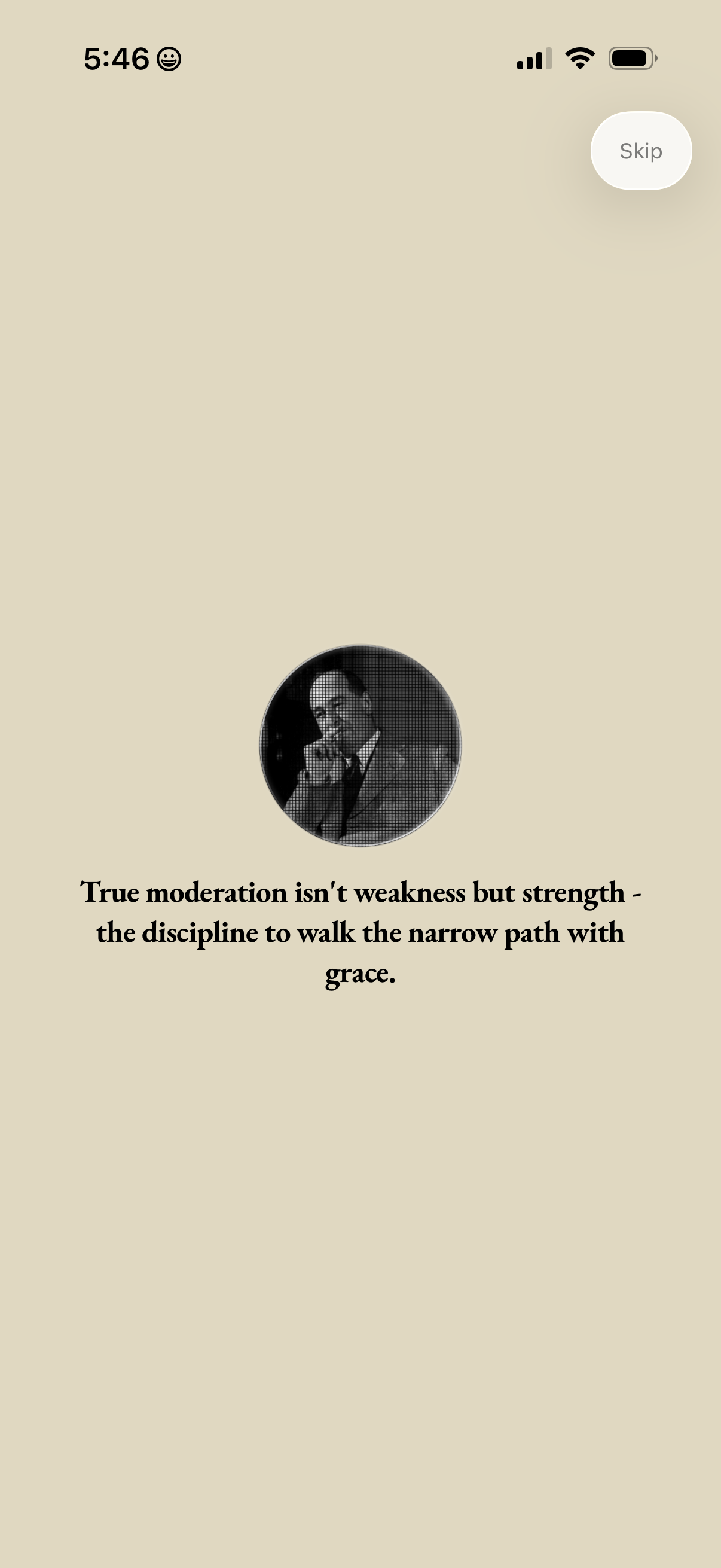
Minimal motivational quote screen showing a circular portrait and an inspirational message, with a single “Skip” button in the top right to bypass this onboarding or interstitial step.

Minimal onboarding or intro screen for a prayer/faith app featuring a centered image and the prompt “Let us pray. ” with a prominent Skip button in the top-right to bypass the introduction.

A devotional reading screen showing a titled prayer (“Prayer for Moderation”) with an icon and long-form prayer text in a scrollable, minimalist layout. Includes a “Skip” button in the top-right to bypass the prayer/reading step.

A devotional prayer reading screen titled “Prayer for Moderation” displaying a passage with decorative typography and a small icon. Users can tap to recite the prayer and optionally skip from a top-right button, suggesting an onboarding or daily prayer flow.

A devotional prayer reading screen titled “Prayer for Moderation” showing long-form text with an illustration and decorative dividers. Users can tap to recite the prayer and optionally skip from the top-right.

A faith and spirituality reading screen displaying a “Prayer for Moderation” with long-form prayer text and a prominent “Tap to say Amen” action to complete or affirm the prayer. Includes a Skip button to bypass this devotional/prayer step.

A spiritual reading screen showing the full text of a “Prayer for Moderation” with a minimal layout and prominent title. Users can skip, share the prayer via a “Share Prayer” button, or tap to finish/complete the reading.

Onboarding sign-in screen prompting users to create a profile to customize and save prayers, featuring a primary “Continue with Apple” button. Includes brief explanatory text about saving prayers and a Terms of Service agreement note.