view portfolio positions
1
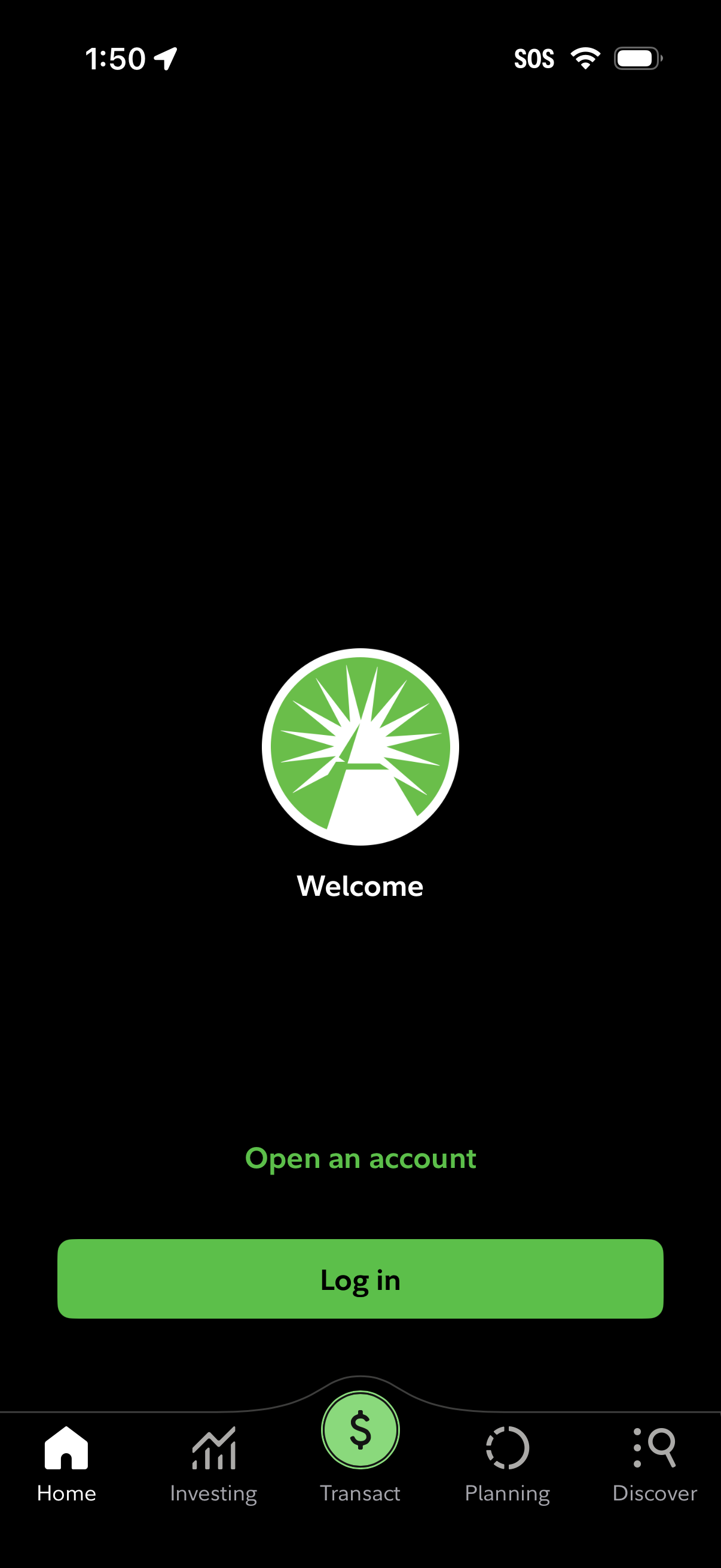
Welcome/authentication entry screen for a finance or investing app with options to open an account or log in, featuring a prominent primary log in button. Bottom tab navigation is visible with sections like Home, Investing, Transact, Planning, and Discover.
2
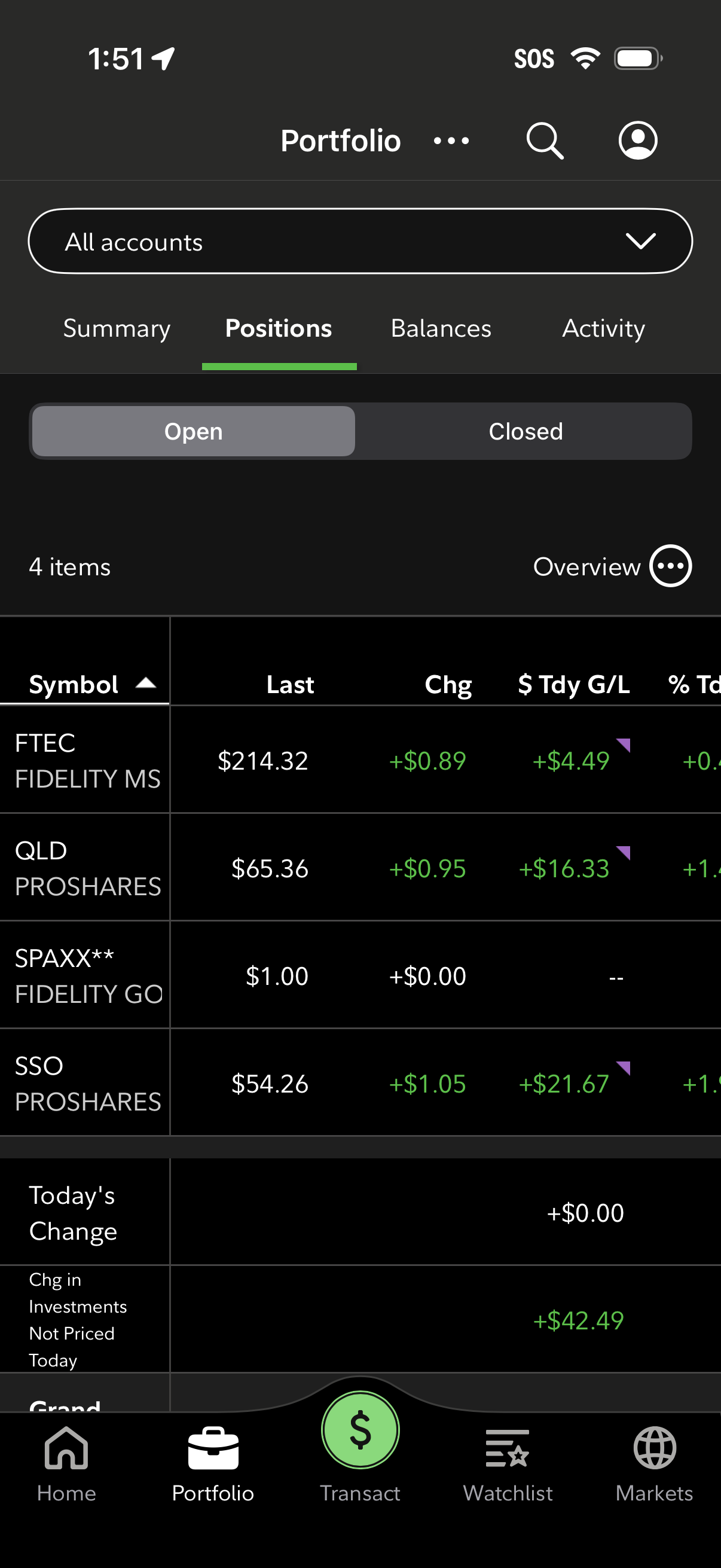
Investment portfolio positions screen showing a table of holdings with symbol, last price, daily change, and today’s gain/loss, with options to filter by account and toggle between open vs closed positions. Top navigation includes tabs for Summary, Positions, Balances, and Activity plus search and profile icons, and a bottom bar for Home, Portfolio, Transact, Watchlist, and Markets.