
Search screen for a finance/investing app with a “Search by name or symbol” field and Cancel action. Includes shortcut chips for quickly jumping to Recurring investments, CDs, Basket portfolios, and Orders.
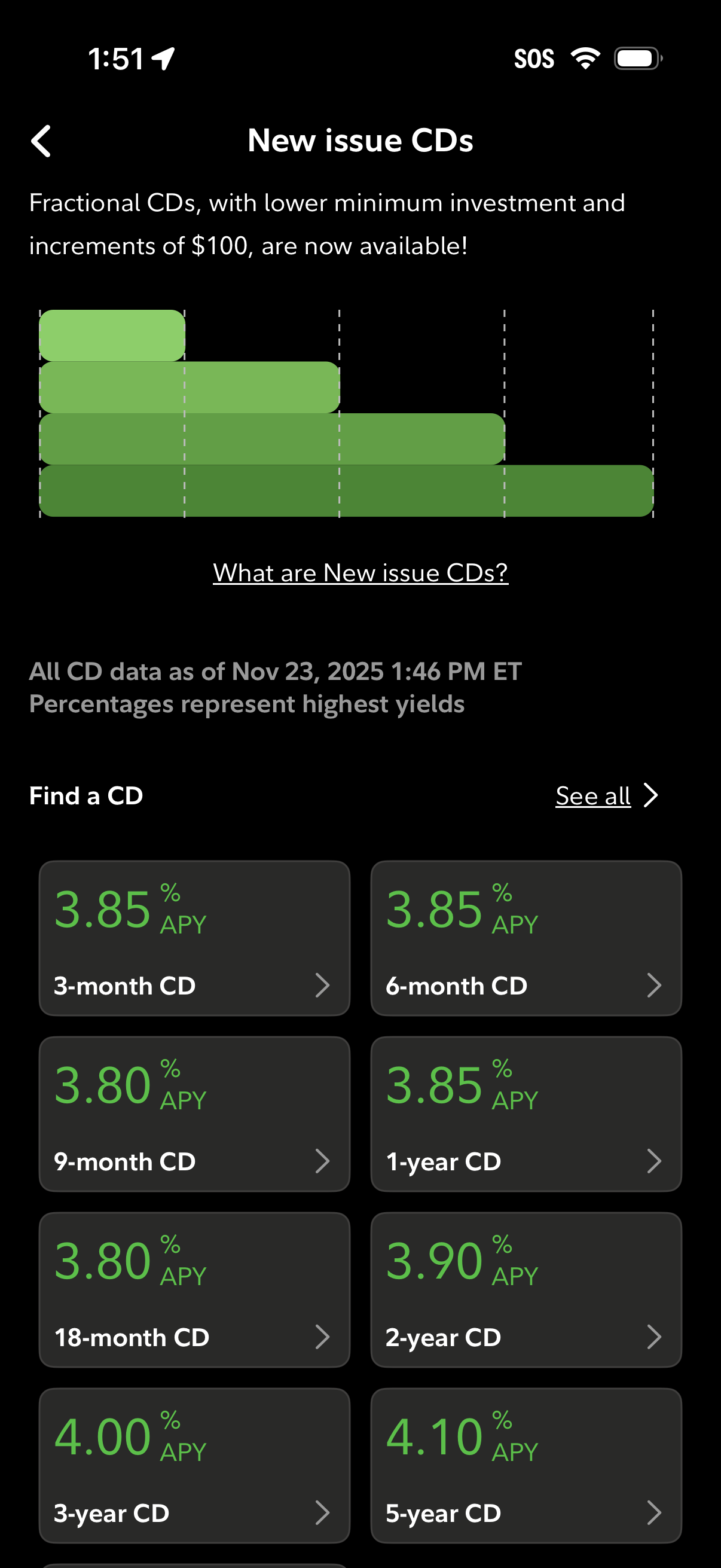
Banking/investing screen for “New issue CDs” promoting fractional certificates of deposit with low minimums and $100 increments, including an educational link explaining the product. Users can browse and select CD terms in a “Find a CD” grid showing APY rates for multiple durations, with a “See all” option to view the full list.
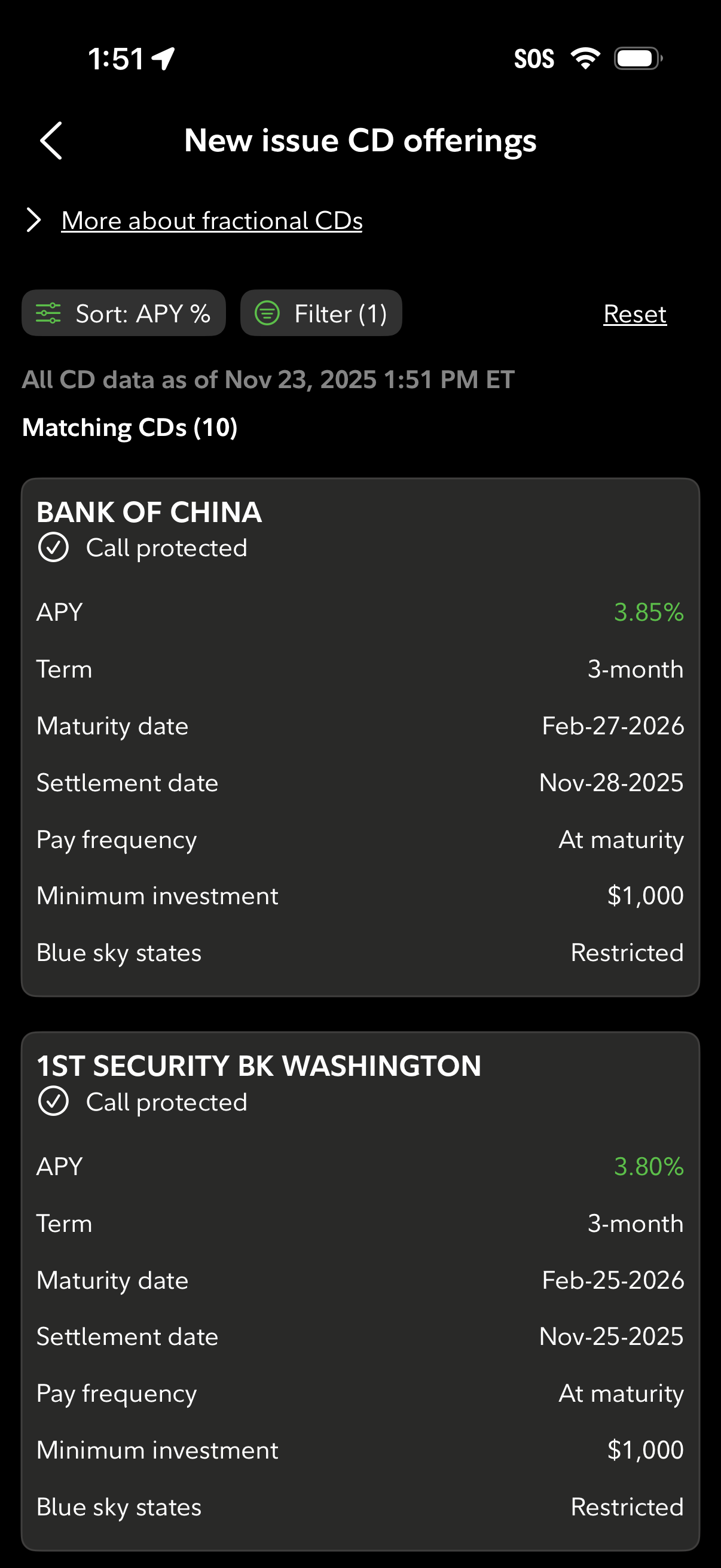
Investment marketplace screen listing new issue fractional certificate of deposit (CD) offerings, with controls to sort by APY, apply filters, and reset results. Each CD card shows the issuing bank and call-protected status plus key terms like APY, term length, maturity and settlement dates, pay frequency, minimum investment, and state restrictions.
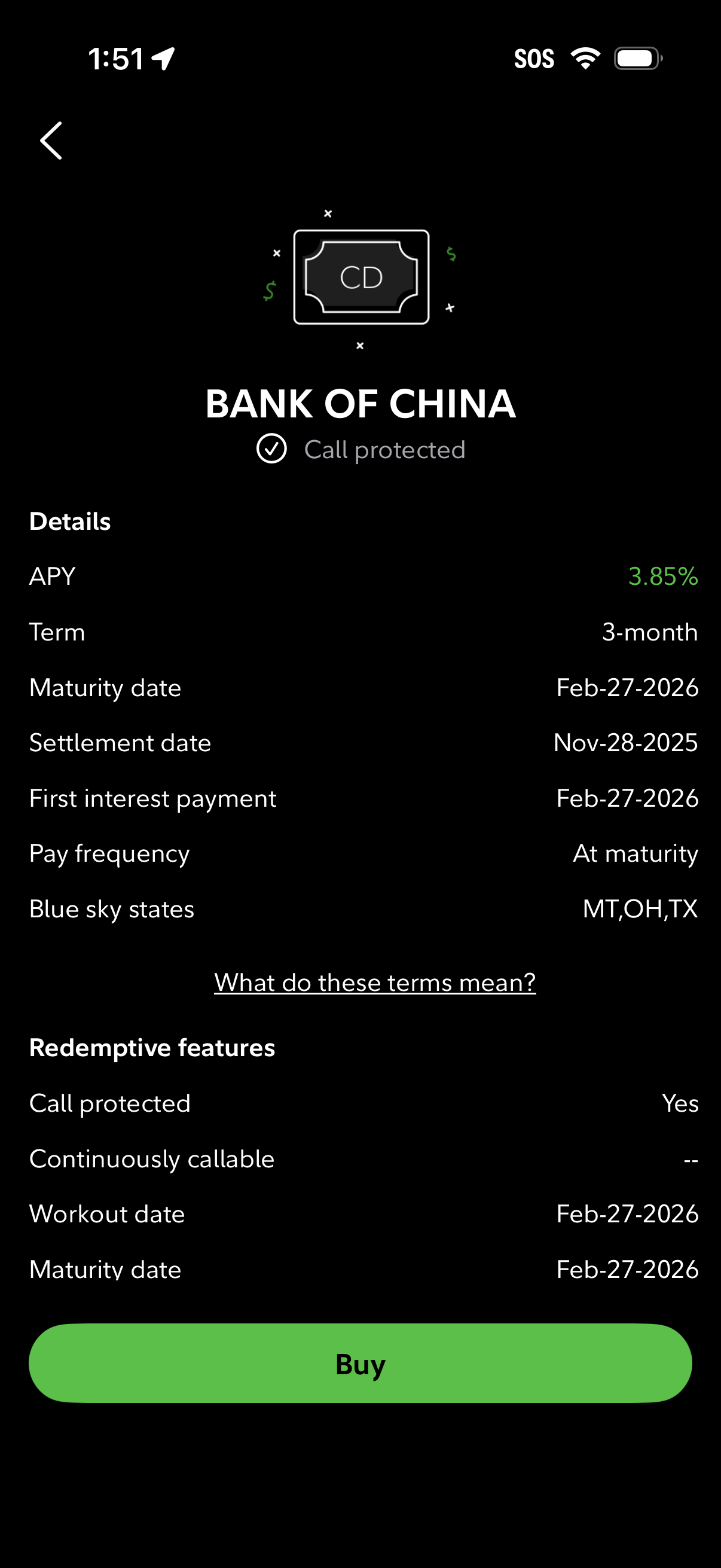
Certificate of deposit (CD) product details screen showing issuer name and call-protected status, with key terms like APY, term length, maturity/settlement dates, interest payment schedule, and blue sky states plus a link to explain terms. Includes redeemptive features (call protection, callability, workout/maturity dates) and a primary CTA button to Buy.

Account selection screen in a finance/trading app showing a list of brokerage accounts with account type and identifier, plus the available cash balance to trade. Users can tap an account row to proceed, with a back navigation option.
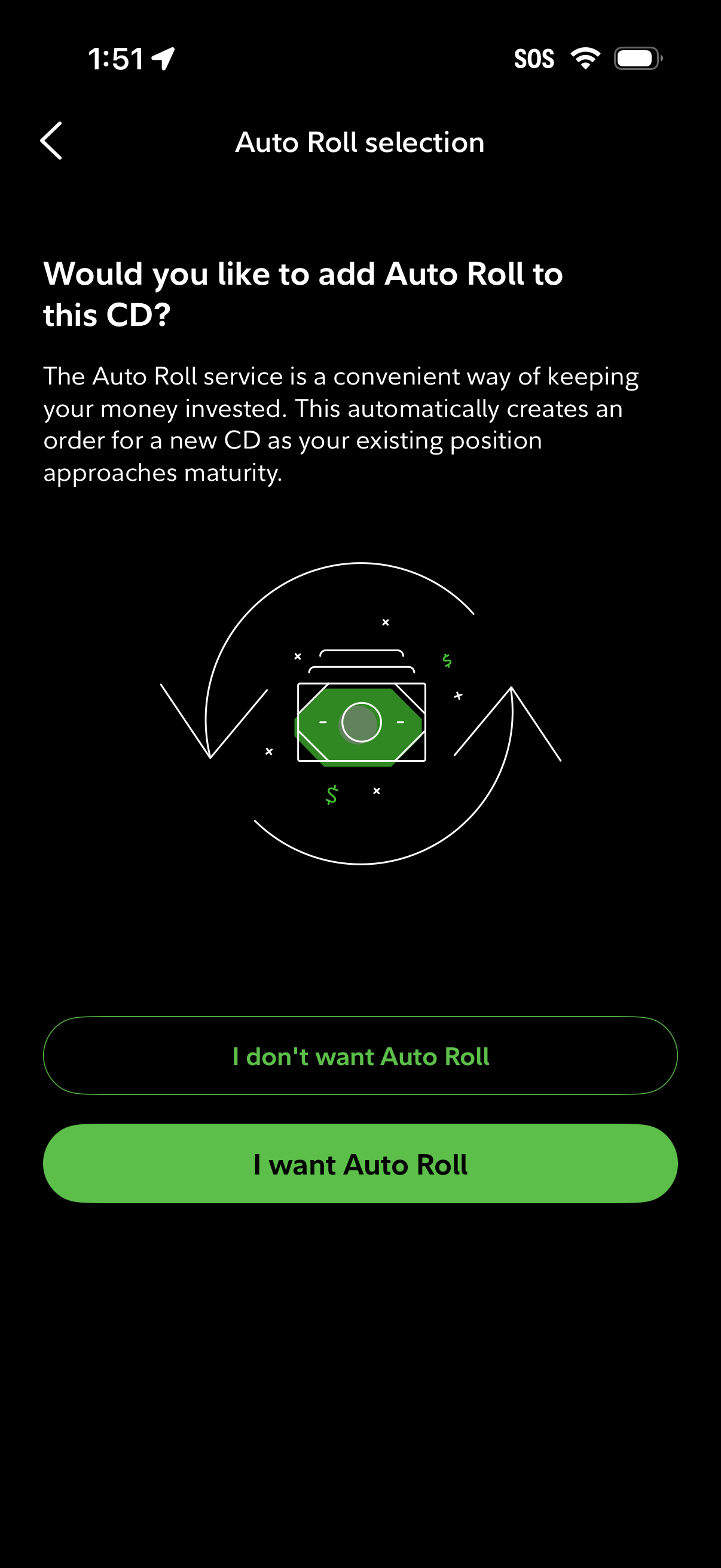
Auto Roll selection screen for a certificate of deposit (CD) asking whether to enable automatic renewal that creates a new CD order as the current one approaches maturity. Provides two primary actions to opt in or opt out: “I want Auto Roll” or “I don’t want Auto Roll.
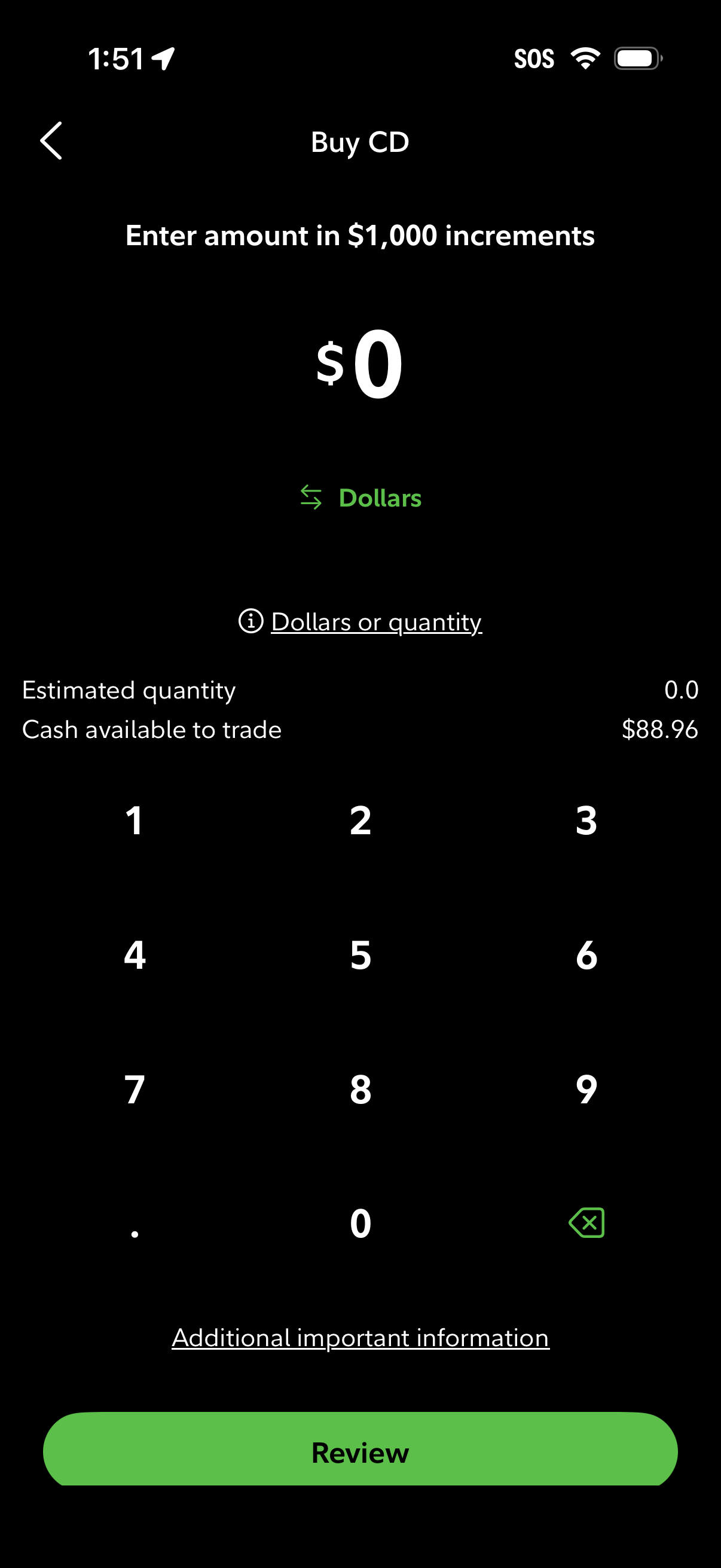
CD purchase order screen where the user enters an investment amount in $1,000 increments using a numeric keypad, with a toggle between dollars and quantity. It shows estimated quantity, available cash to trade, a link to additional important information, and a primary Review button to proceed.