view account activity
1
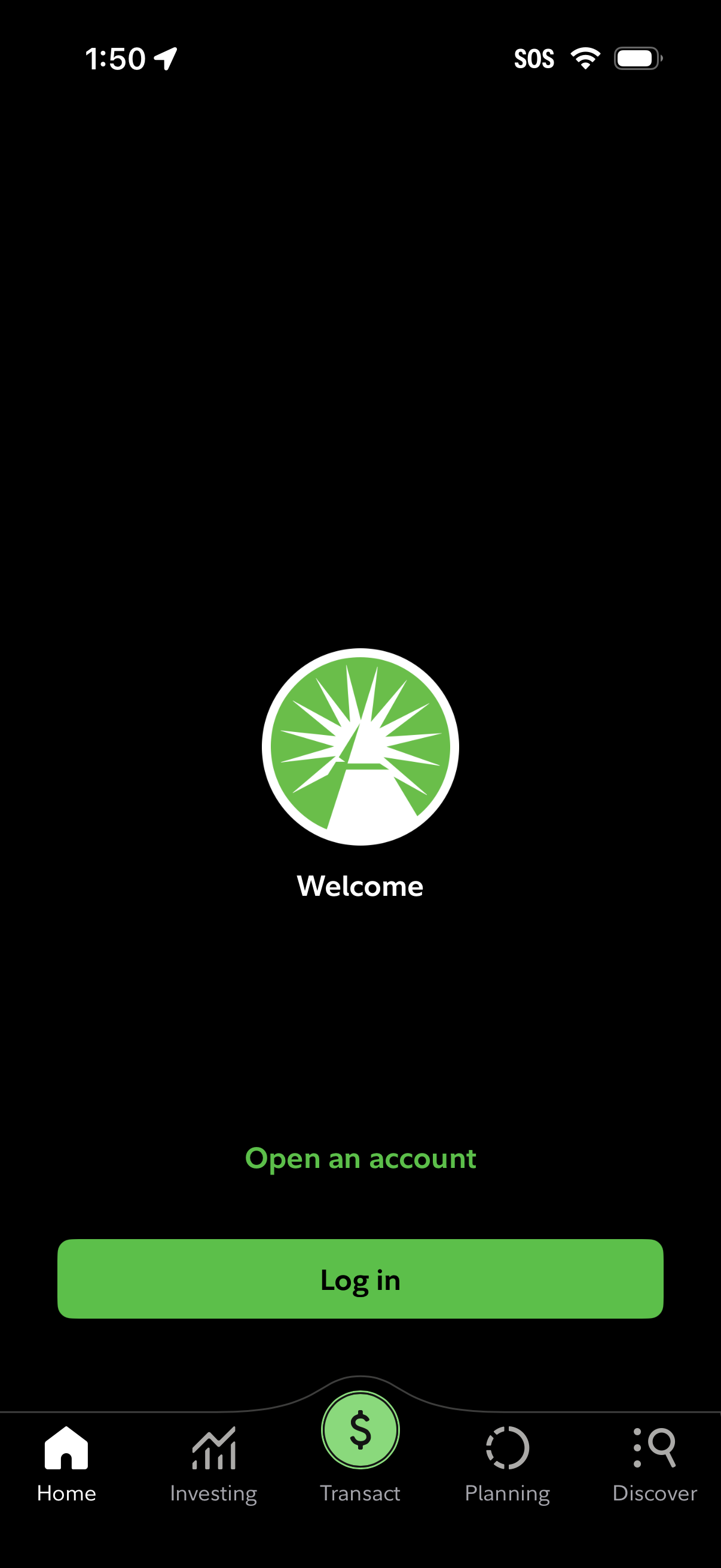
Welcome/authentication entry screen for a finance or investing app with options to open an account or log in, featuring a prominent primary log in button. Bottom tab navigation is visible with sections like Home, Investing, Transact, Planning, and Discover.
2
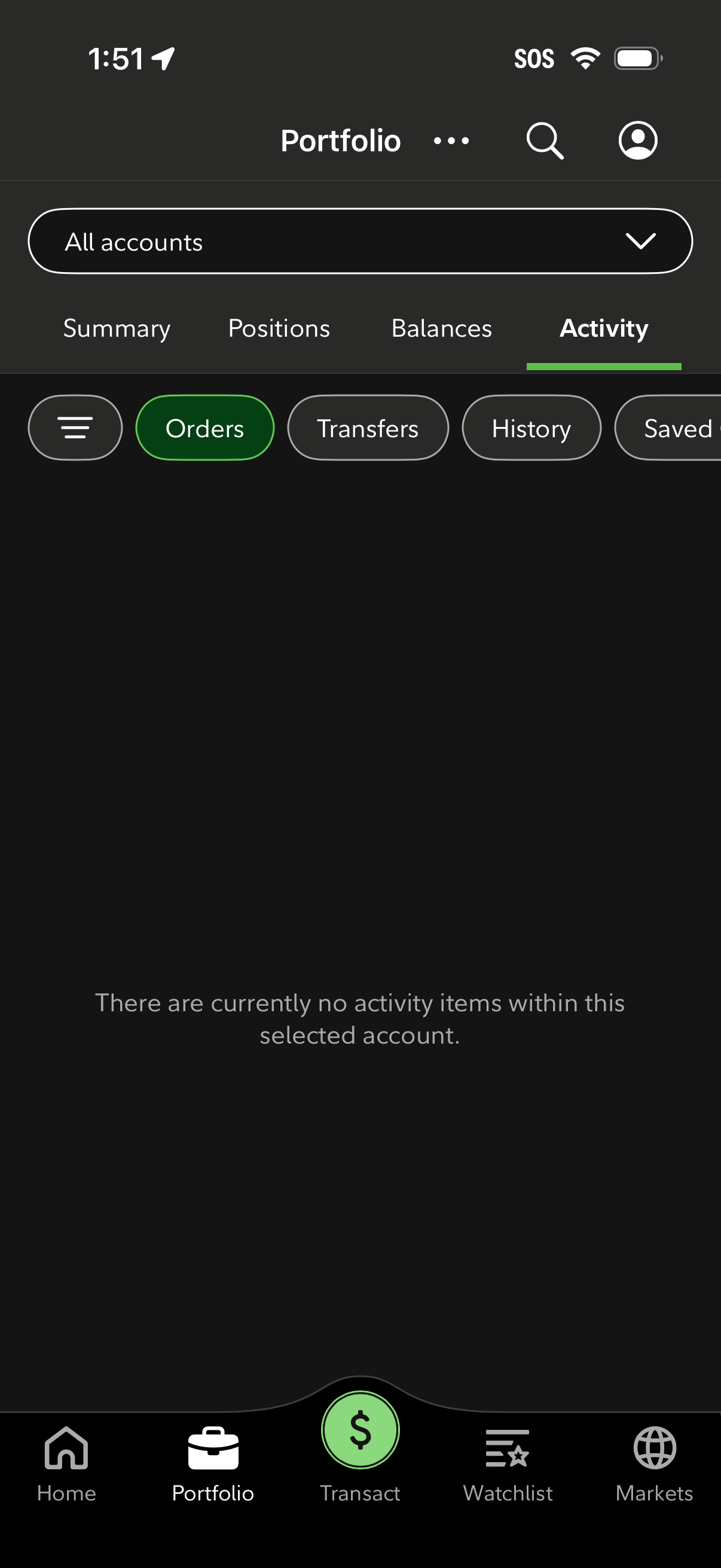
Investment portfolio dashboard on the Activity tab with an account selector and top navigation for Summary, Positions, Balances, and Activity. Provides quick filters for Orders, Transfers, History, and Saved items, plus search and profile access, and shows an empty-state message indicating no activity for the selected account.