Lesson (learning)
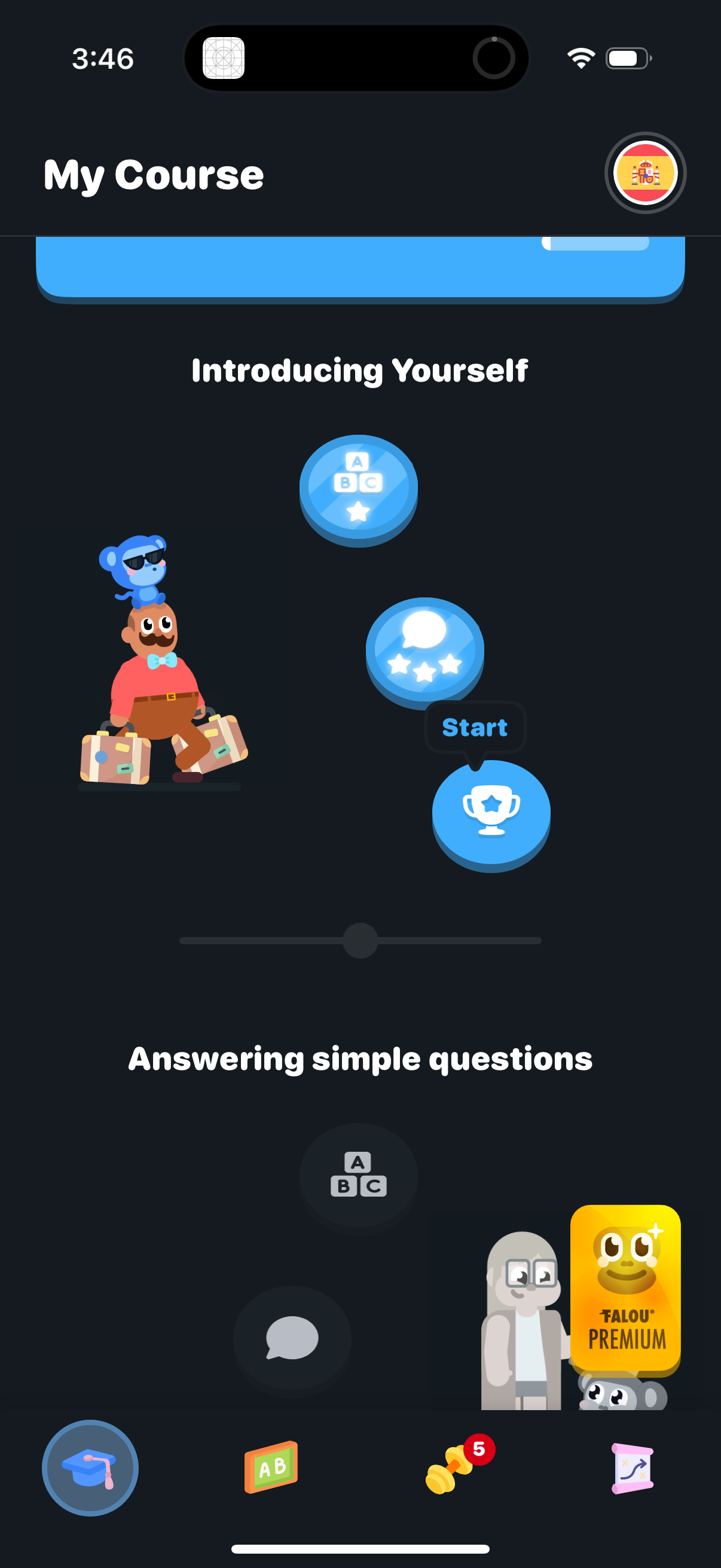
Course learning path screen showing lesson units in a module (e. g.
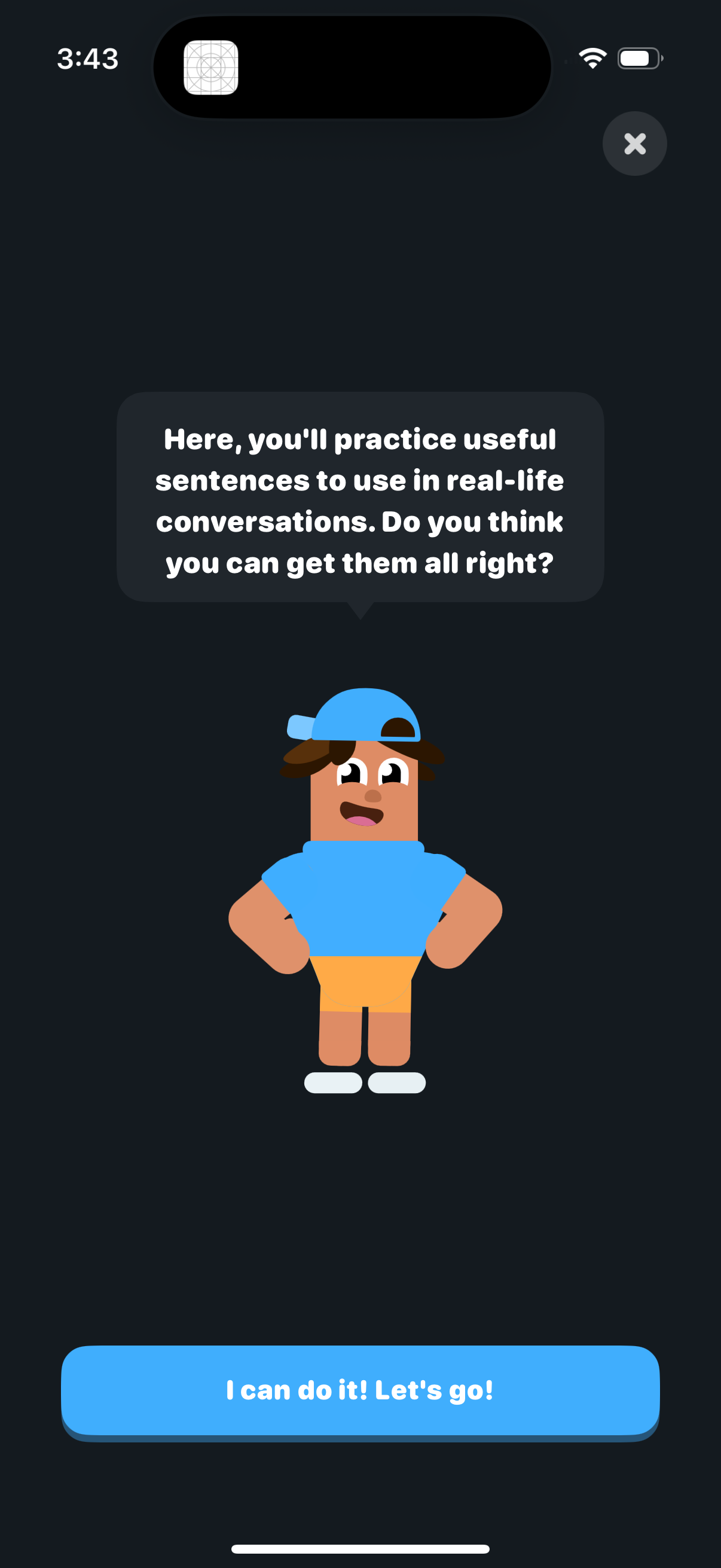
Onboarding/tutorial screen for a language learning conversation practice mode, with a mascot explaining you’ll practice real-life sentences and a prominent CTA button to start the exercise. Includes a close/dismiss icon to exit the intro.
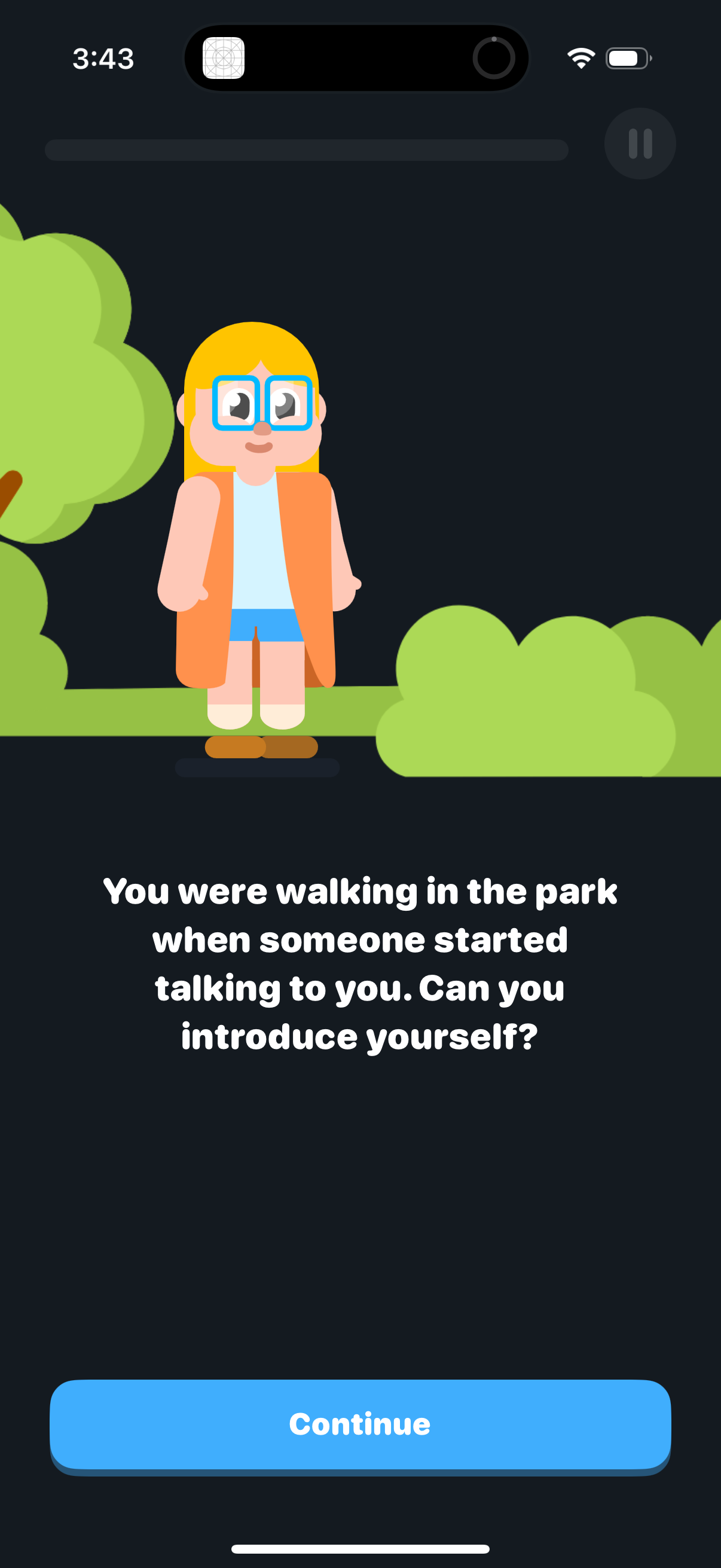
Interactive language-learning or conversation practice screen showing a cartoon scene prompt that asks the user to introduce themselves during a park encounter. Includes a progress indicator, a pause control, and a primary Continue button to proceed to the next step.
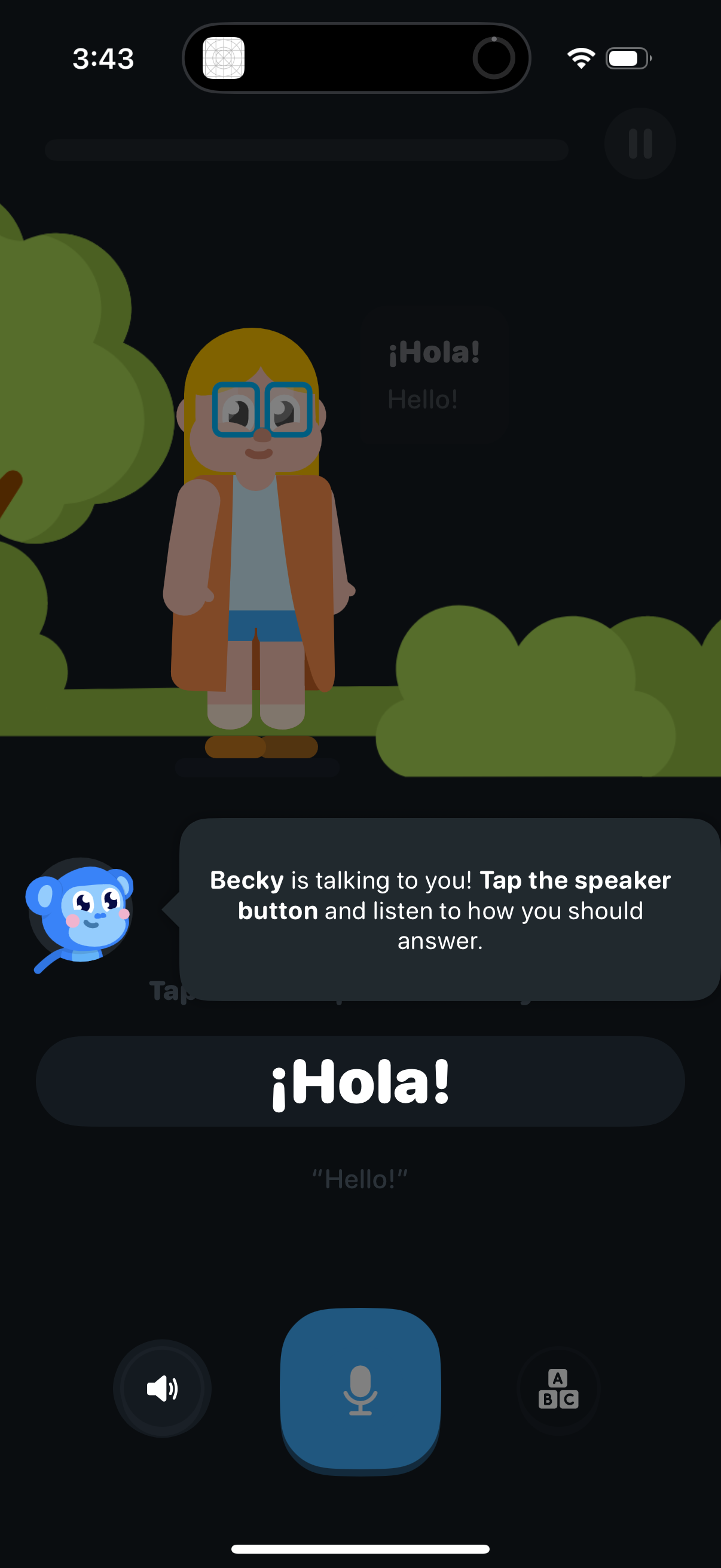
Interactive language-learning speaking exercise screen where a character says a phrase (“¡Hola! ”) and a coach tooltip prompts the user to tap the speaker button to hear the correct pronunciation.
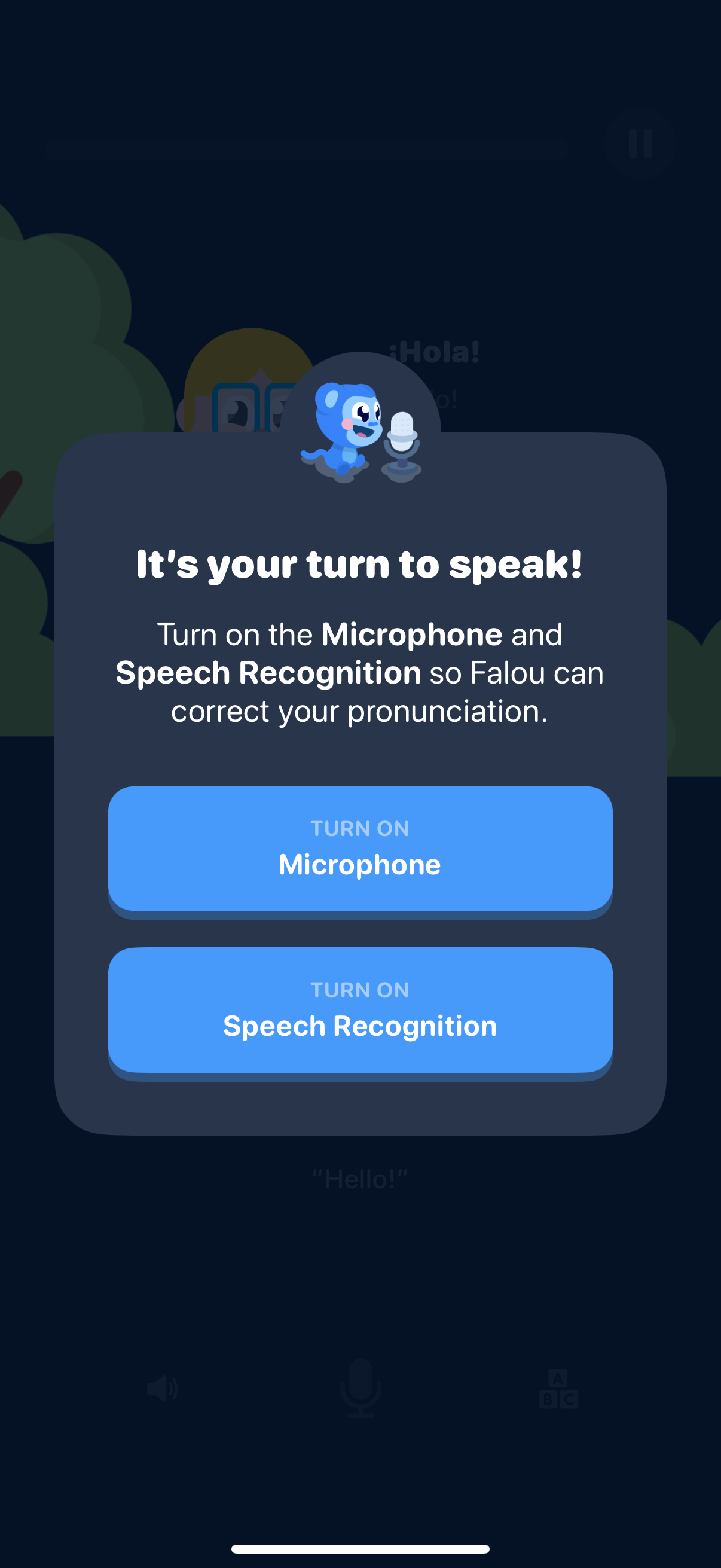
Language learning speaking exercise prompt asking the user to enable permissions so the app can correct pronunciation, with an overlay modal explaining the need for Microphone and Speech Recognition access. Primary actions are two large buttons to turn on Microphone and turn on Speech Recognition.
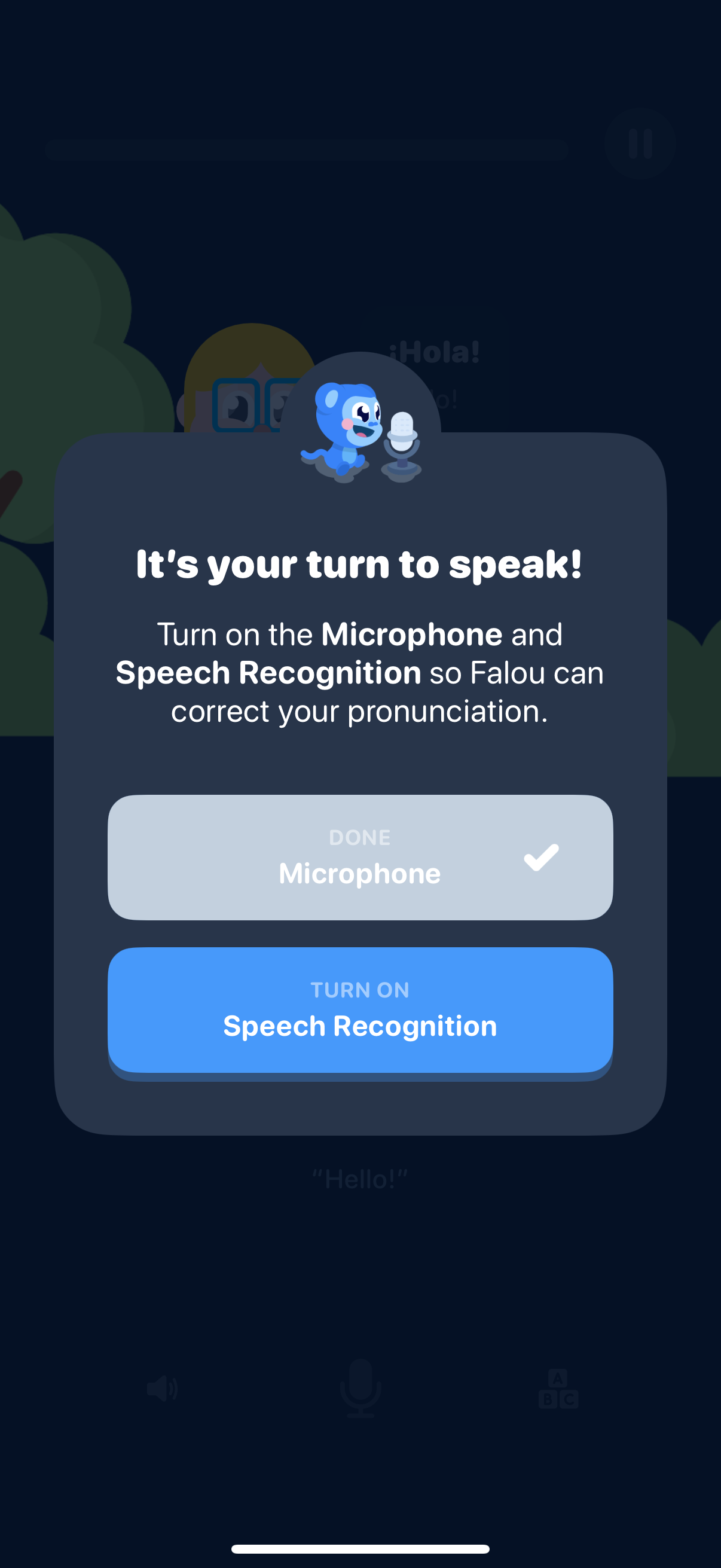
A modal prompt in a language learning app asks the user to enable microphone and speech recognition so the app can listen and correct pronunciation during speaking practice. It shows a completed microphone permission state and a primary button to turn on speech recognition.
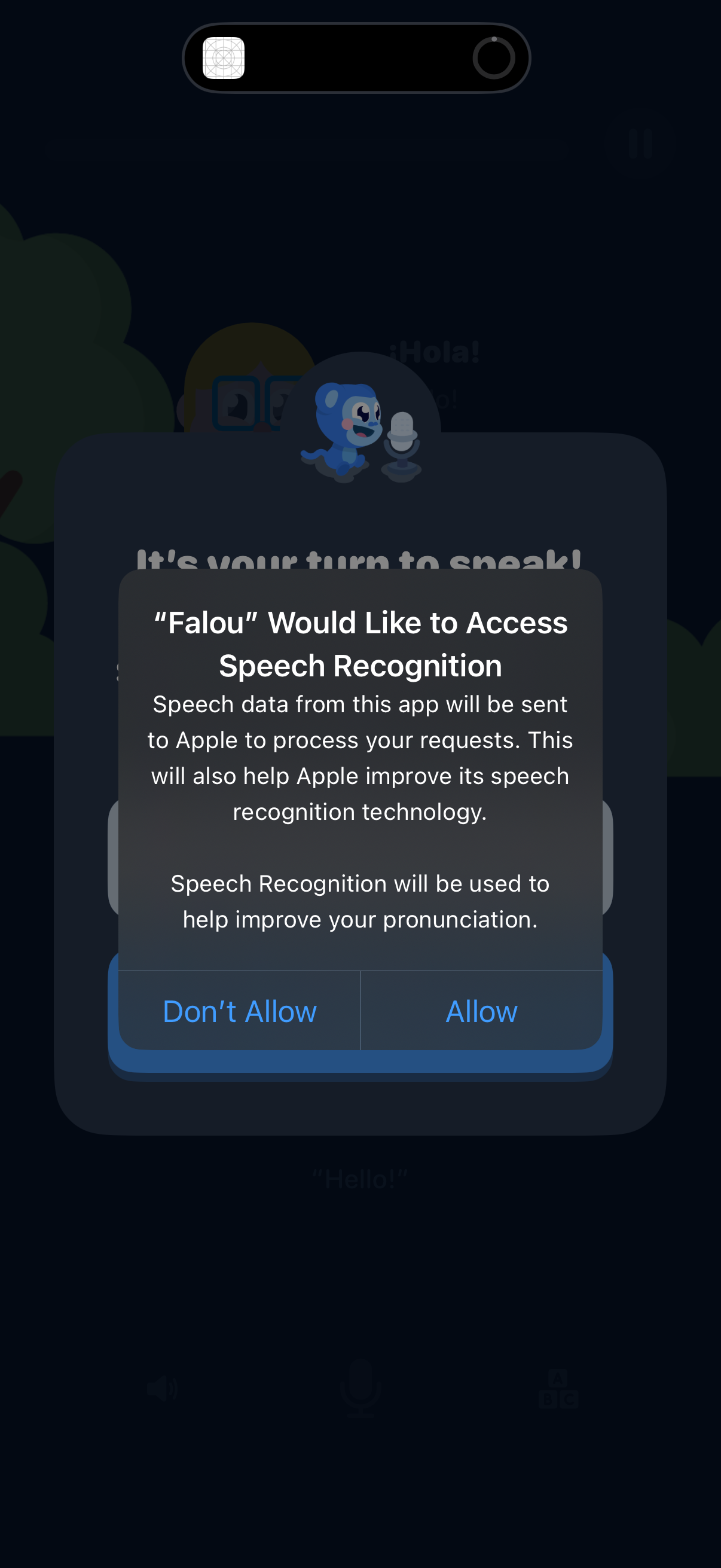
An iOS system permission popup requesting access to Speech Recognition for a language learning app so it can process spoken input and help improve pronunciation. The modal explains that speech data will be sent to Apple and offers primary actions to Allow or Don’t Allow.
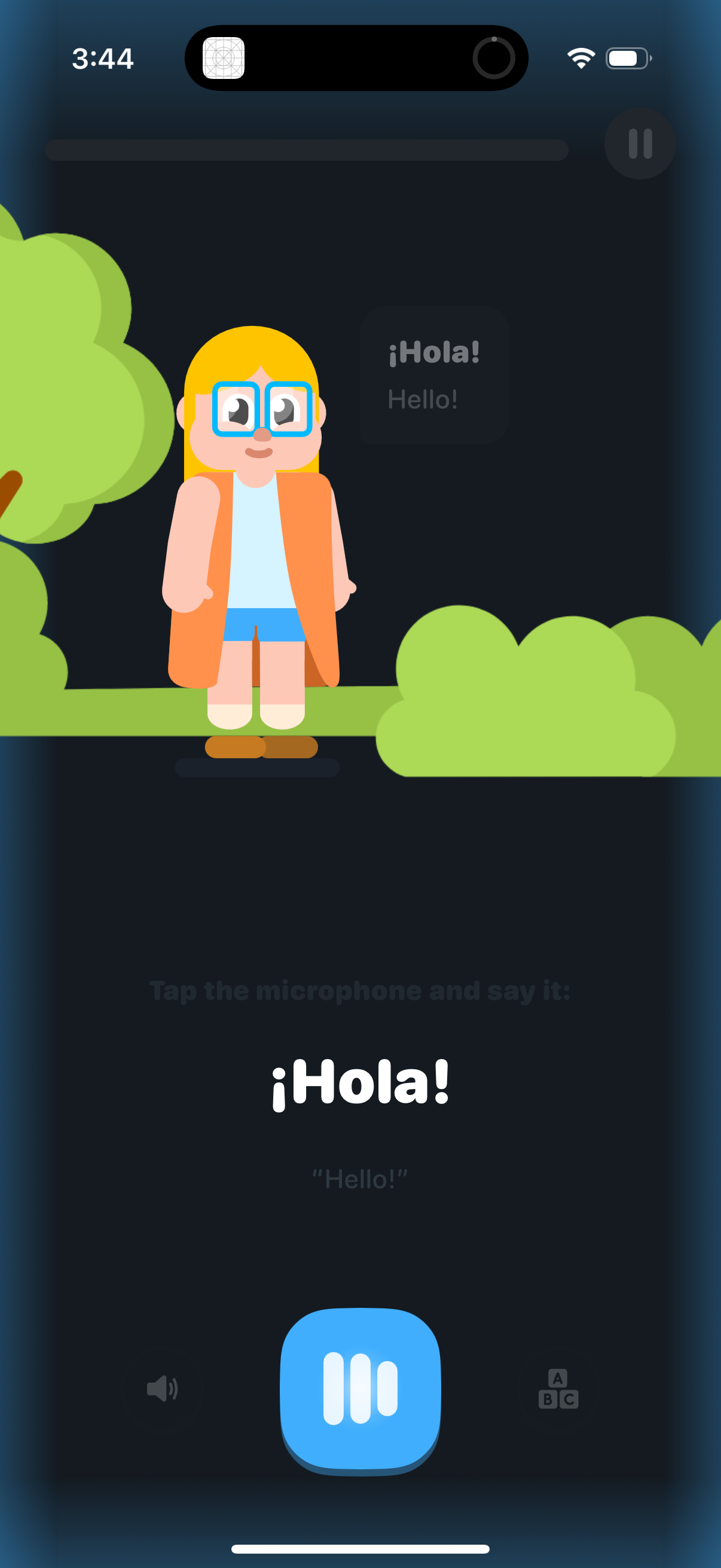
Language learning speaking practice screen that shows a greeting phrase with translation (e. g.
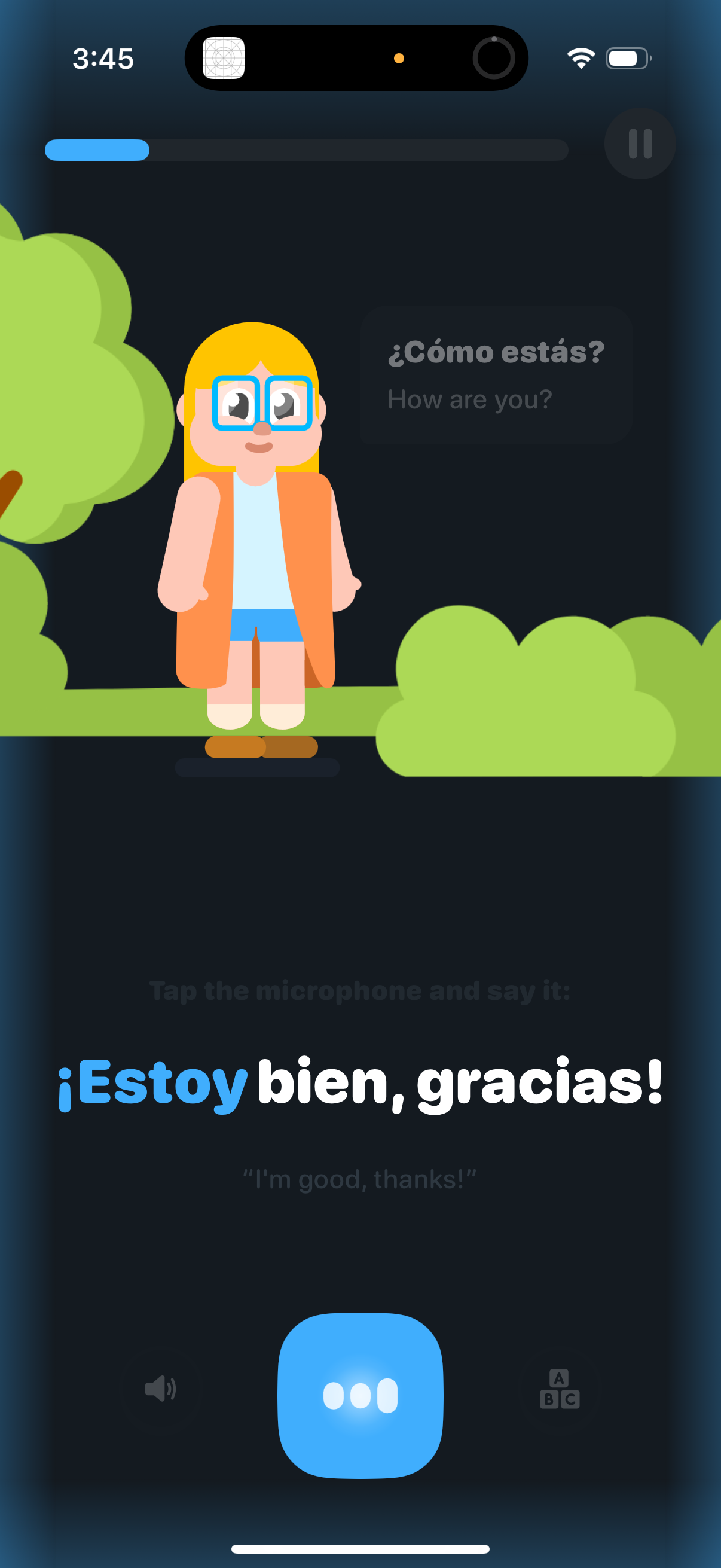
Language learning speaking exercise screen showing a Spanish prompt (“¿Cómo estás? ”) with the English translation and the target response (“¡Estoy bien, gracias!
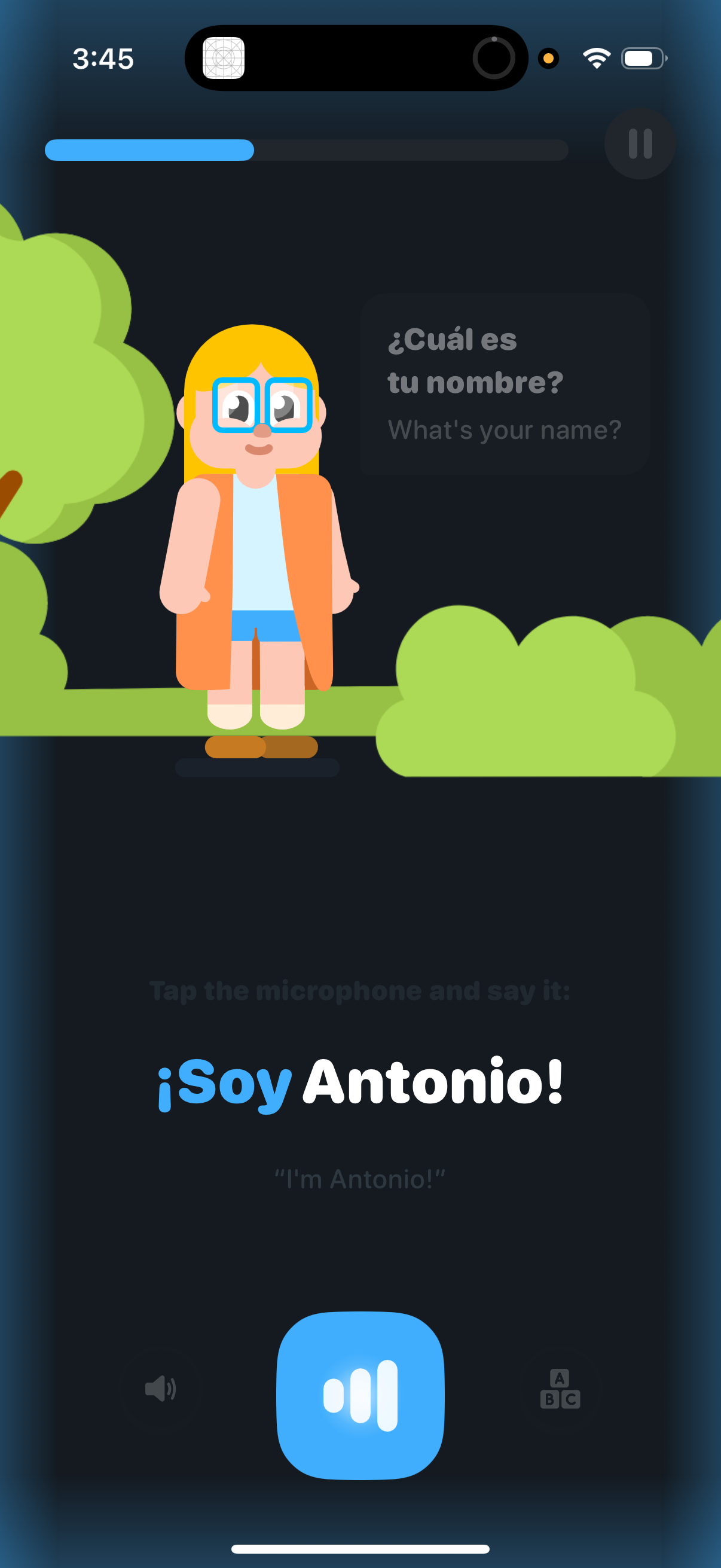
Language-learning voice exercise screen asking “What’s your name? ” (Spanish prompt with English translation) and instructing the user to tap the microphone and say the phrase “¡Soy [name]!
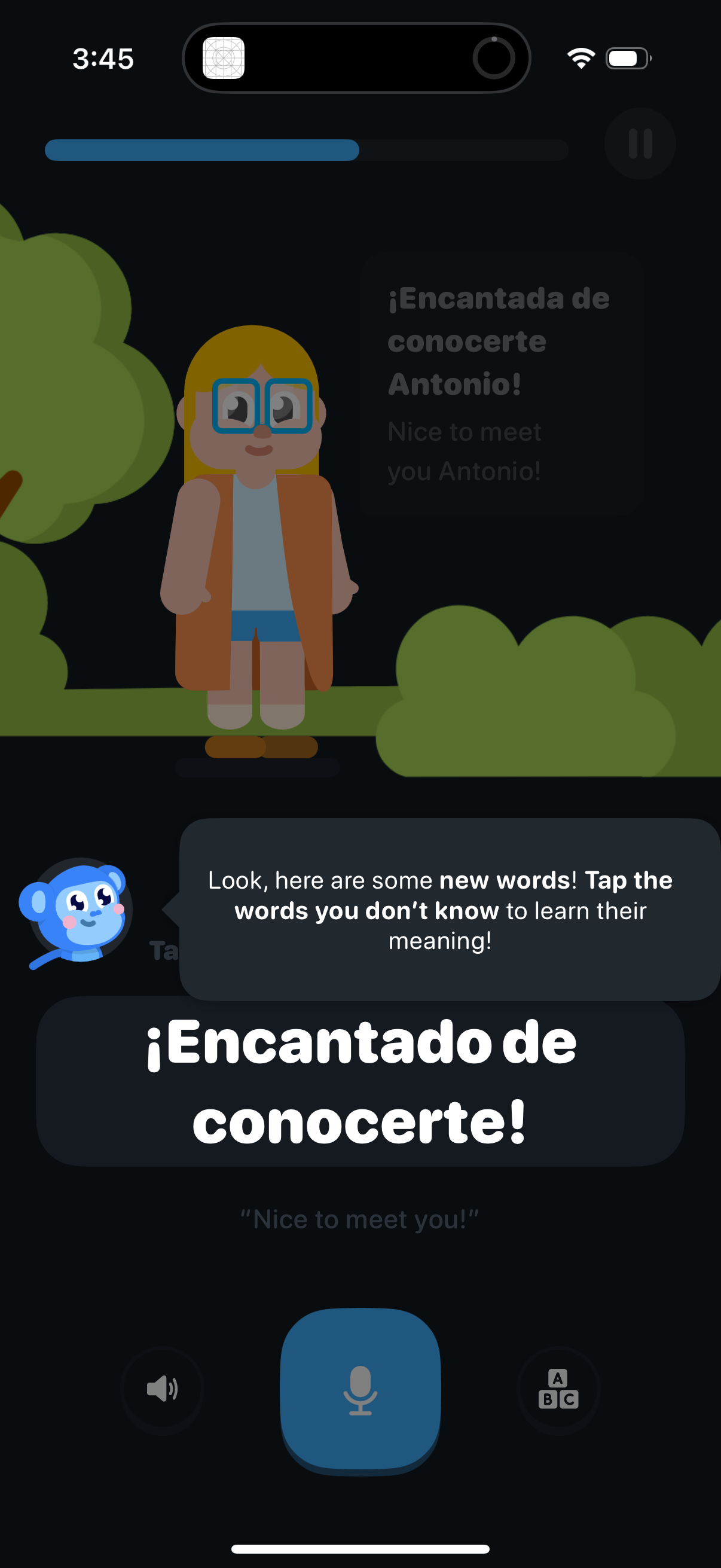
Interactive language-learning lesson screen introducing a new Spanish phrase with a character scene, showing a progress bar and a prompt to tap unfamiliar words to view meanings. Includes a large microphone button for speaking practice along with audio playback and keyboard/text input controls.
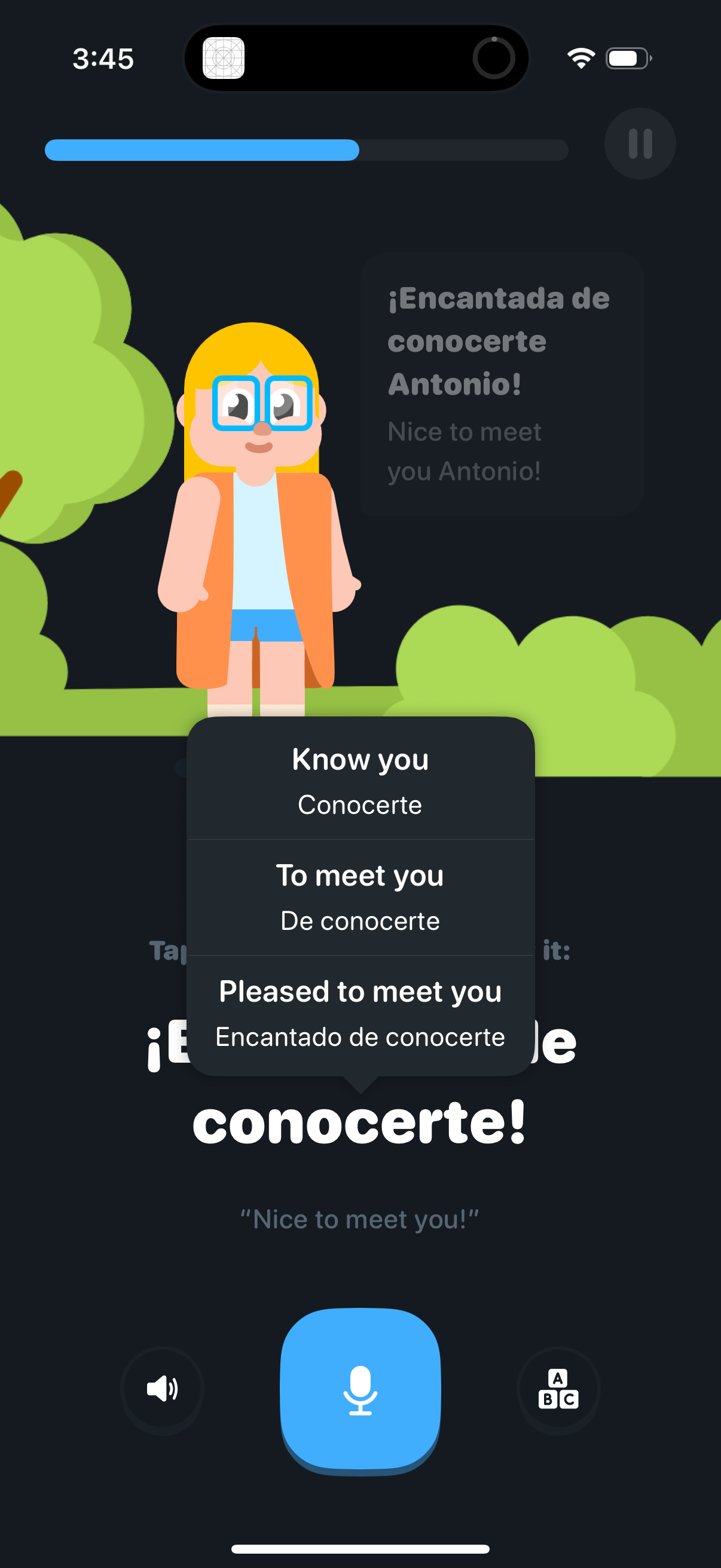
Language learning lesson screen practicing Spanish greetings with a character dialogue and an English prompt, showing a multiple-choice translation selector for “Nice to meet you. ” Includes a microphone button for speaking practice, audio and keyboard options, and a progress bar/pause control for the lesson.