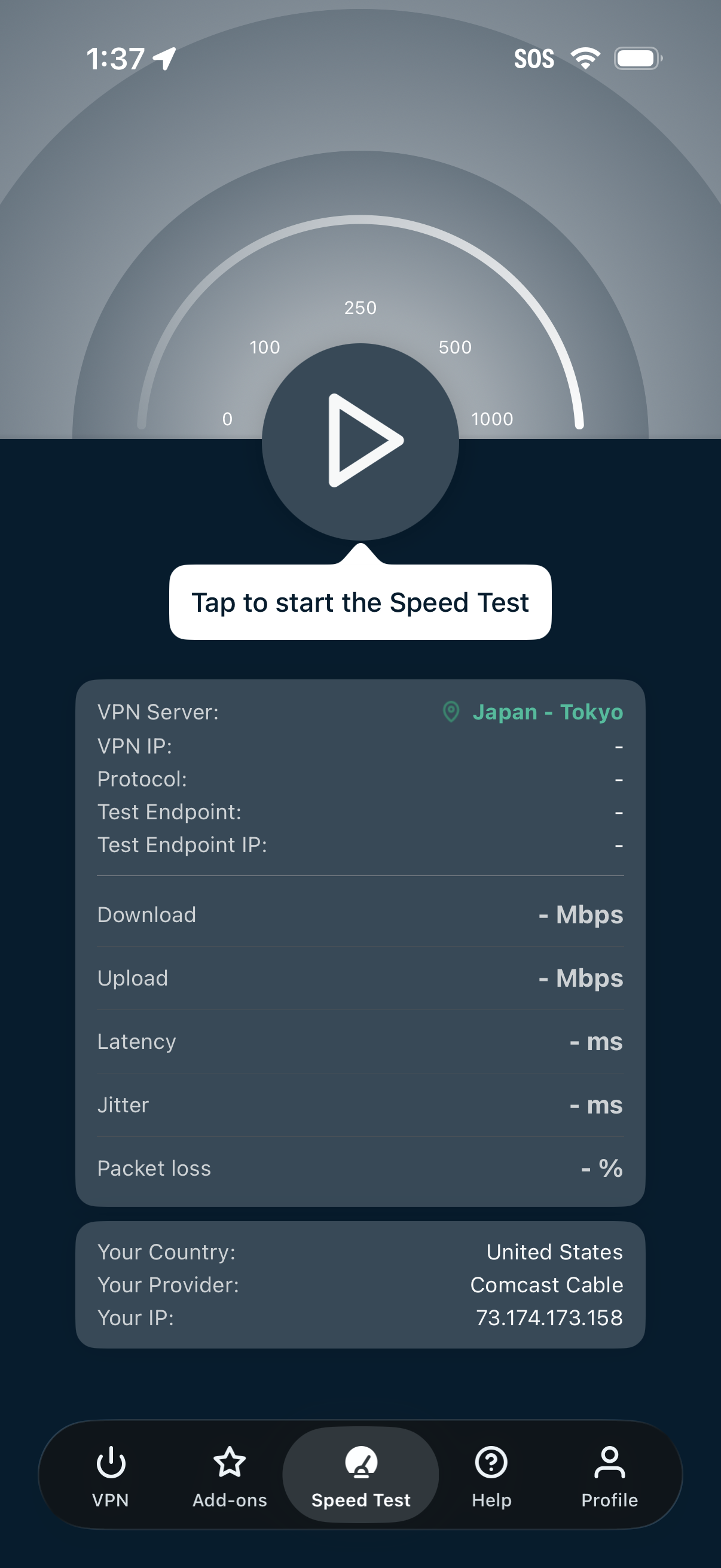
VPN app speed test screen with a large play button to start the test, showing the selected VPN server location and fields for protocol and test endpoint. Displays network performance results placeholders for download, upload, latency, jitter, and packet loss, plus device country/provider/IP details and a bottom tab bar for VPN, add-ons, speed test, help, and profile.
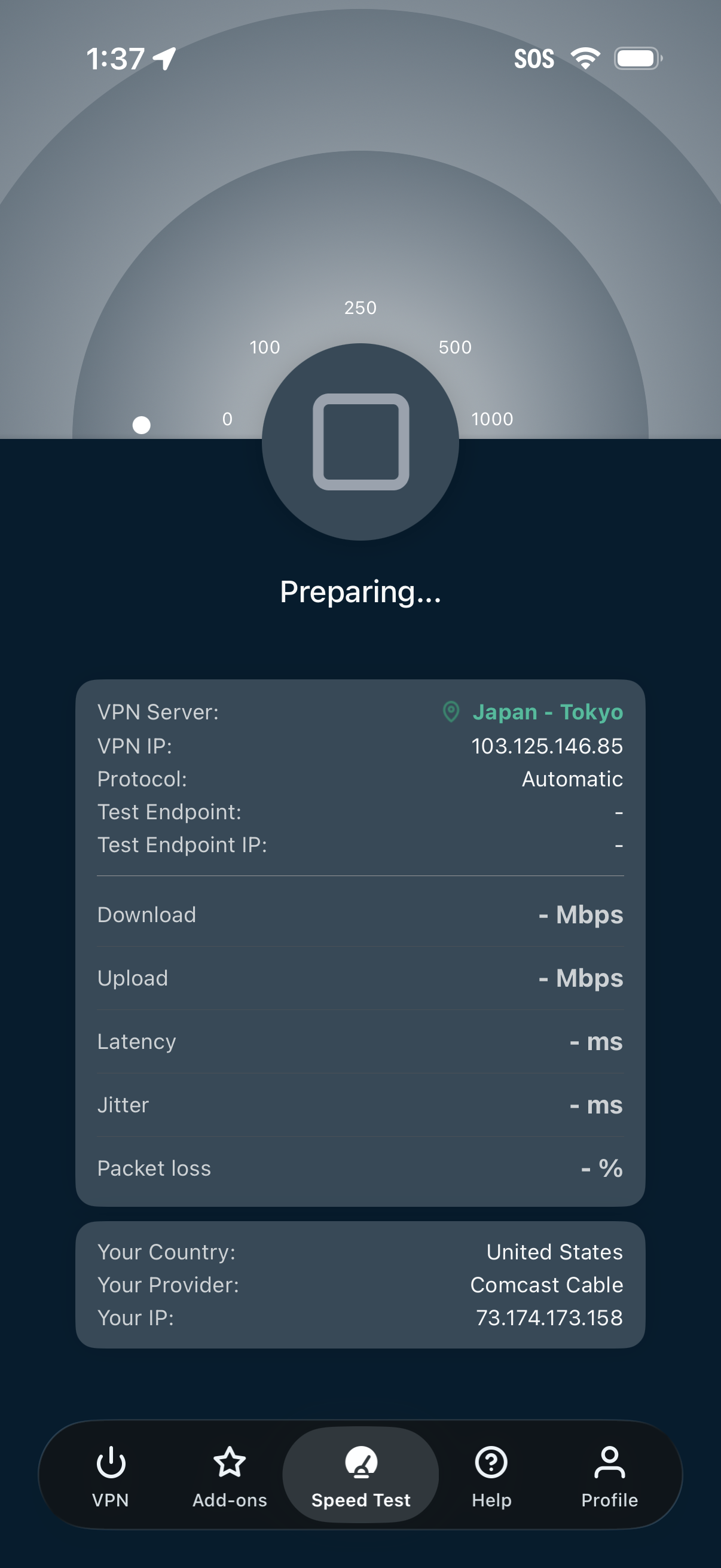
VPN speed test screen showing a “Preparing” state with a large speedometer gauge and a start/stop test button. It lists selected VPN server location and IP, protocol, and placeholders for results like download, upload, latency, jitter, and packet loss, plus the user’s current country, provider, and IP with bottom navigation tabs (VPN, Add-ons, Speed Test, Help, Profile).
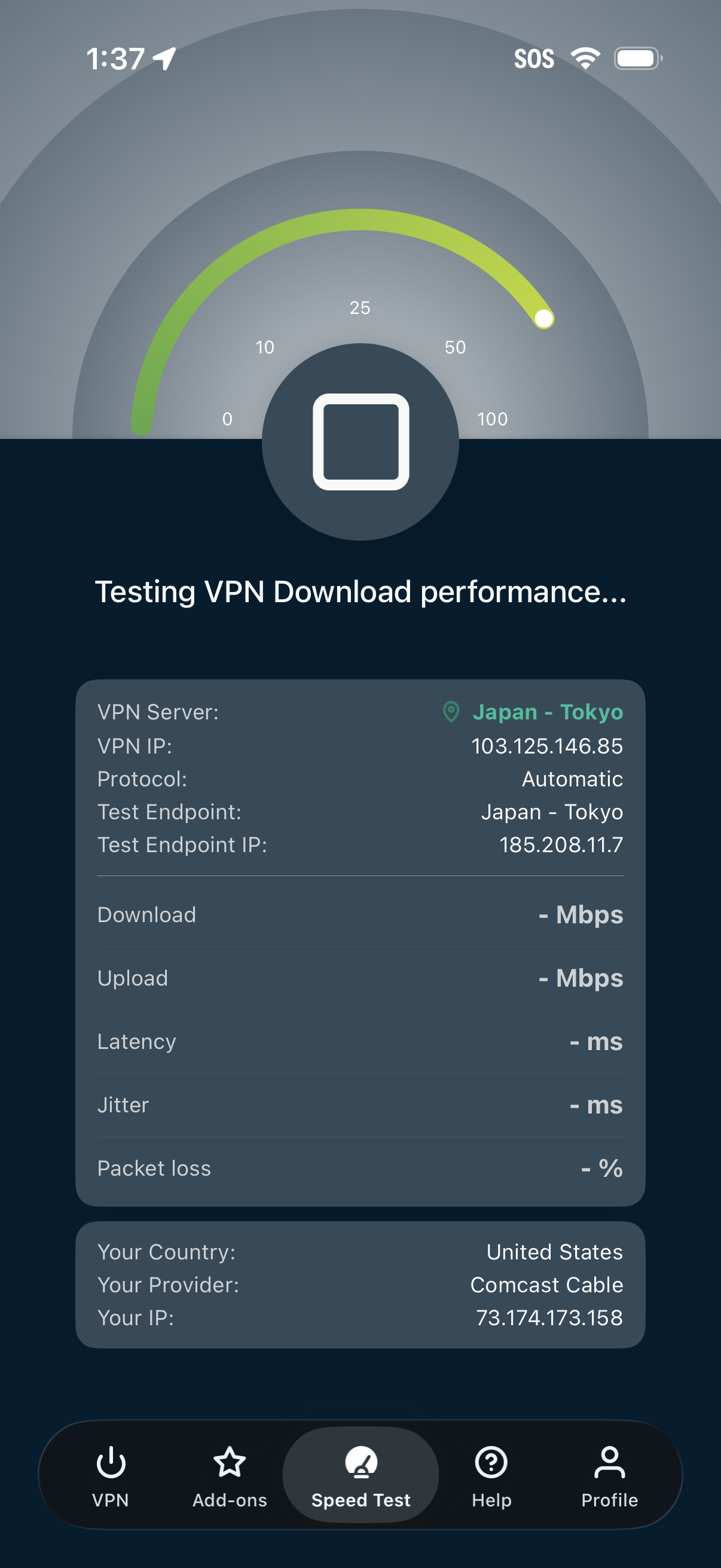
VPN speed test screen showing an in-progress download performance test with a speedometer gauge and a large stop button. Displays VPN server location, IP, protocol and test endpoint details plus placeholders for results like download/upload Mbps, latency, jitter, and packet loss, with bottom navigation for VPN, add-ons, speed test, help, and profile.