1
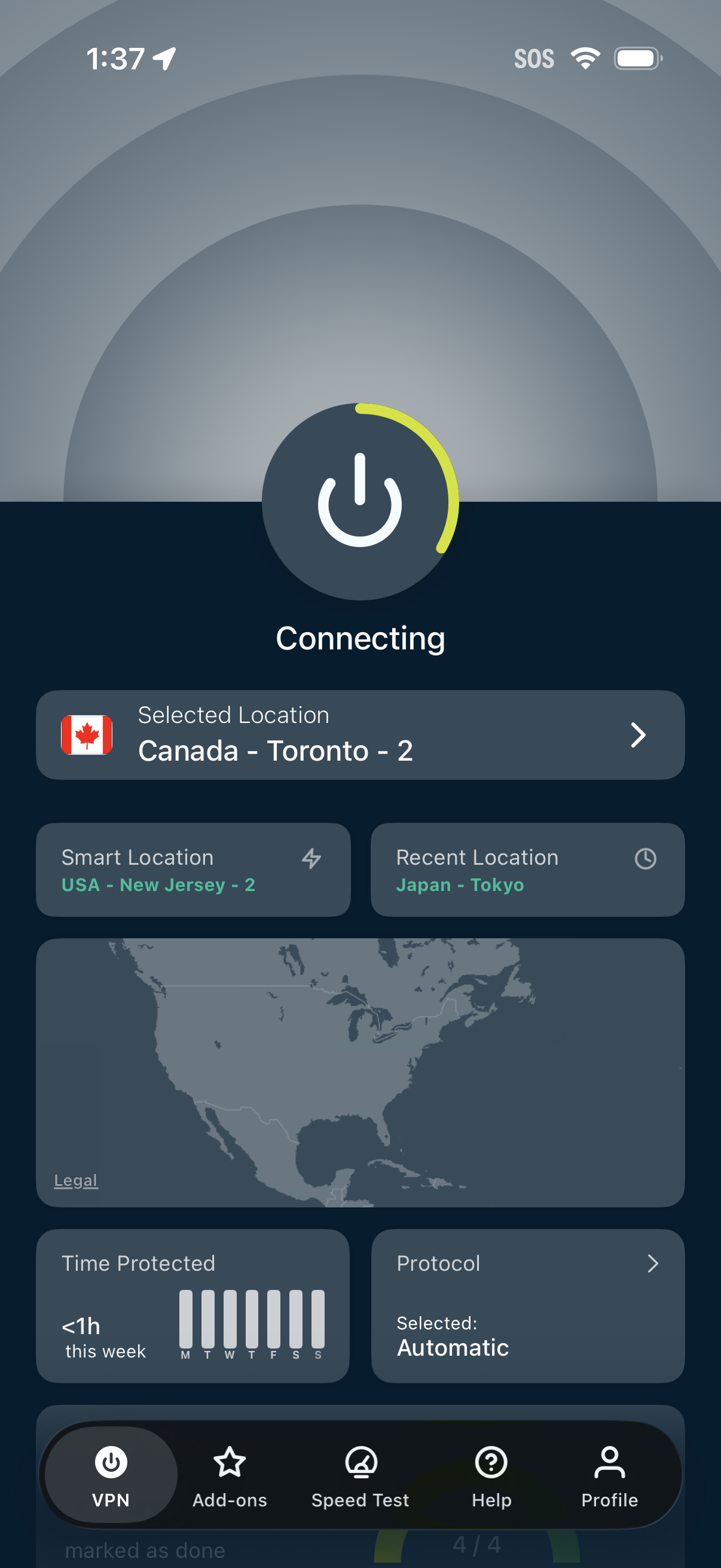
VPN home screen showing a large power button with “Connecting” status and the currently selected server location, with quick access to smart and recent locations and a world map preview. The screen also displays usage stats (time protected), protocol selection, and a bottom navigation bar for VPN, add-ons, speed test, help, and profile.
2
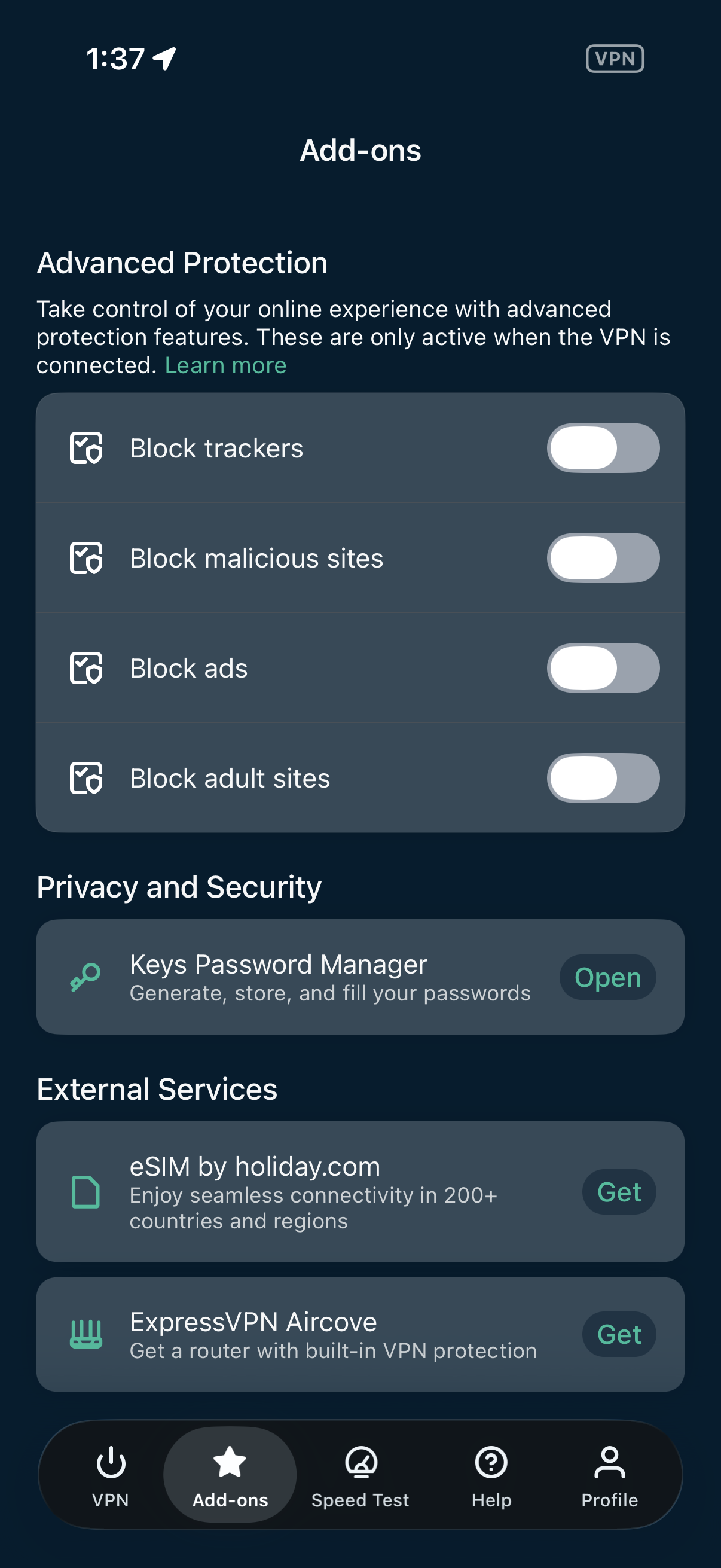
VPN app Add-ons screen for managing advanced protection features, with toggle switches to block trackers, malicious sites, ads, and adult sites (active only when connected). Also includes privacy and security add-ons like a password manager plus external services such as eSIM and a VPN router, with Open/Get actions and bottom navigation.