1
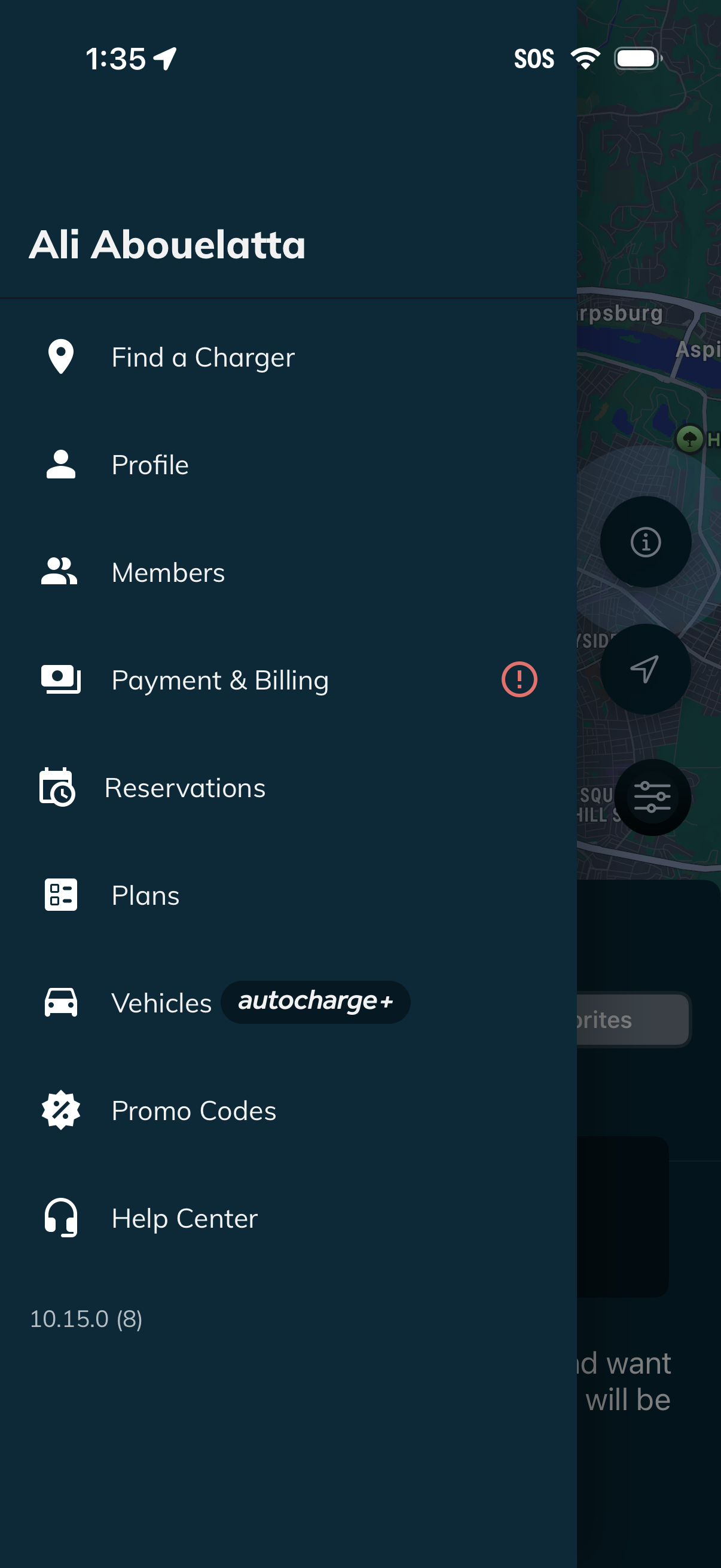
Side navigation drawer for an EV charging app showing the signed-in account and quick links to Find a Charger, Profile, Members, Payment & Billing (with an alert badge), Reservations, Plans, Vehicles (Autocharge+), Promo Codes, and Help Center. The menu overlays a map screen and provides primary access to account, billing, and charging-related features.
2
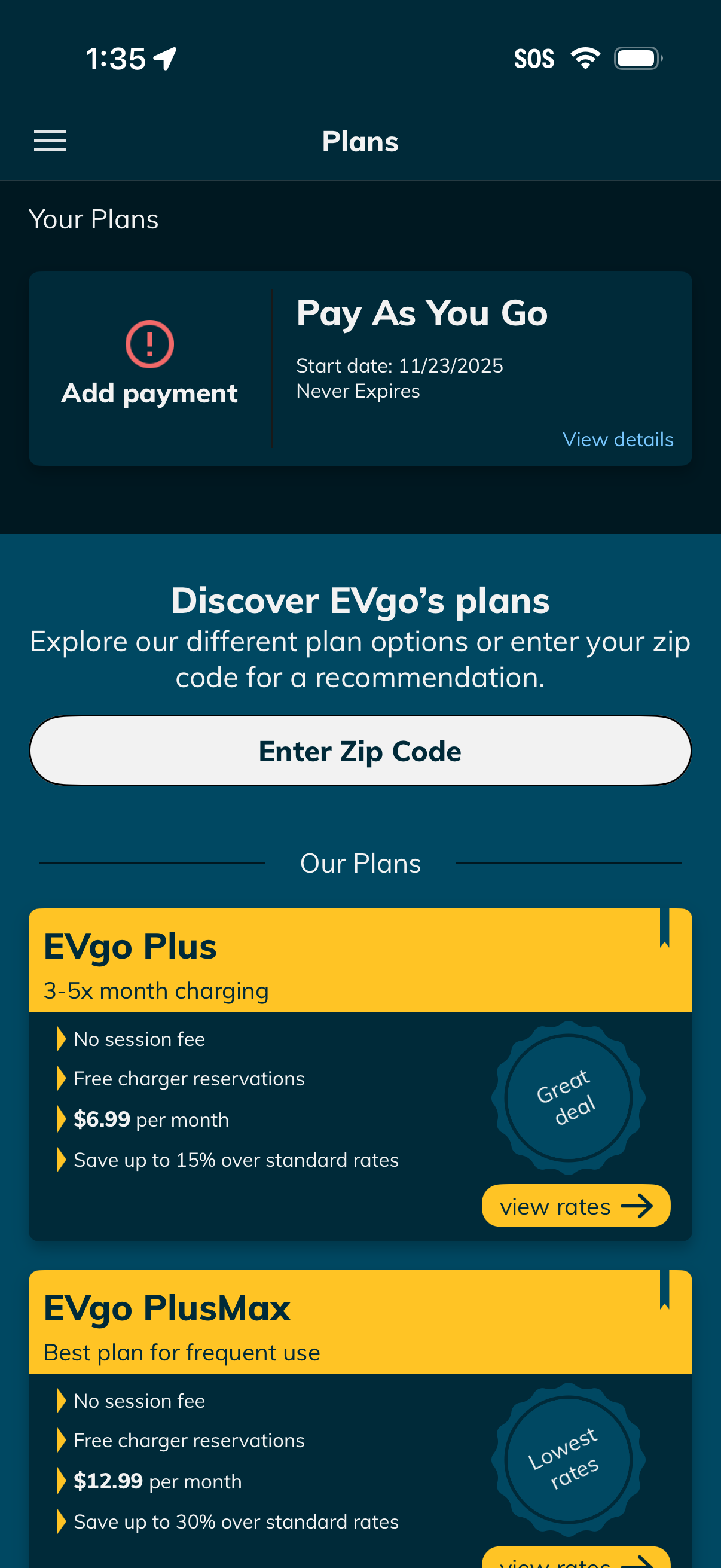
Plans management screen for an EV charging app showing the user’s current plan (Pay As You Go) with prompts to add a payment method and view plan details. Below, users can enter a zip code for plan recommendations and browse available subscription plan cards with pricing, benefits, and a “view rates” action.