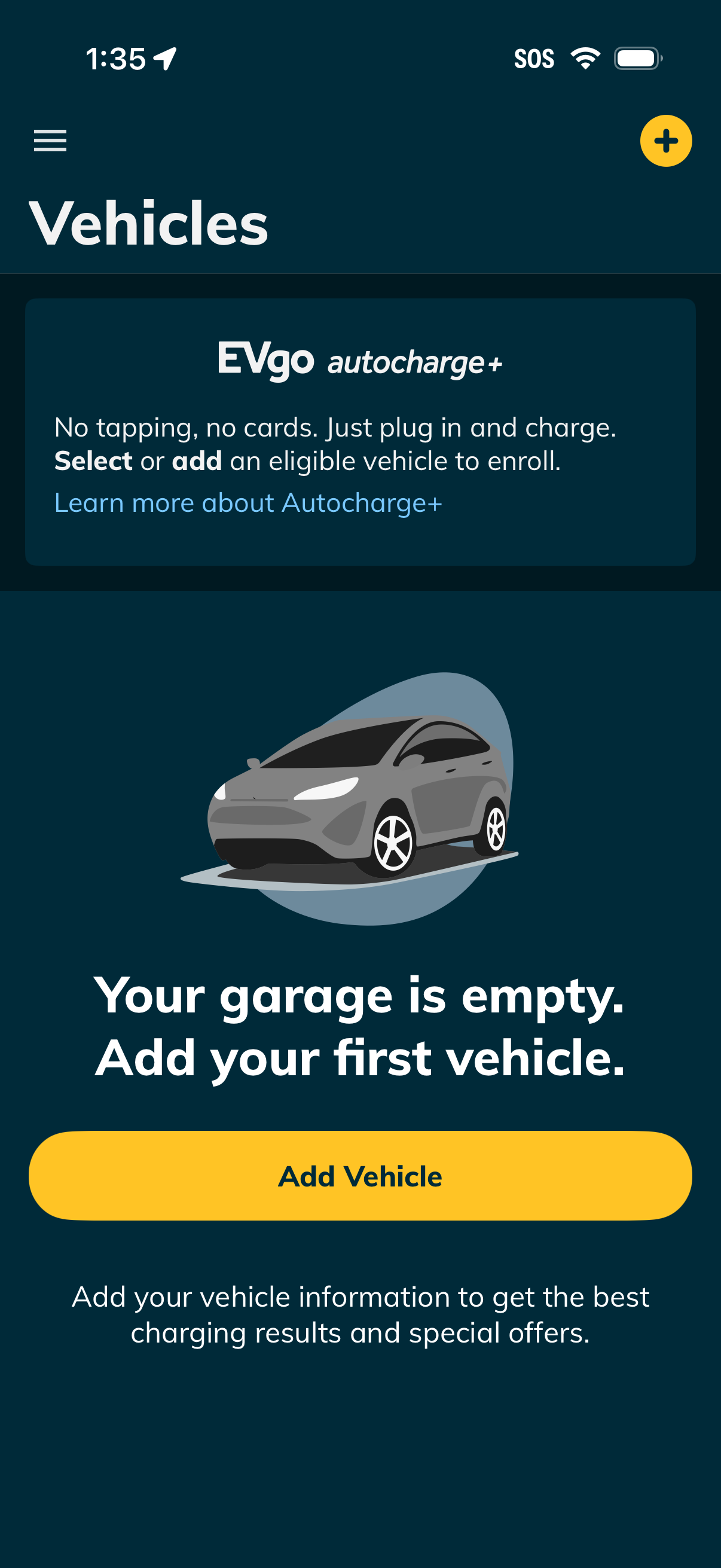
Empty state “Vehicles” garage screen in an EV charging app prompting users to add their first vehicle, with a primary Add Vehicle button and a plus icon in the header. Includes an Autcharge+ enrollment promo card with a “learn more” link explaining plug-and-charge and selecting or adding an eligible vehicle.
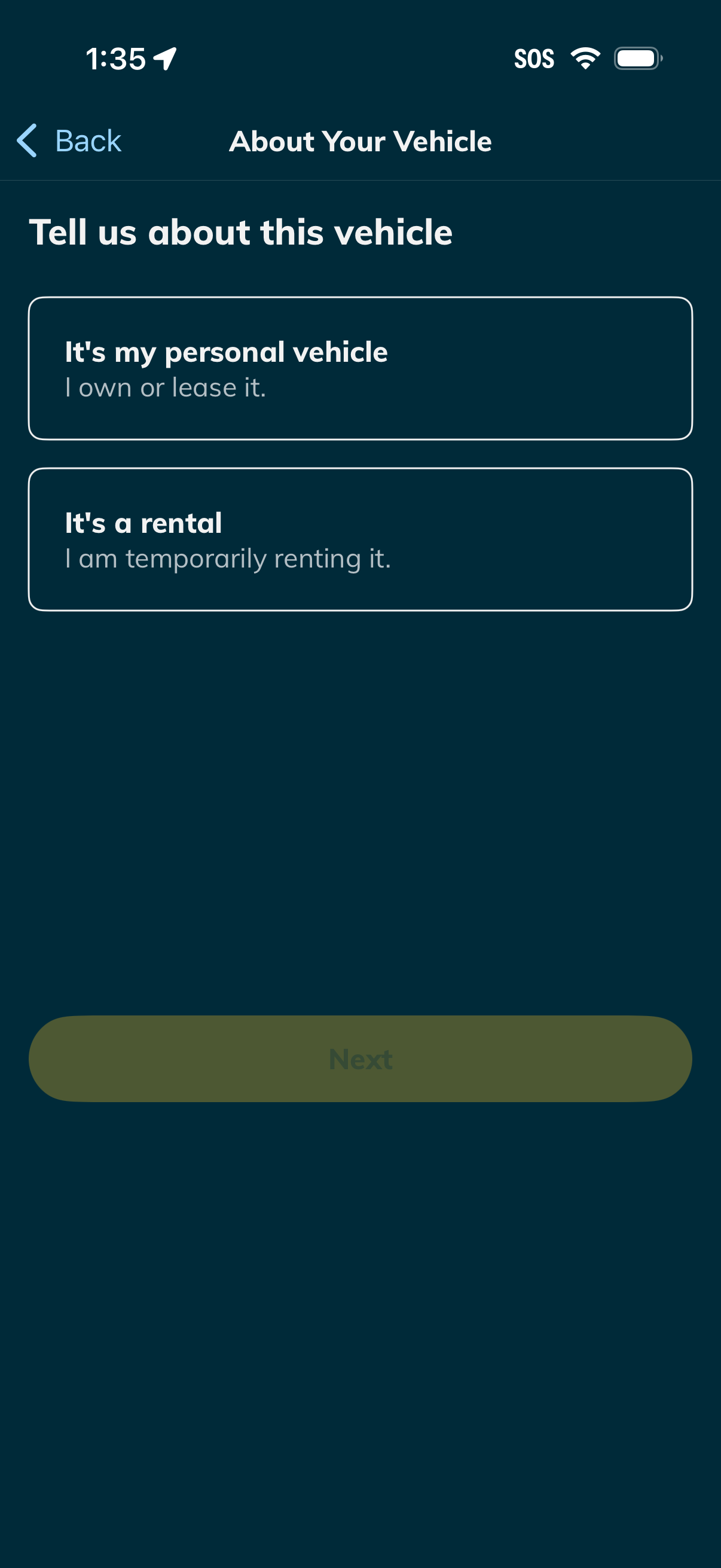
Vehicle information step in an onboarding flow asking the user to classify the vehicle as either a personal vehicle (owned or leased) or a rental (temporarily rented), with a Back navigation and a disabled Next button until a selection is made.
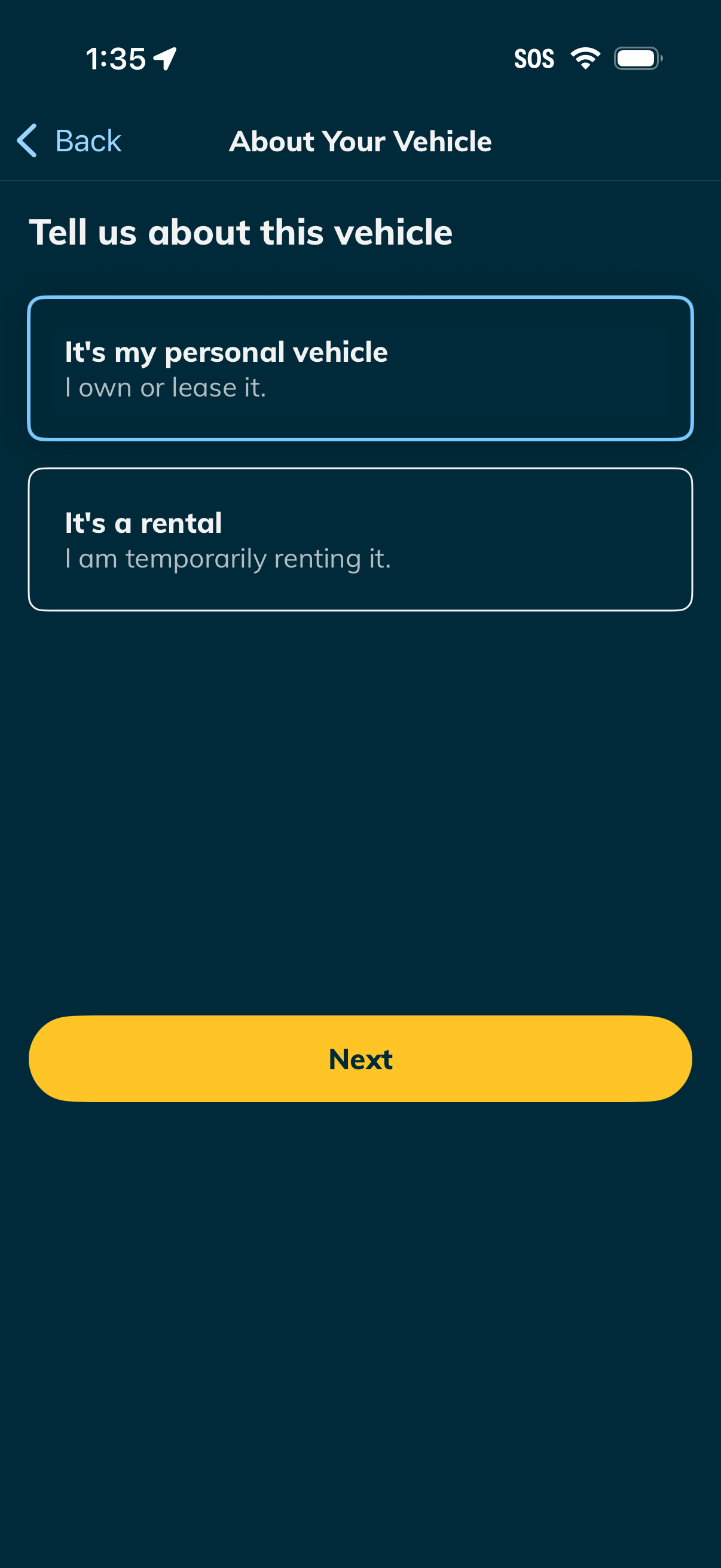
Vehicle information step in an onboarding/insurance flow asking the user to specify whether the car is a personal vehicle they own/lease or a temporary rental. The screen uses selectable option cards with a primary Next button and back navigation.

Vehicle selection screen asking “What do you drive? ” with a search field to enter vehicle year/make/model and an alternative option to add a car by scanning/entering the VIN.
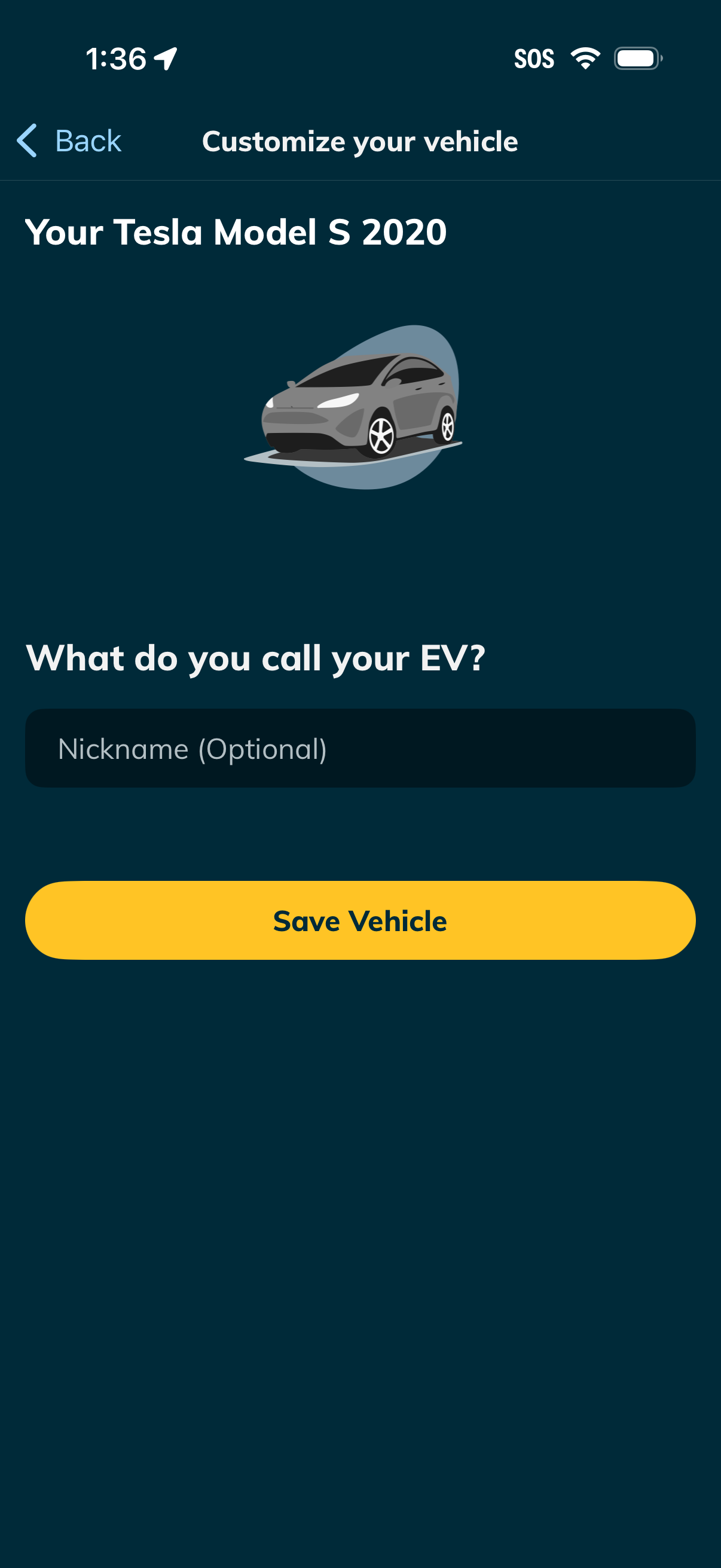
Vehicle customization screen for an electric car where the user can optionally enter a nickname for their EV and save the vehicle. Includes a back navigation, vehicle model display with illustration, and a prominent “Save Vehicle” call-to-action.
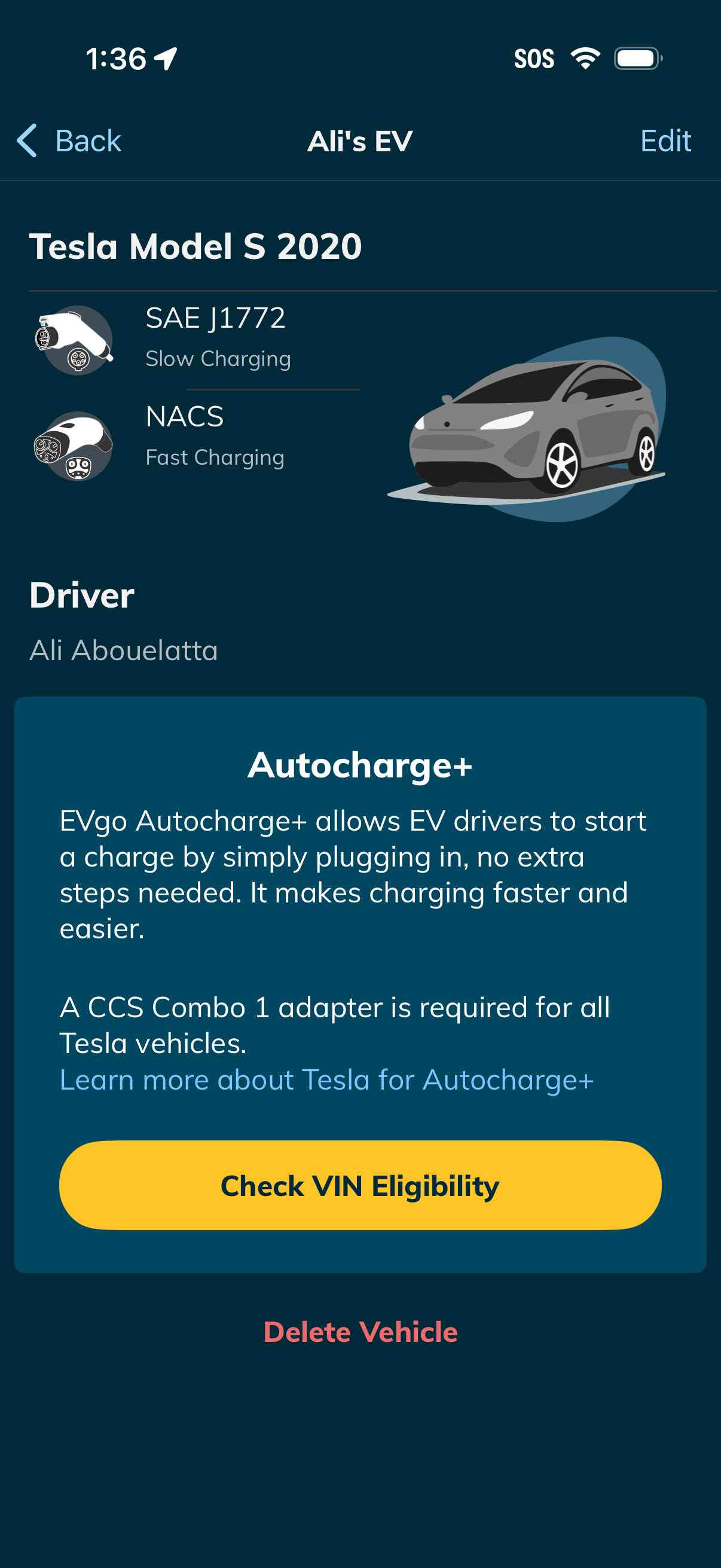
Electric vehicle profile/details screen showing a selected car model with supported connector types for slow and fast charging, driver info, and an Autocharge+ feature explainer. Primary actions include editing the vehicle, checking VIN eligibility to enable Autocharge+, and deleting the vehicle.