manage notifications
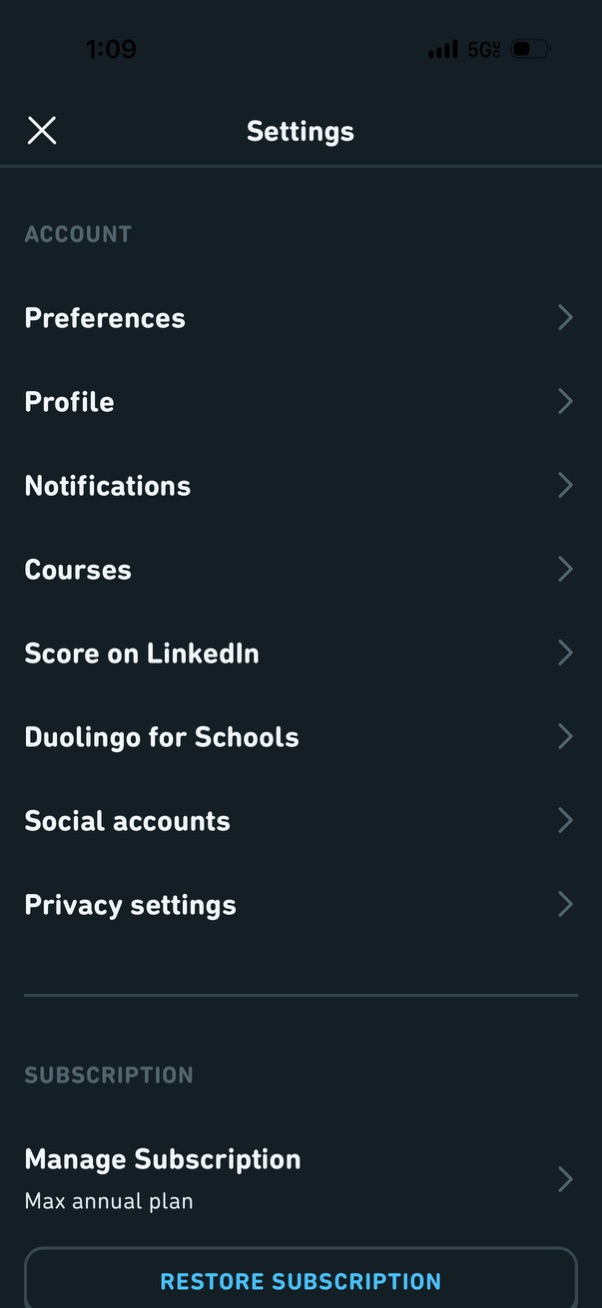
Settings screen for an education/language learning app showing account-related navigation options such as preferences, profile, notifications, courses, LinkedIn score sharing, schools mode, connected social accounts, and privacy settings. Includes a subscription section with manage subscription details and a restore subscription action.

Notifications settings screen showing categories to manage push alerts, including Reminders, Friends, Leaderboards, Announcements, and Friend Nudges, with descriptions and counts of notifications turned off. Each row is a tappable navigation item to configure that notification type.
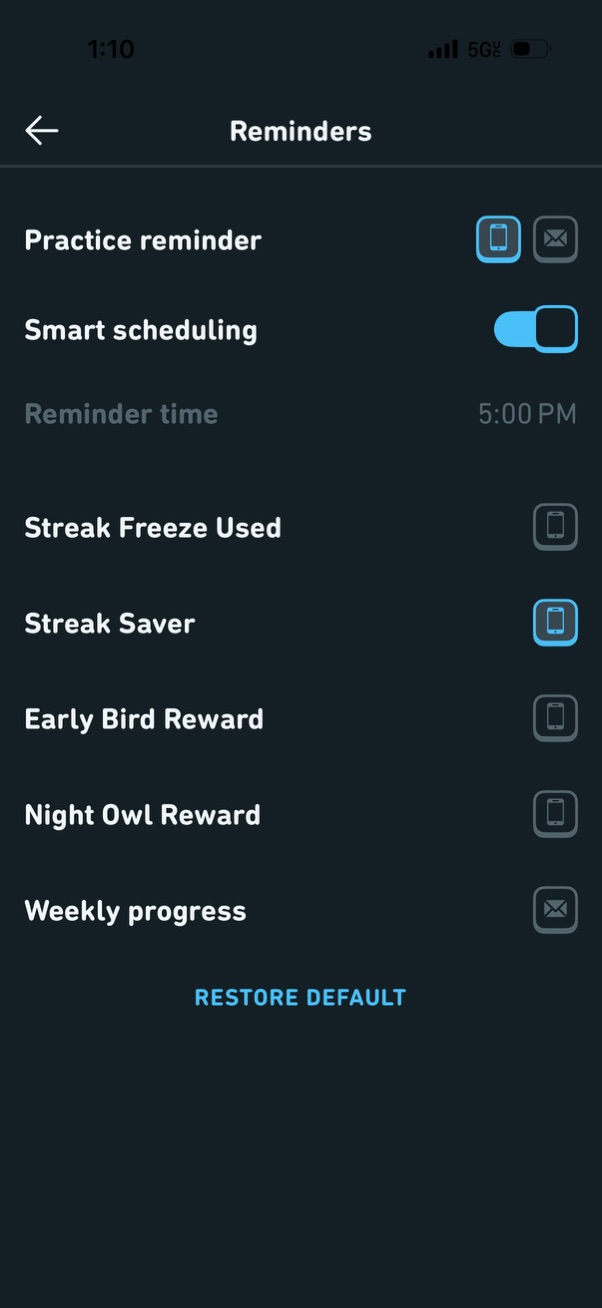
Reminders settings screen for a habit or practice app where users configure practice reminders, enable smart scheduling, and set a reminder time. Includes toggles for different notification channels (push and email) for streak/reward alerts and weekly progress updates, with an option to restore default settings.