1
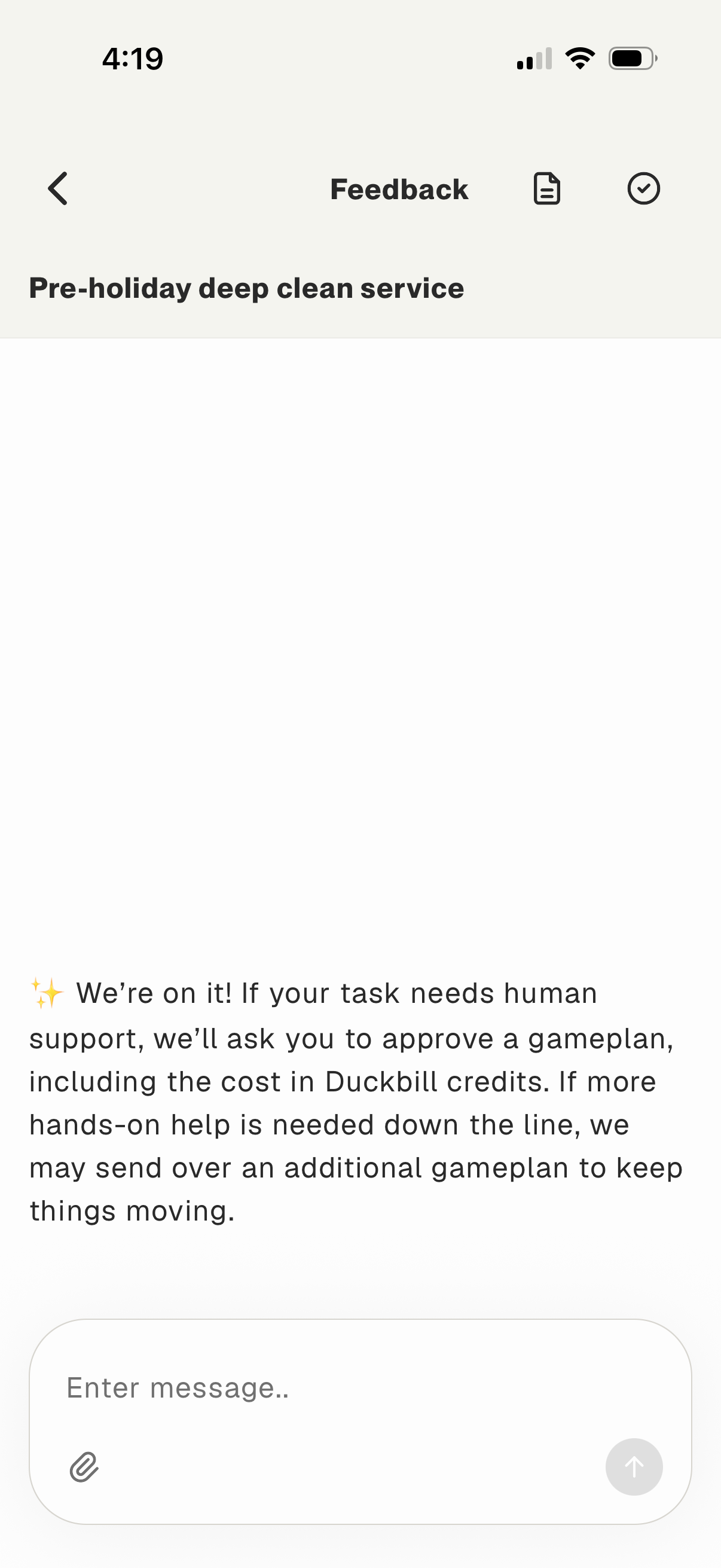
In-app feedback/chat screen for a service request, showing a status message that the team is working on the task and may request approval for a costed “gameplan. ” Includes a message composer with attachment option and send button, plus navigation back and actions to view related details.
2
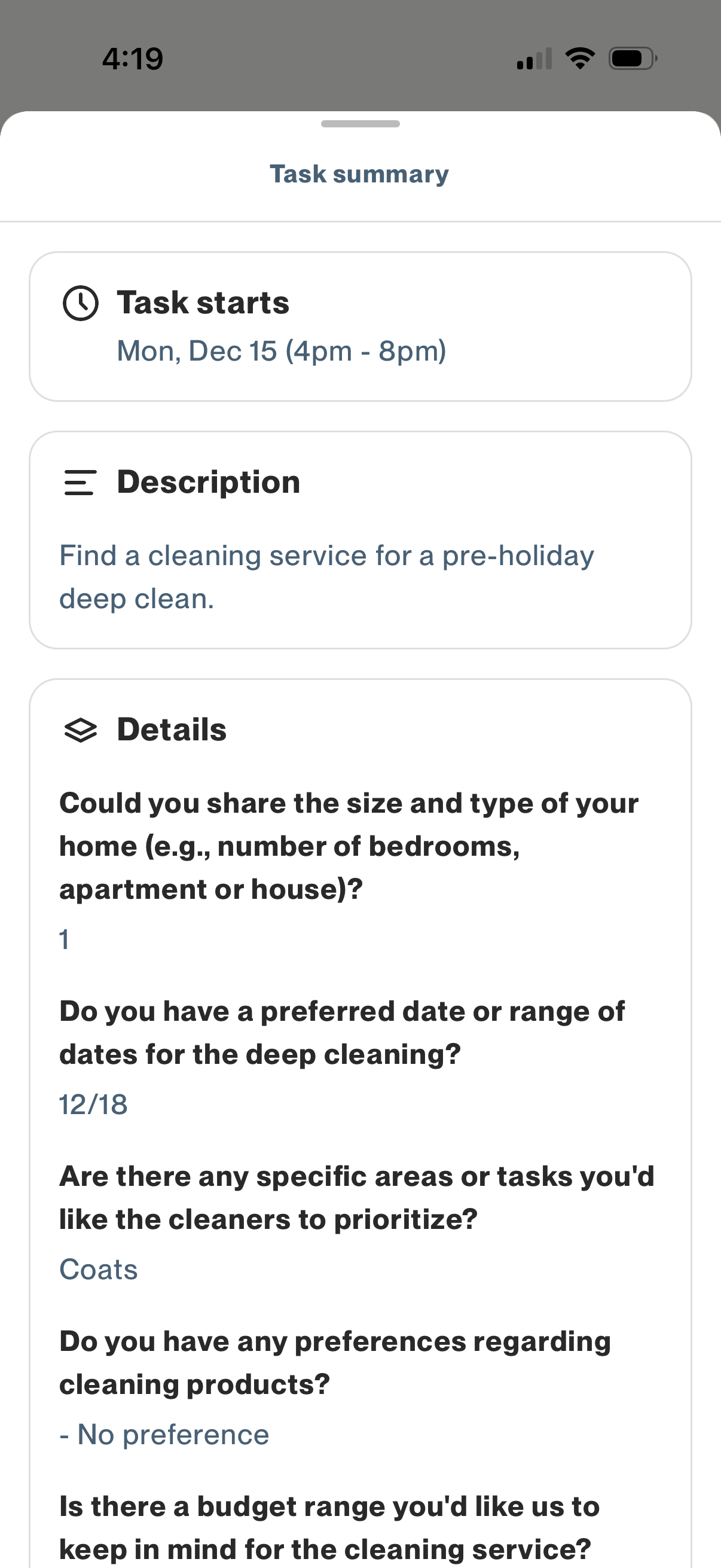
Task summary screen for a booked service request showing the scheduled start date/time, a brief description of the job, and a details section with answers to intake questions (home size/type, preferred dates, priority areas, cleaning product preferences, budget). Designed to review key task information before proceeding or coordinating with the service provider.