check notifications
1
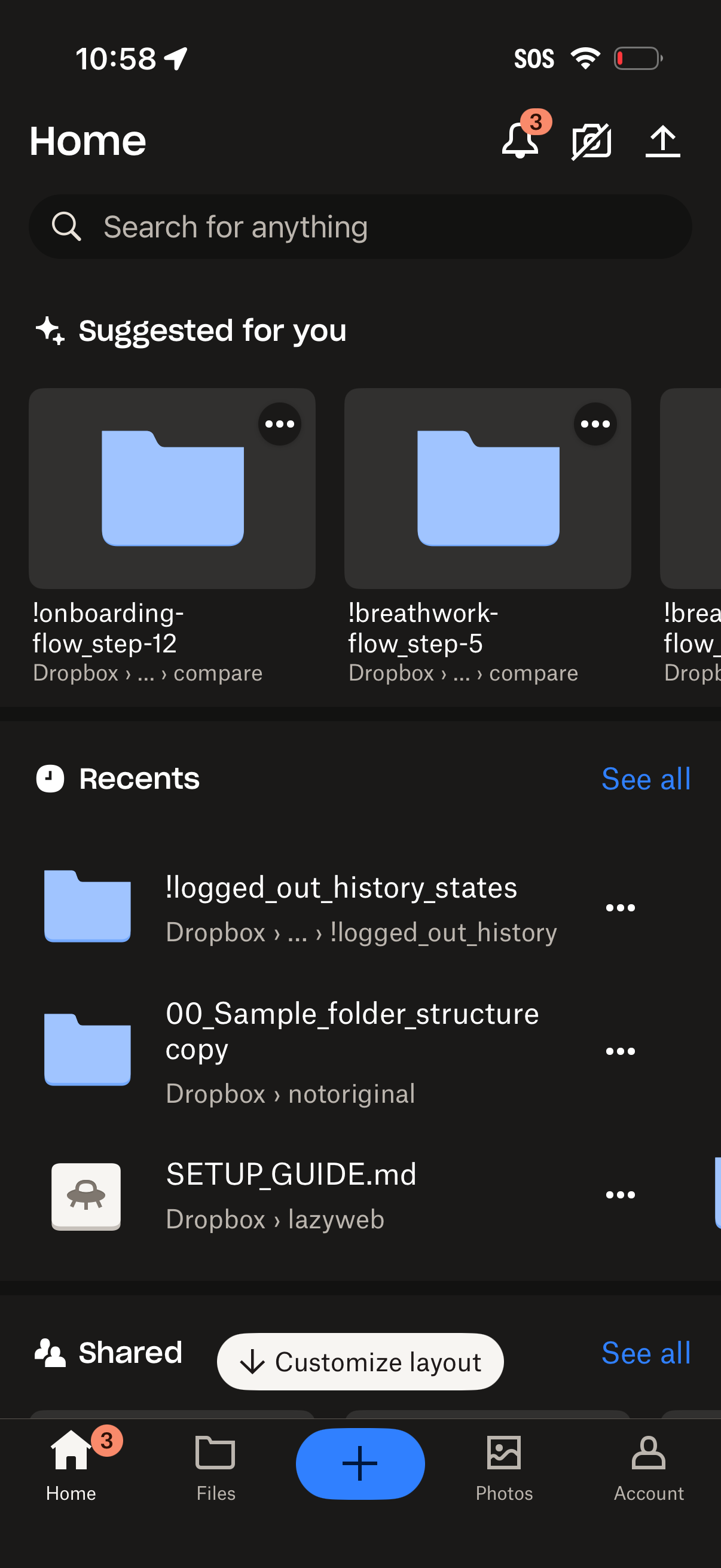
Cloud storage app home dashboard with a global search bar, notification/share actions, and curated “Suggested for you” folders displayed as cards. Below are “Recents” and “Shared” sections with file/folder list items, overflow menus, “See all” links, and a bottom tab bar with a prominent plus button to add/upload content.
2
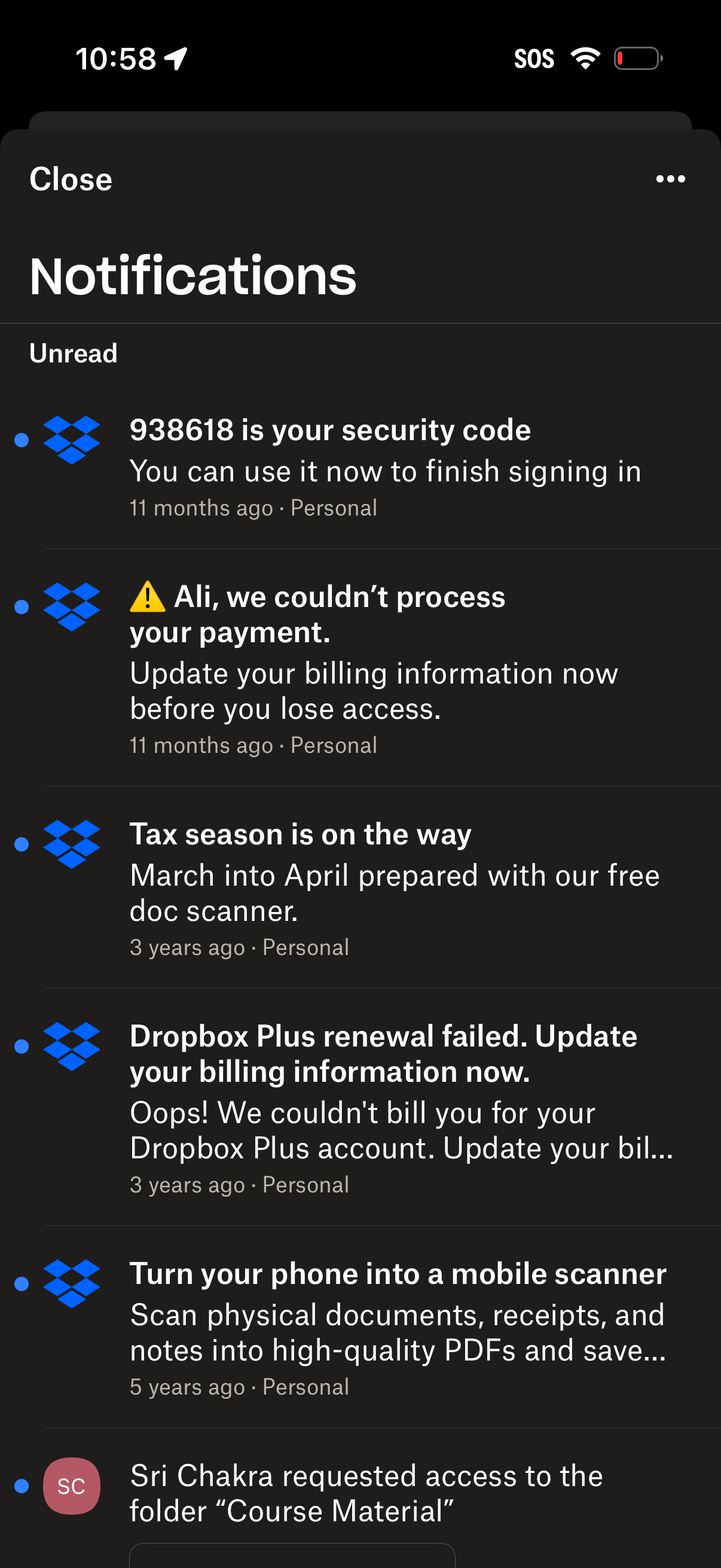
Notifications inbox screen showing an Unread list of message cards from a cloud storage service, including security code login alerts, payment/billing failures, and product announcements. Users can tap a notification to view details, dismiss/close the panel, or access more options via an overflow menu.