view getting started tips
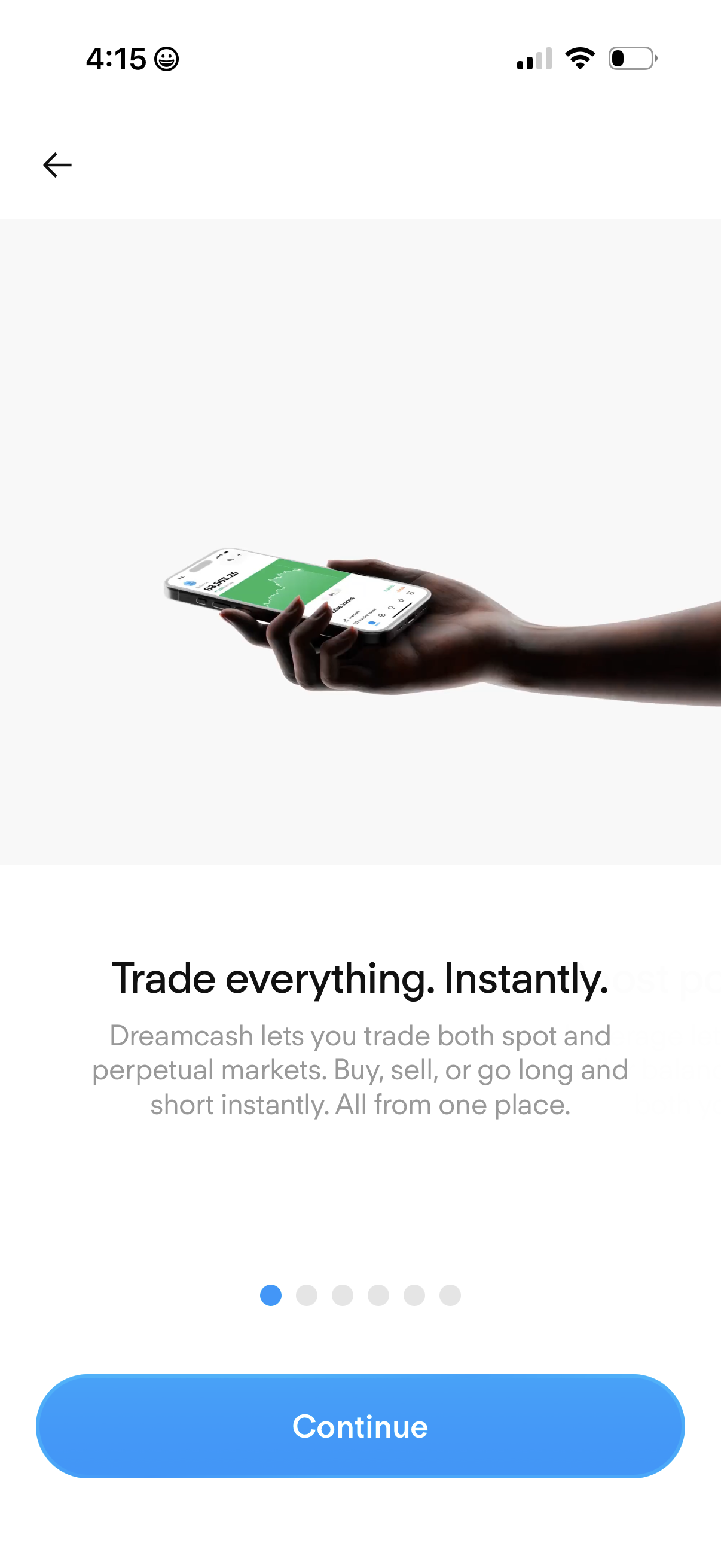
Onboarding carousel screen for a crypto trading app highlighting the value proposition “Trade everything. Instantly.
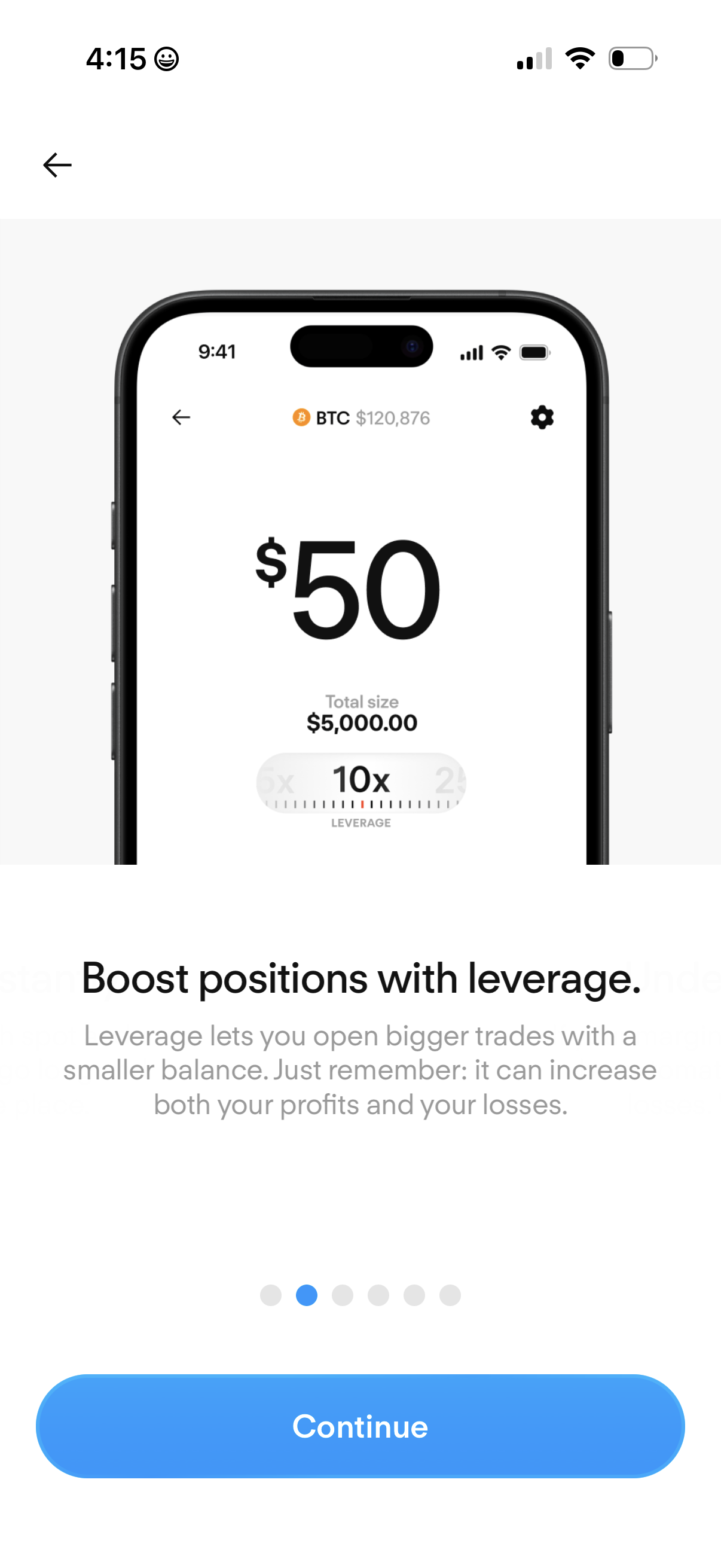
Educational onboarding screen in a crypto trading app explaining how leverage boosts position size, showing an example BTC trade with a leverage multiplier selector and total position size. Includes pagination dots, a back button, and a primary “Continue” call to action to proceed through the tutorial.
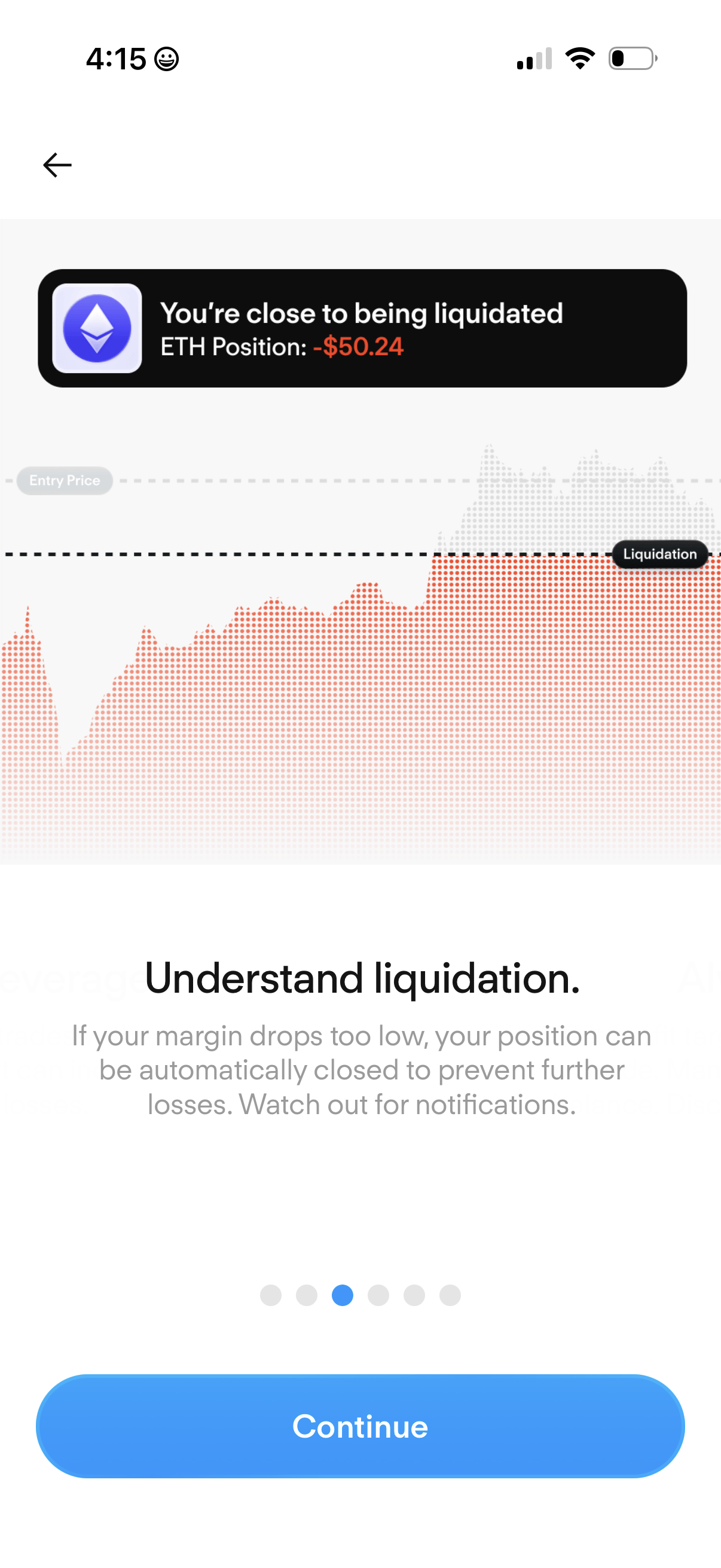
Crypto margin trading warning screen indicating the user is close to liquidation for an ETH position with current loss amount, showing a chart with entry price and liquidation threshold. Includes an educational explanation of liquidation/margin calls and a primary CTA to Continue.
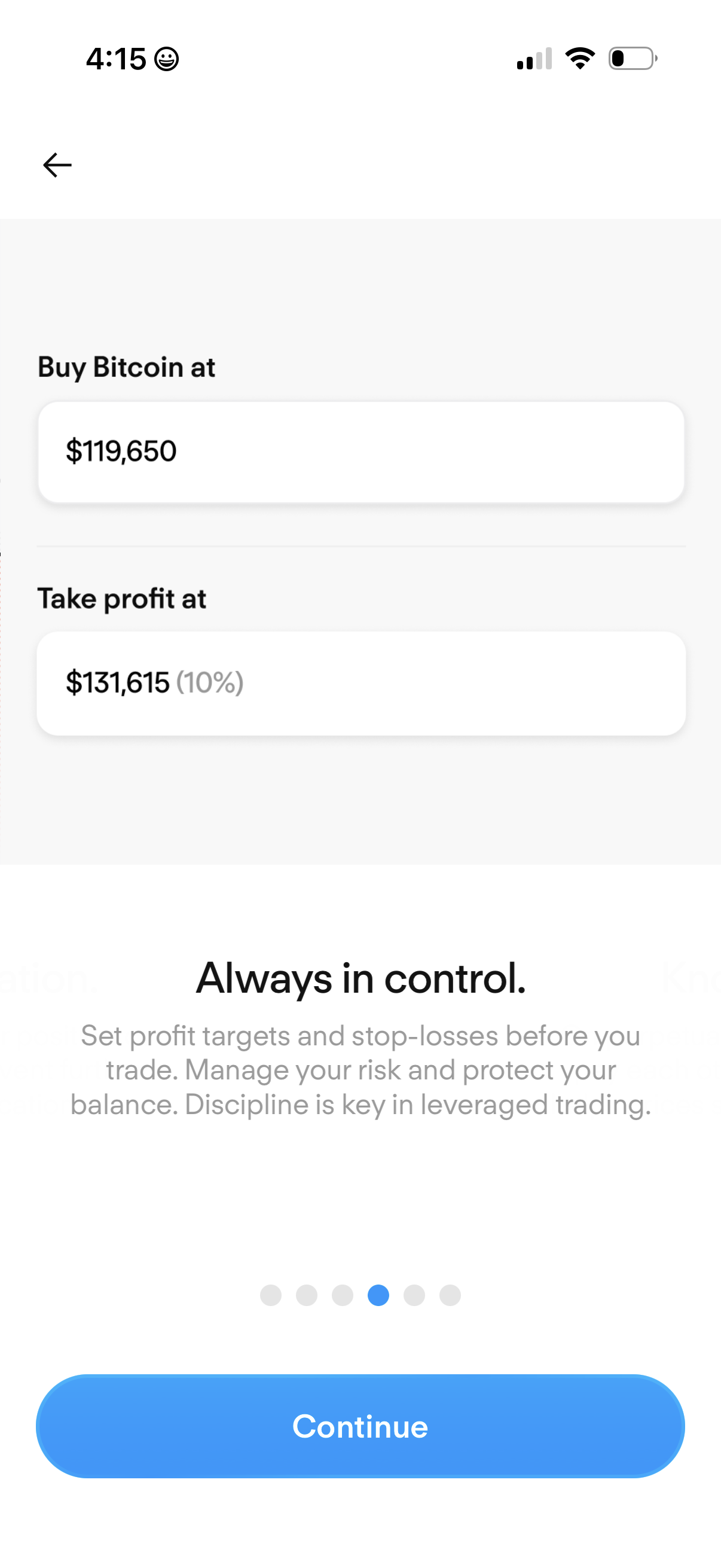
Crypto trading setup screen for creating a Bitcoin order with prefilled entry price and take‑profit target showing the percentage gain. Includes educational copy about risk management (profit targets and stop-losses), a progress indicator, and a primary Continue button to proceed.
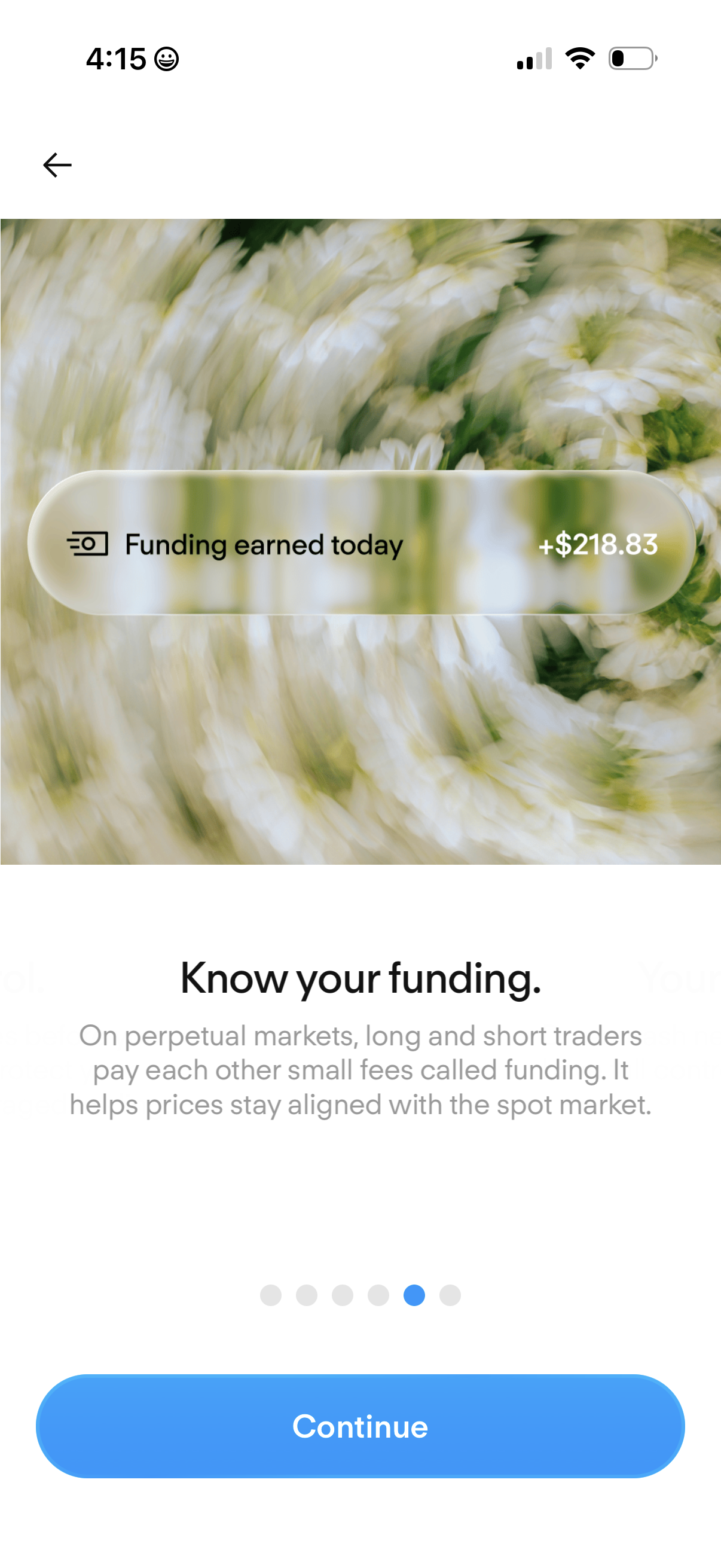
Educational onboarding screen for a crypto/perpetual trading app explaining funding fees, showing a “Funding earned today” amount summary card and a large Continue button to proceed in the multi-step walkthrough.
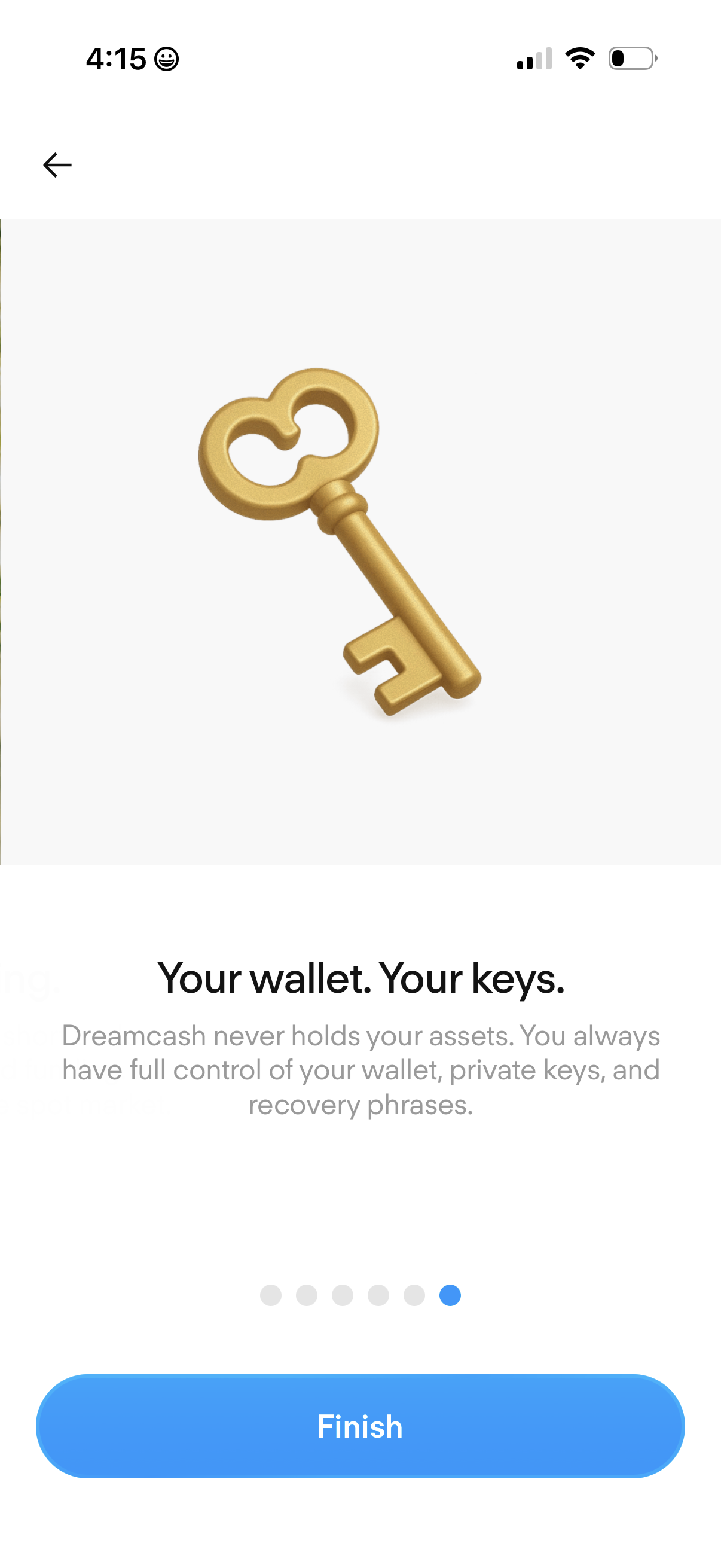
Crypto wallet onboarding education screen emphasizing self-custody and security with a key illustration and message about controlling private keys and recovery phrases. Includes a progress indicator for the onboarding steps, a back arrow, and a primary “Finish” button to complete setup.
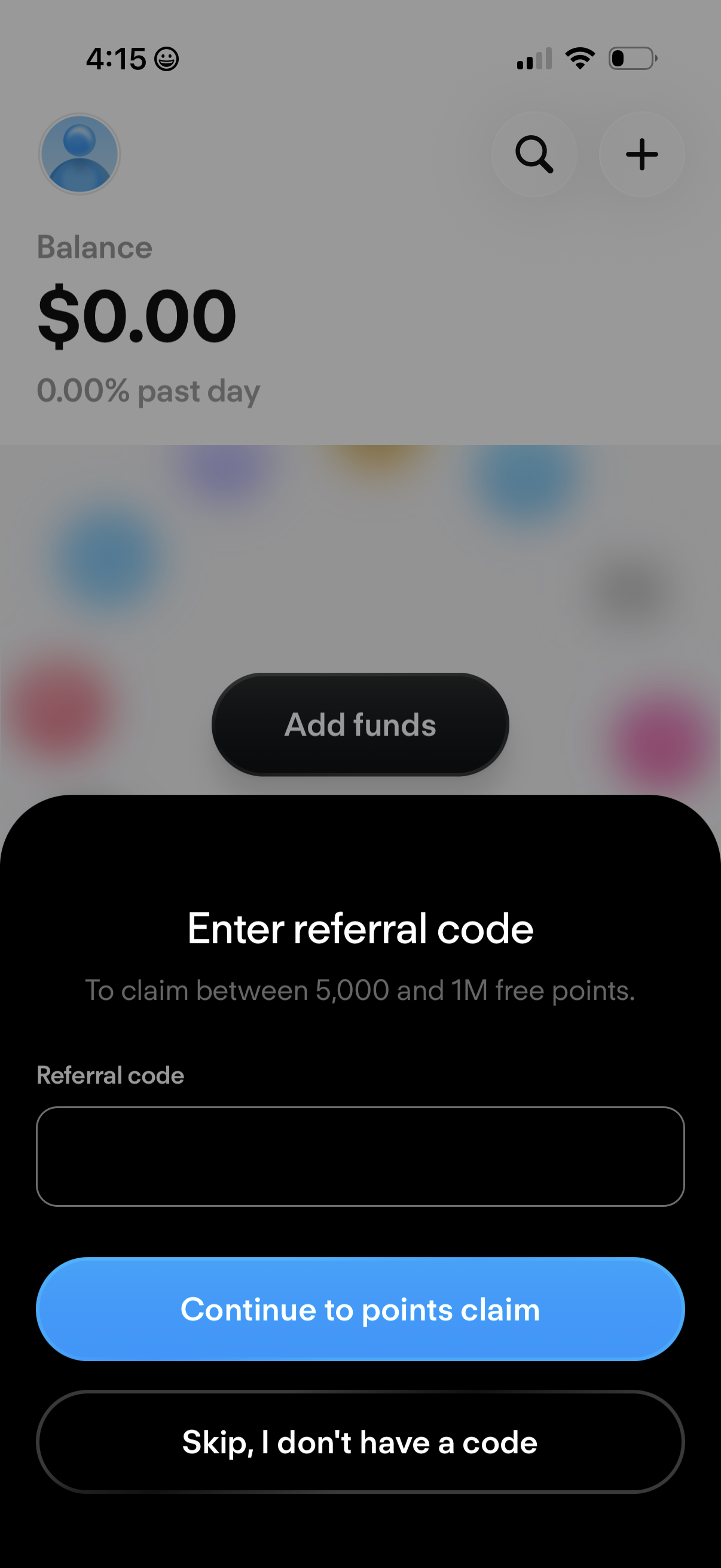
A rewards/finance app modal prompts the user to enter a referral code to claim free points, with a text input field and primary action to continue to points claim. It also offers an option to skip if the user doesn’t have a code, overlaying a balance dashboard with an “Add funds” button.