enable biometric login
1
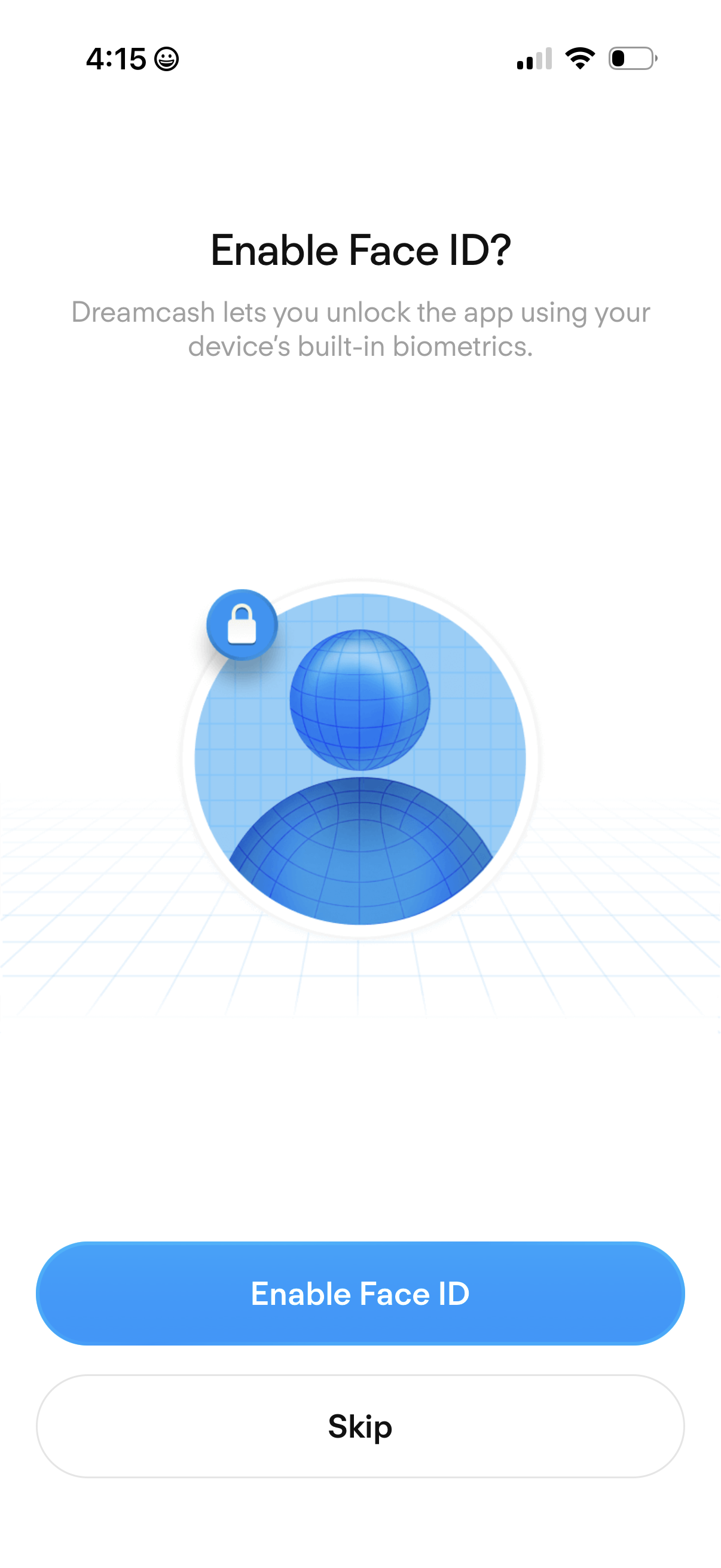
Biometric authentication onboarding prompt asking the user to enable Face ID to unlock the app using device biometrics. Provides primary CTA to “Enable Face ID” and a secondary “Skip” option.
2

Minimal confirmation or success state screen showing a large checkmark icon centered at the top, indicating a completed action or approval. No additional text or buttons are shown, implying an auto-dismiss or transition after completion.