1
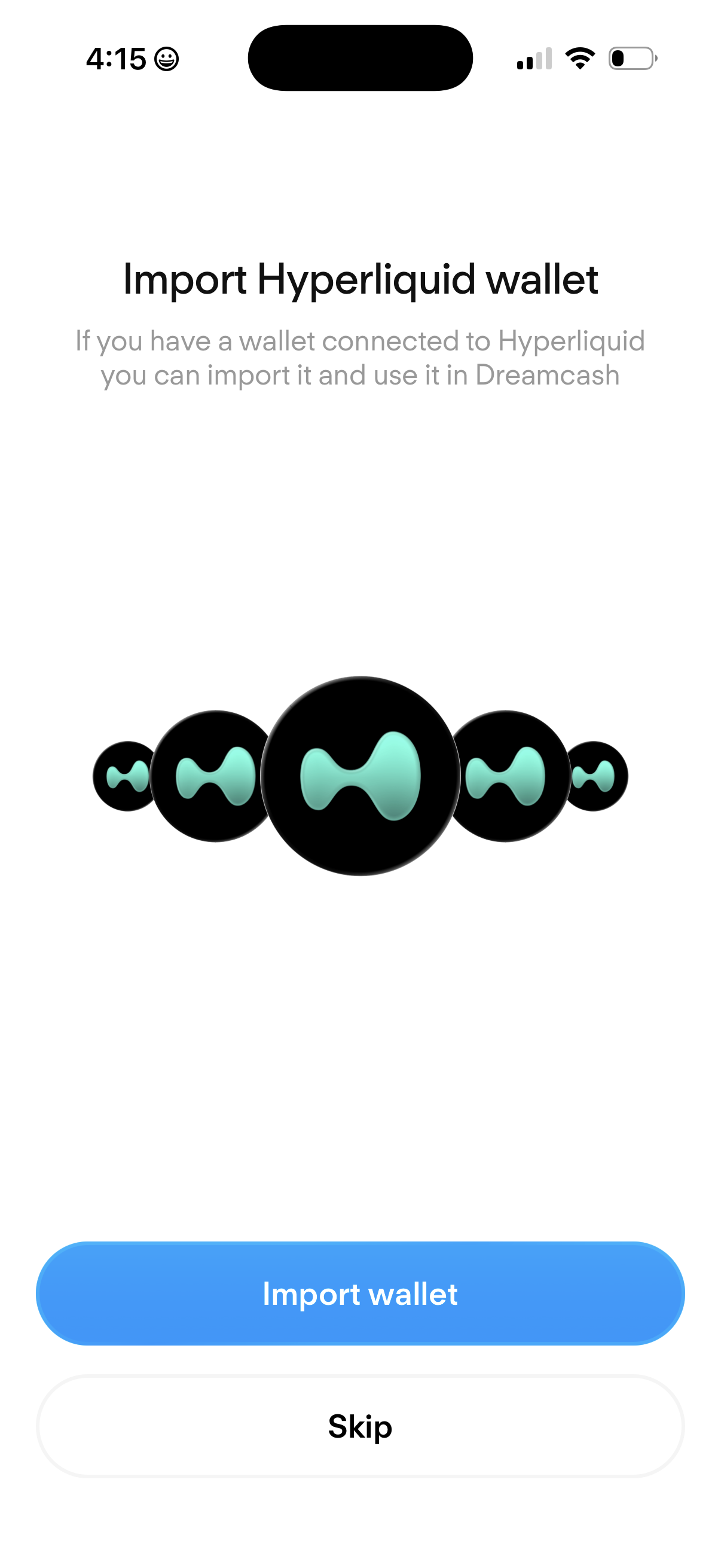
Onboarding screen prompting users to import an existing Hyperliquid crypto wallet to use in the app, with brief explanatory text. Primary CTA is “Import wallet” with a secondary option to “Skip.
2
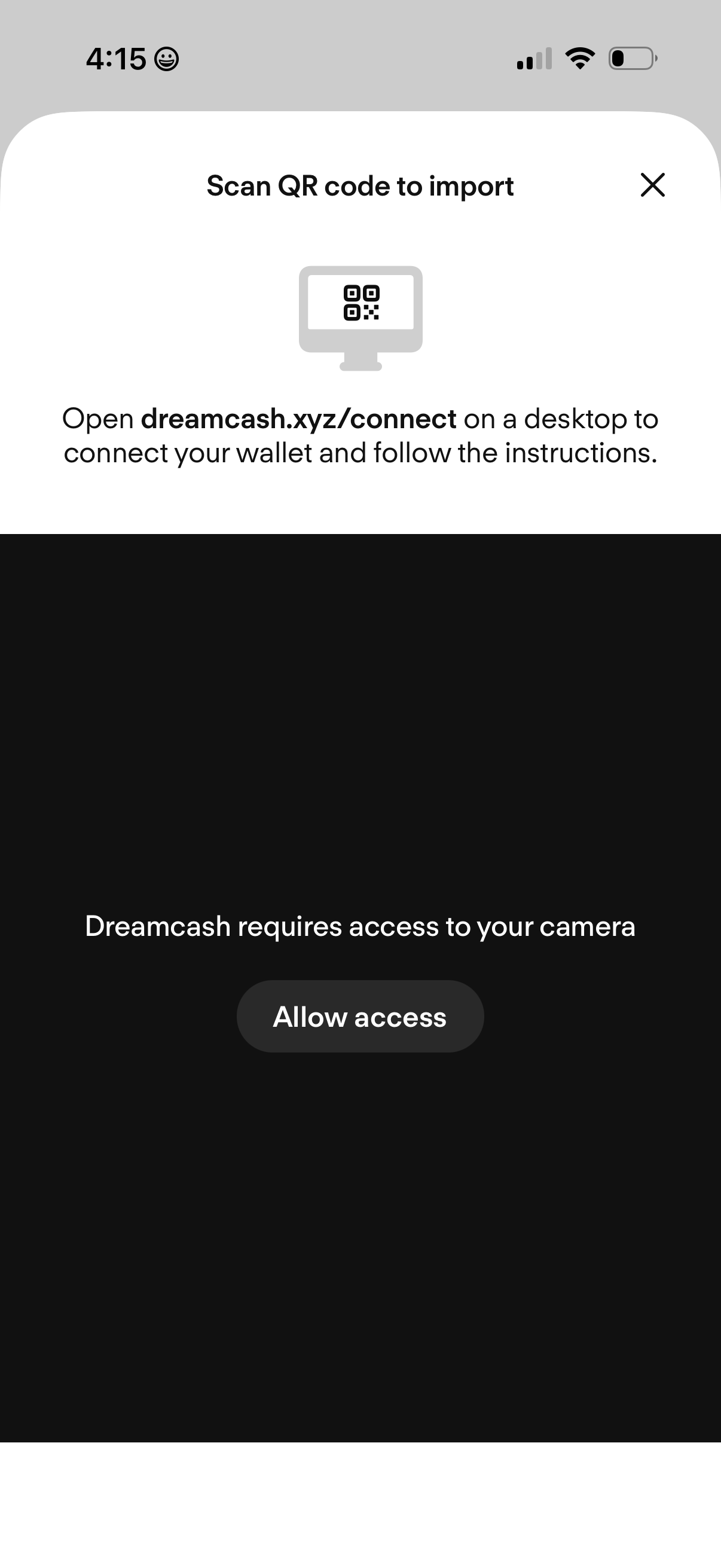
QR code scanning screen for importing or connecting a crypto wallet, instructing the user to open a desktop connect page and scan the code. Includes a prompt to grant camera permission with an “Allow access” button and a close icon to dismiss.