browse webcams and event
1
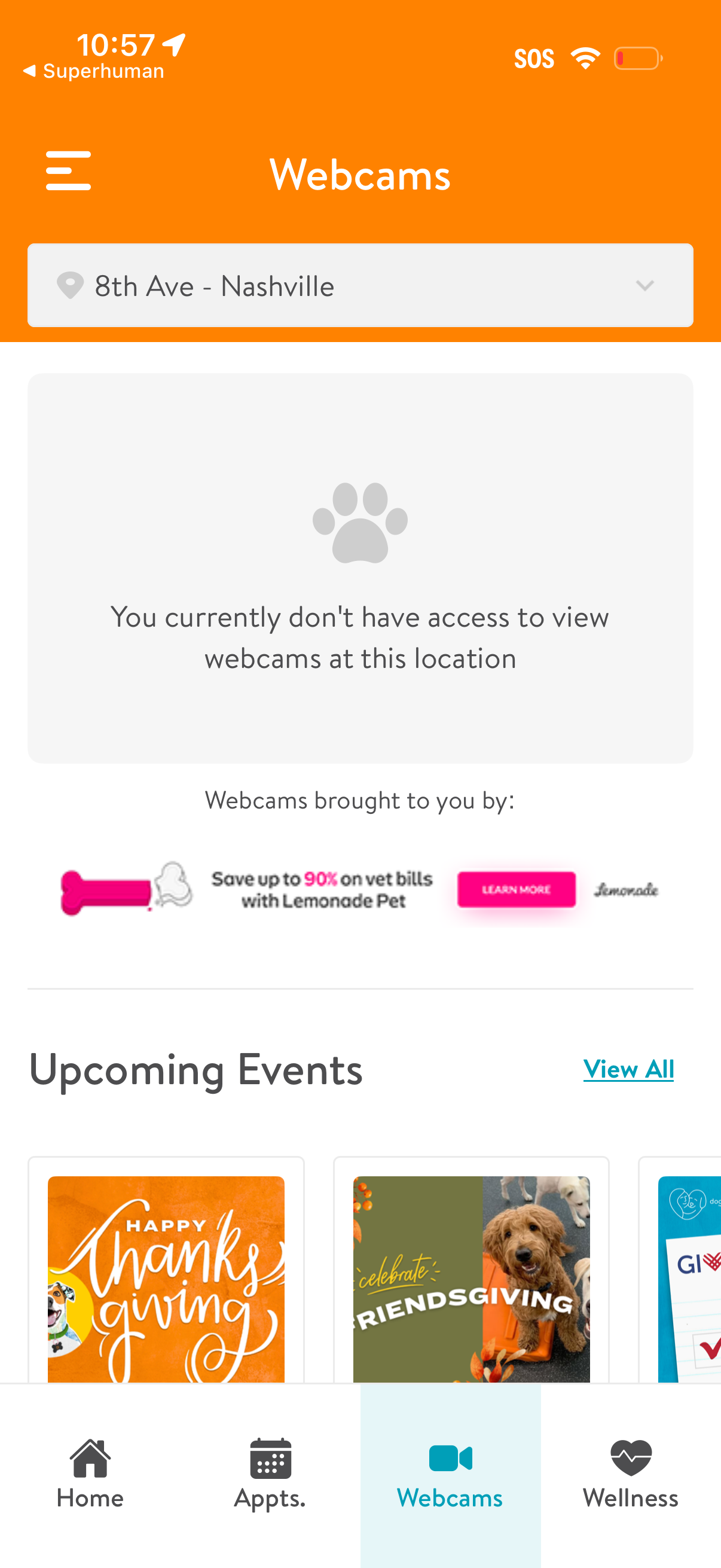
Location-based webcams screen with a dropdown to select a facility and a message indicating the user doesn’t have access to view webcams at the chosen location. Below, it promotes sponsored content and shows an “Upcoming Events” section with a “View All” link, plus bottom navigation tabs for Home, Appointments, Webcams, and Wellness.
2
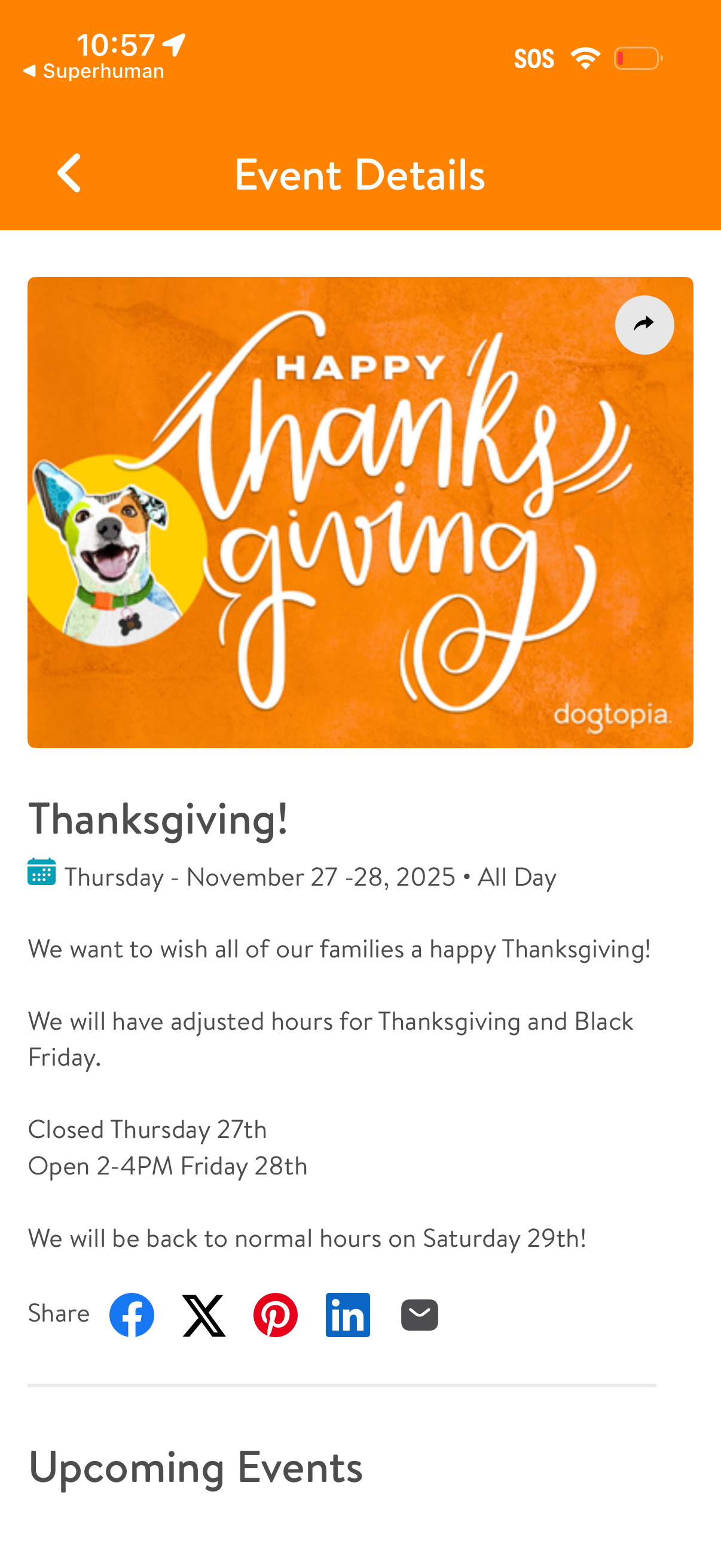
Event details screen showing a holiday announcement with a header image, event title, date range and all-day indicator, and a descriptive message including adjusted business hours/closures. Includes a share action with social network icons and a section preview for upcoming events.