review redemption history
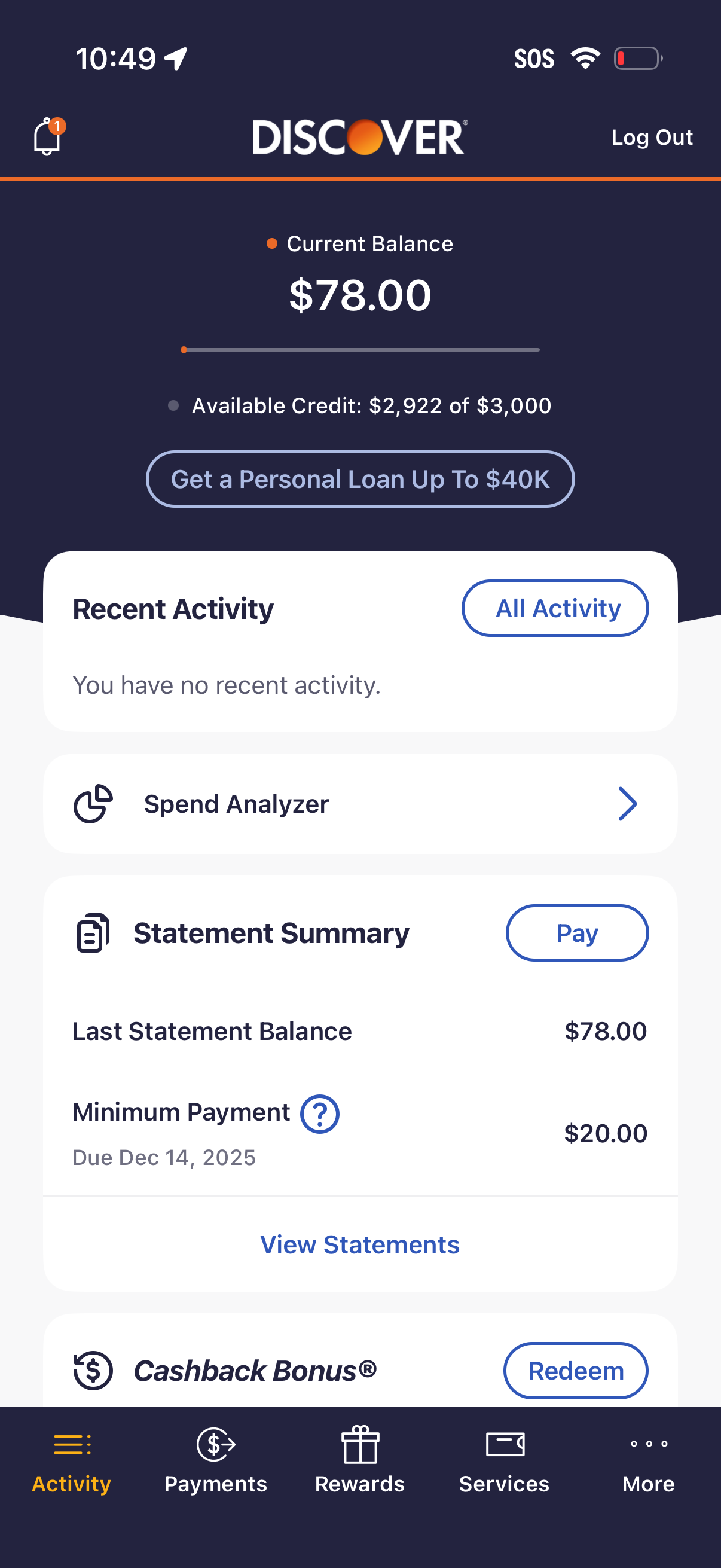
Credit card account dashboard showing current balance and available credit, with a CTA to apply for a personal loan. Includes cards for recent activity, spend analyzer, statement summary with minimum payment due and a Pay button, plus access to view statements and redeem cashback rewards via bottom navigation.
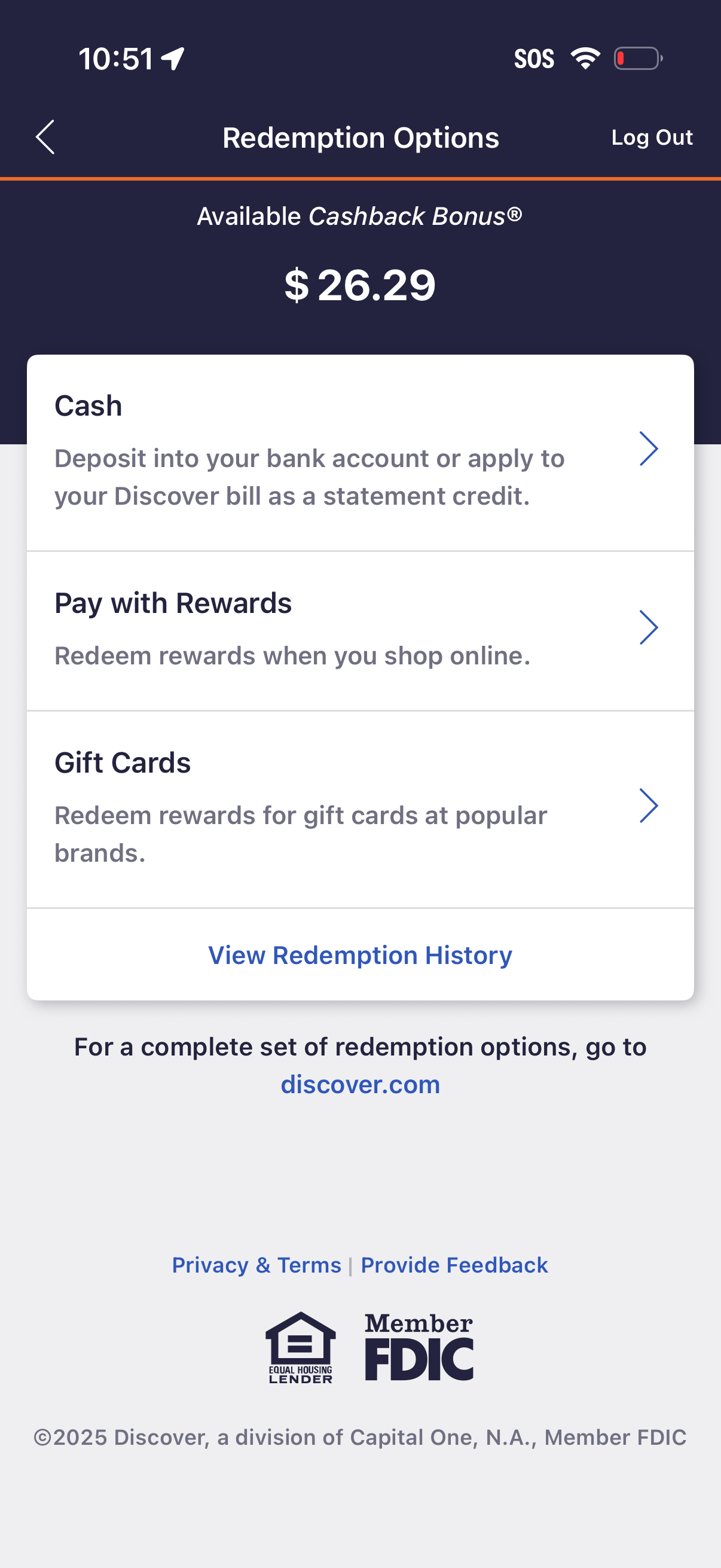
Rewards redemption options screen showing available cashback bonus balance and navigation to redeem as cash (bank deposit or statement credit), pay with rewards for online purchases, or redeem for gift cards, with a link to view redemption history and account logout.
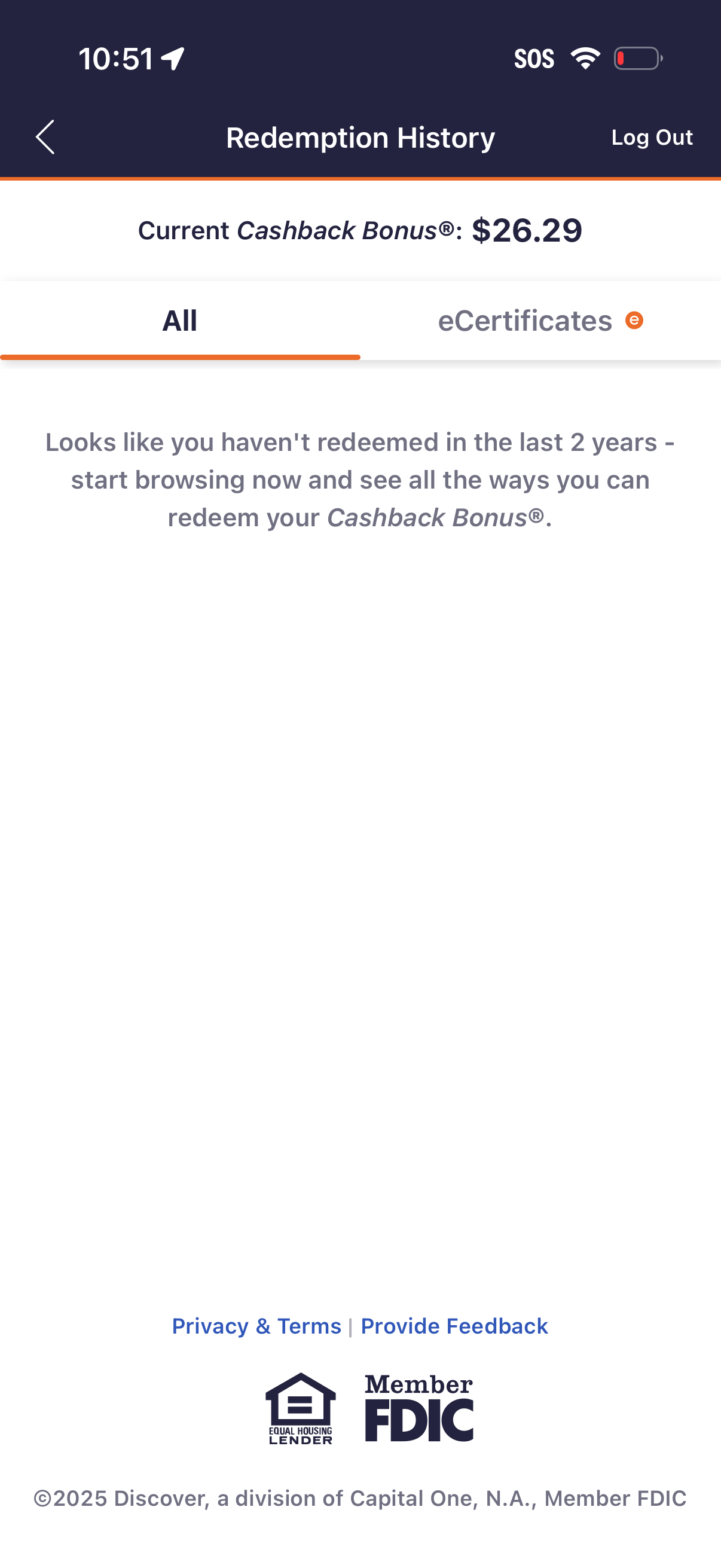
Redemption History screen for a rewards/cashback program showing the current Cashback Bonus balance and tabs to view all redemptions or eCertificates. Includes an empty-state message prompting the user to browse redemption options, plus back navigation and a Log Out action.
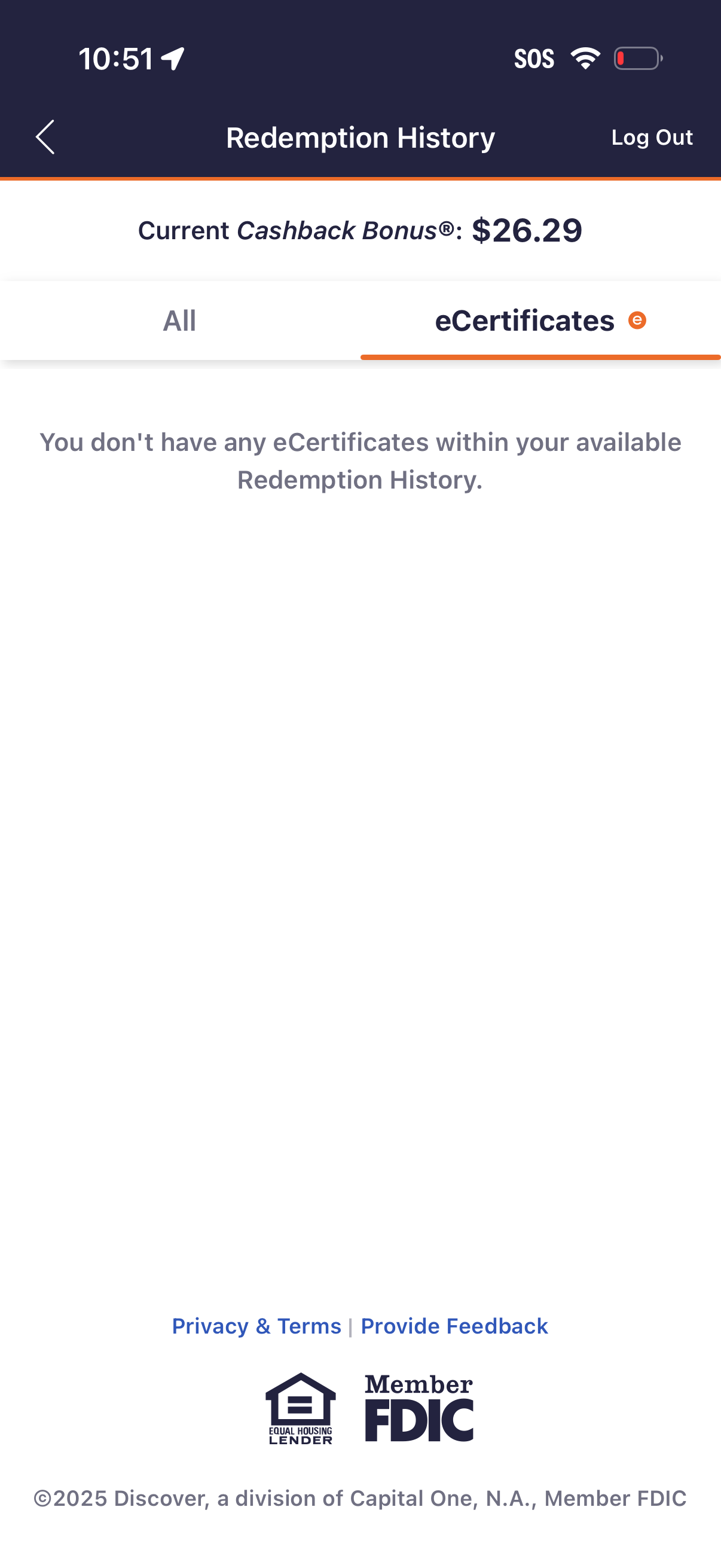
Rewards redemption history screen showing the user’s current cashback bonus balance and tab filters for viewing all redemptions or only eCertificates. Includes an empty-state message when no eCertificate redemptions are available, plus navigation back and a log out action.