browse by category
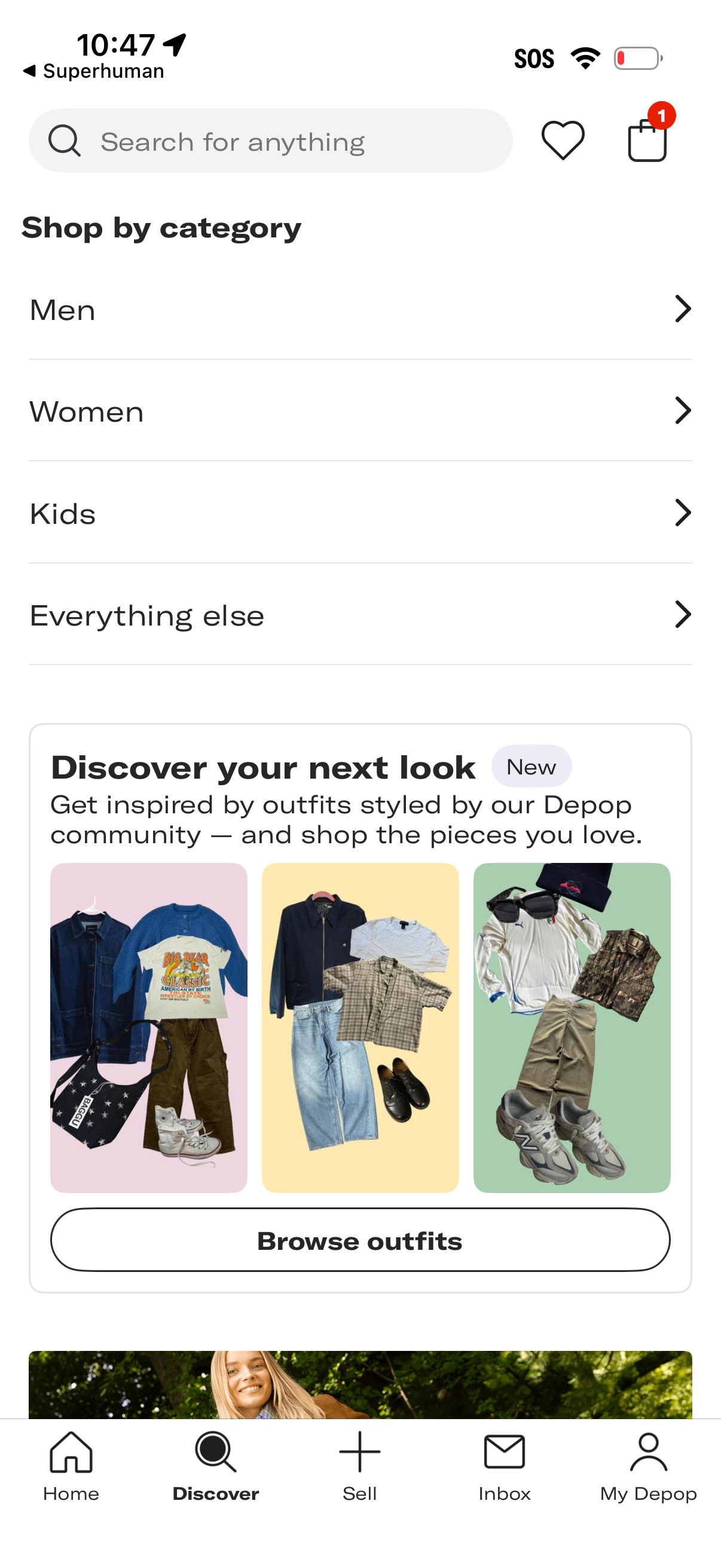
Shopping discovery screen for a fashion marketplace with a search bar, quick access to wishlist and cart, and a “Shop by category” list (Men, Women, Kids, Everything else). Includes a featured style inspiration module prompting users to “Discover your next look” with outfit previews and a primary “Browse outfits” call to action, plus bottom navigation for Home, Discover, Sell, Inbox, and profile.
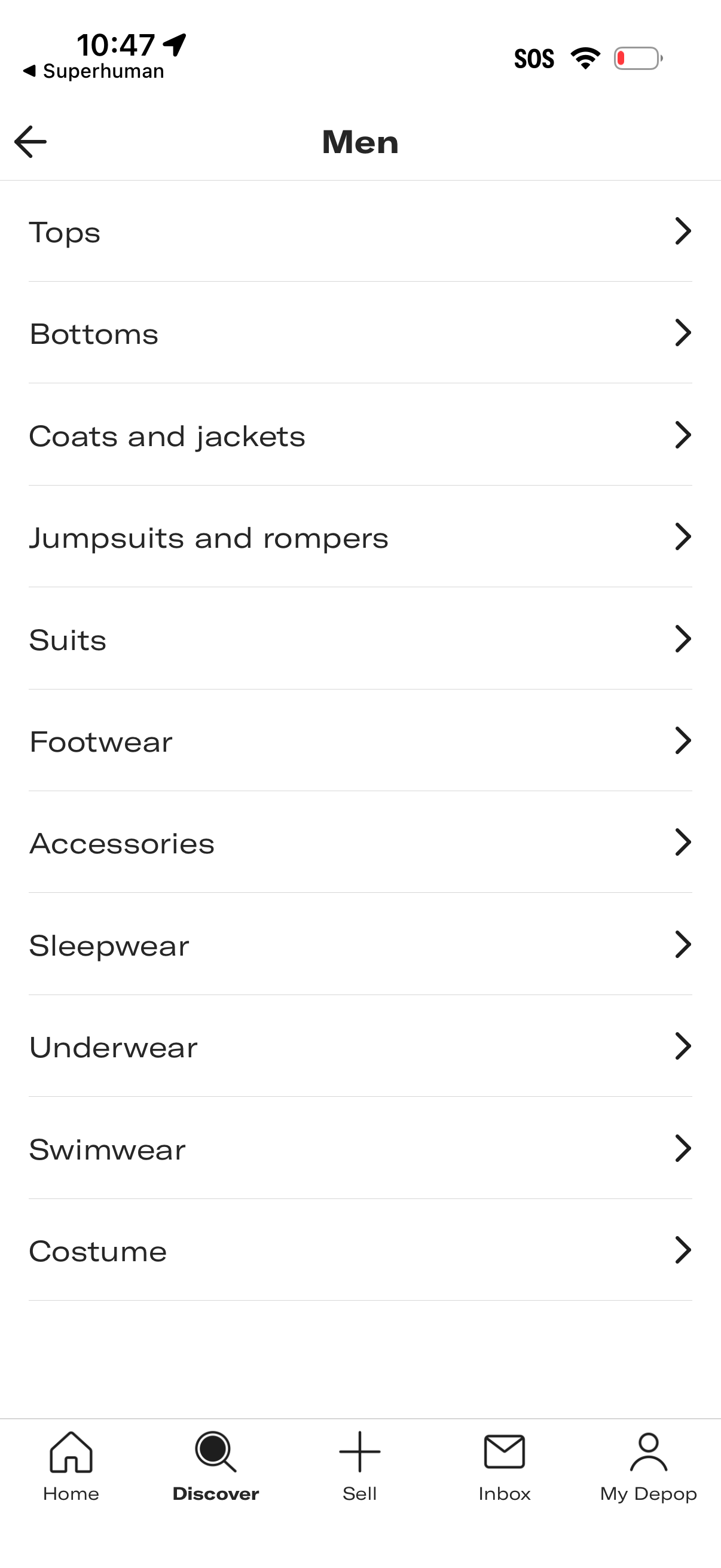
Men’s shopping category menu displaying a list of clothing and accessory subcategories (tops, bottoms, coats and jackets, jumpsuits, suits, footwear, accessories, sleepwear, underwear, swimwear, costume) with chevrons to navigate into each section. Includes a back button and a bottom tab bar for Home, Discover, Sell, Inbox, and profile.
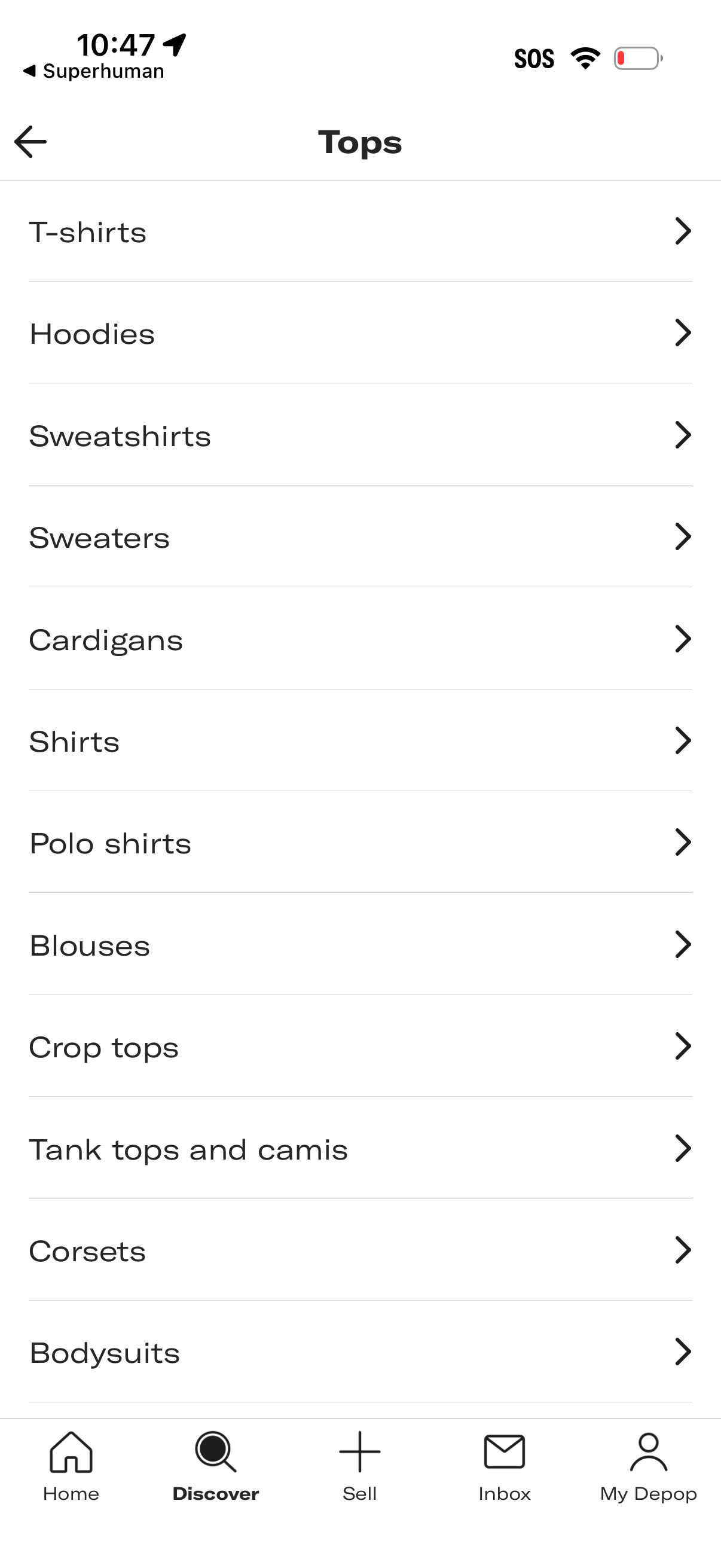
Clothing marketplace category browsing screen for “Tops” showing a simple list of subcategories (T-shirts, hoodies, sweatshirts, sweaters, cardigans, shirts, blouses, crop tops, tank tops, corsets, bodysuits) with chevrons to drill into each. Includes back navigation and a bottom tab bar for Home, Discover, Sell, Inbox, and Profile.
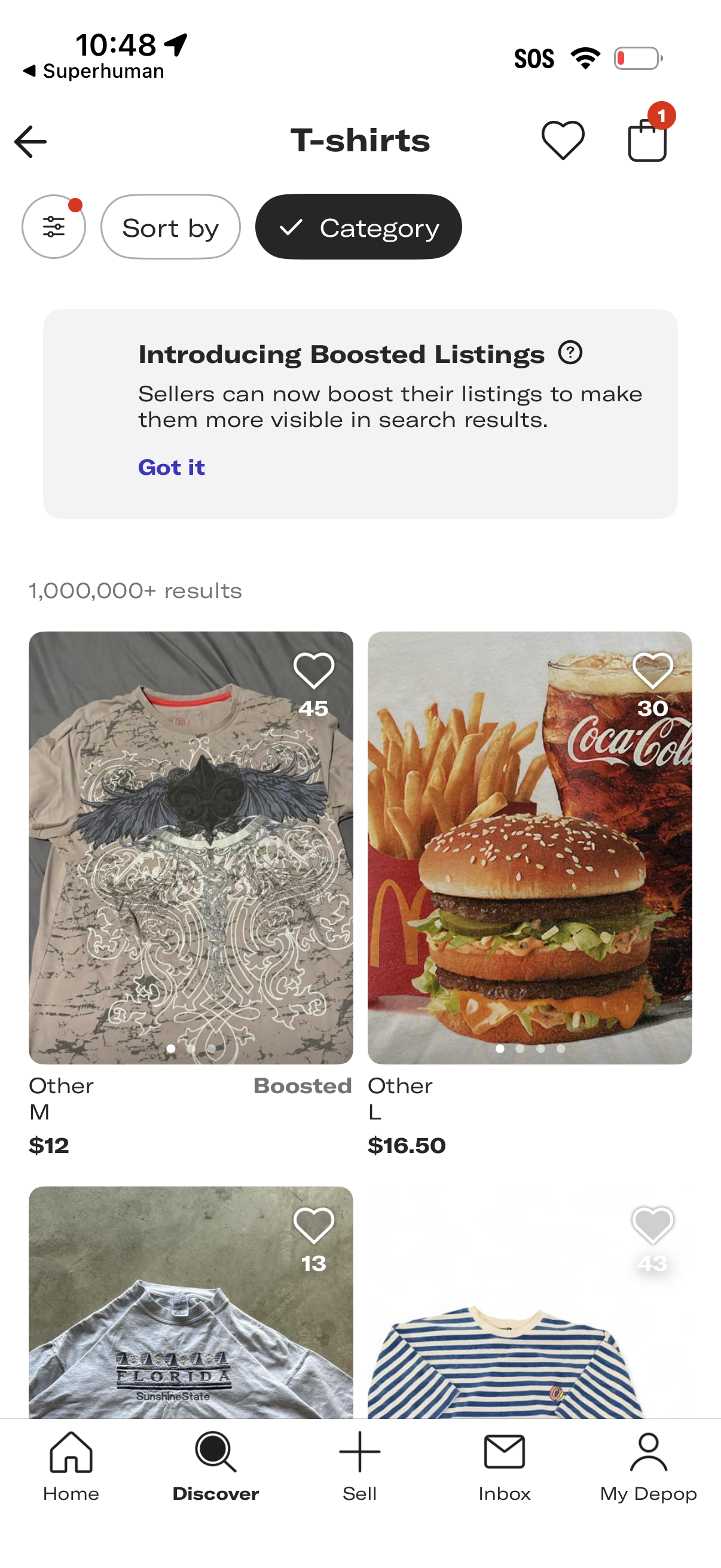
Marketplace category browse screen for T-shirts showing a grid of product listings with photos, prices, sizes, and like/favorite counts, including a “Boosted” label for promoted items. Users can filter and sort results, open favorites and cart, and dismiss an informational banner about boosted listings.
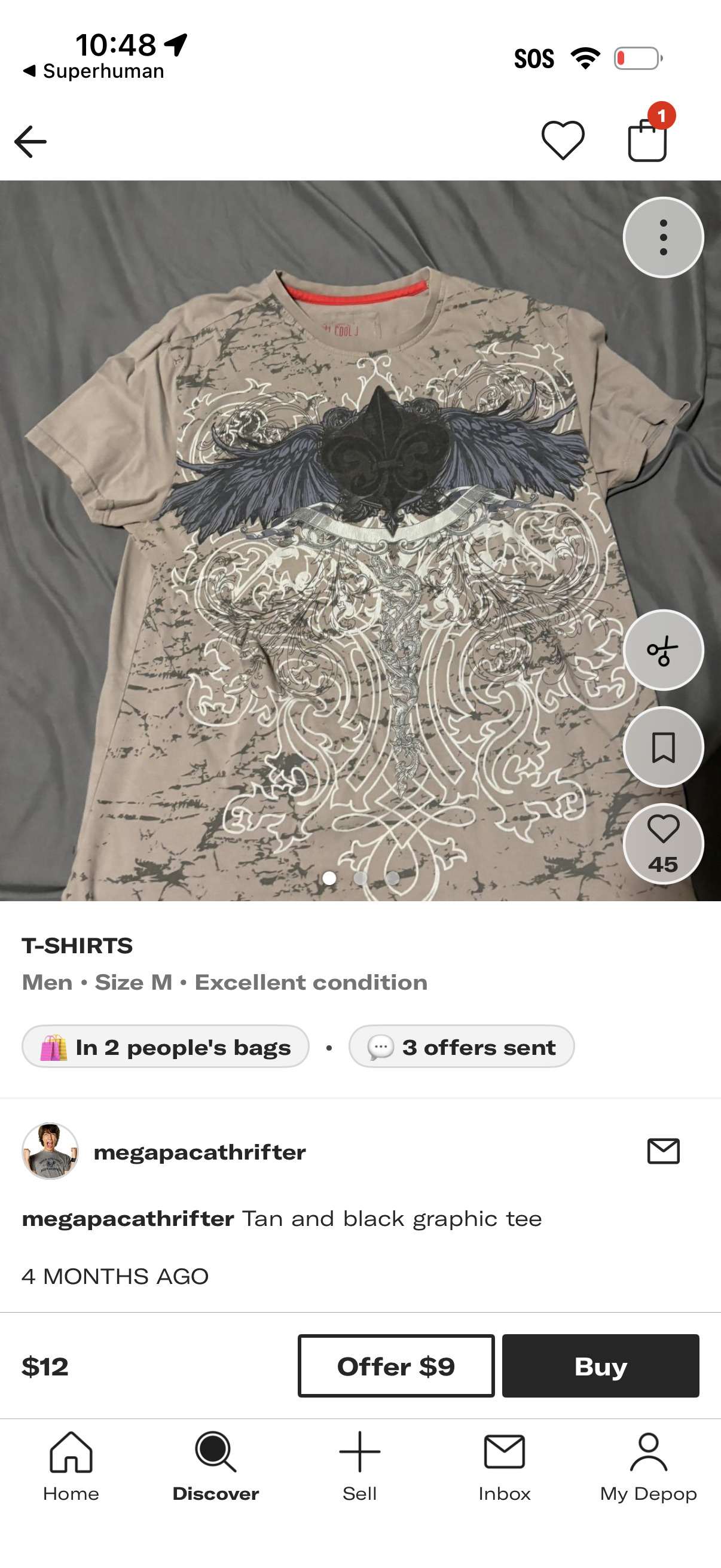
Secondhand marketplace product detail screen for a men’s T-shirt listing, showing a large photo carousel, category/size/condition info, seller profile and description, and social proof like “in people’s bags” and offers sent. Primary actions include making an offer, buying now, favoriting/liking, saving/bookmarking, sharing/more options, and messaging the seller, with bottom tab navigation.