search cover photo
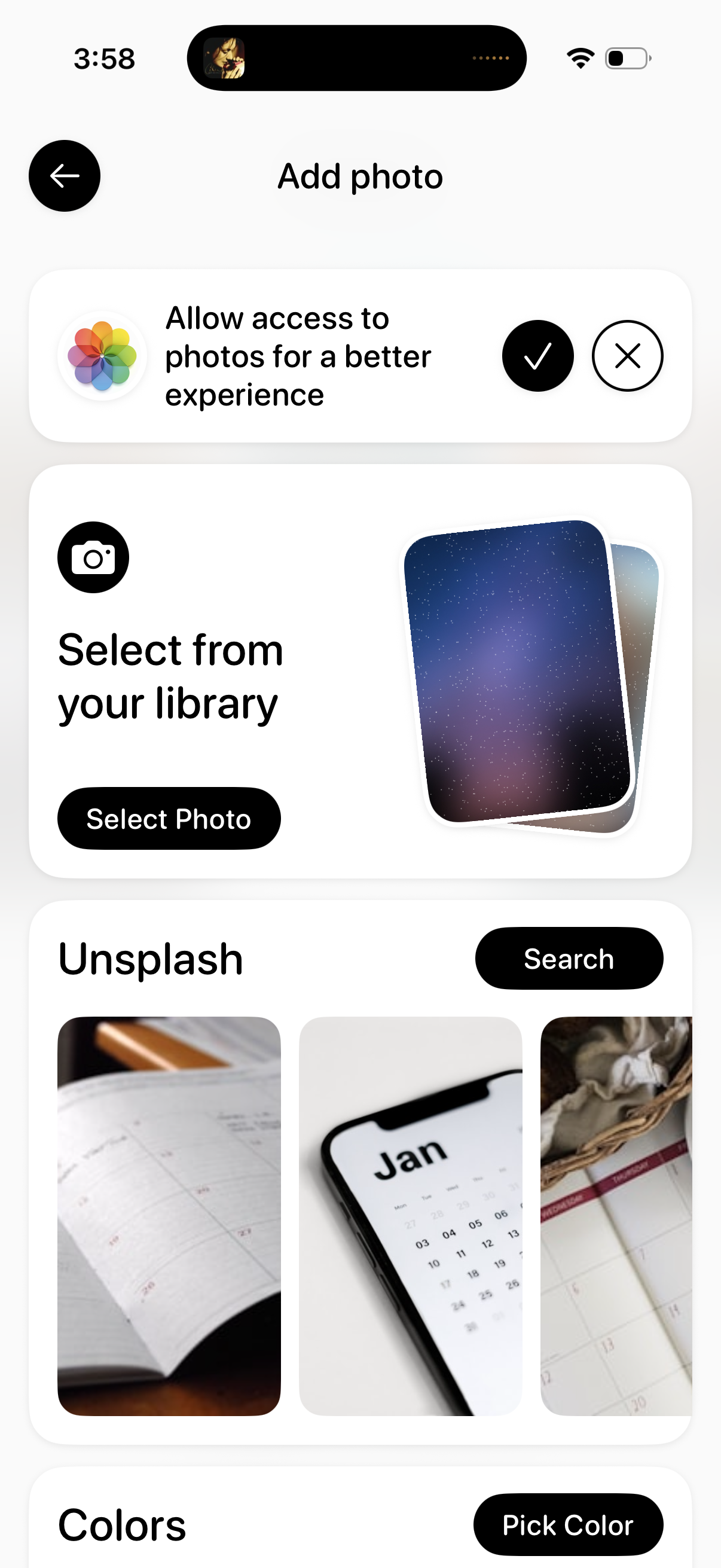
Add photo screen for choosing an image source, prompting the user to allow photo library access and offering actions to select a photo from the device library or browse/search Unsplash stock images. Includes navigation back and options to pick a solid color background.
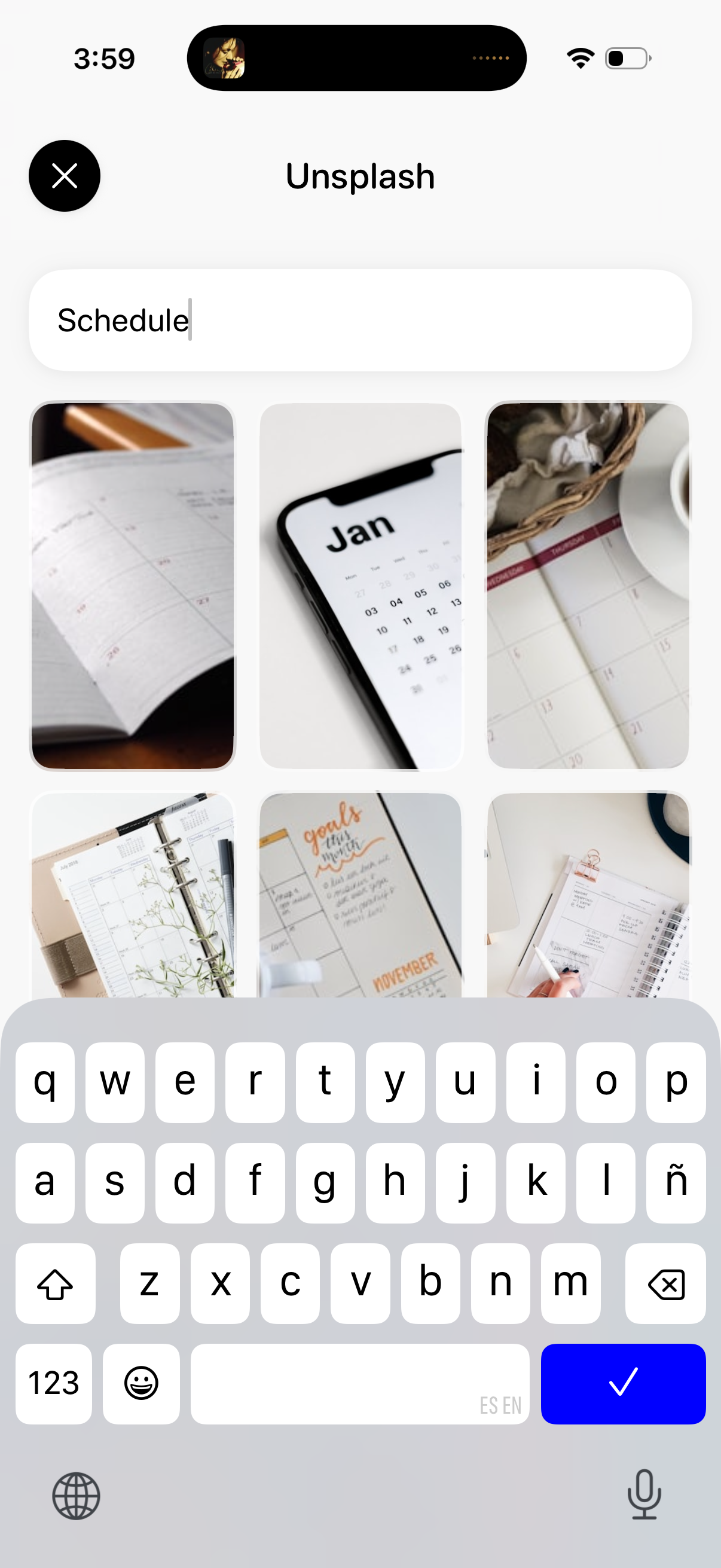
Unsplash image picker screen with a search bar for entering keywords and a grid of photo results displayed as rounded thumbnails. Users can type a query (e.
A full-screen loading state with a centered circular spinner over a blurred/dimmed background, indicating content is being fetched or processed. A back arrow in the top left lets users exit or return to the previous screen while the app loads.
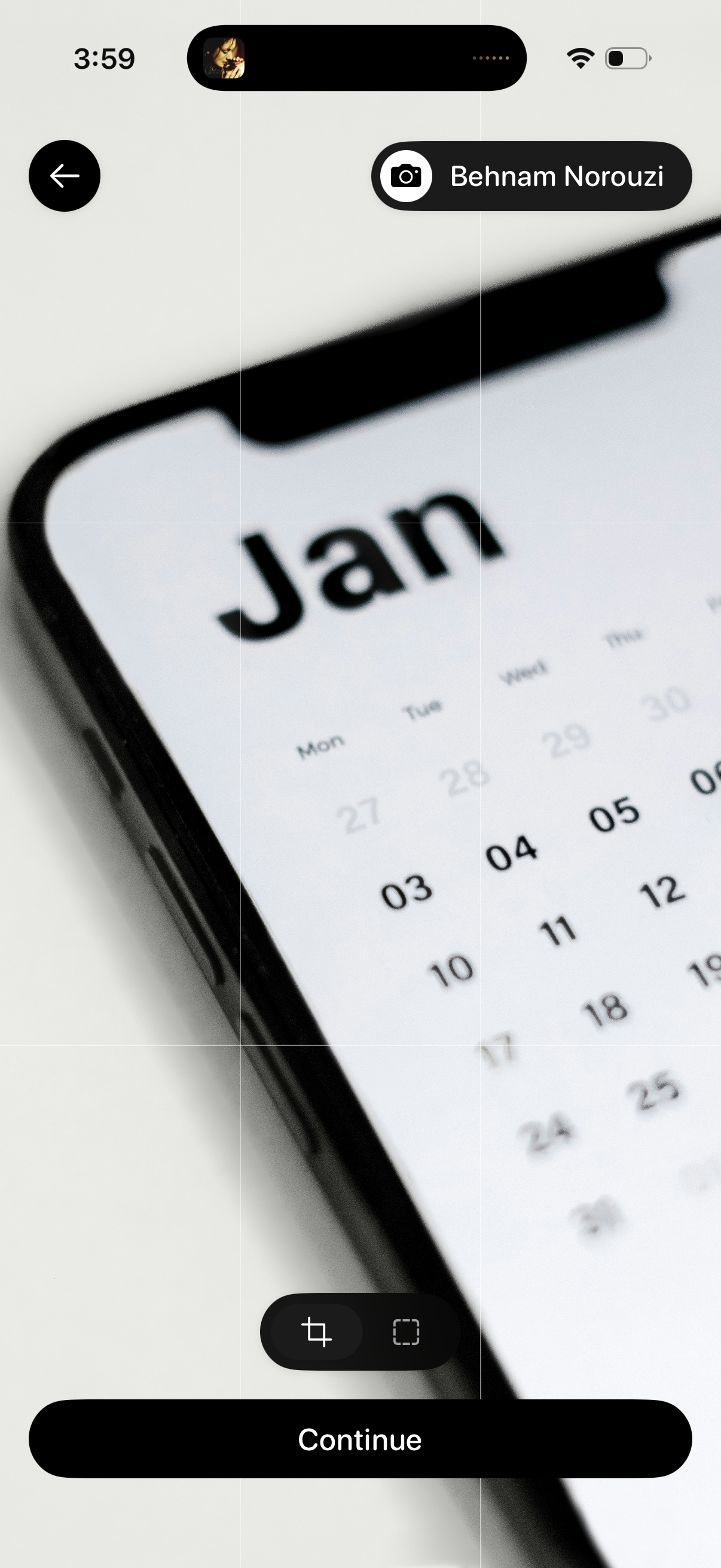
Photo editing and upload screen for setting a profile or cover image, showing a full-screen image with a grid overlay and tools to crop/adjust. Includes a back button, camera/profile label, and a primary “Continue” CTA to confirm the edit and proceed.
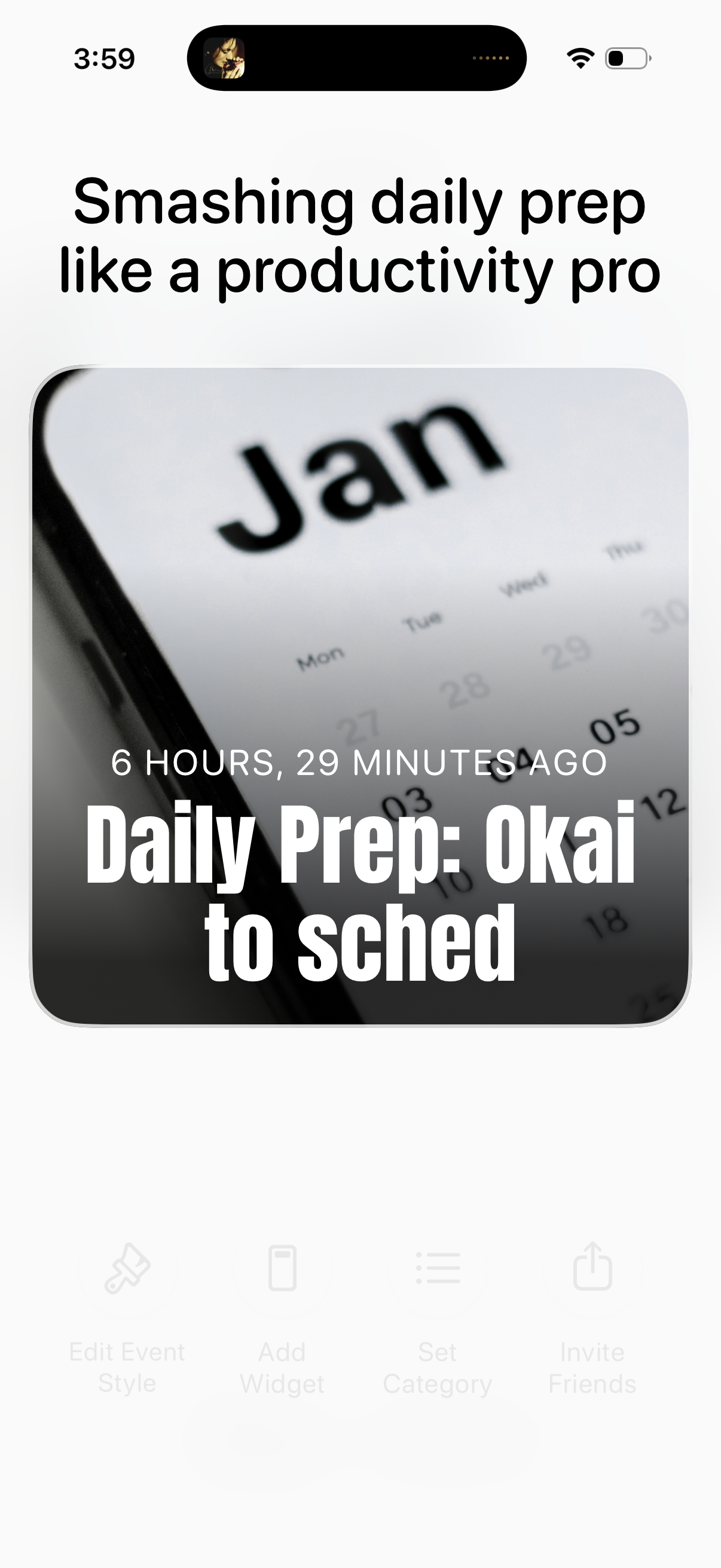
Motivational onboarding or landing screen for a productivity app focused on daily planning, featuring a large headline and a preview card for a “Daily Prep” session with a timestamp showing when it was last completed. The screen emphasizes prepping and scheduling as the core activity, with a content tile that suggests tapping to start or review the daily prep.
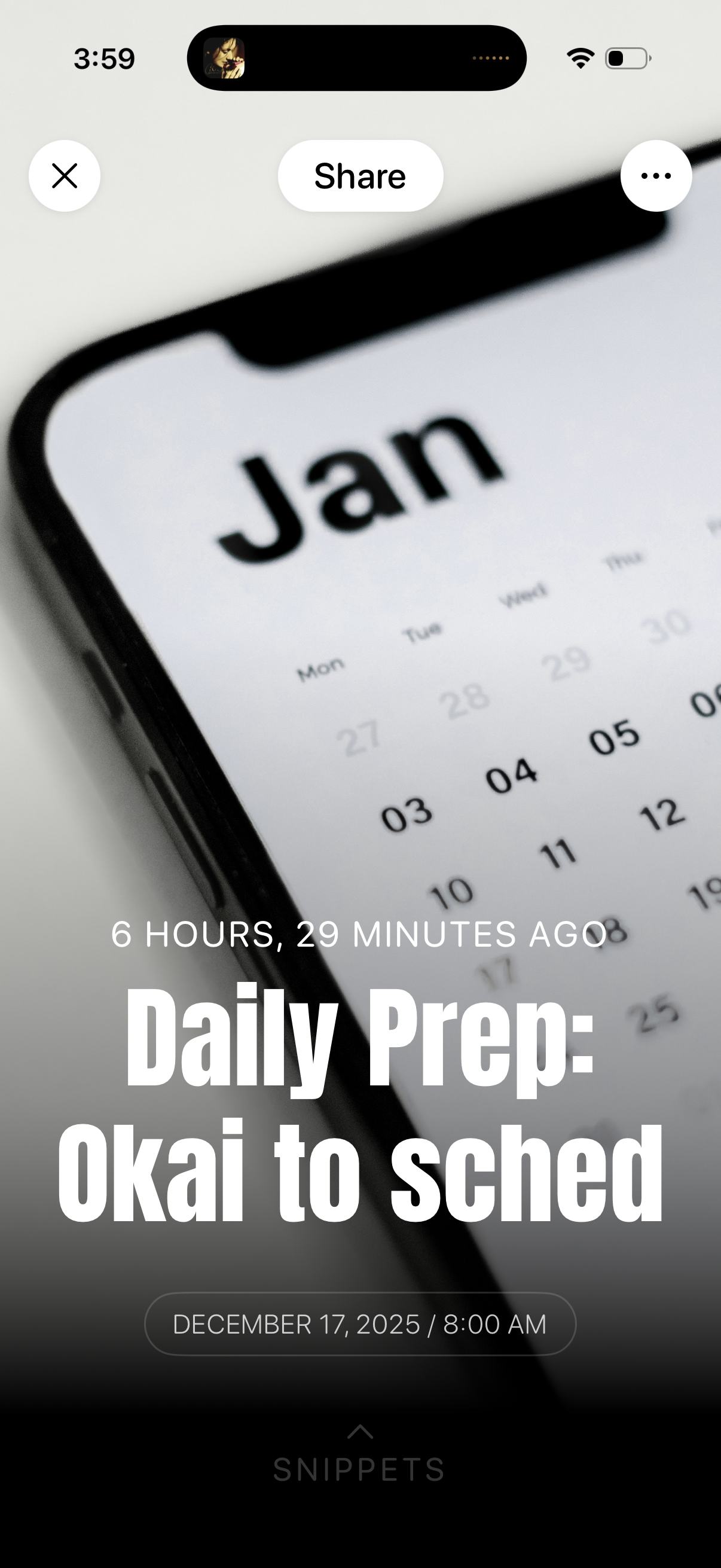
Full-screen audio episode or podcast snippet share screen showing the episode title and publish time over cover art, with a prominent Share button plus close and more options. A bottom sheet teaser indicates the snippet/library area and displays the selected date and time for the clip.