add home widget
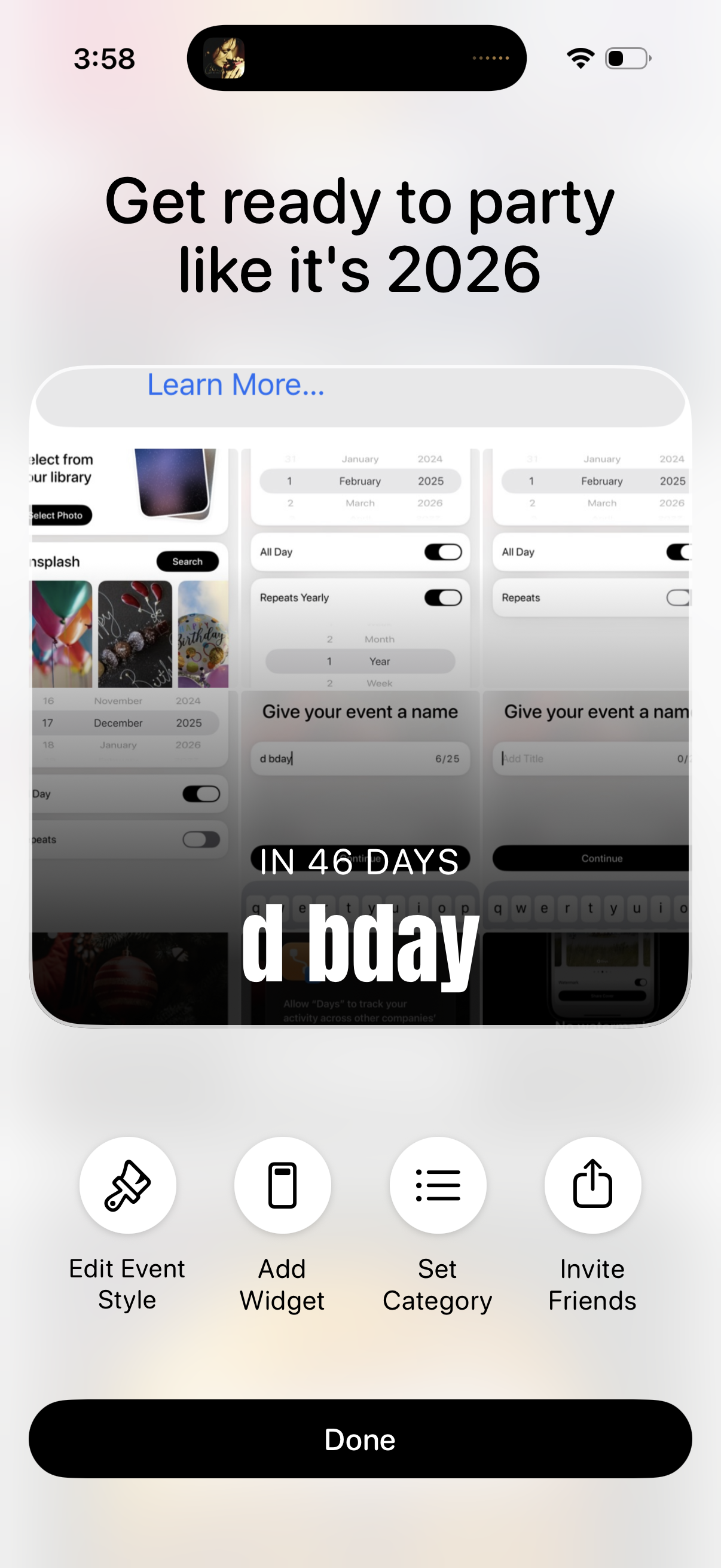
Event countdown customization screen showing a preview card with the event name and days remaining, plus a “Learn more” promo header. Primary actions let users edit event style, add a widget, set a category, invite friends, and finish with a Done button.
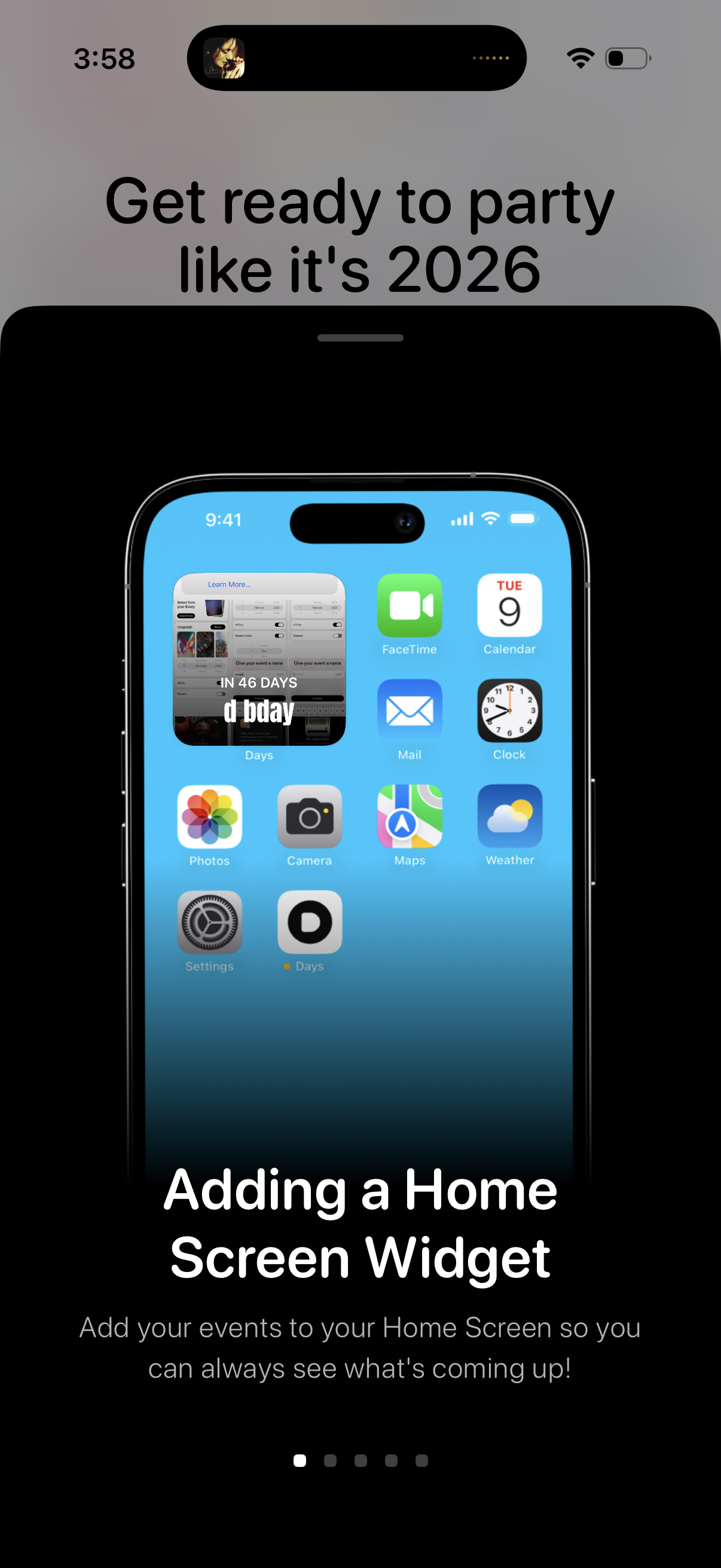
Onboarding tutorial screen for an event countdown app with a hero phone mockup, explaining how to add a Home Screen widget to show upcoming events at a glance. Includes brief instructional text and a multi-step pagination indicator for progressing through the intro slides.
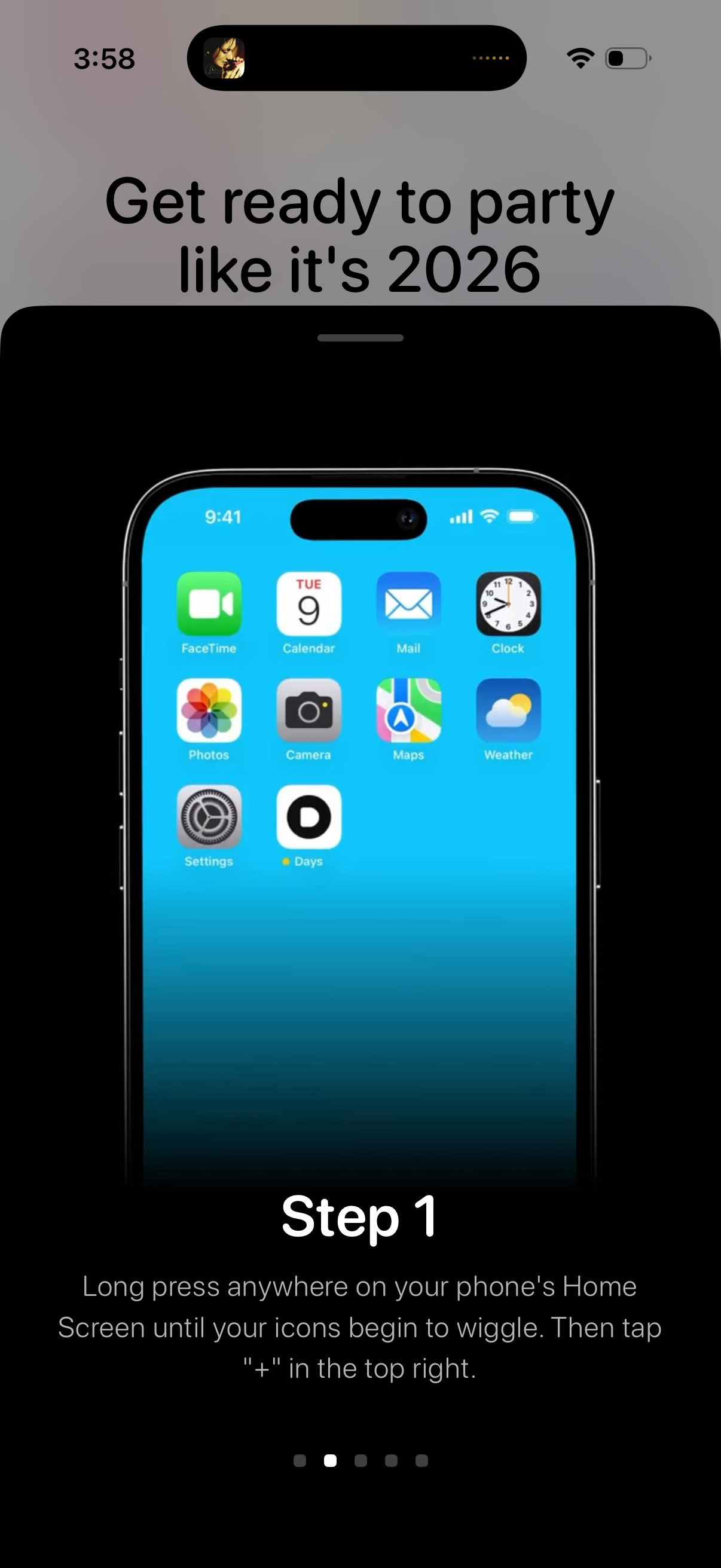
Onboarding tutorial screen introducing a “Get ready to party” setup flow, showing Step 1 with an iPhone home screen mockup and instructions to long-press icons and tap the “+” button to add a widget. Includes a multi-step progress indicator/pagination dots for navigating through the setup steps.
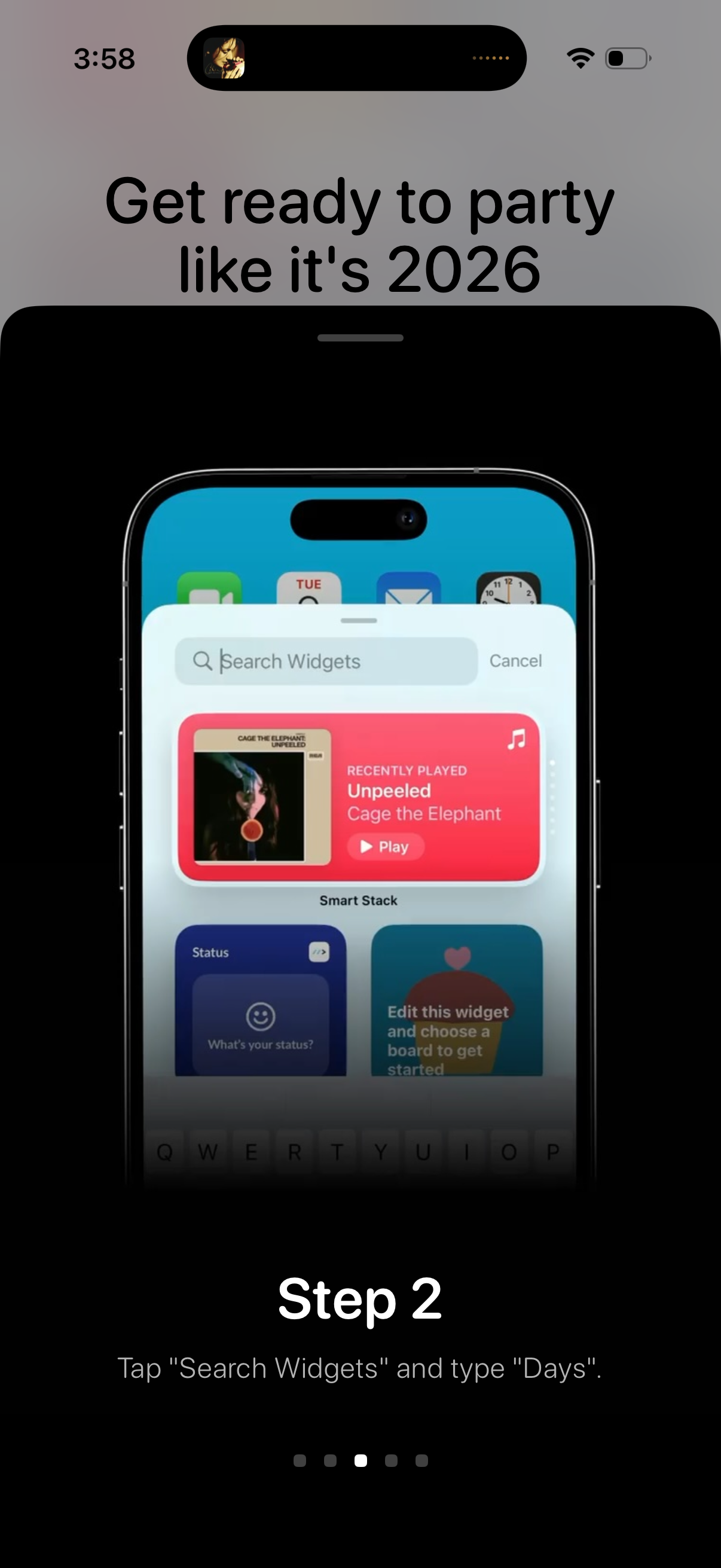
Onboarding/tutorial screen showing Step 2 instructions for adding a widget, with a mock iPhone screenshot of the widget picker featuring a “Search Widgets” field and cancel option. The user is guided to tap “Search Widgets” and type “Days,” with page indicator dots suggesting a multi-step setup flow.
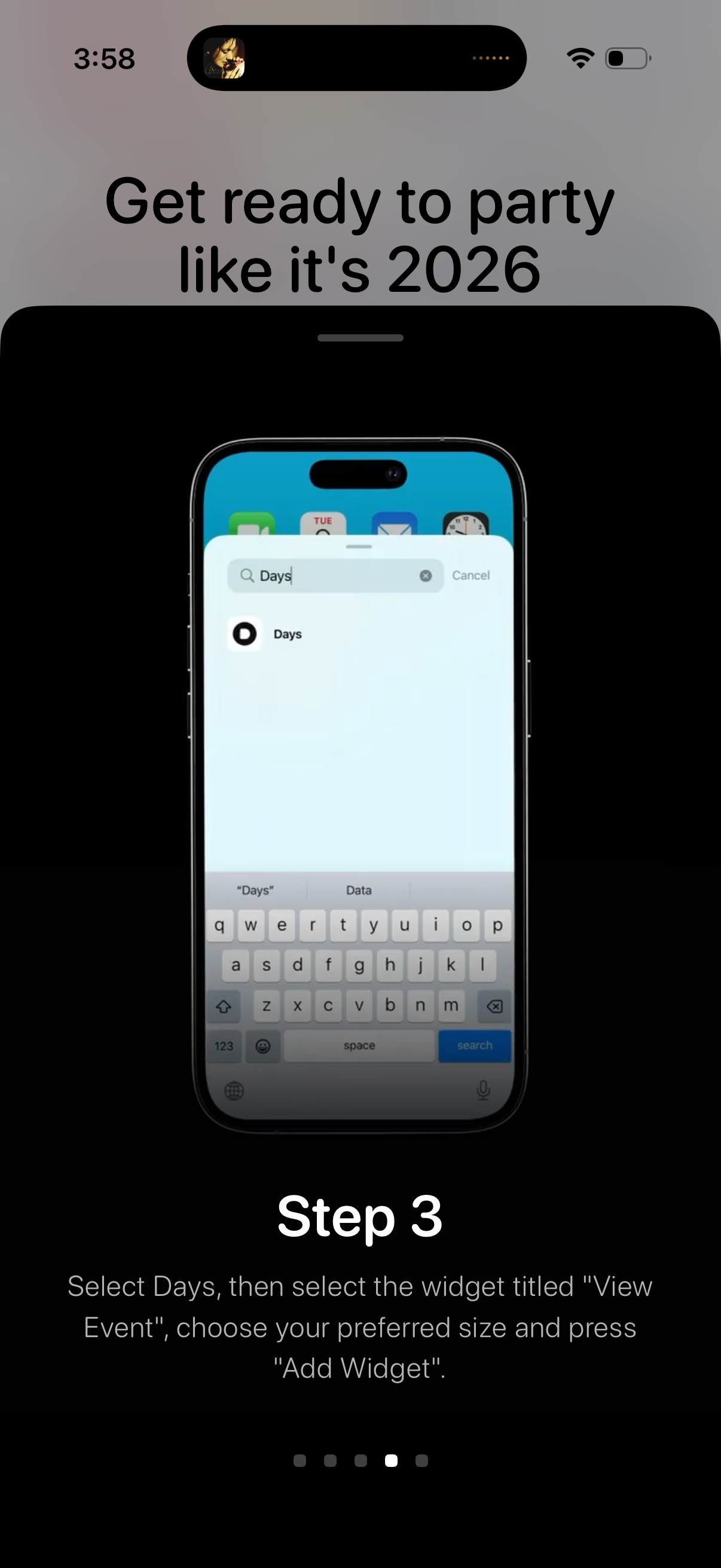
Onboarding tutorial step showing how to add a home screen widget by using iOS search to find the app and select a specific widget (“View Event”), choose its size, and tap “Add Widget. ” Includes a “Step 3” label with instructional text and pagination dots for multi-step setup.
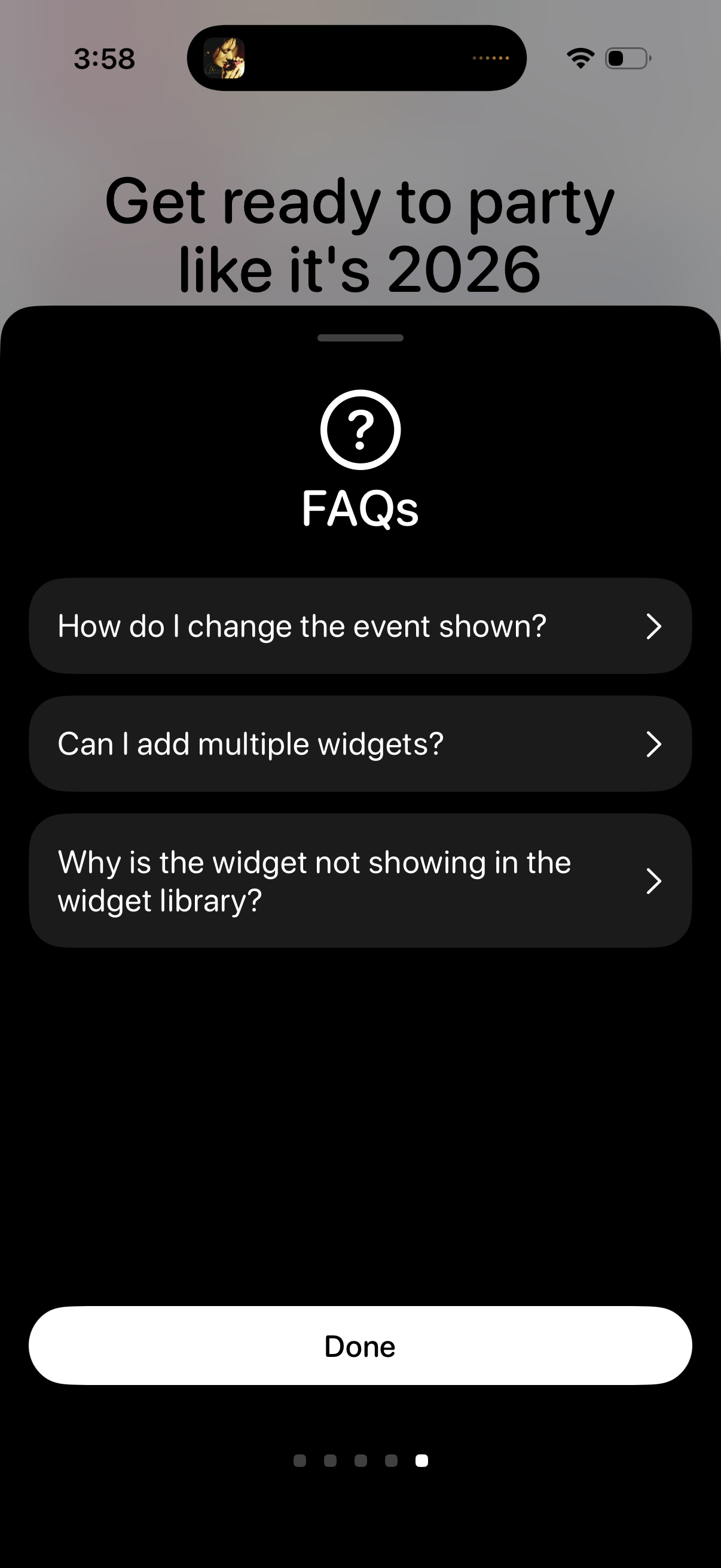
In-app FAQs help screen presented as a modal sheet, showing a list of selectable questions about widget setup and troubleshooting (changing the event shown, adding multiple widgets, and missing widget in the widget library). Users can tap a question to view details and dismiss the sheet with a primary “Done” button.