pair kitchen scale
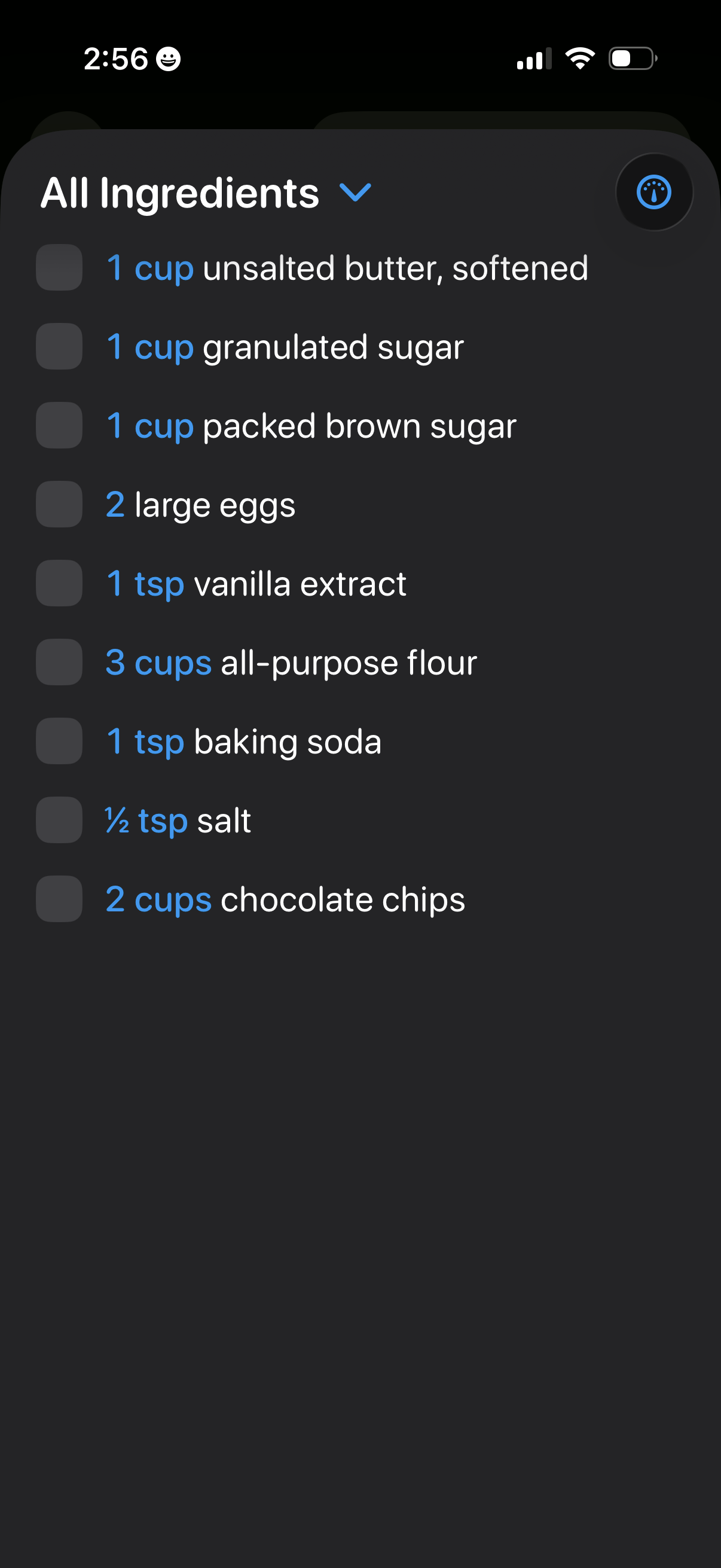
Recipe ingredients checklist screen showing an “All Ingredients” dropdown list with measured quantities and items, each with a checkbox to mark as collected or used. Includes a toolbar control for viewing/adjusting ingredients (e.
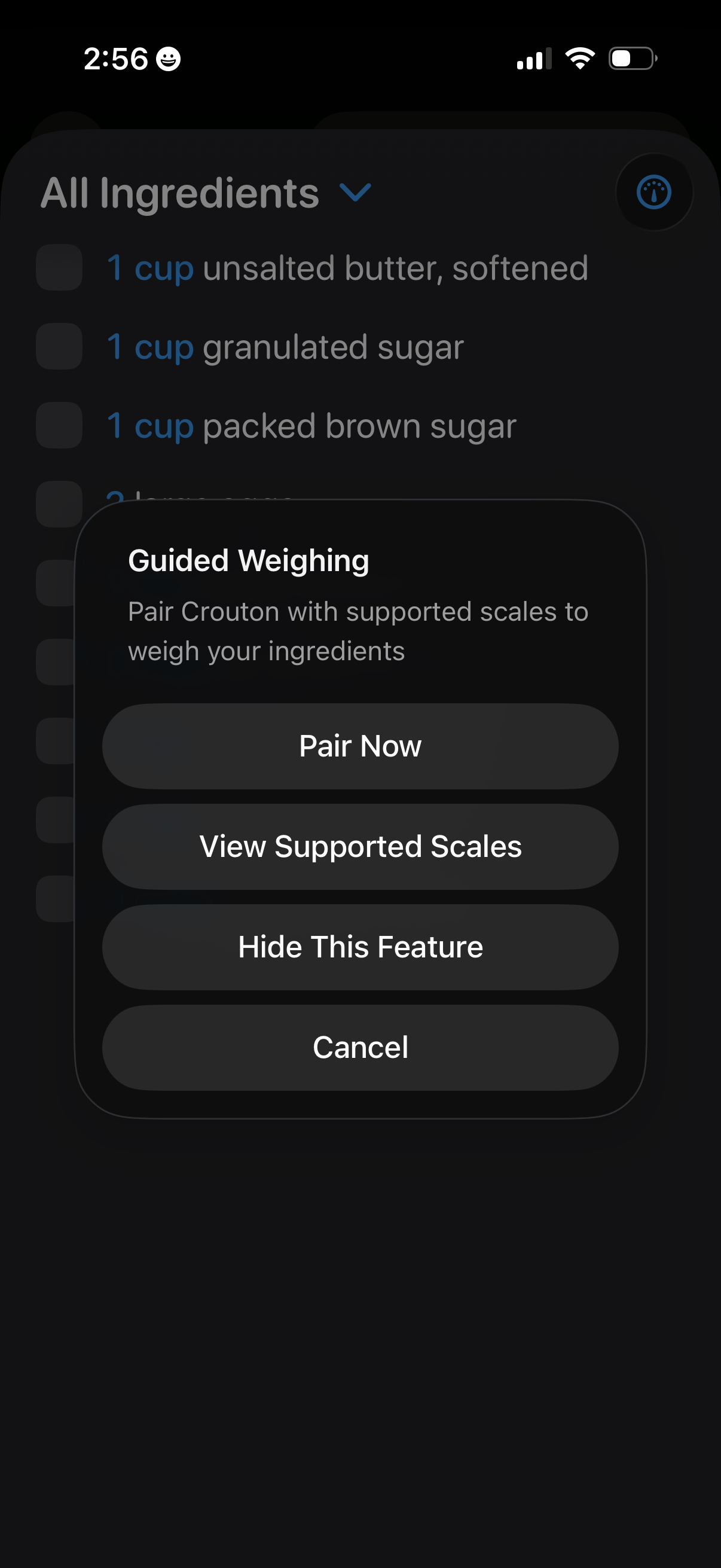
Recipe ingredients checklist screen showing an “All Ingredients” list, with a modal prompting “Guided Weighing” to pair the app with a supported kitchen scale. The dialog offers actions to Pair Now, view supported scales, hide the feature, or cancel.
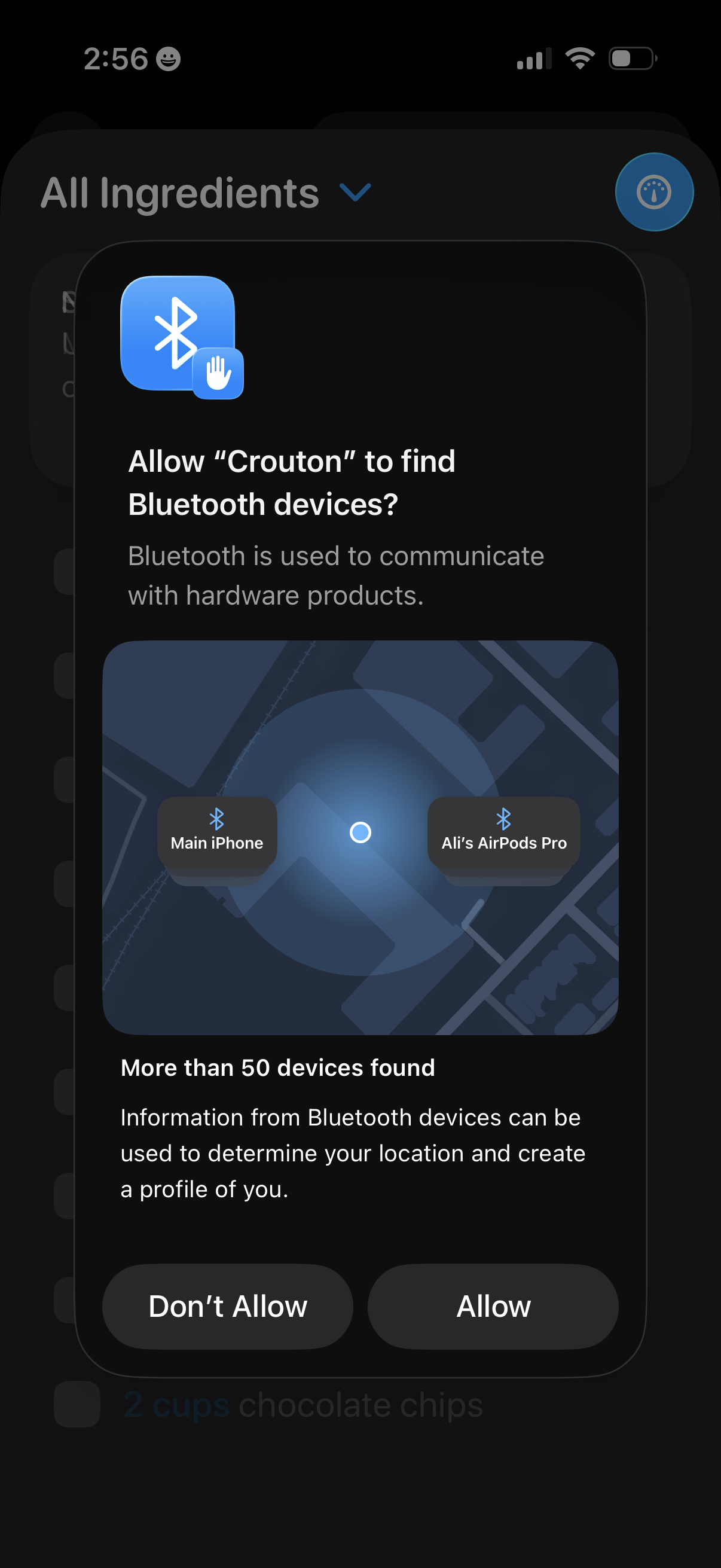
iOS system permission modal asking to allow an app to find nearby Bluetooth devices, explaining why access is needed and privacy implications, with primary actions to Allow or Don’t Allow. The dialog appears over the app’s ingredient list screen while requesting Bluetooth scanning/connection access.
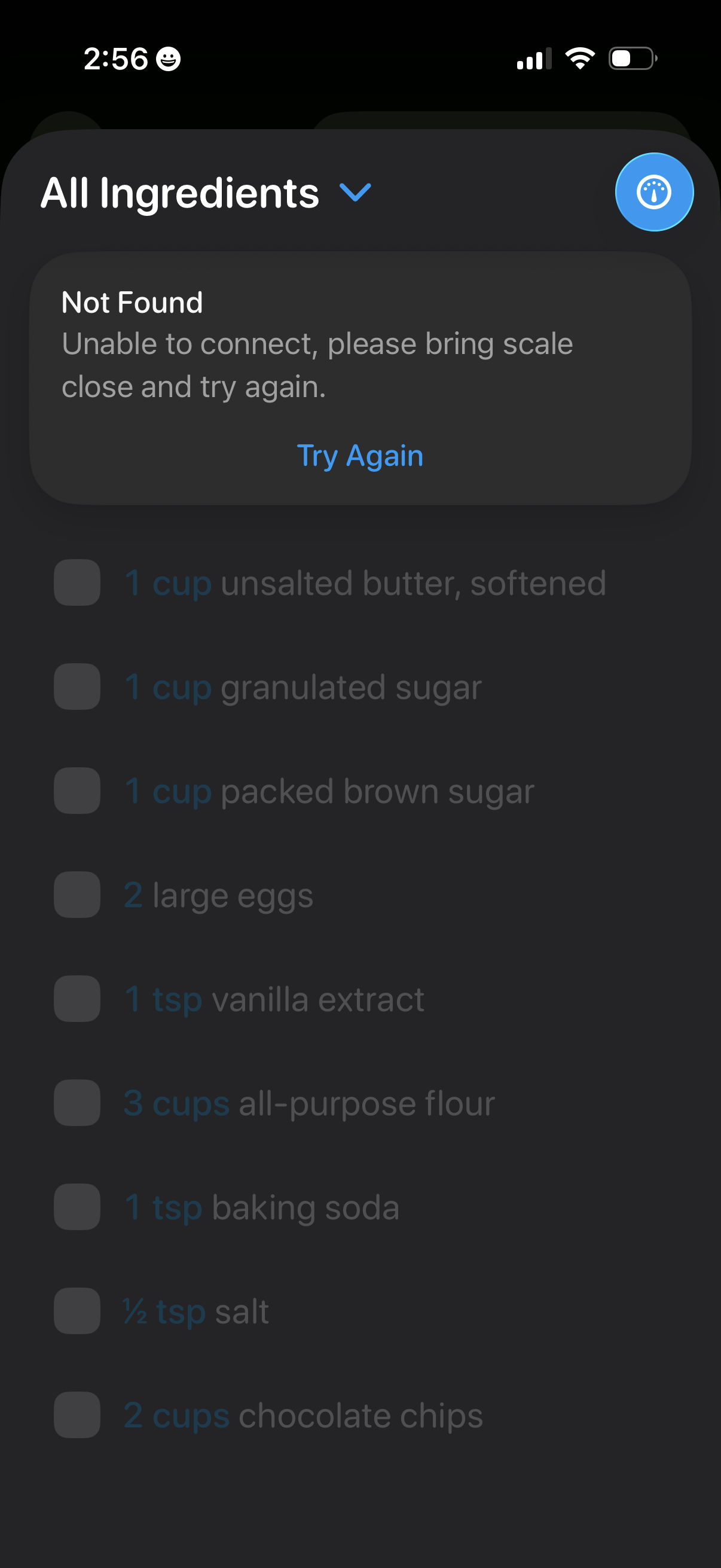
Recipe ingredients checklist screen with an “All Ingredients” filter dropdown and a connected kitchen scale action, showing an error dialog (“Not Found”) indicating the scale can’t connect and prompting the user to bring it closer and tap “Try Again. ” The background displays a scrollable list of ingredient items with checkboxes for marking them off.