add grocery items
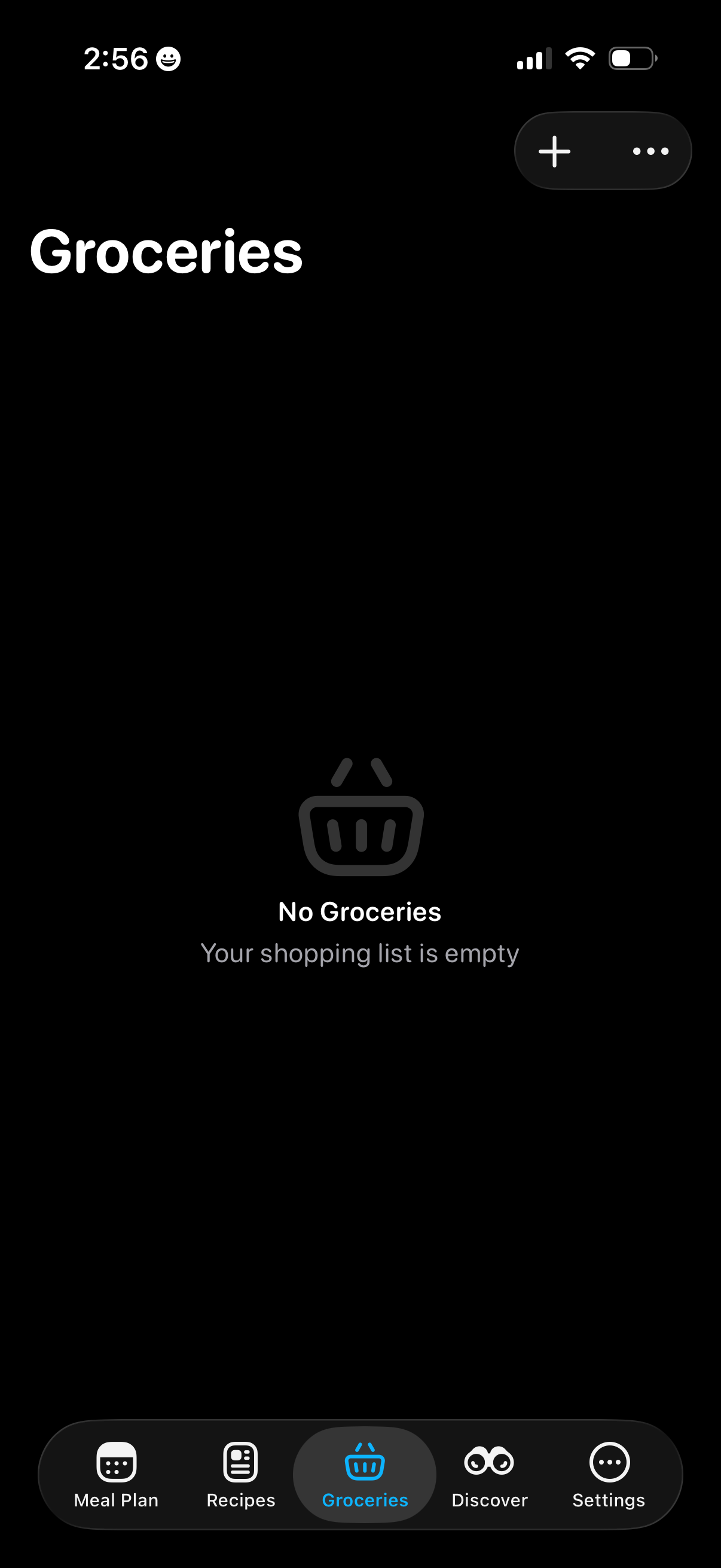
Groceries tab showing an empty-state shopping list with a message that no items are added. Top actions include a plus button to add groceries and an overflow menu, with bottom navigation to Meal Plan, Recipes, Groceries, Discover, and Settings.
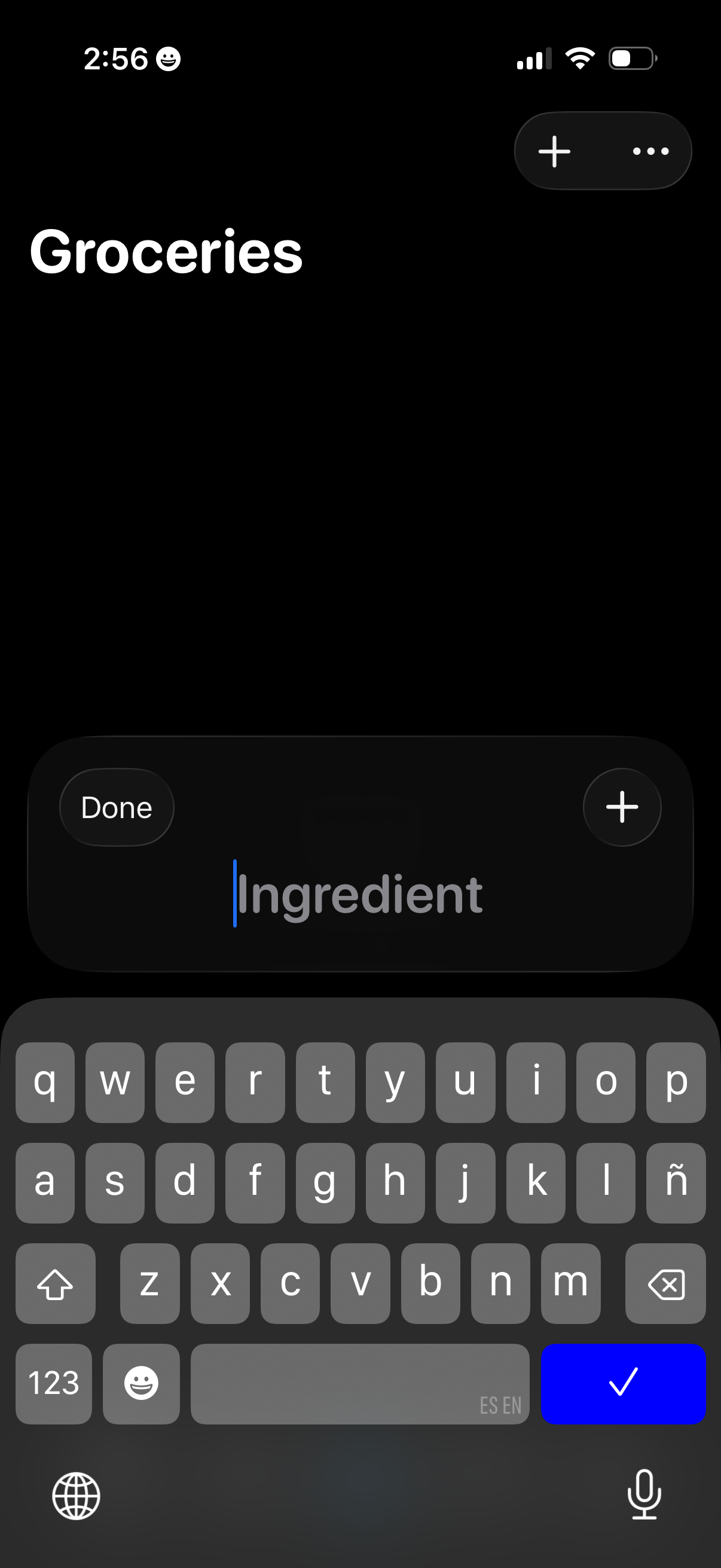
A groceries list screen in dark mode with an inline text field and keyboard open to add a new ingredient item. Includes a Done button to finish editing, a plus button to save/add the item, and a top action button for adding or more options.
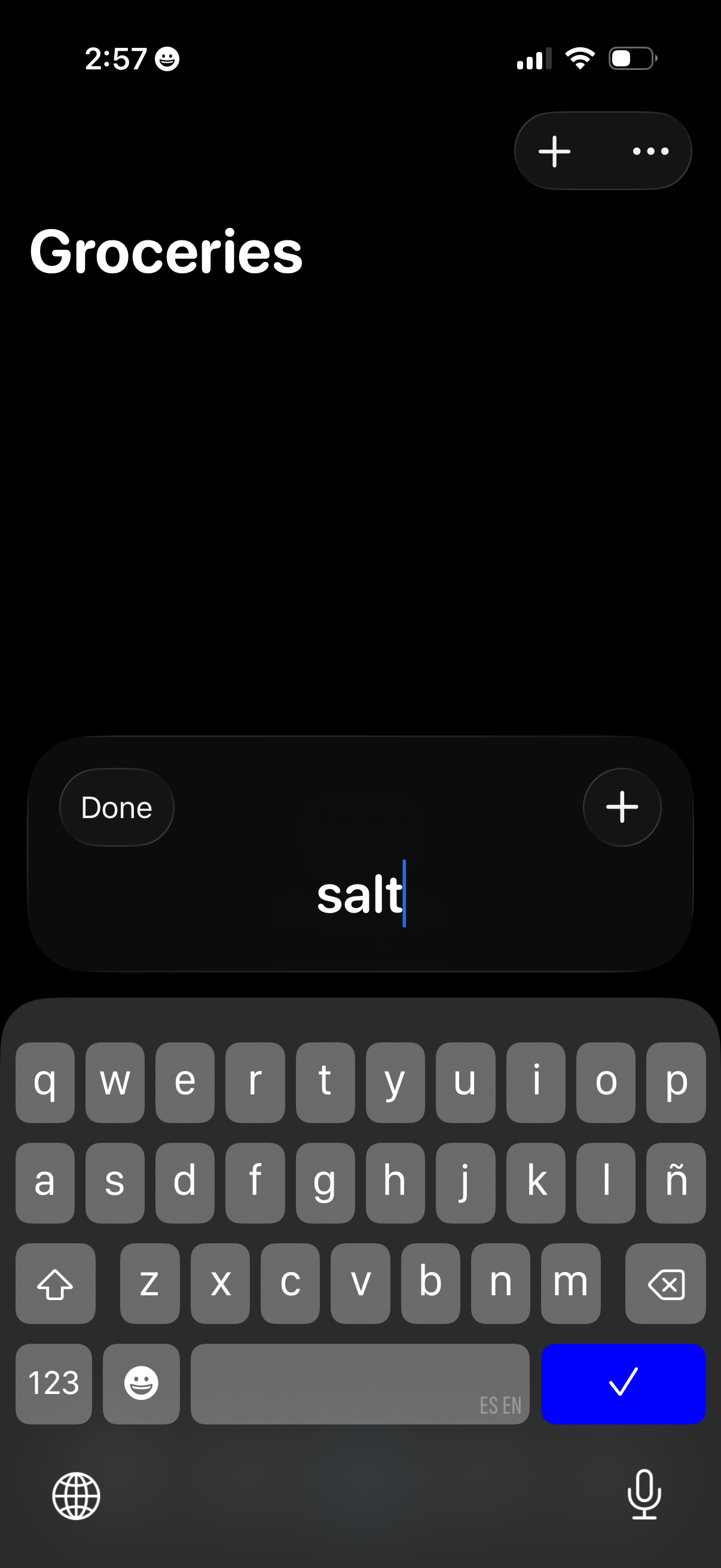
Dark-mode grocery list screen in add-item mode, showing a large “Groceries” title and an inline text field to type a new item with Done and plus buttons to confirm adding. Top-right controls include a floating add (+) button and an overflow menu for list options.
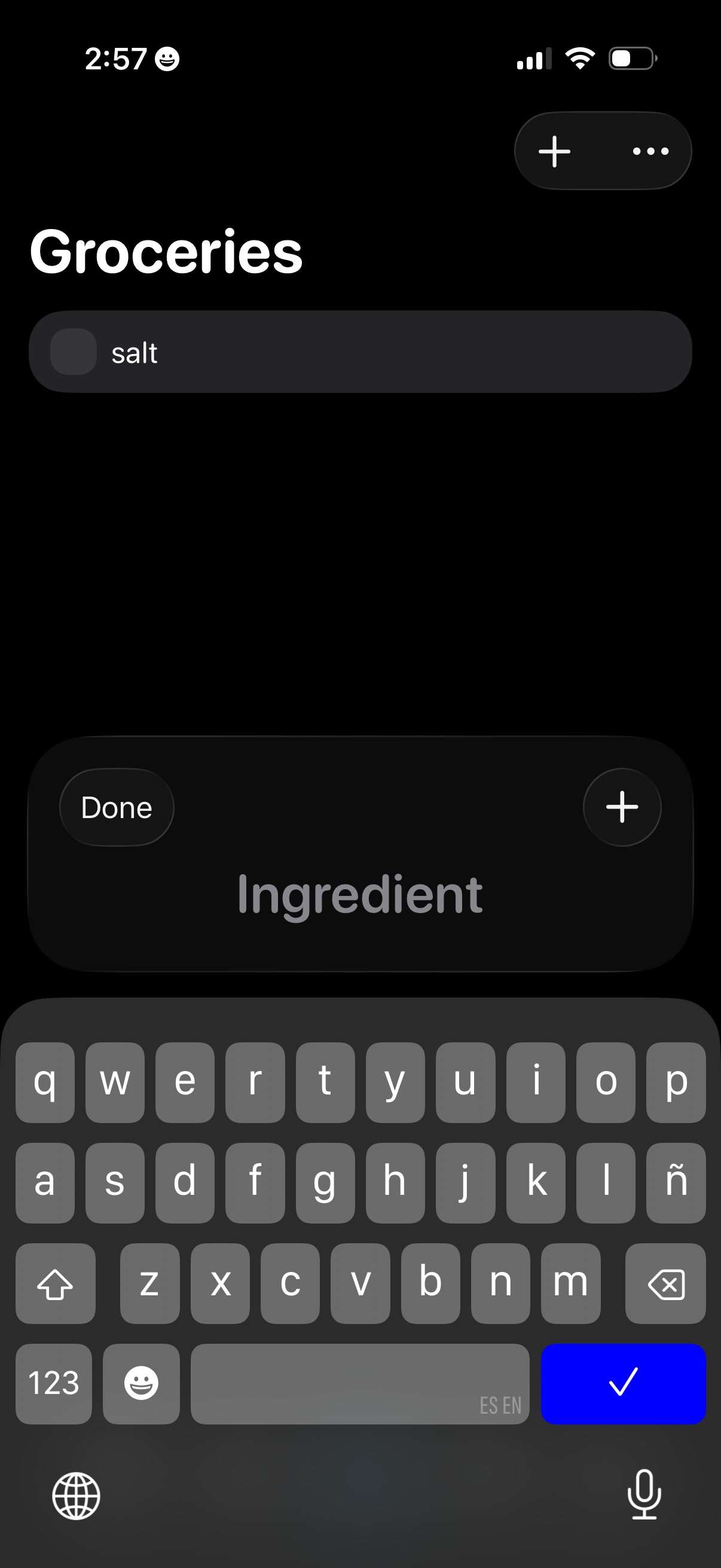
Dark-mode groceries list screen for adding items to a checklist, showing a text field with an item being typed and a checkbox-style list row. Includes a top add button and overflow menu, plus a bottom input bar labeled “Ingredient” with Done and plus actions while the keyboard is open.
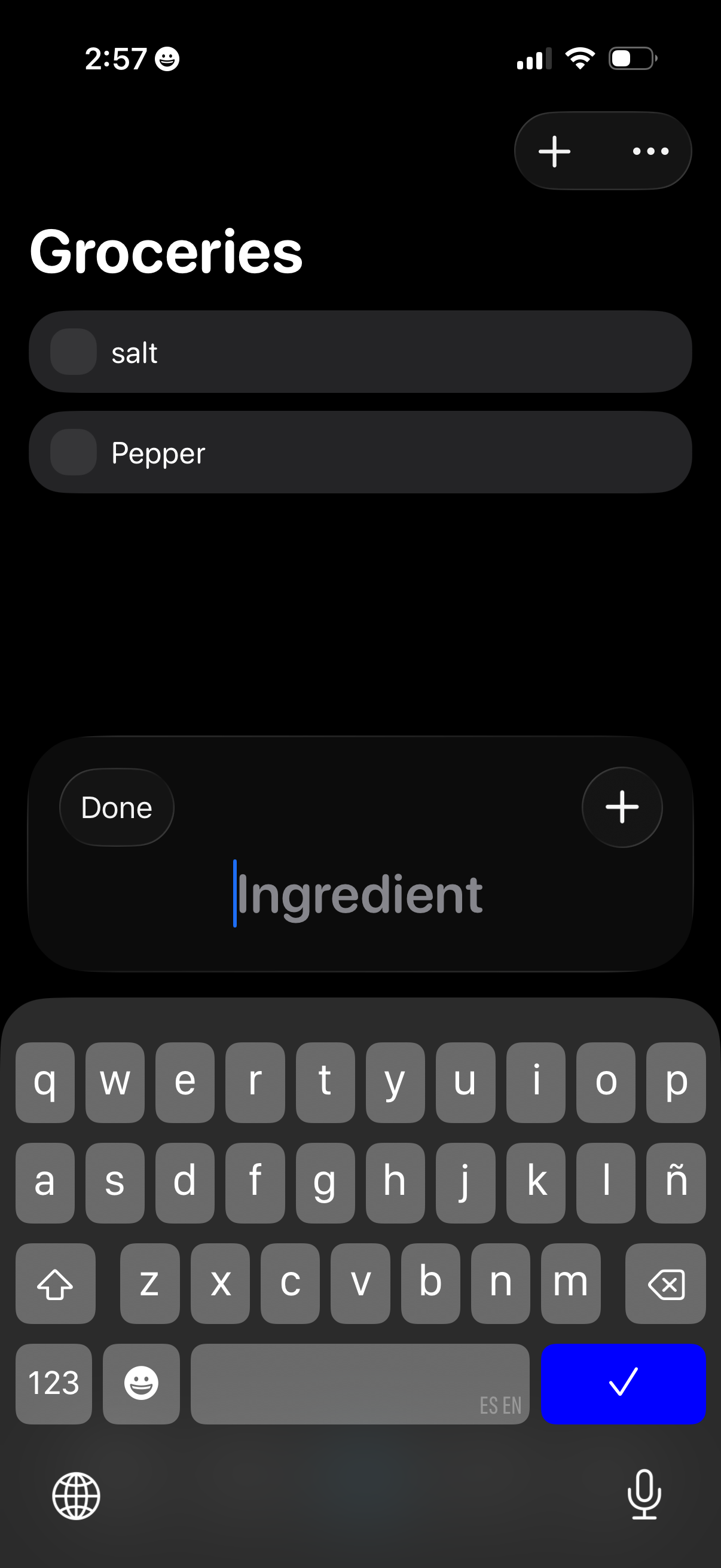
Dark-mode groceries checklist screen showing a list of items with selectable check circles and top actions to add a new item or open more options. A bottom input sheet lets users type an ingredient name, then tap Done or the plus button to quickly add it to the list.