use hint to reveal
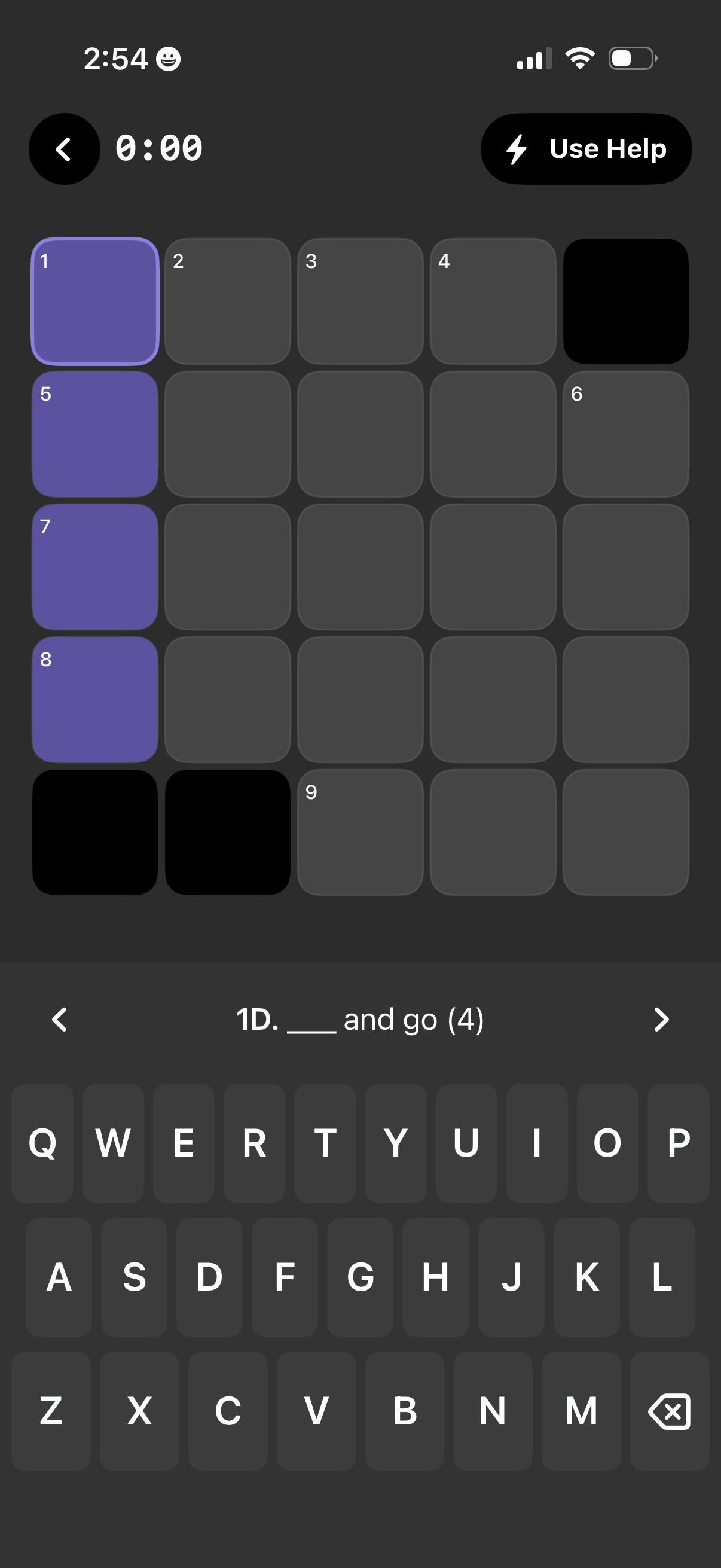
Mobile crossword puzzle solving screen with a grid of numbered squares, some filled/highlighted for the active clue, and a clue prompt with blank answer length shown above the on-screen keyboard. Top controls include a back button, timer, and a “Use Help” hint action, with arrows to navigate between clues.

Crossword puzzle gameplay screen with a grid and active clue input, showing an in-game “Need a Hint? ” menu overlay.
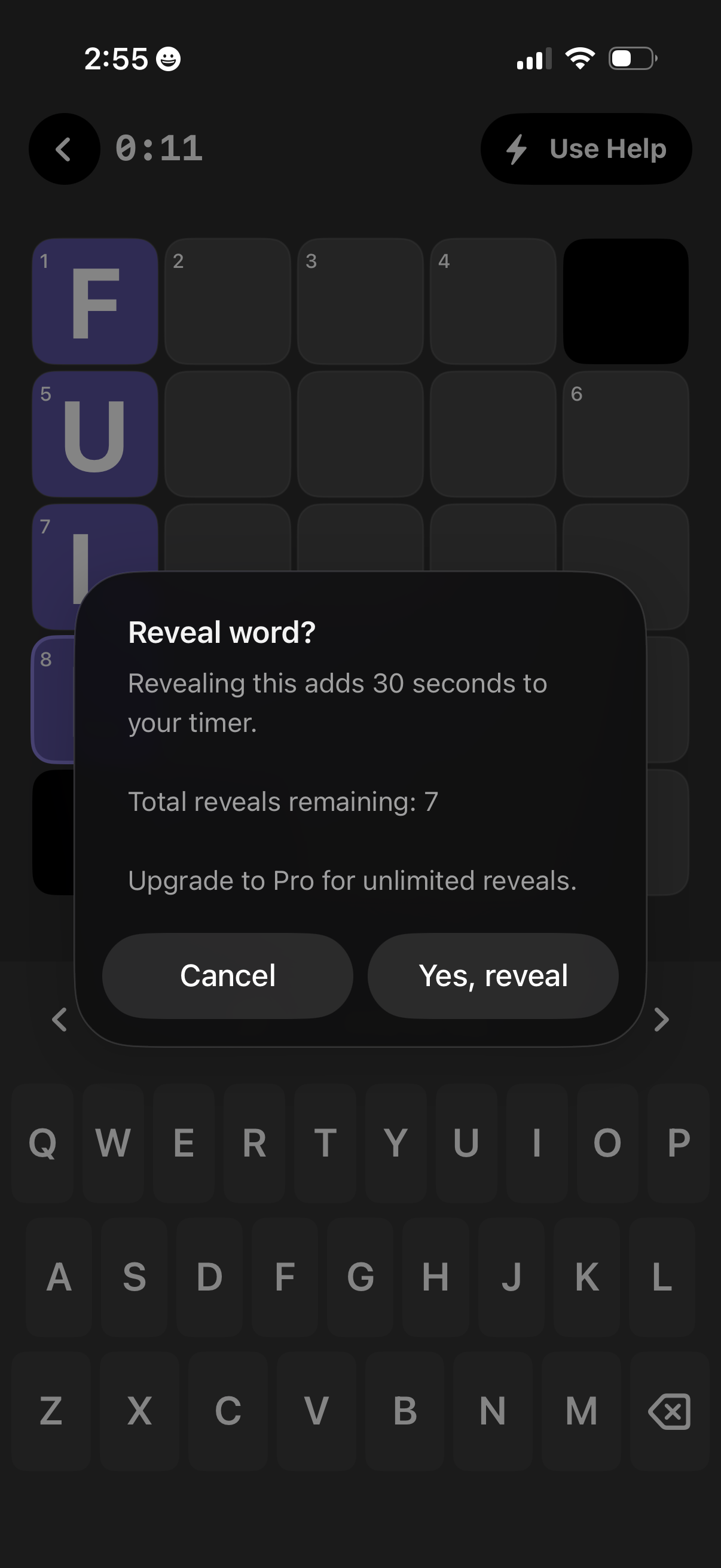
In-game confirmation modal for a timed word puzzle asking whether to reveal the answer, warning it will add 30 seconds to the timer and showing remaining reveals with an upsell to Pro for unlimited reveals. Primary actions are Cancel or Yes, reveal over the puzzle grid and keyboard with a visible timer and help button.

Mobile word puzzle screen with a timed letter grid where the user fills in crossword-style answers, including a “Use Help” hint button and numbered tiles indicating word positions. A clue bar shows the current clue (“Peak or highest point (4)”) above the keyboard, with a bottom “learning moment” sheet offering a definition/explanation for a word.