sign in with google
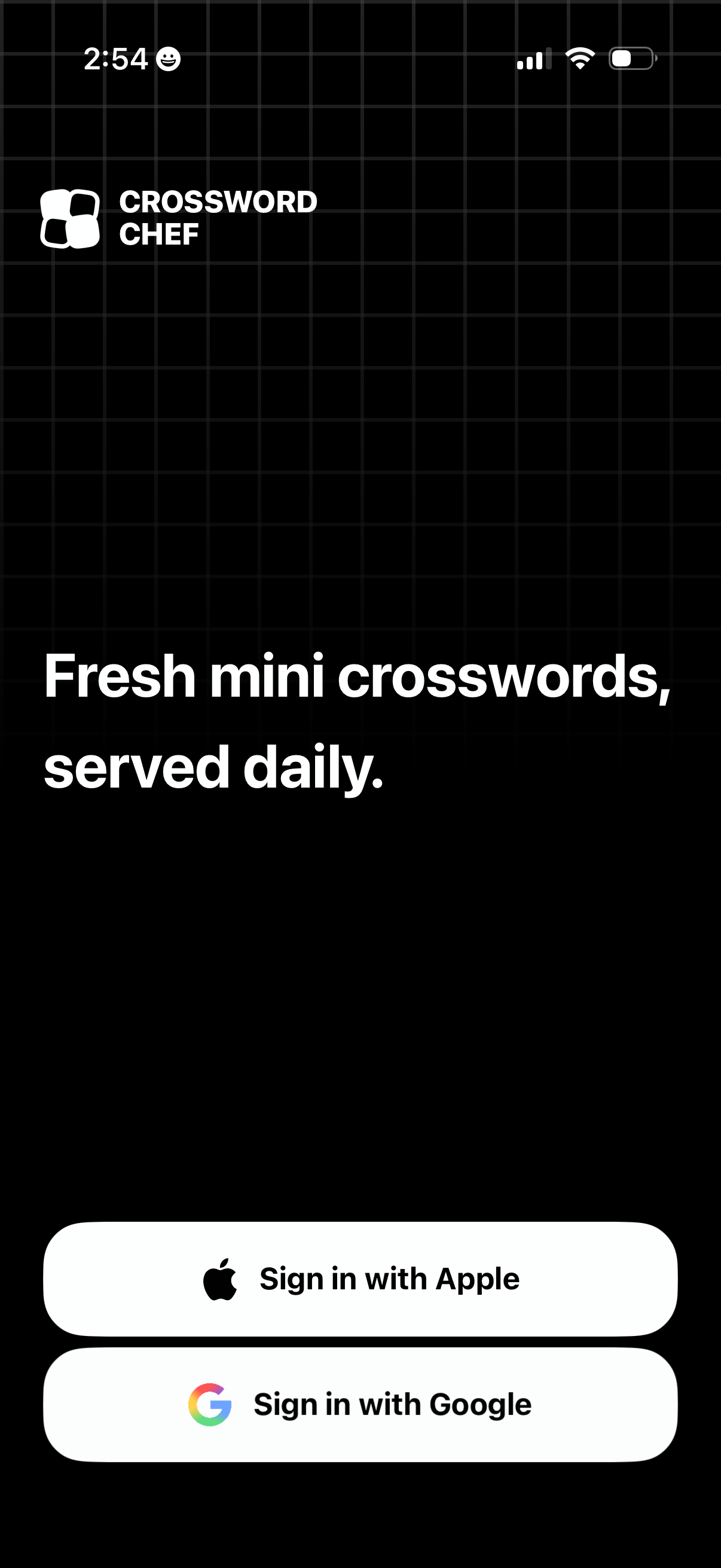
App welcome/sign-in screen for a daily mini crossword puzzle game, highlighting the value proposition “Fresh mini crosswords, served daily. ” Provides authentication options with prominent buttons to sign in with Apple or sign in with Google.
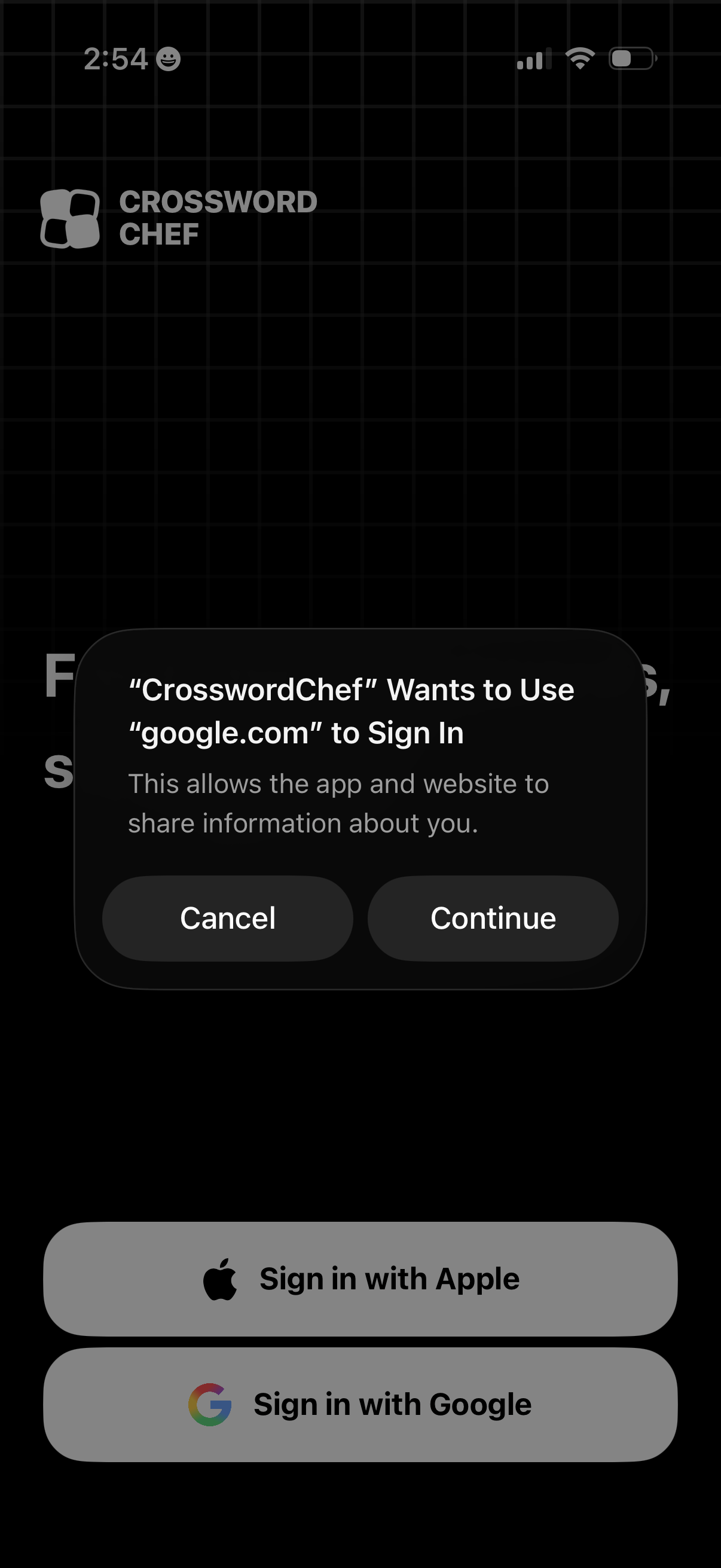
Login screen for a crossword app offering social sign-in options with large buttons for Sign in with Apple and Sign in with Google. An iOS permission modal overlays the page asking to continue or cancel using google.
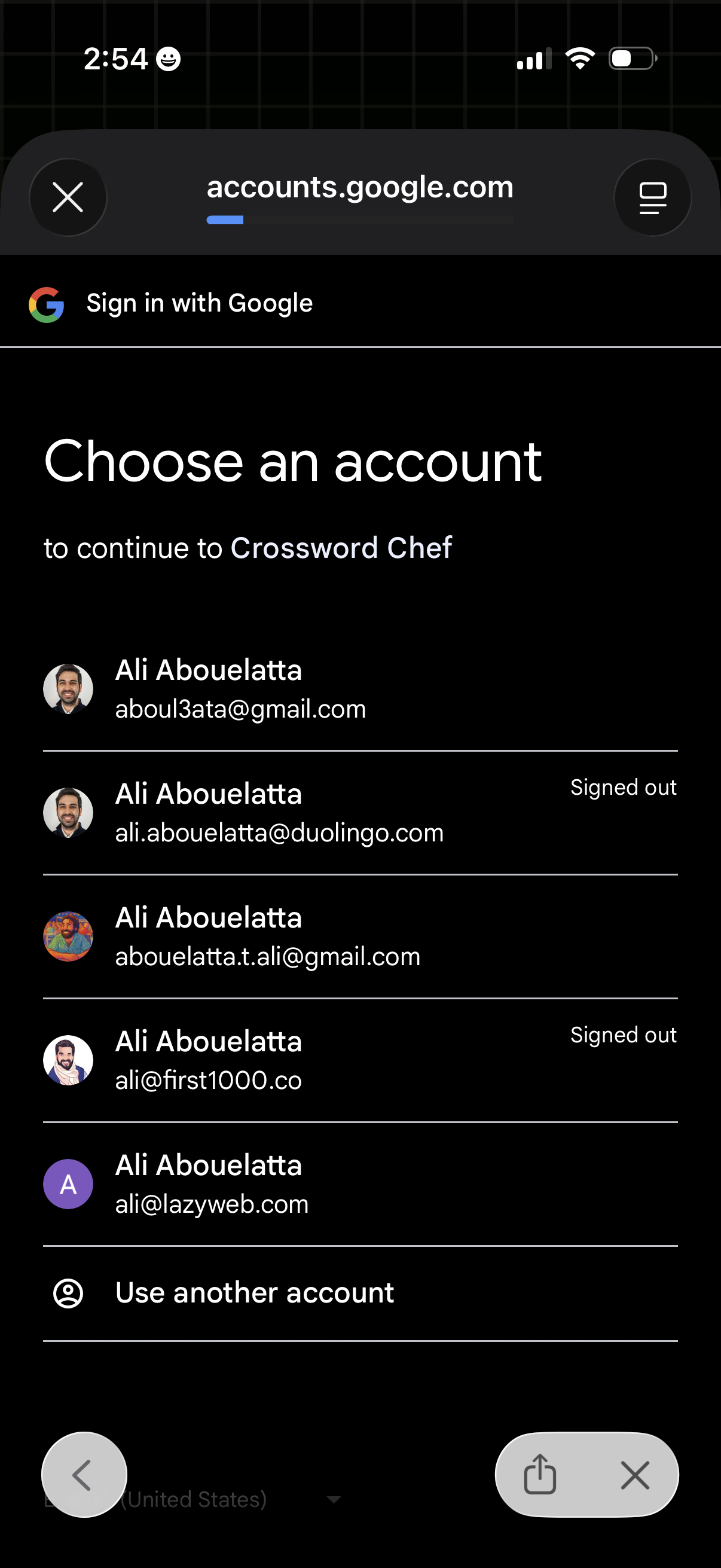
Google OAuth sign-in account chooser screen prompting the user to select an existing Google account to continue to an app, showing a list of saved accounts with avatars, email addresses, signed-out status indicators, and an option to “Use another account” to add a new login.
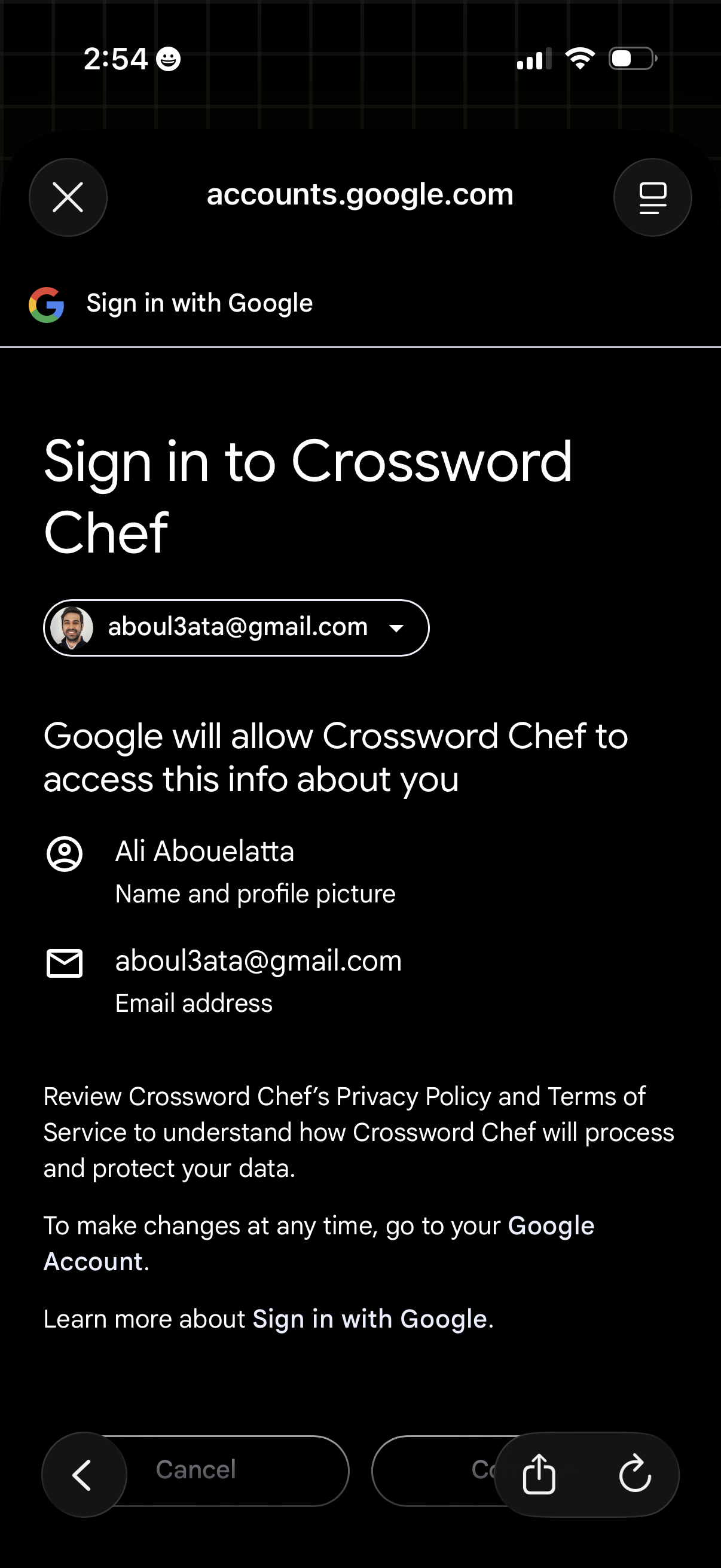
Google OAuth “Sign in with Google” consent screen for logging into an app, showing the selected Google account and the list of permissions/data the app will access (name/profile photo and email address). Includes actions to continue or cancel and links to review the app’s privacy policy and terms.
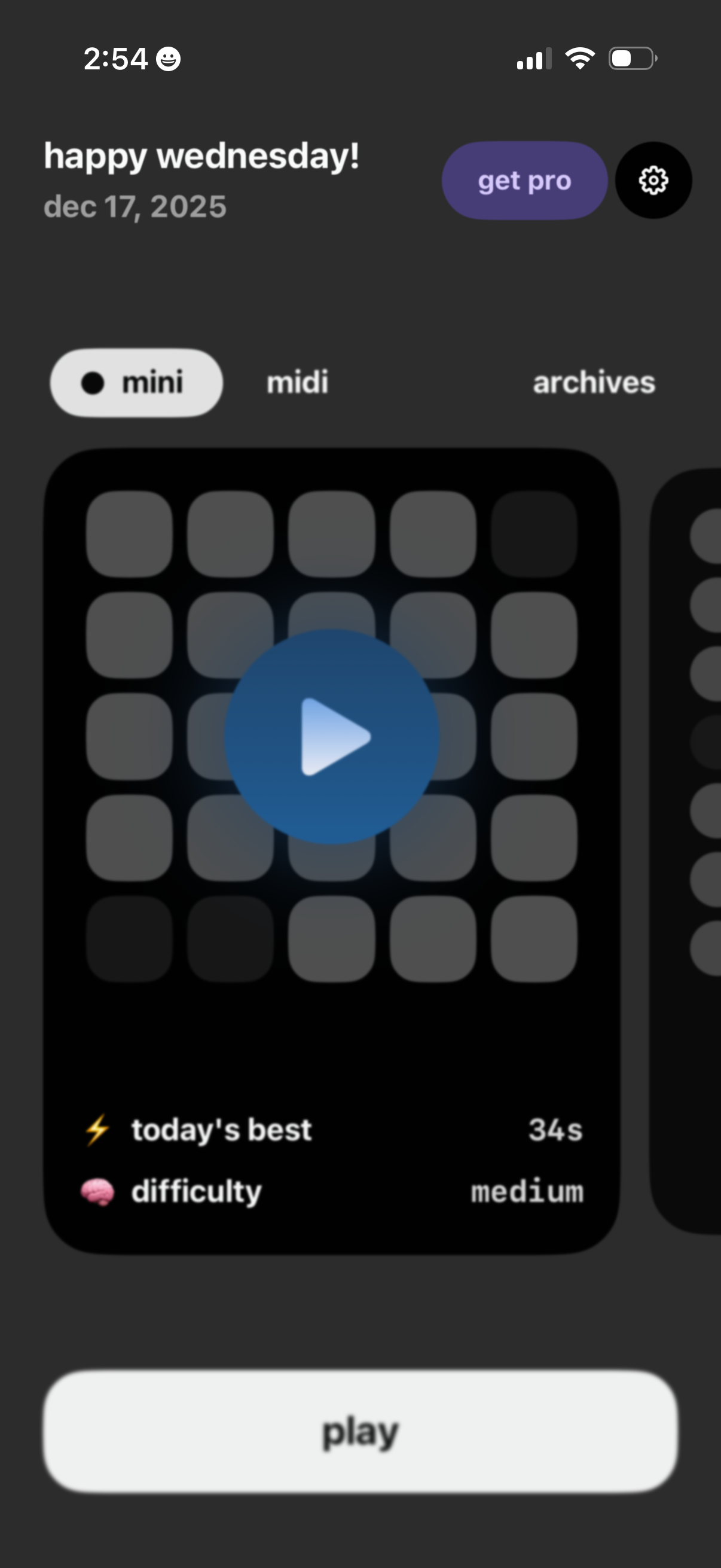
Home screen of a daily puzzle game showing a greeting and date with segmented modes (mini, midi) and an archives tab. The main card previews today’s puzzle with a large play icon, duration and difficulty indicators, plus a primary “Play” button and options to upgrade to Pro or open settings.