set up reminders and
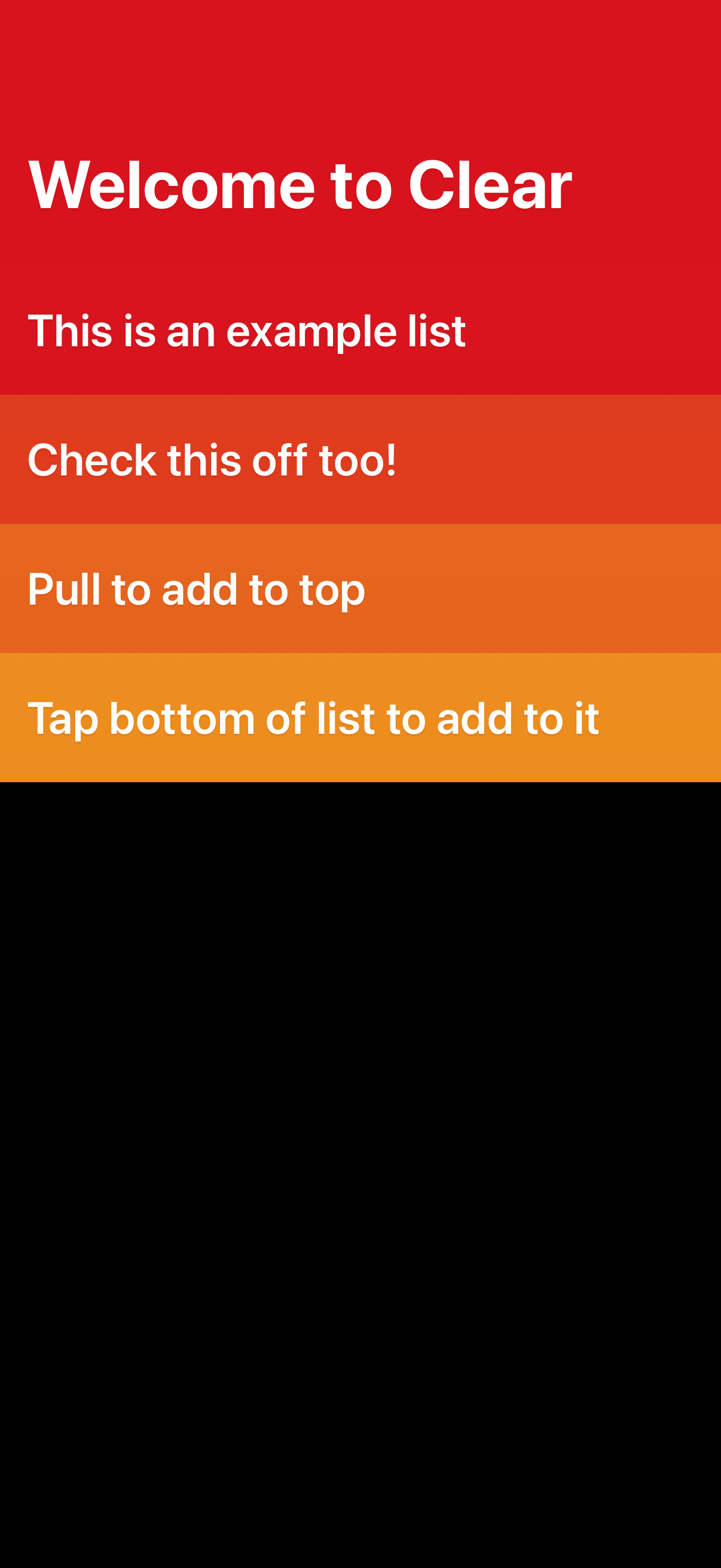
Onboarding welcome screen for a minimalist to-do list app showing an example checklist with guidance on how to interact, including checking off items, pulling down to add a new task at the top, and tapping the bottom of the list to add another item. The screen emphasizes basic list management and gesture-based task creation.

To-do list app screen showing a list of tasks with guidance for adding items (pull to add at top, tap bottom to add) and an in-progress reminder time picker. A contextual popover menu lets users create multiple items or check off multiple items, with actions to remove the reminder or confirm changes.
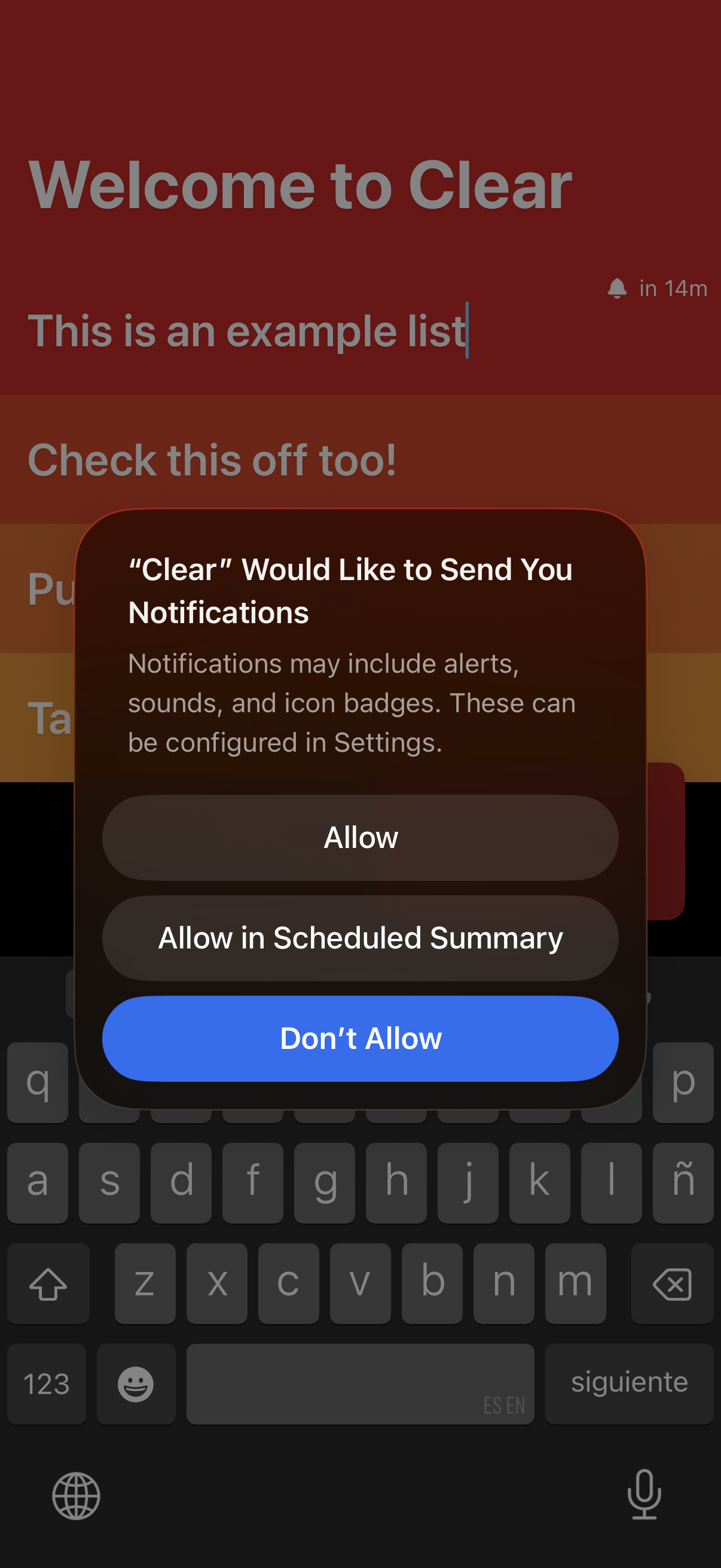
A to-do list app welcome screen is shown with a system permission modal requesting to send push notifications. The dialog offers actions to Allow, Allow in Scheduled Summary, or Don’t Allow.