personalize appearance

Side navigation menu for a to‑do list app providing quick access to main sections and tools, including My Lists, Personalize, Archive, Pro upgrade, Settings, Support, and Cloud (beta). The menu highlights optional features with tags like New and Pro.

Personalization settings menu with large list items to customize the app experience, including Themes, Icons, Fonts, Quotes, and Sounds. Also provides entry points to a Shop for upgrades and a Rewards section.

Theme selection settings screen showing a scrollable list of visual themes (e. g.

Settings screen for choosing and managing app icons/themes, showing the currently selected theme icon and a list of available icon packs under a Pro Monthly section. Users can tap an option like Holiday, Hot Chocolate, or Knit Holiday to apply it, with a collection progress indicator shown at the bottom.
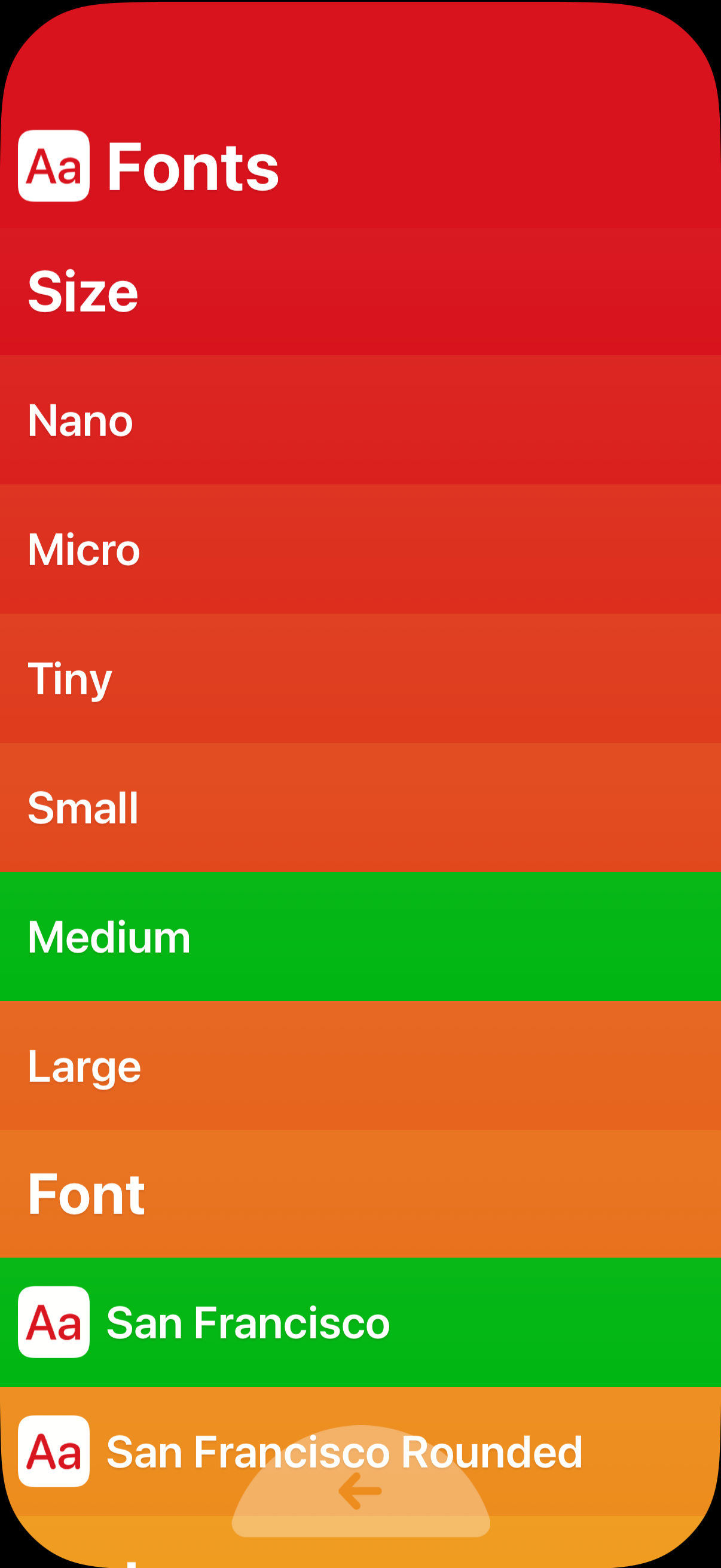
Fonts settings screen for accessibility and display preferences, letting users choose a text size from multiple options (nano to large) with the current selection highlighted. Also includes a font picker list to switch typefaces (e.
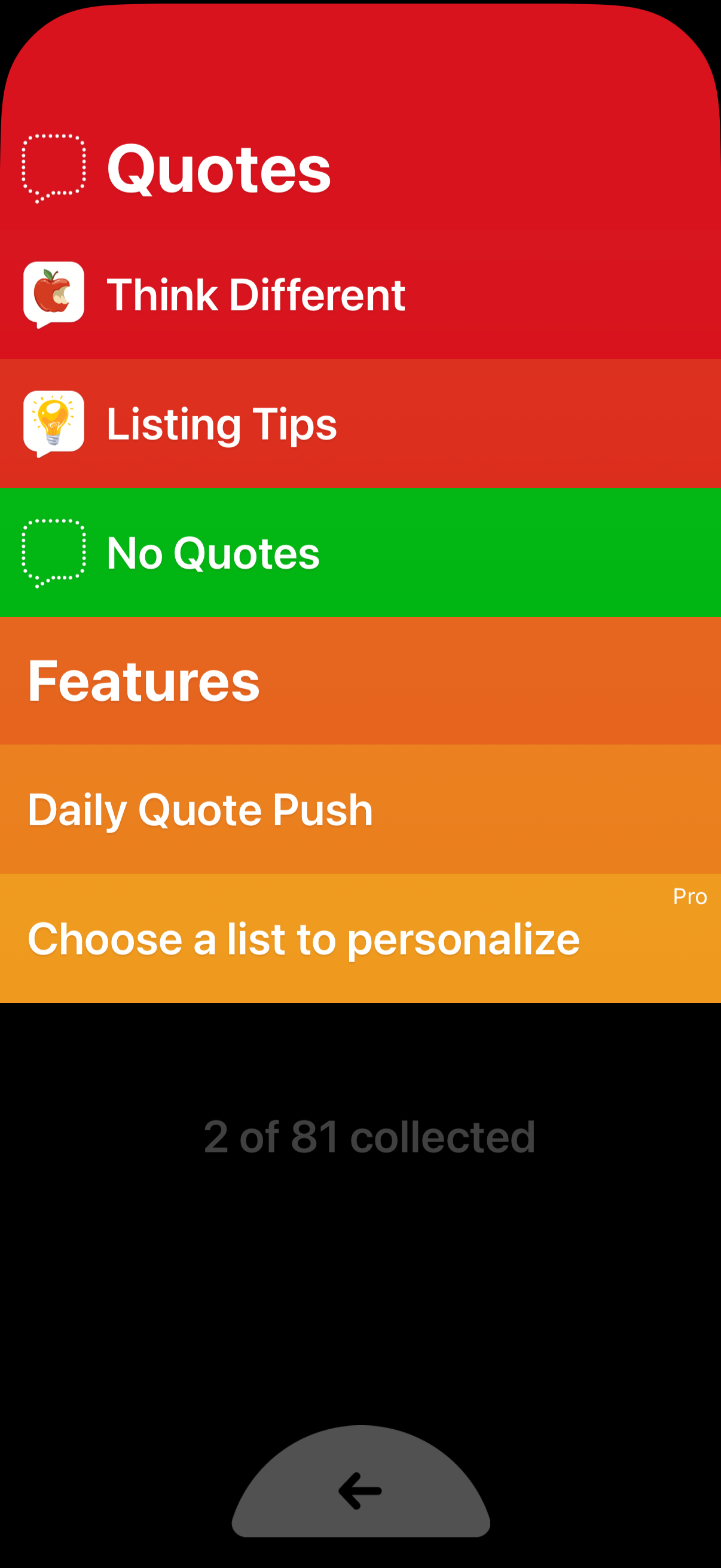
Settings and list management screen for a quotes app showing selectable quote categories (e. g.
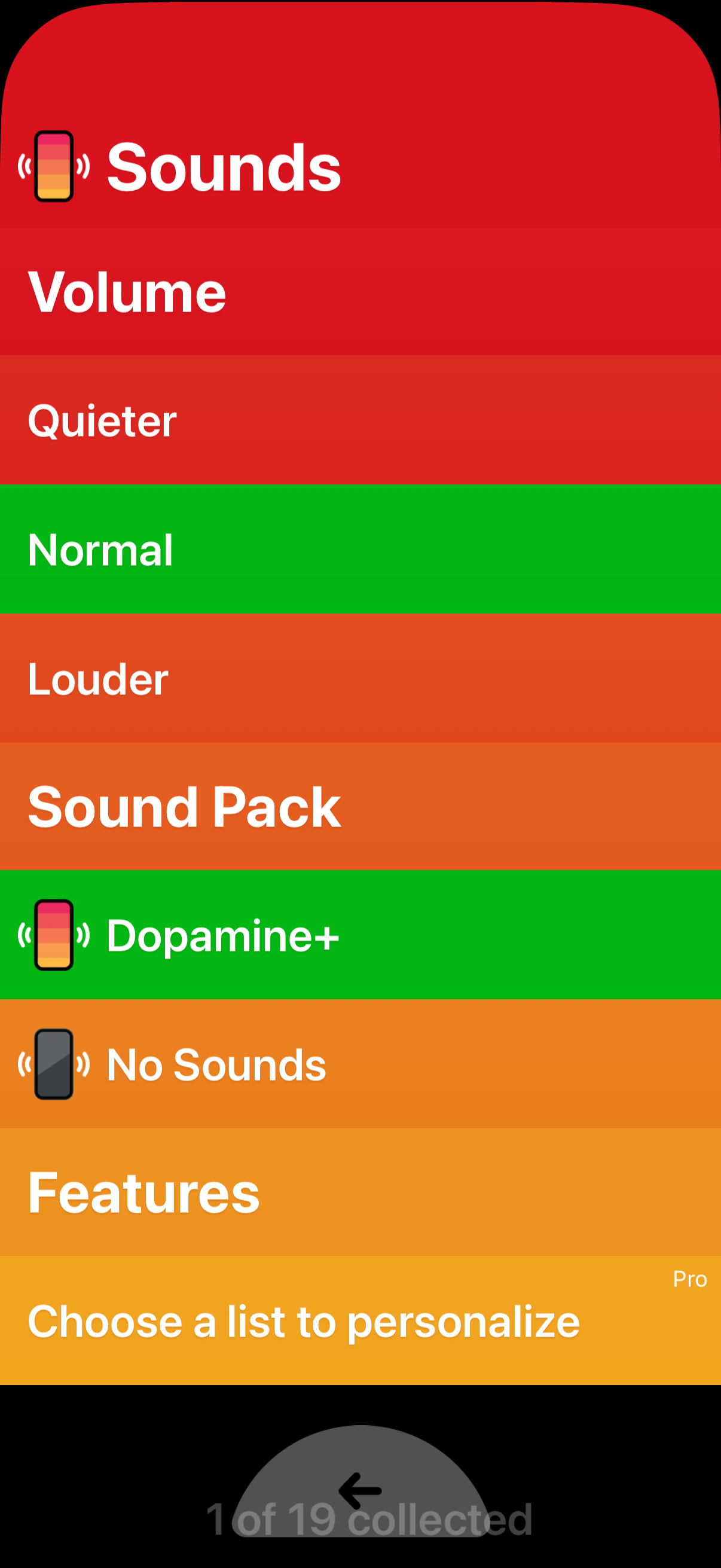
Settings screen for sound preferences where users choose a volume level (quieter, normal, louder) and select a sound pack, including an option to disable sounds entirely. Also includes a Features section prompting users to choose a list to personalize, with some items marked as Pro.