Location And Notification Opt-ins
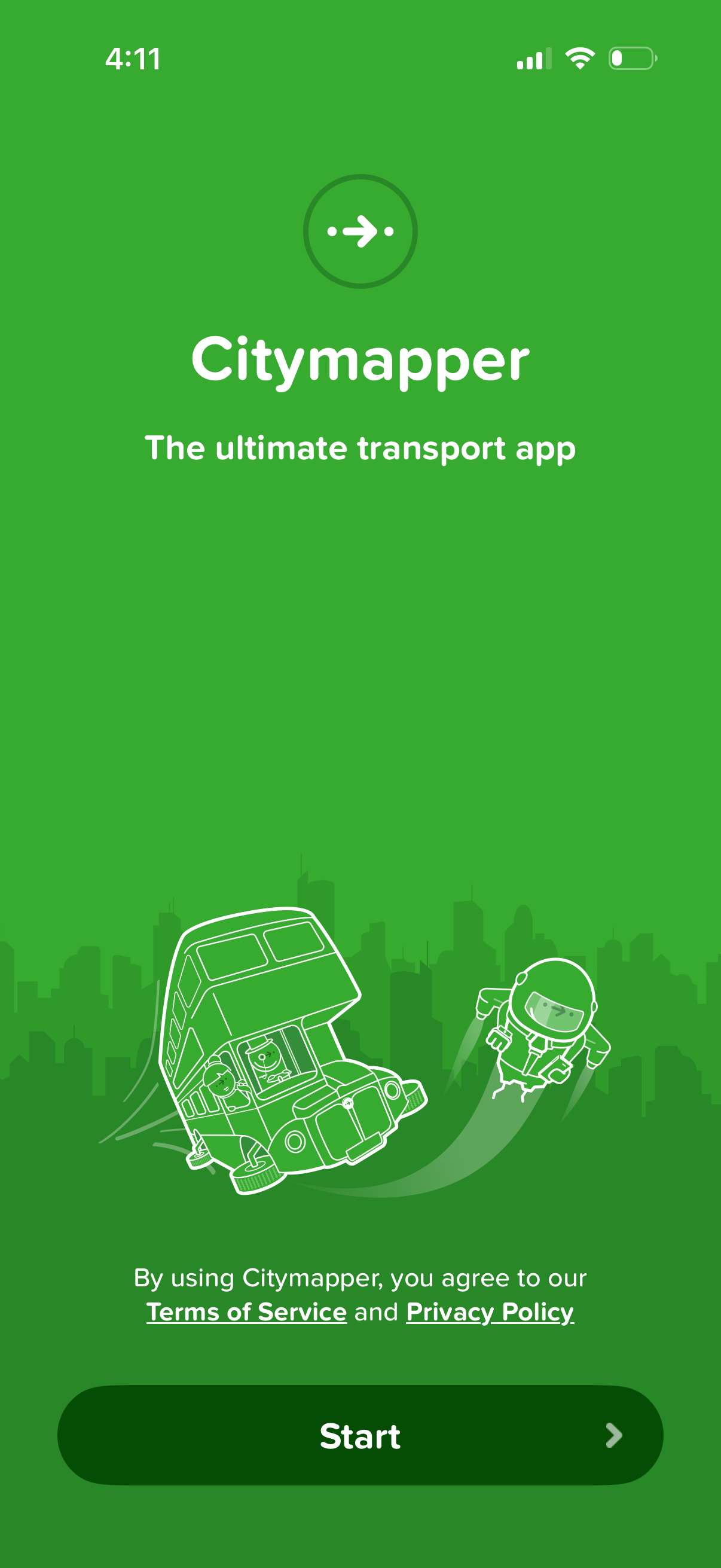
Welcome/onboarding start screen for a public transport navigation app, introducing the product with a tagline and illustration. Includes a prominent “Start” call-to-action button and links to Terms of Service and Privacy Policy for consent before continuing.
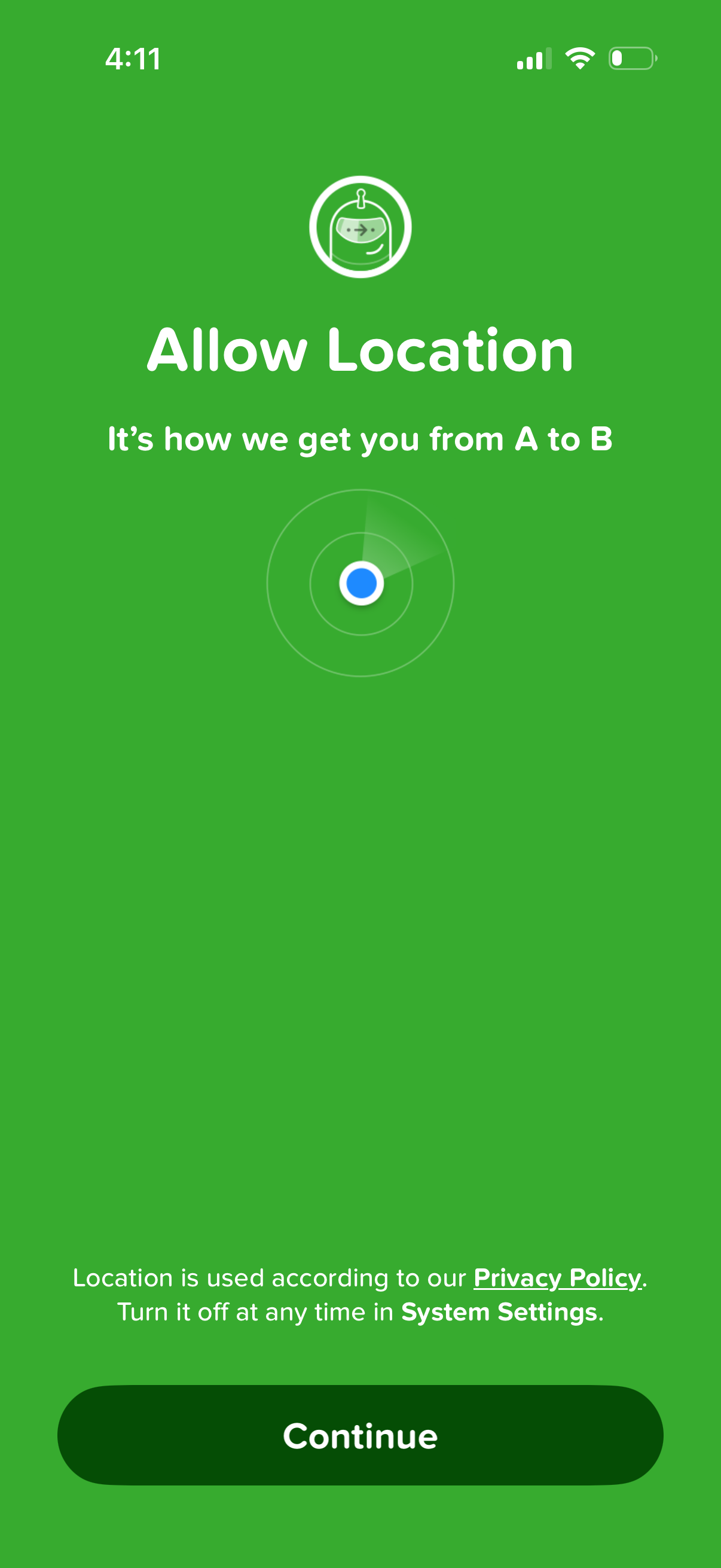
Onboarding permission screen asking the user to allow location access for navigation and getting from point A to B, with a brief privacy policy note and a primary “Continue” button to proceed. The screen explains location usage and that it can be turned off later in system settings.
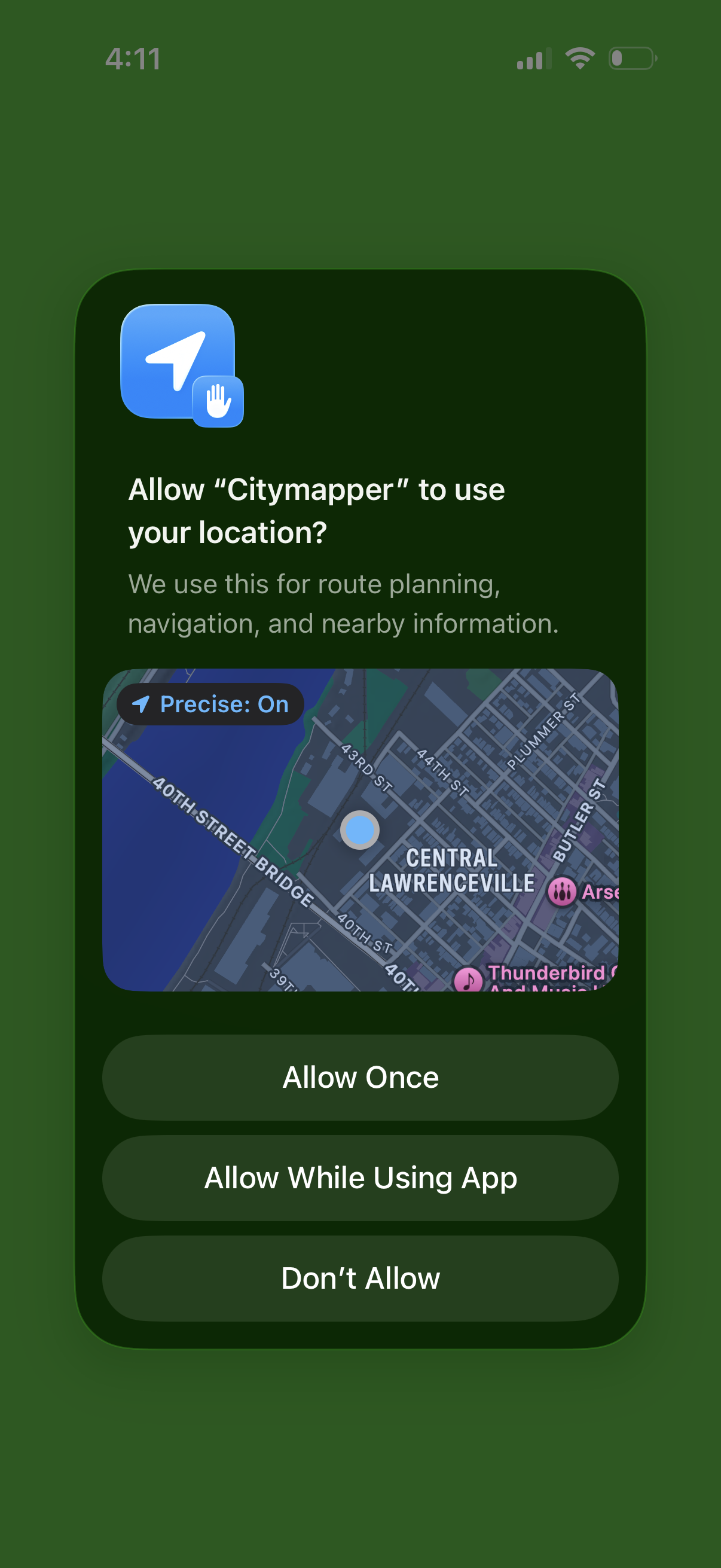
iOS location permission prompt for a navigation/maps app requesting access to the user’s location for route planning and nearby info, with a map preview and options to Allow Once, Allow While Using App, or Don’t Allow.
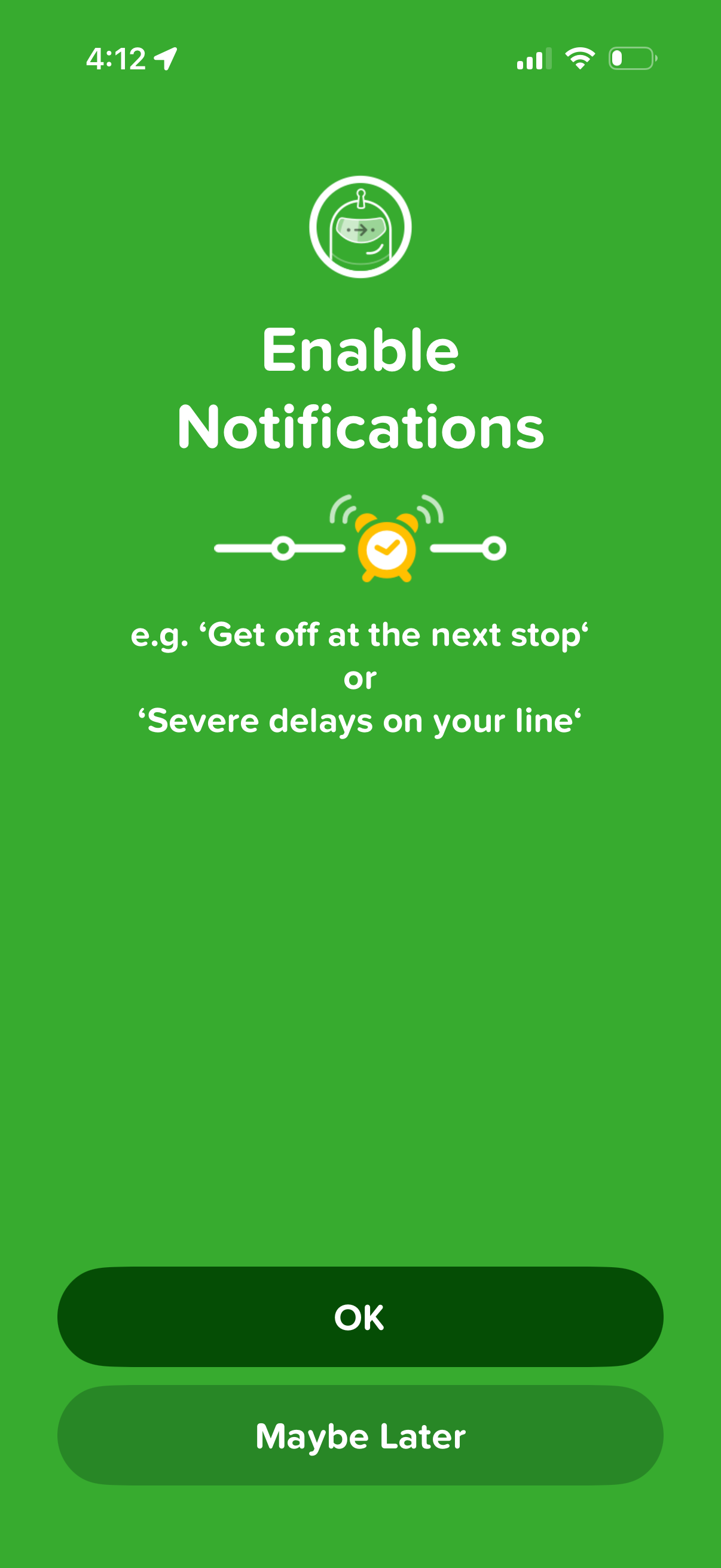
Onboarding permission prompt asking users to enable push notifications, explaining benefits like stop reminders and service delay alerts. Provides primary and secondary actions to accept (“OK”) or postpone (“Maybe Later”).
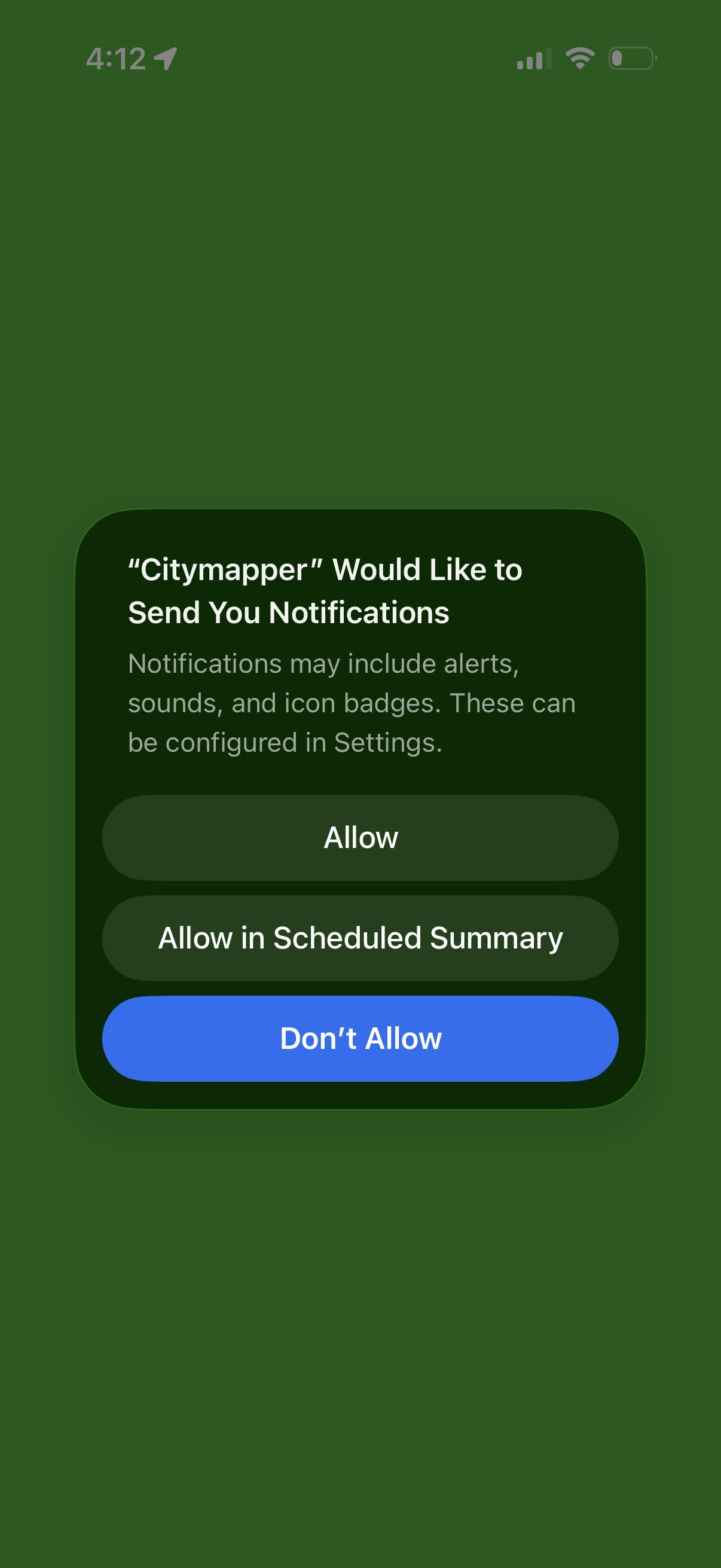
iOS system permission pop-up requesting to enable push notifications for the app, explaining alerts, sounds, and badges. Provides actions to Allow, Allow in Scheduled Summary, or Don’t Allow.
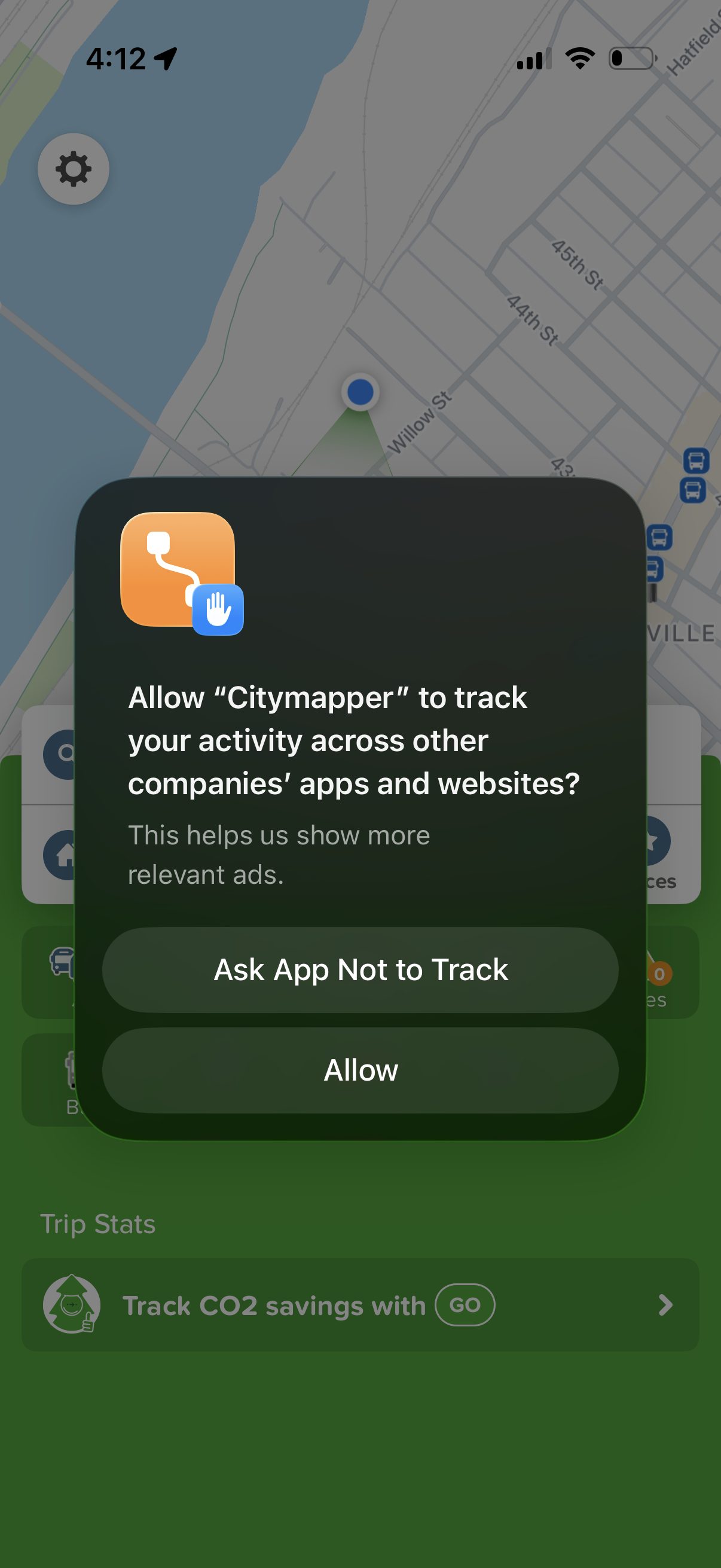
iOS App Tracking Transparency permission pop-up asking whether to allow the Citymapper app to track user activity across other apps and websites for more relevant ads. Presents two primary actions: “Ask App Not to Track” or “Allow,” over a map/navigation screen.