Location Permission
1
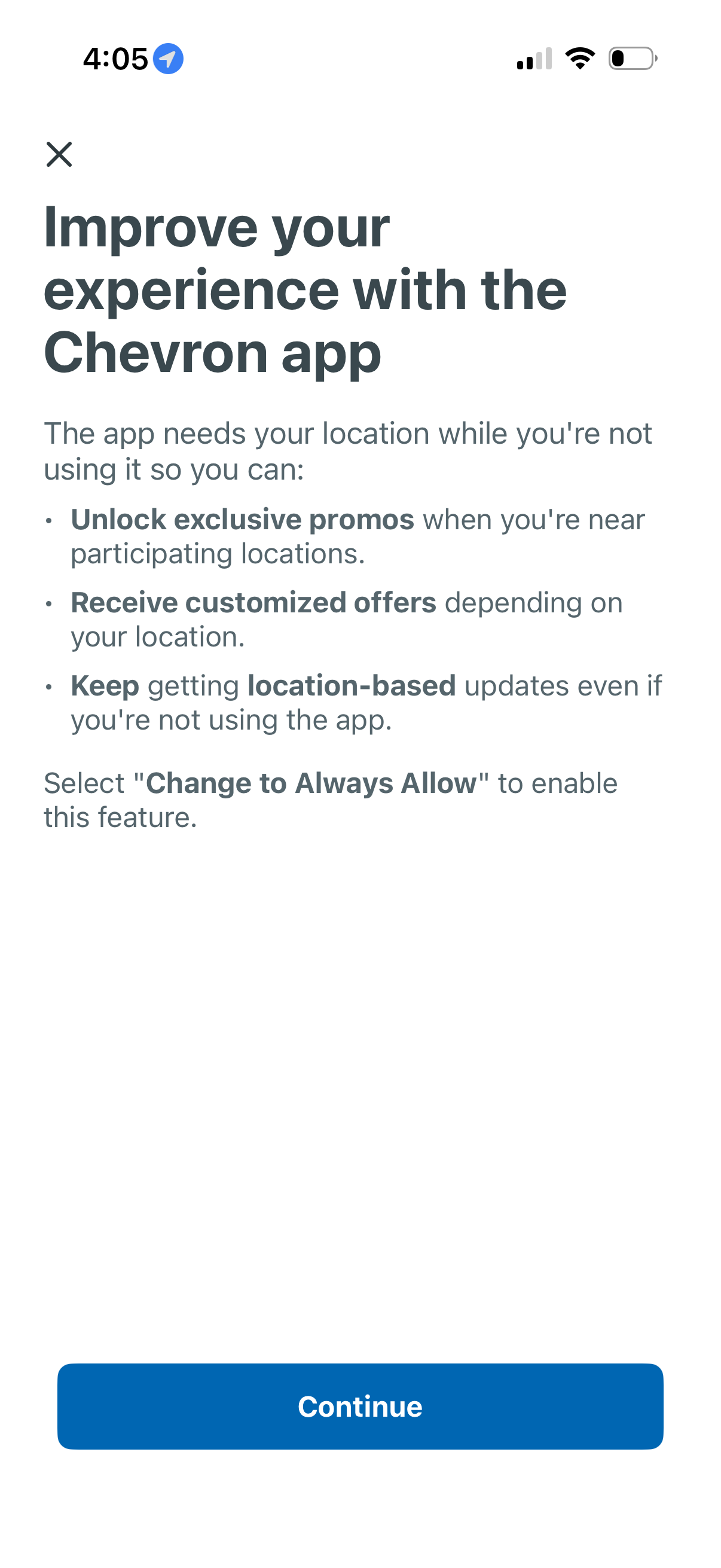
Permission education screen prompting users to enable “Always Allow” background location access to improve the app experience, explaining benefits like unlocking nearby promotions, receiving location-based offers, and getting updates when not using the app. Includes a close icon and a primary Continue button to proceed.
2
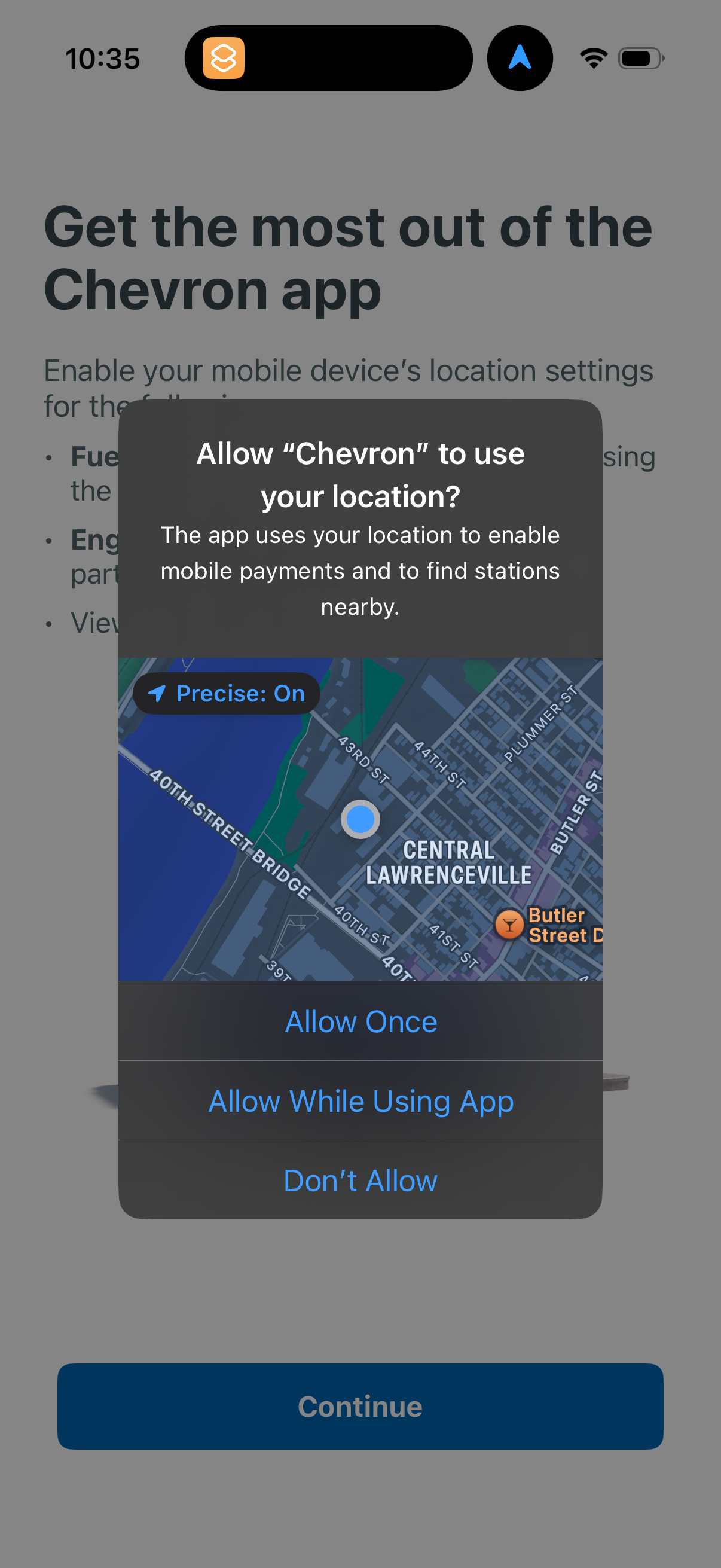
iOS location permission prompt overlay asking to allow the app to use the user’s location, showing a map preview with precise location enabled. Primary actions are Allow Once, Allow While Using App, or Don’t Allow, with onboarding text behind explaining location is needed for mobile payments and finding nearby stations and a Continue button.