Background Location Opt-In
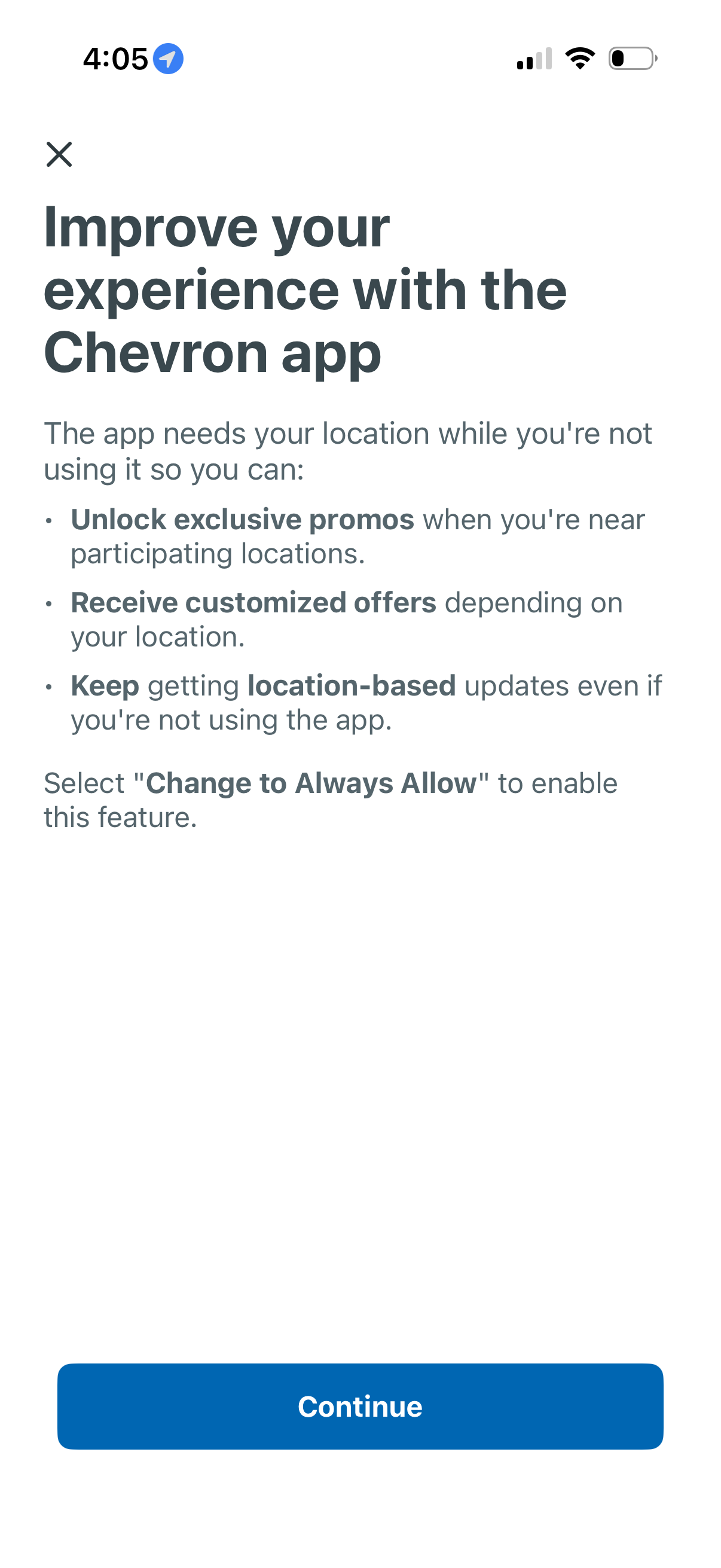
Permission education screen prompting users to enable “Always Allow” background location access to improve the app experience, explaining benefits like unlocking nearby promotions, receiving location-based offers, and getting updates when not using the app. Includes a close icon and a primary Continue button to proceed.
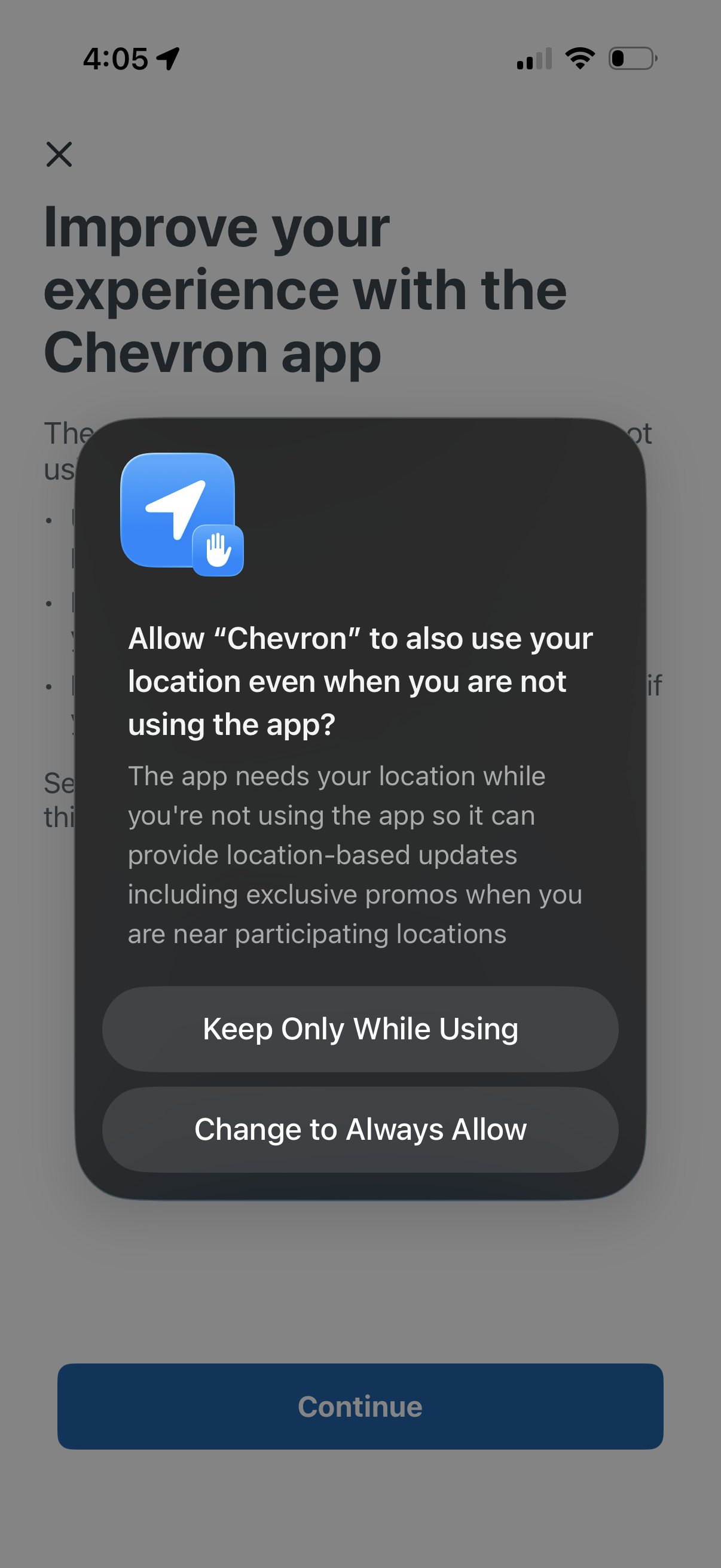
iOS location permission prompt asking to allow the app to use the user’s location even when not using the app, explaining benefits like location-based updates and nearby promos. Primary actions are to keep location access only while using the app or change to always allow.
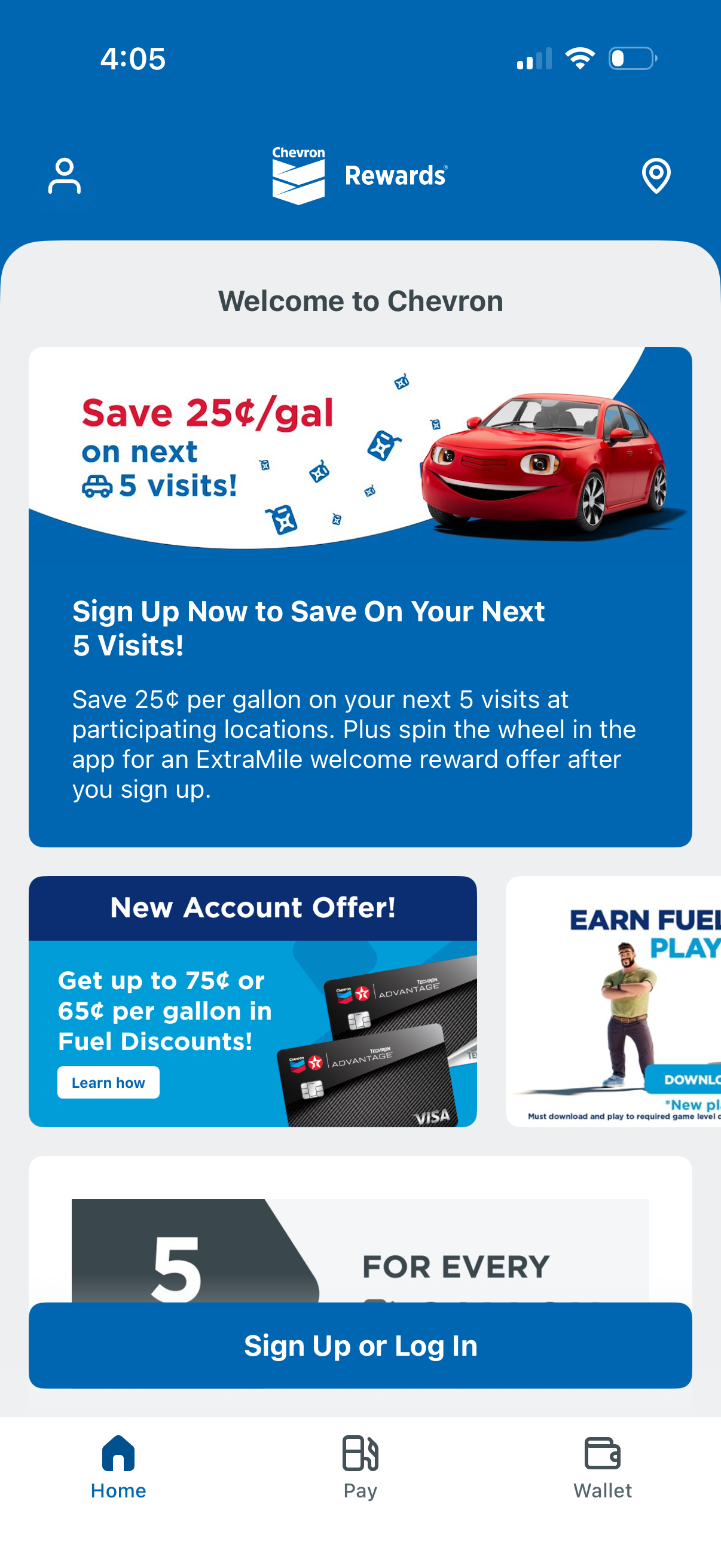
Chevron Rewards home screen promoting fuel savings and new account offers, featuring promotional cards and a primary CTA to sign up or log in for discounts. Top icons provide access to profile and location, while a bottom tab bar navigates between Home, Pay, and Wallet.