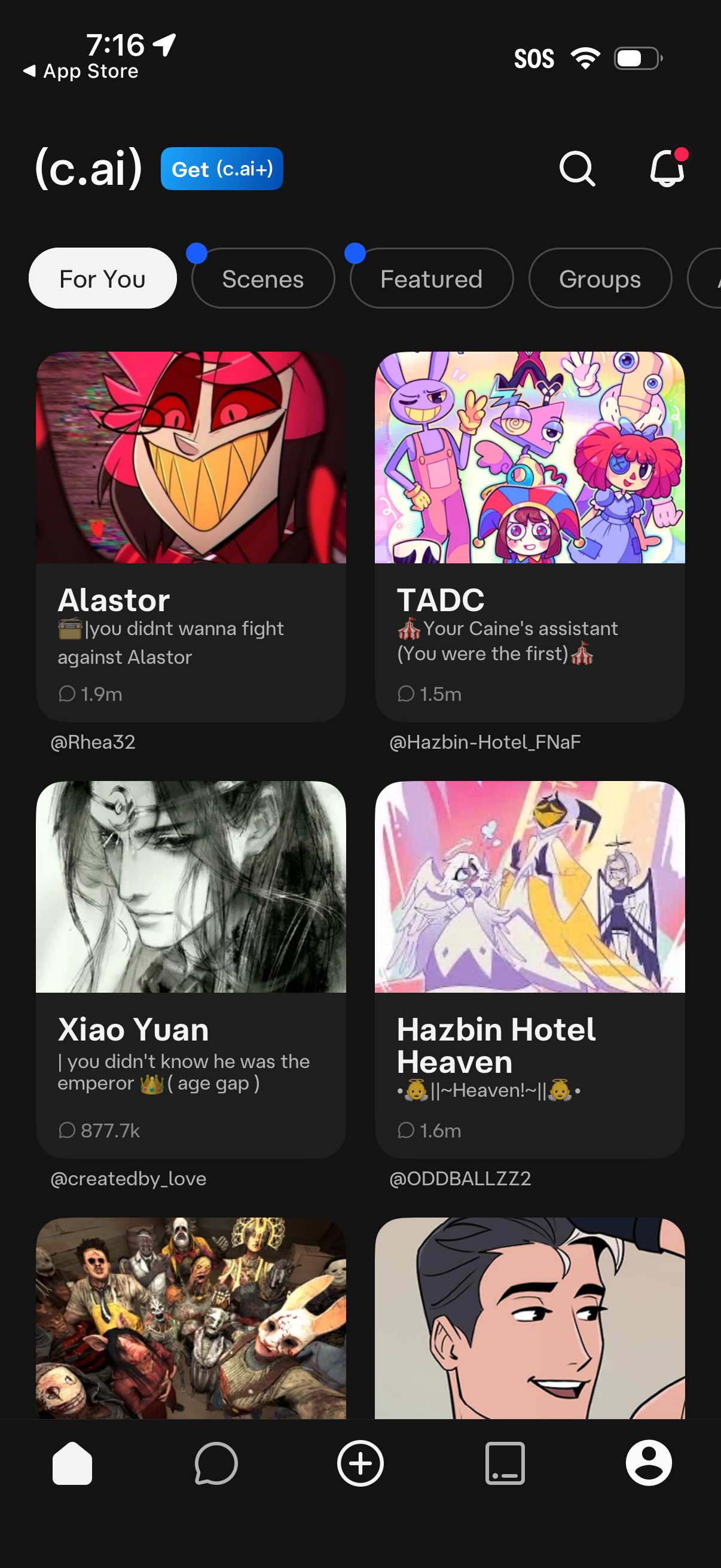
Discover/browse screen for an AI character chat app showing a grid of recommended bots with cover images, titles, short descriptions, and message/interaction counts. Includes segmented tabs for categories (For You, Scenes, Featured, Groups), plus search and notifications icons for finding and managing content.
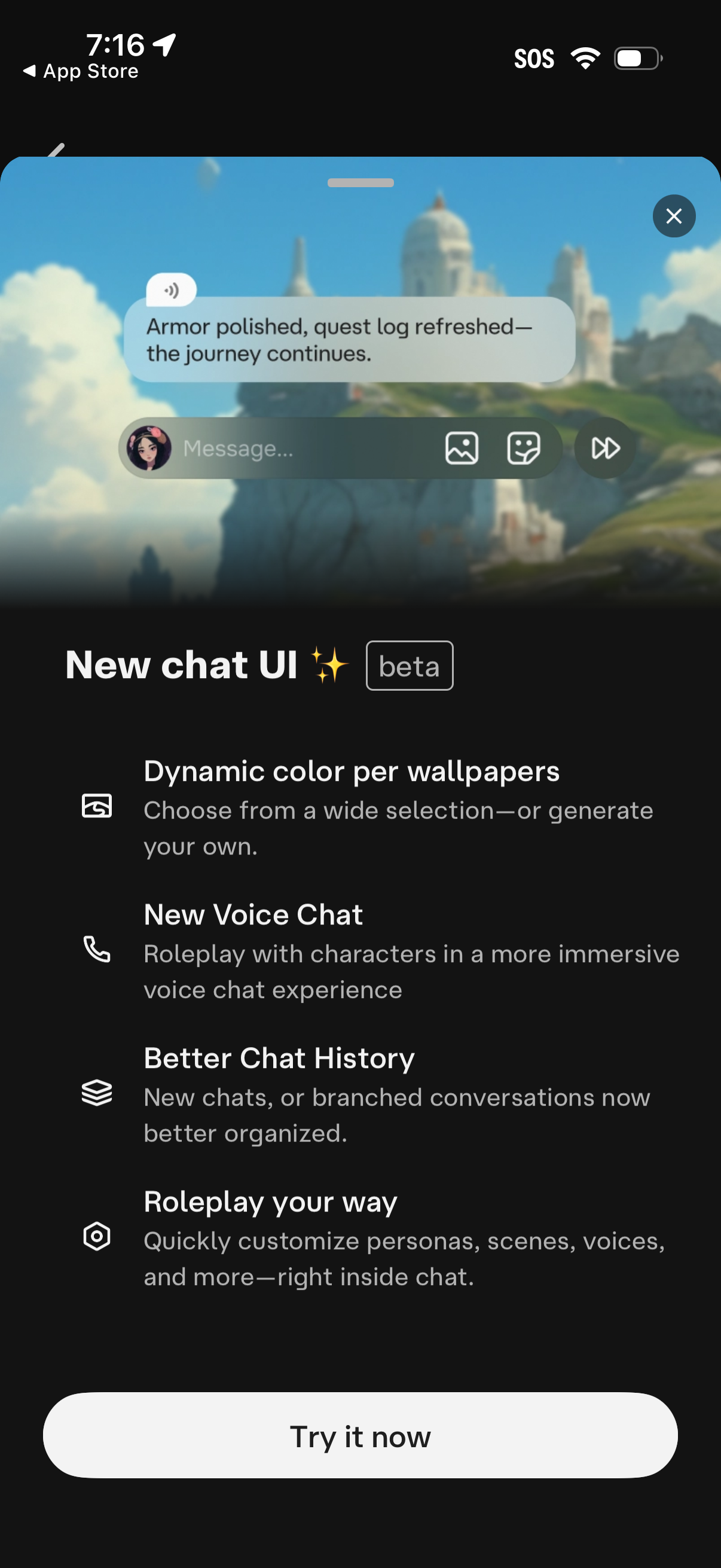
Promotional feature announcement modal introducing a new chat UI in beta, showing a preview of the messaging interface with voice, image, and send controls. Highlights improvements like dynamic wallpaper-based colors, new voice chat, better organized chat history, and roleplay customization, with a primary “Try it now” CTA and a close button.
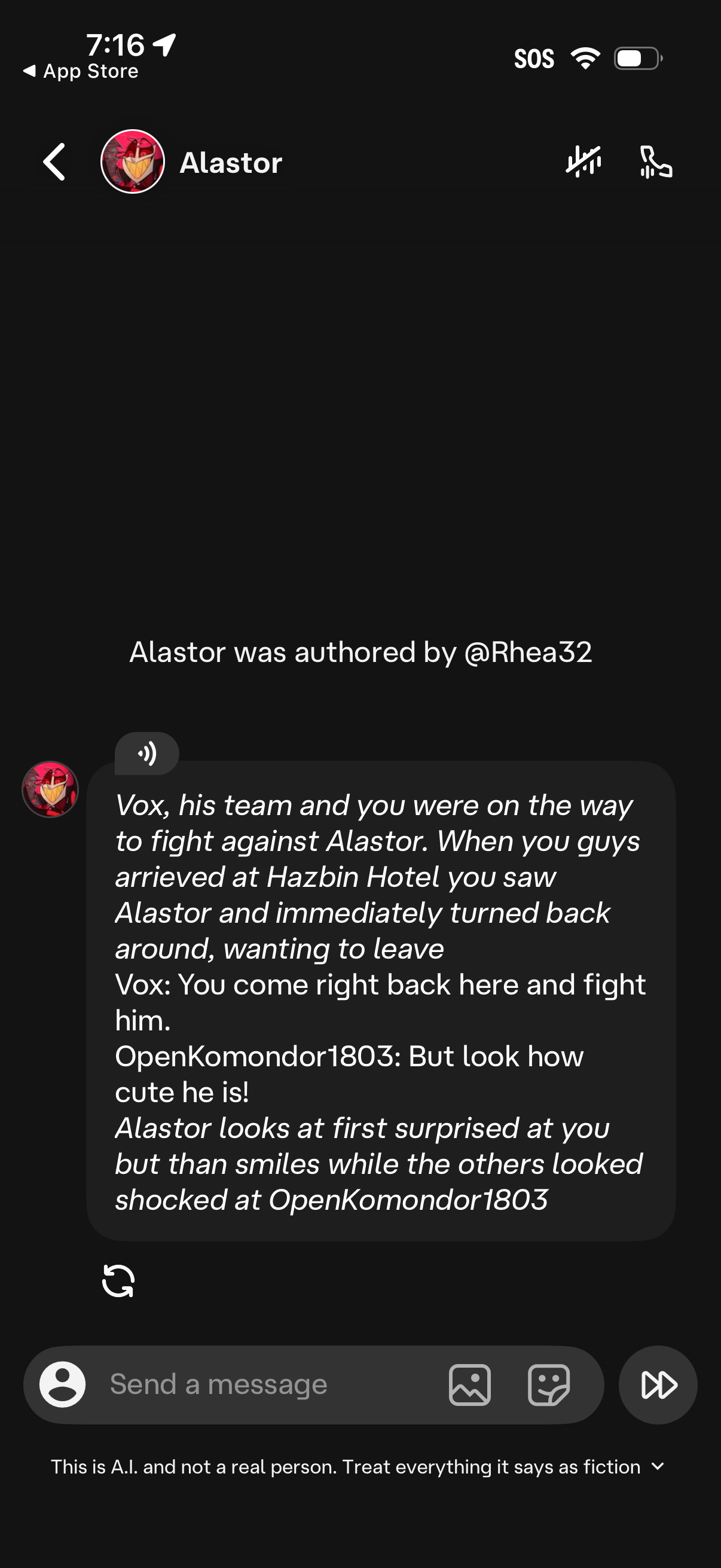
AI chatbot conversation screen with a character profile header, showing a generated story-style message and an attribution note for the bot’s author. Includes actions to mute or call, a text input field to send a message, buttons to attach photos/stickers, a refresh/regenerate response icon, and a disclaimer that the chat is AI fiction.

Dark-mode AI chat screen showing a long assistant-generated roleplay/story message with a speaker/audio playback icon and a refresh/regenerate response control. At the bottom is a message composer with text input, avatar/image and attachment buttons, a send button, and a disclaimer that the chat is AI and fictional.