view creator profile
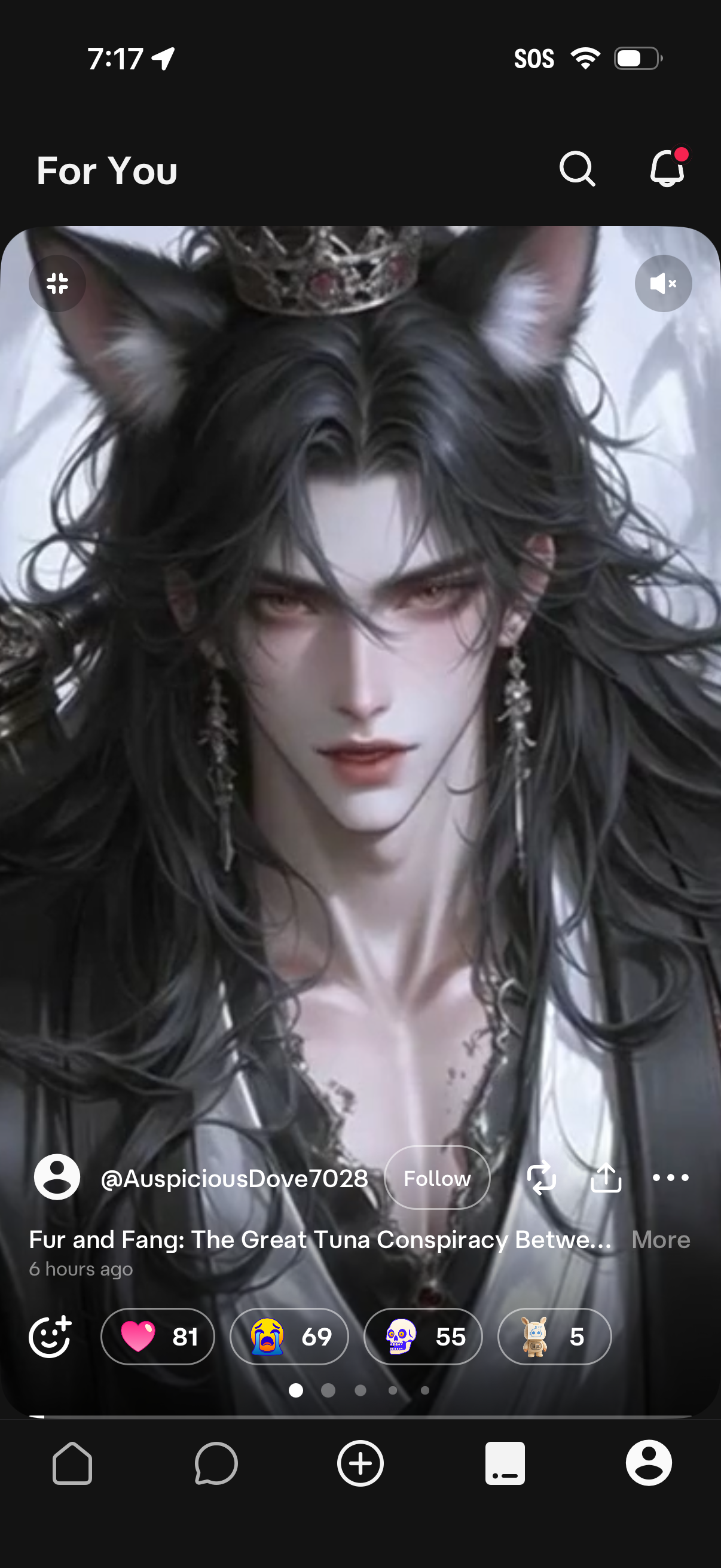
“For You” social feed screen showing a full-screen post with creator handle, caption preview, and a Follow button, plus search and notifications in the header. Post actions include reactions with counts, share/repost and more options, and bottom navigation to home, messages, create, and profile.
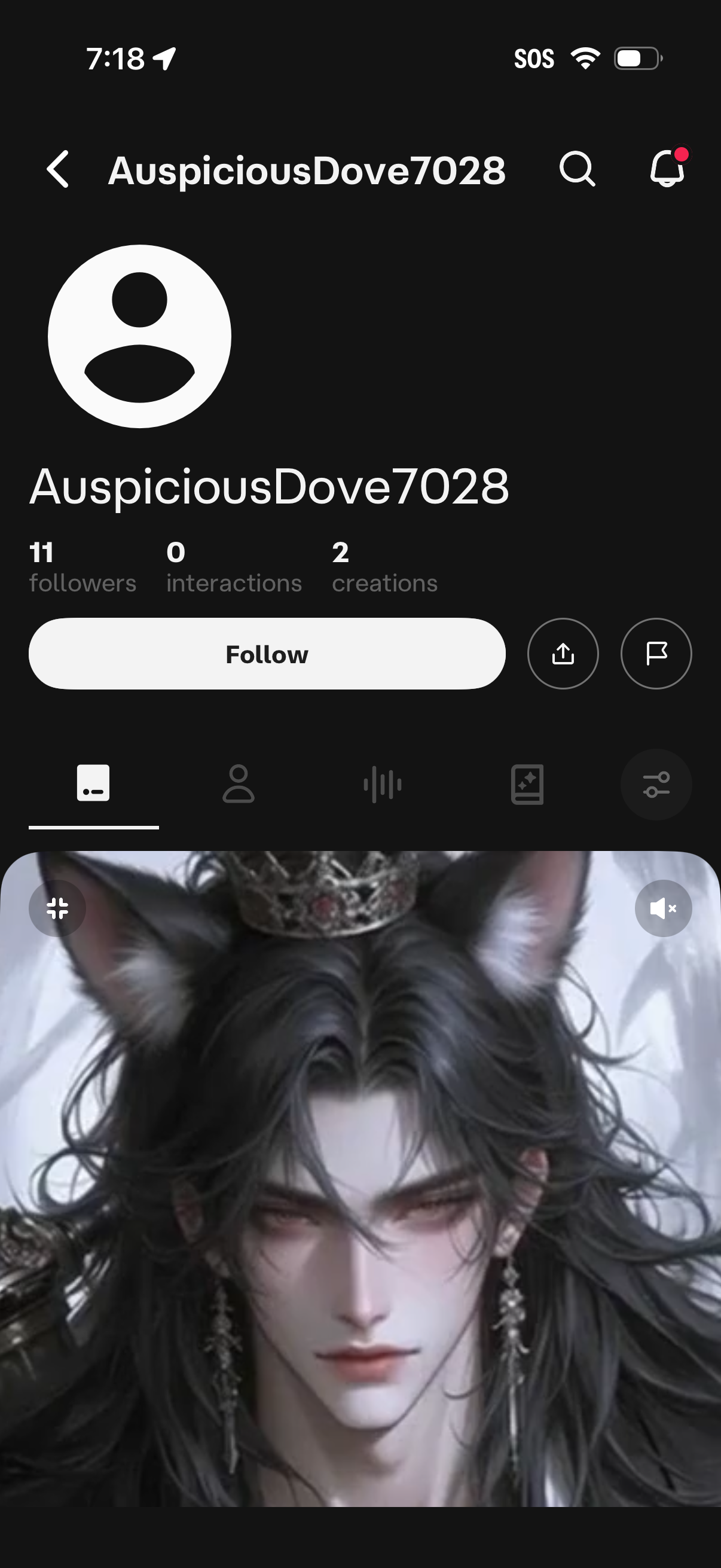
User profile screen showing avatar, username, follower/interactions/creations counts, and a primary Follow button with share and flag/report actions. Includes search and notifications icons plus tabbed sections to browse the user’s posts/media and other profile content.
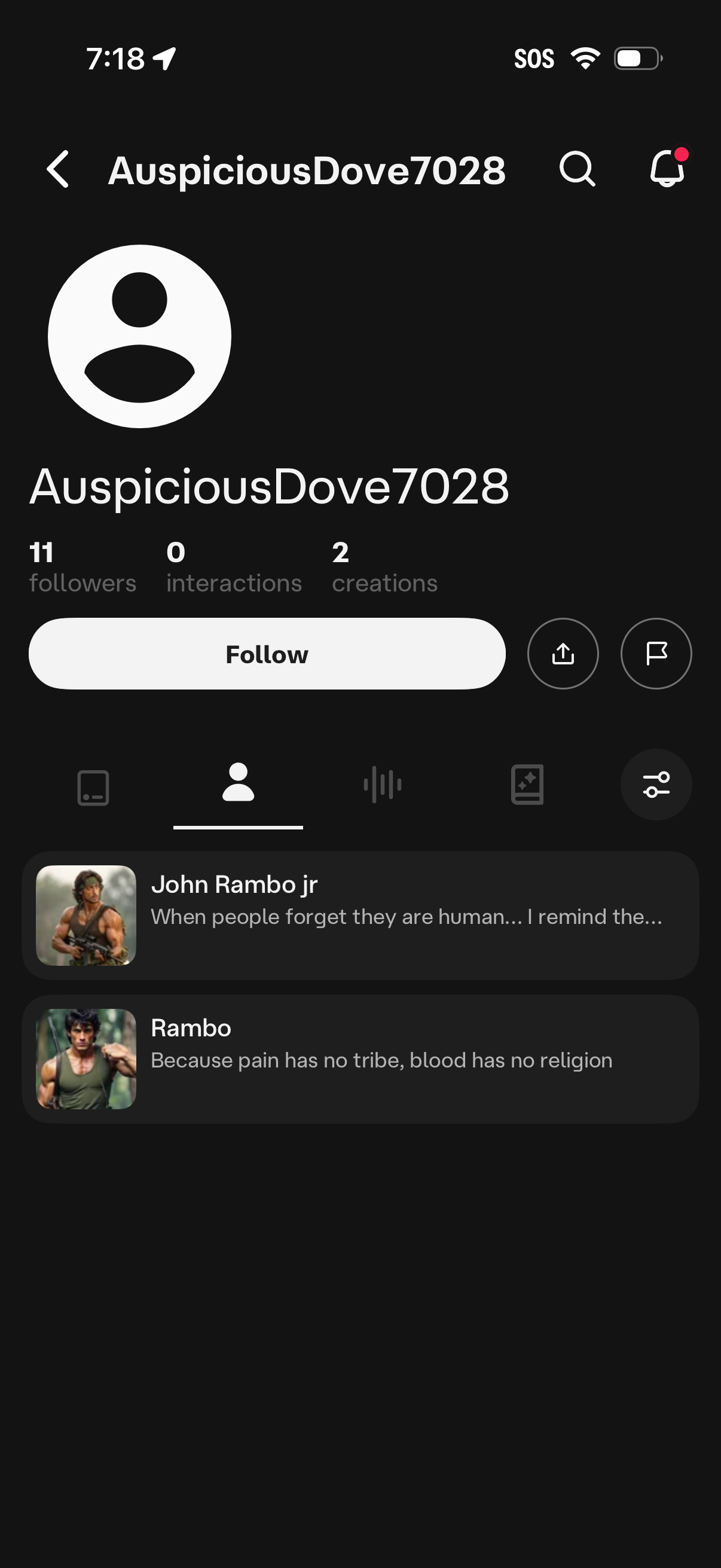
User profile screen showing avatar, username, and stats (followers, interactions, creations) with a primary Follow button plus share and flag/report actions. Includes search and notifications icons and a tabbed section listing the user’s published creations/posts in a feed.

User profile screen in a social audio app showing avatar, username, follower/interactions/creations stats, and primary actions to follow, share, and report. The content area displays an empty state (“No voices yet”) with a call to action to explore voices, plus tabs to switch between profile sections and top search/notifications icons.

User profile screen showing avatar, username, and stats for followers, interactions, and creations, with a primary Follow button plus share and report actions. Includes tabs for viewing different profile sections and an empty-state message indicating no scenes/content yet, with search and notifications in the top bar.