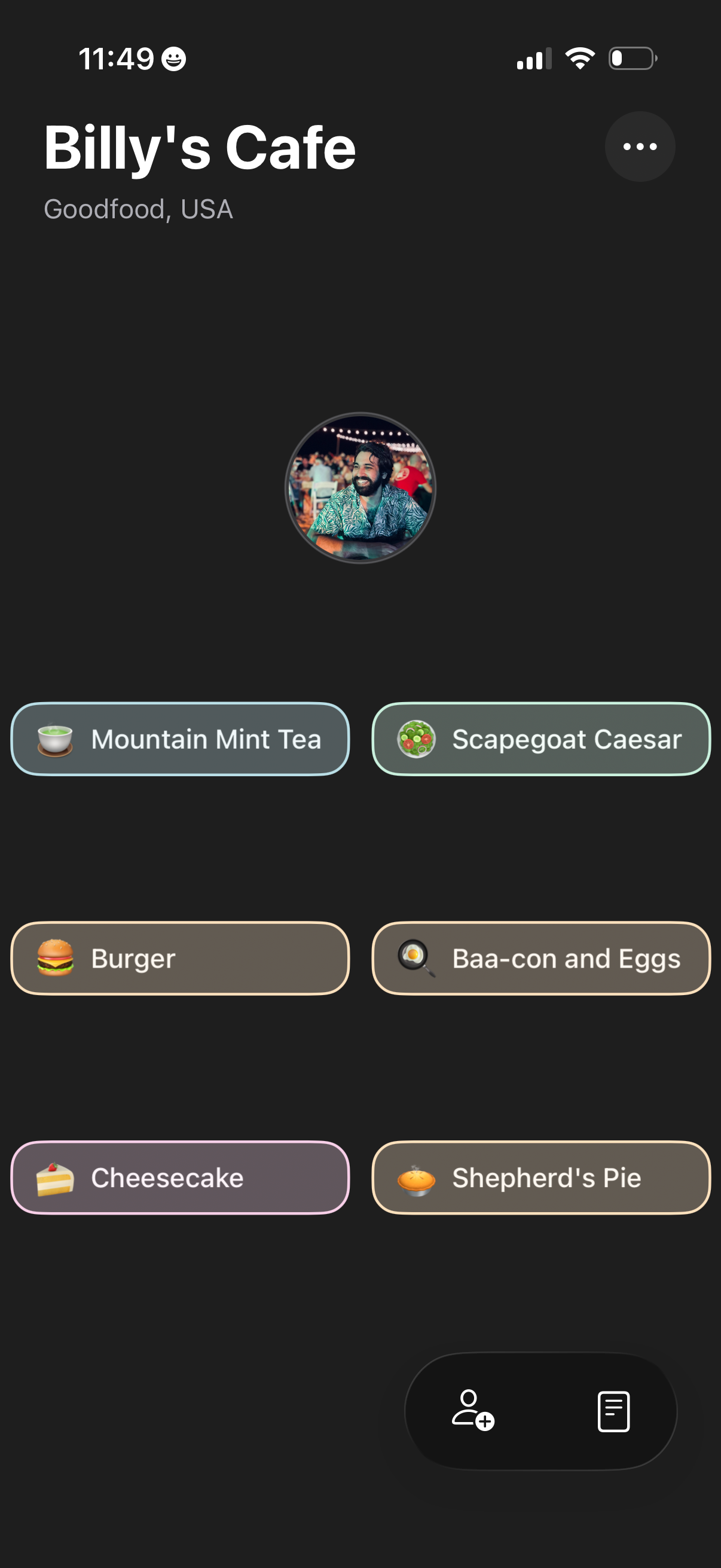
Restaurant profile screen for a cafe showing the venue name and location plus a grid of menu item chips with icons for quick selection. Includes an overflow options menu and a bottom action area to add people/invite or open an order/menu list.
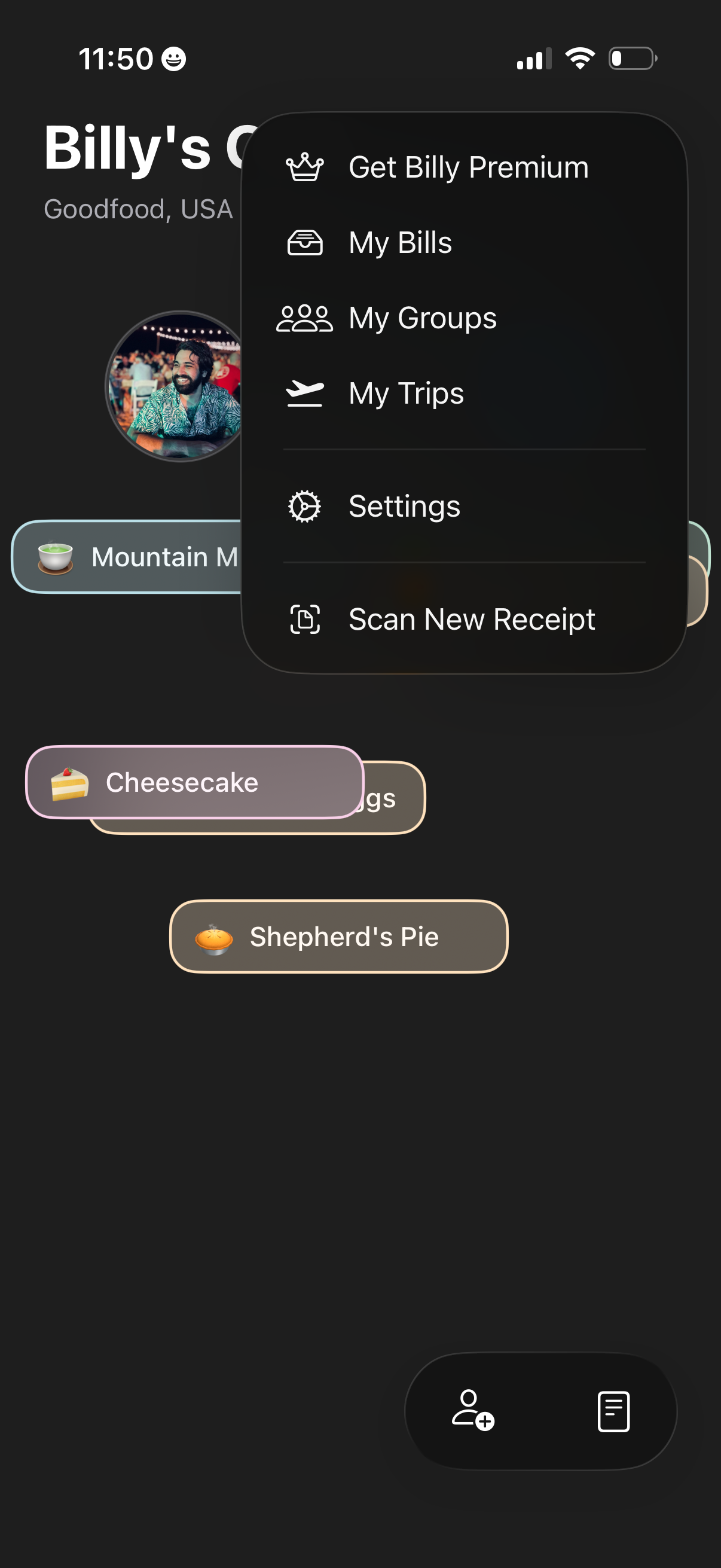
Profile screen for a receipt-splitting/bill tracking app showing a user’s items list, with an overflow menu to upgrade to premium, view My Bills, My Groups, and My Trips, open Settings, or scan a new receipt. Floating actions at the bottom provide quick access to invite/add people and view receipt or bill details.
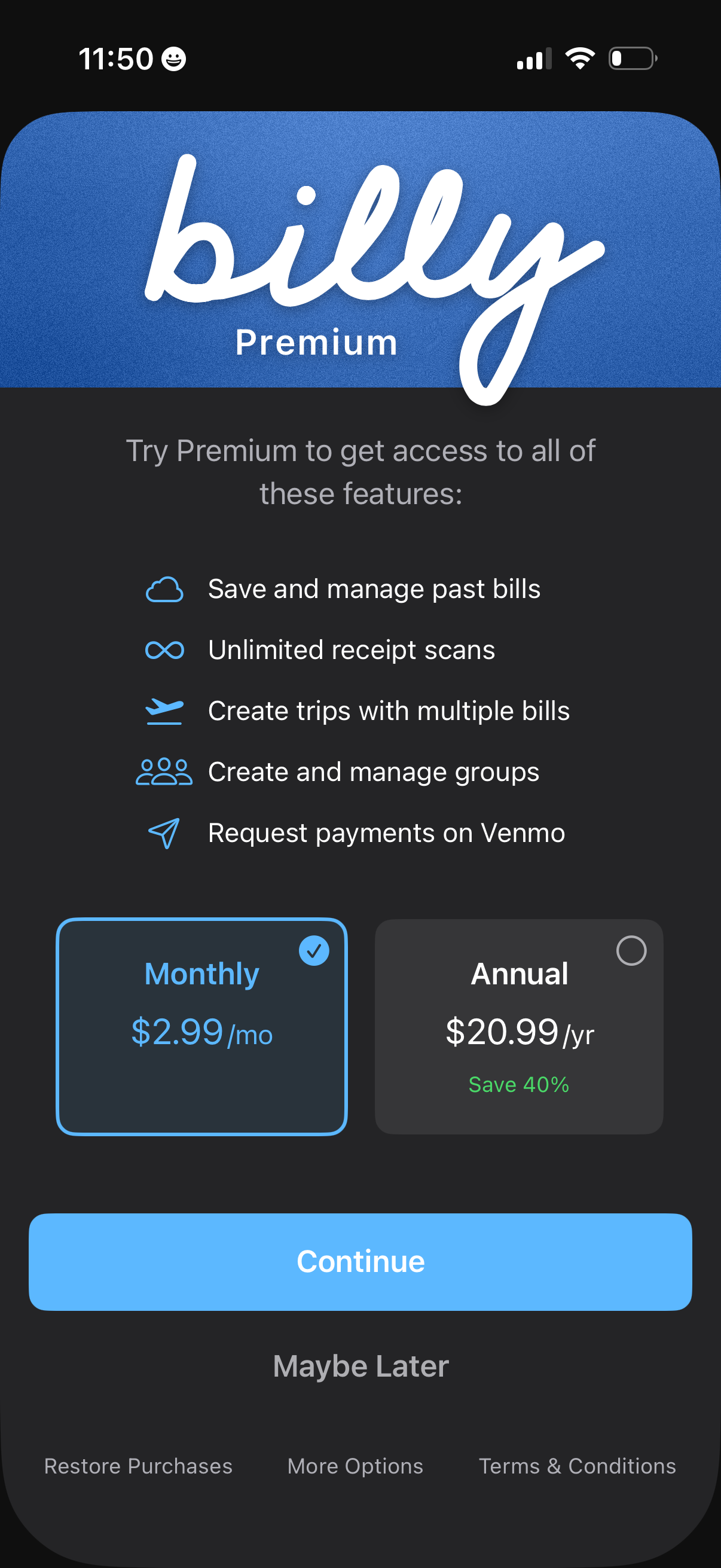
Premium subscription upsell screen for a bill-splitting/expense app, highlighting benefits like saving past bills, unlimited receipt scans, creating trips and groups, and requesting payments via Venmo. Users can choose between monthly or annual pricing plans and proceed with a Continue CTA, or dismiss with Maybe Later and access restore purchases/terms.
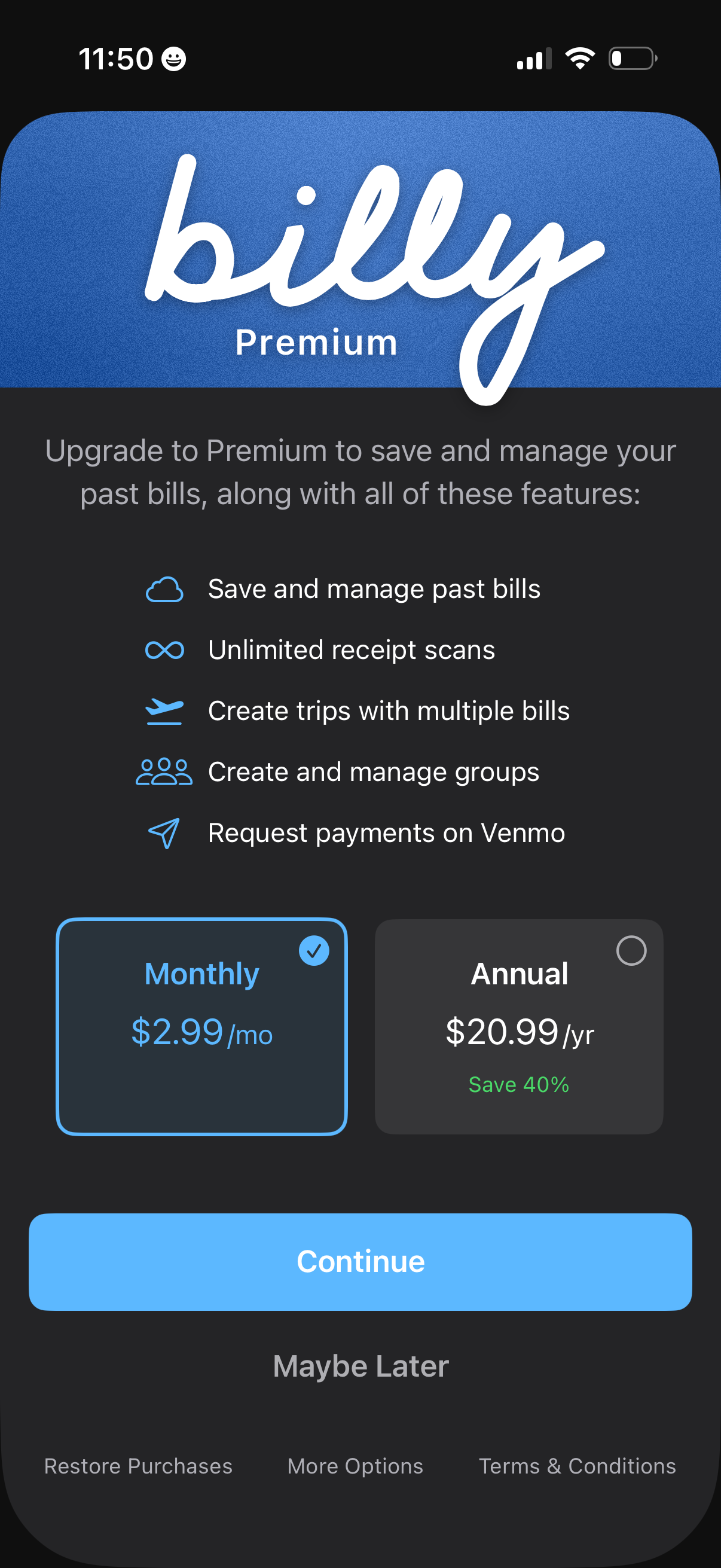
Premium subscription upsell screen for a bill-splitting/expense app, listing paid features like saving past bills, unlimited receipt scans, creating trips and groups, and requesting payments via Venmo. Users choose a plan (monthly vs annual with savings) and can tap Continue to subscribe or Maybe Later, with links to restore purchases and view terms.