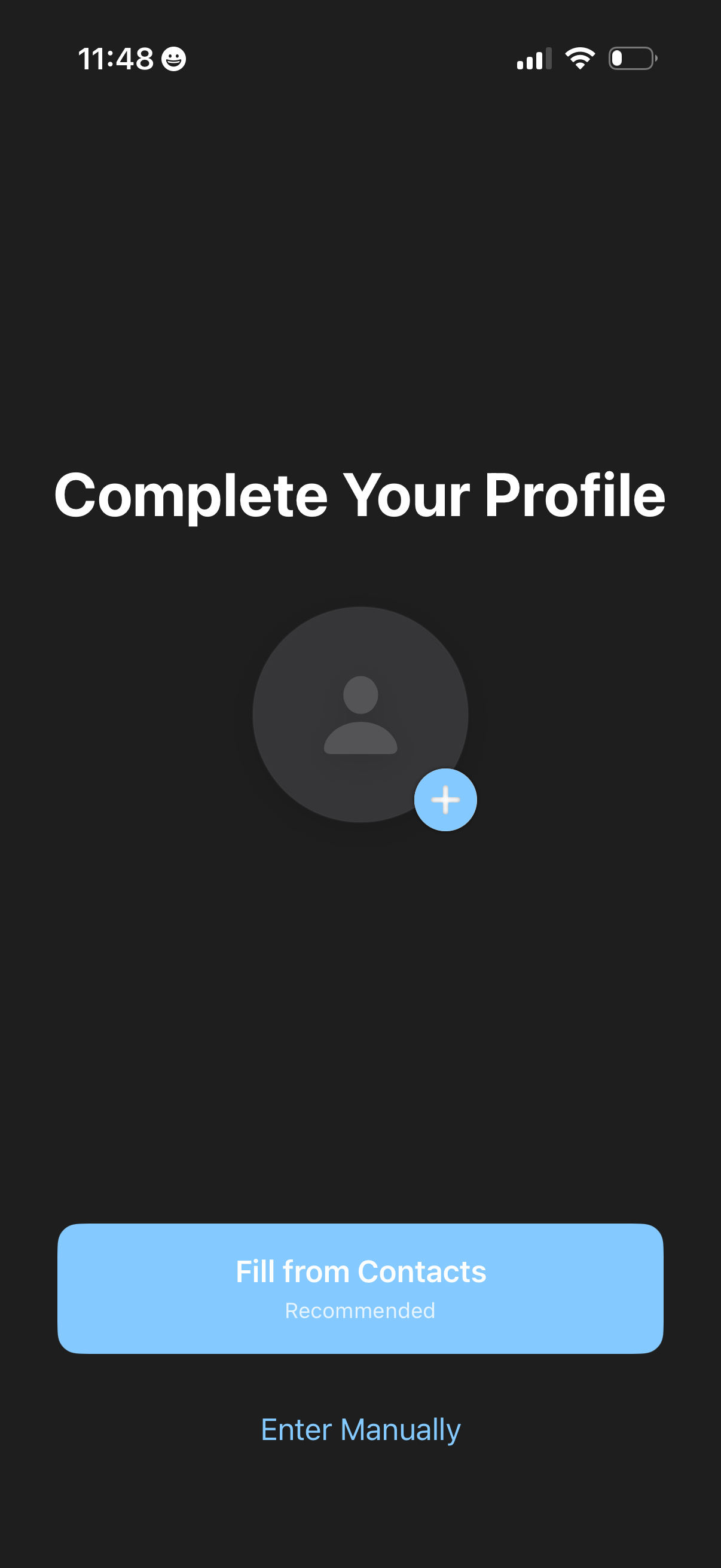
Onboarding “Complete Your Profile” screen prompting the user to add a profile photo/avatar and finish personal details. Primary action offers autofill “Fill from Contacts” (recommended) with an alternative link to “Enter Manually” for manual profile entry.
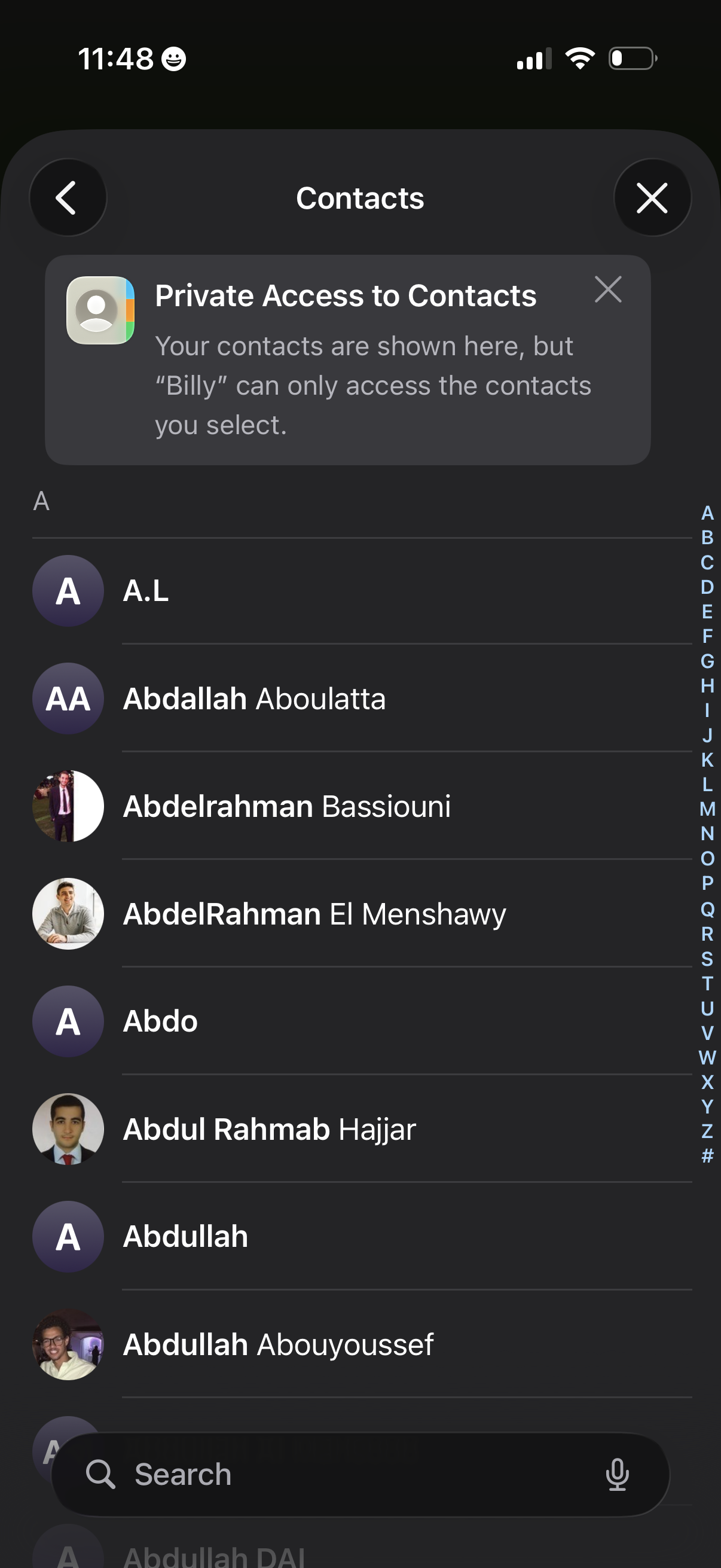
Contacts picker screen showing an alphabetical list of phone contacts with an A–Z index and a search bar to find and select people. A privacy notice indicates private access, where only the chosen contacts will be shared with the app or profile.
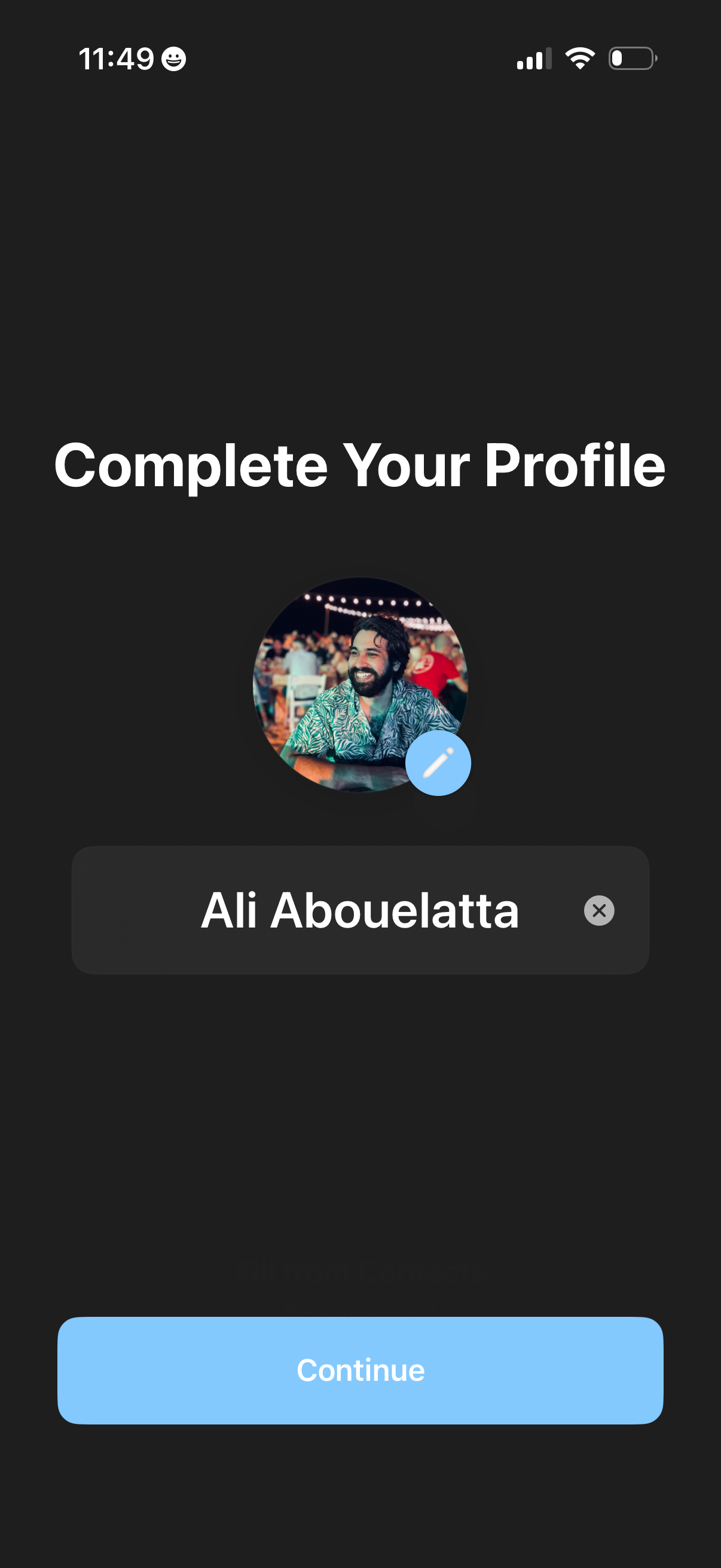
Profile completion onboarding screen prompting the user to add or edit a profile photo and enter their full name in a text field with clear/remove option. A primary “Continue” button advances to the next step of setup.
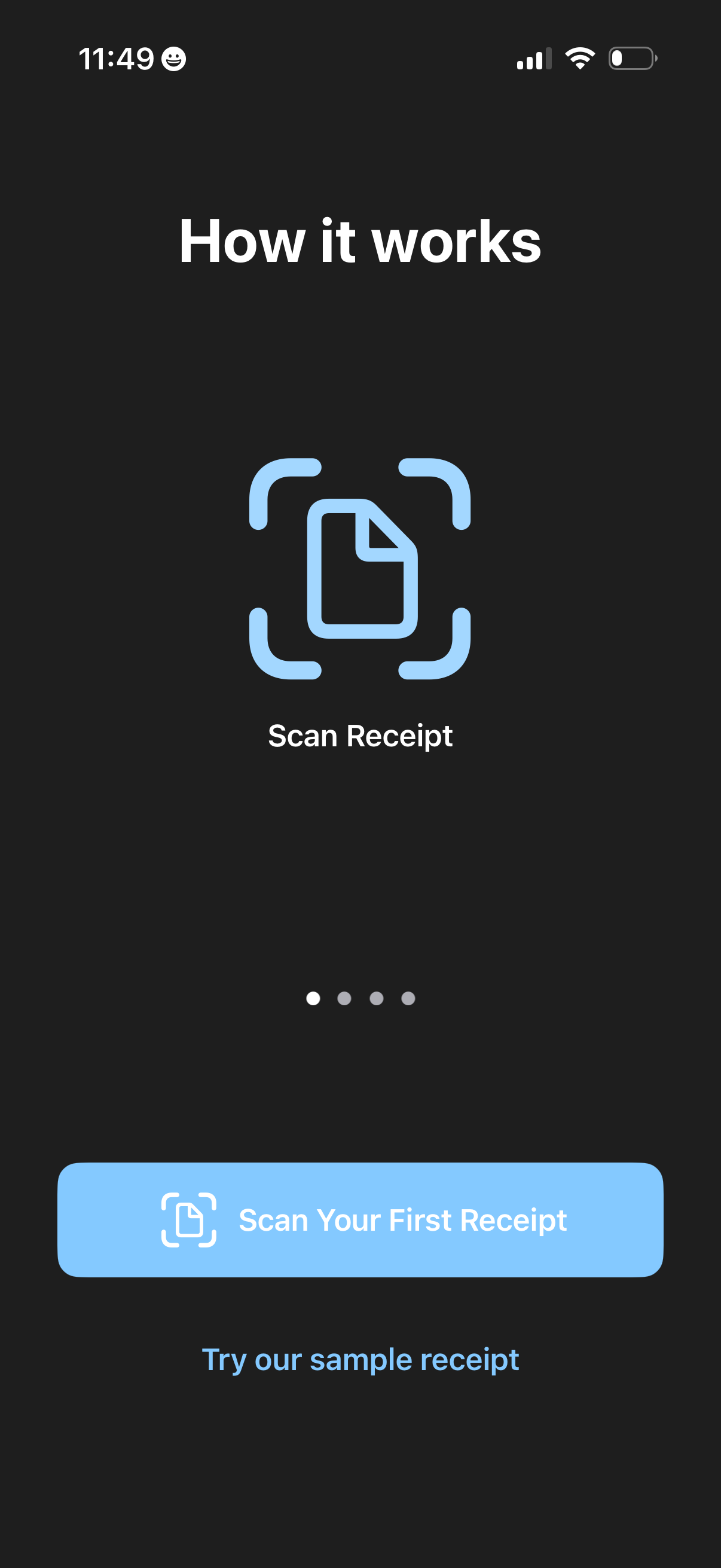
Onboarding “How it works” screen introducing receipt scanning, showing an icon and step label “Scan Receipt” with a pagination indicator. Primary CTA button lets users scan their first receipt, with a secondary option to try a sample receipt.