try augmented reality view
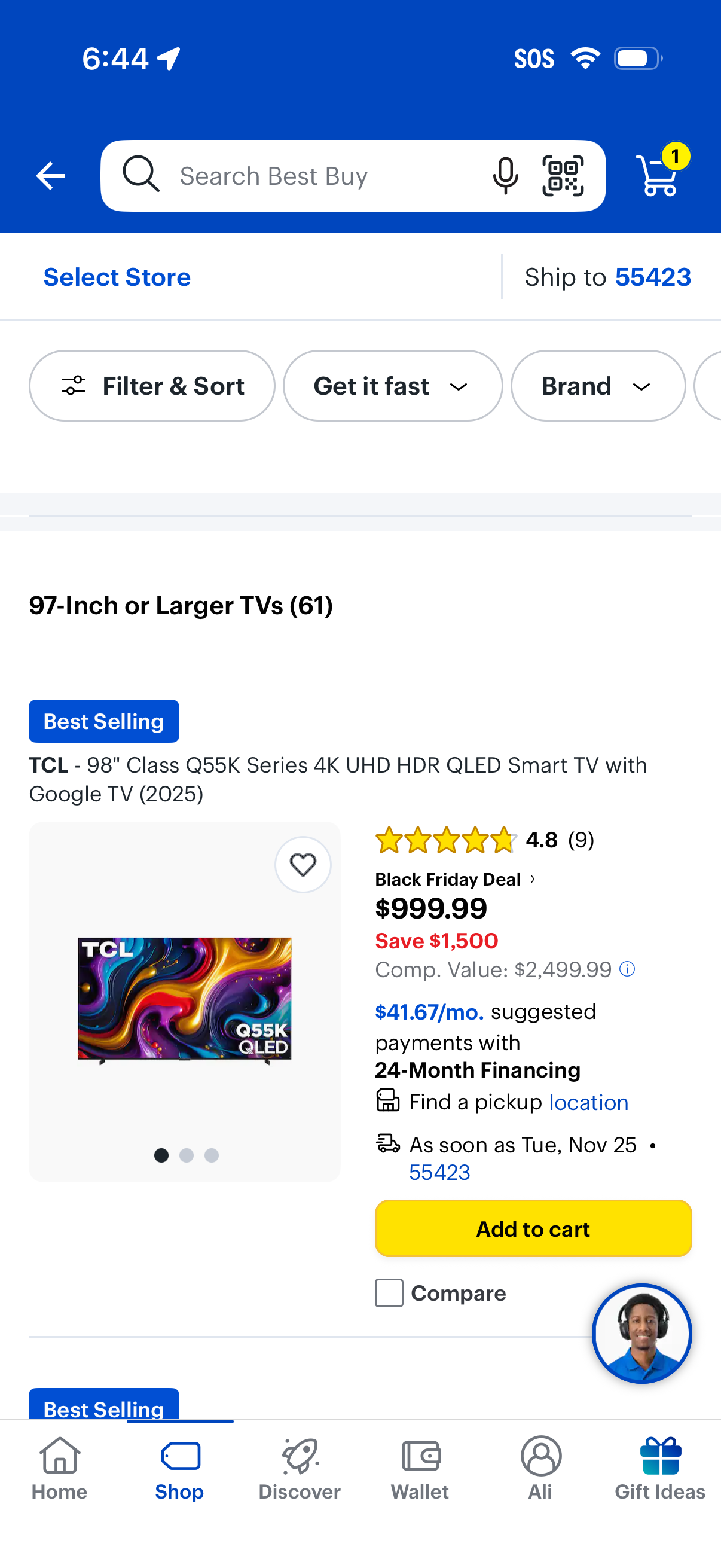
E-commerce category product listing page for “97-inch or larger TVs” with a top search bar (voice and barcode scan), store selection and ship-to location, and quick filter/sort chips like availability and brand. Each product card shows image, ratings, deal pricing and financing info, pickup/delivery details, wishlist, compare, and a prominent Add to cart button with cart icon showing item count.
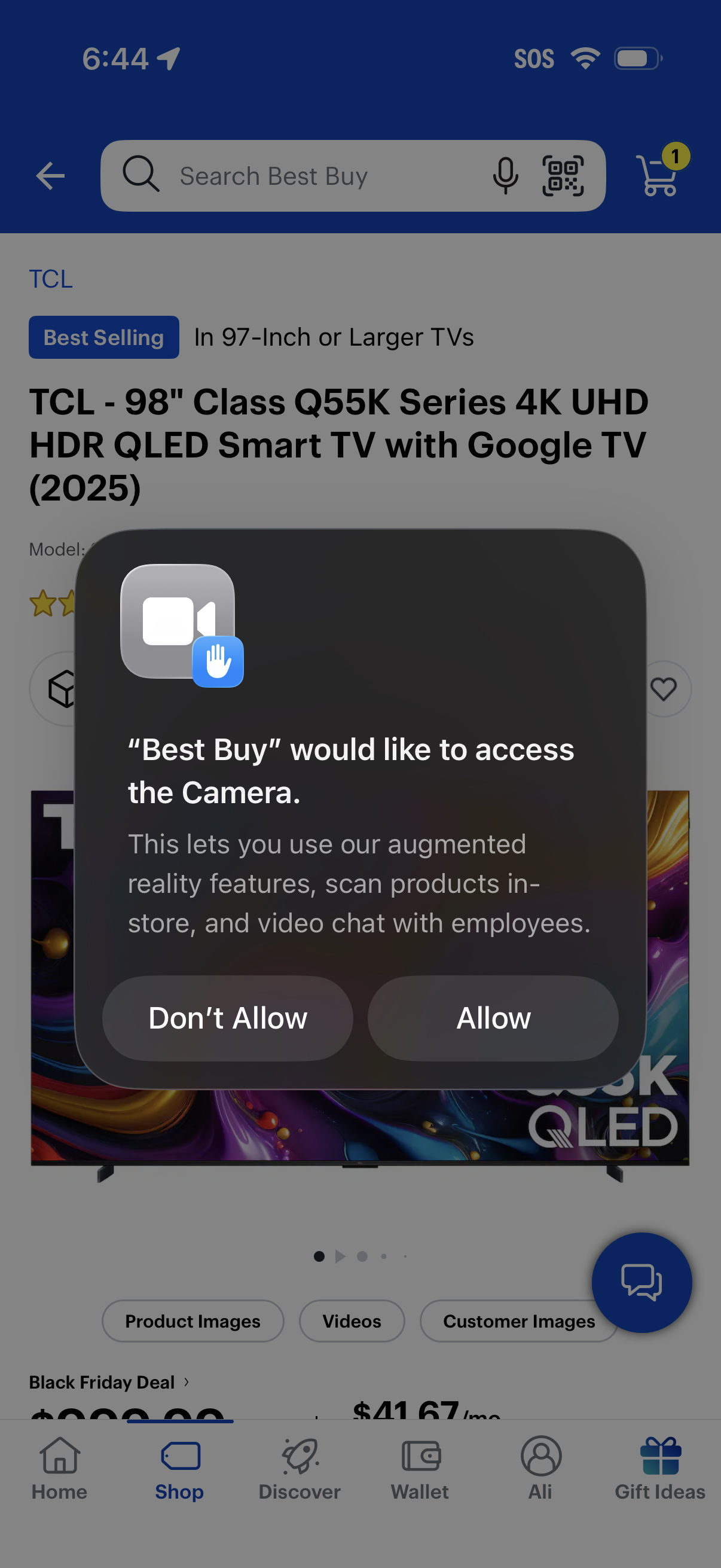
E-commerce product detail screen with a system permission modal requesting camera access for augmented reality features, in-store product scanning, and video chat with employees. The alert presents primary actions to Allow or Don’t Allow while the shopping app UI (search bar, cart, product gallery) is visible in the background.
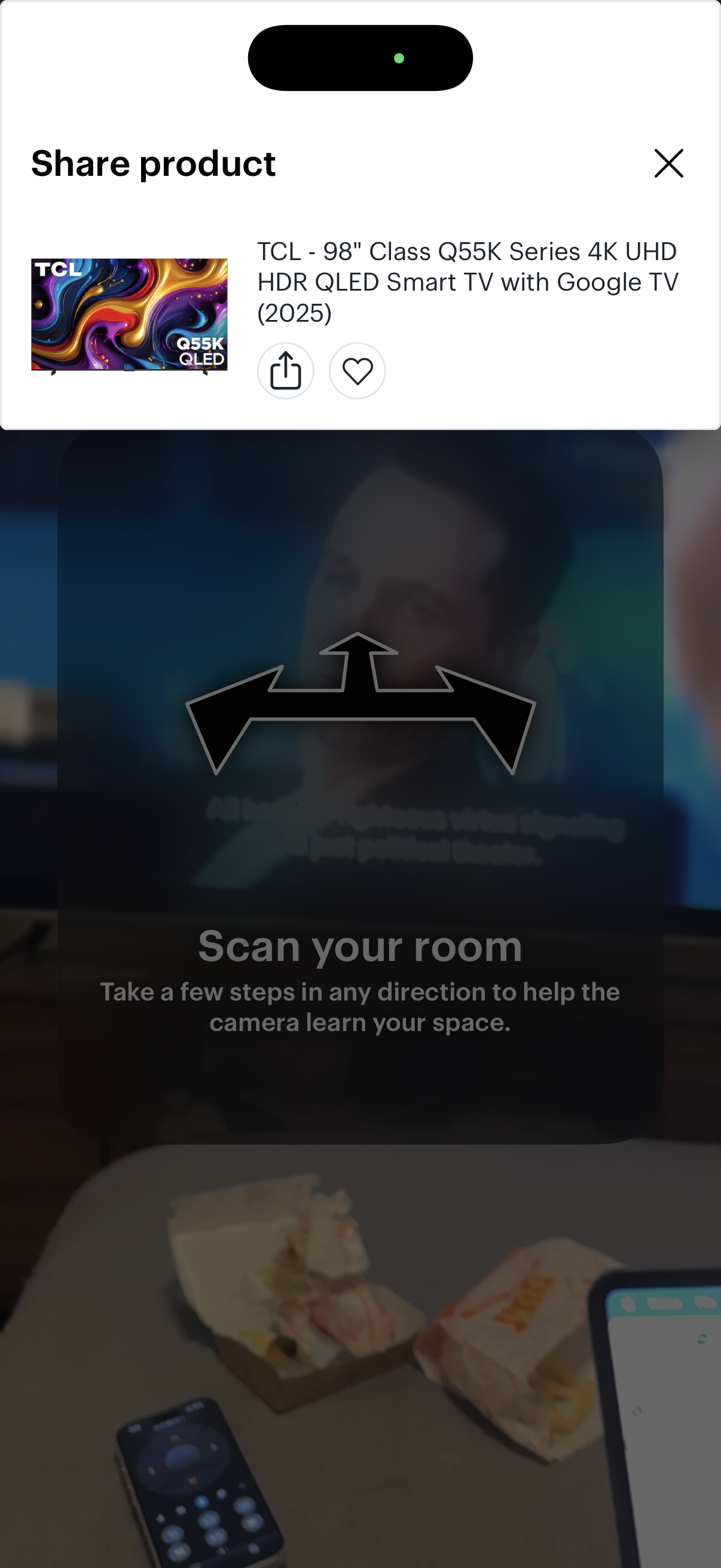
Modal bottom sheet for sharing a product listing, showing a product thumbnail and name with primary actions to share/send and save to favorites, plus a close button to dismiss. The background is dimmed, indicating an overlay on top of another in-app flow.
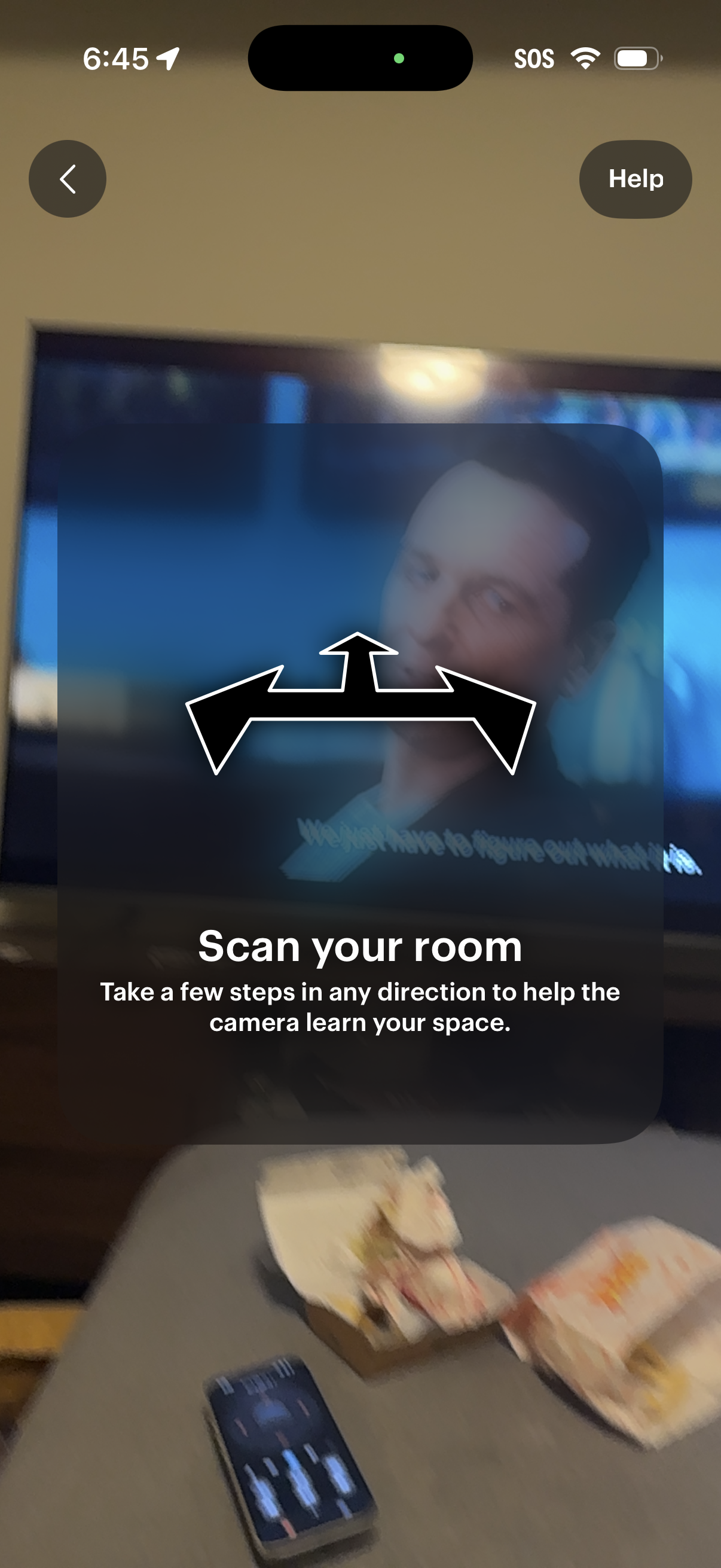
AR camera onboarding screen prompting the user to scan their room by walking a few steps so the camera can learn the space, with an illustrated swipe/rotate gesture hint overlay. Includes back navigation and a Help button for guidance during setup.

An in-app help modal overlay for an AR navigation/scene experience prompting the user with “Need help? ” and offering actions to view navigation tips, submit feedback (“Tell Us What You Think”), or dismiss the dialog.