manage account settings
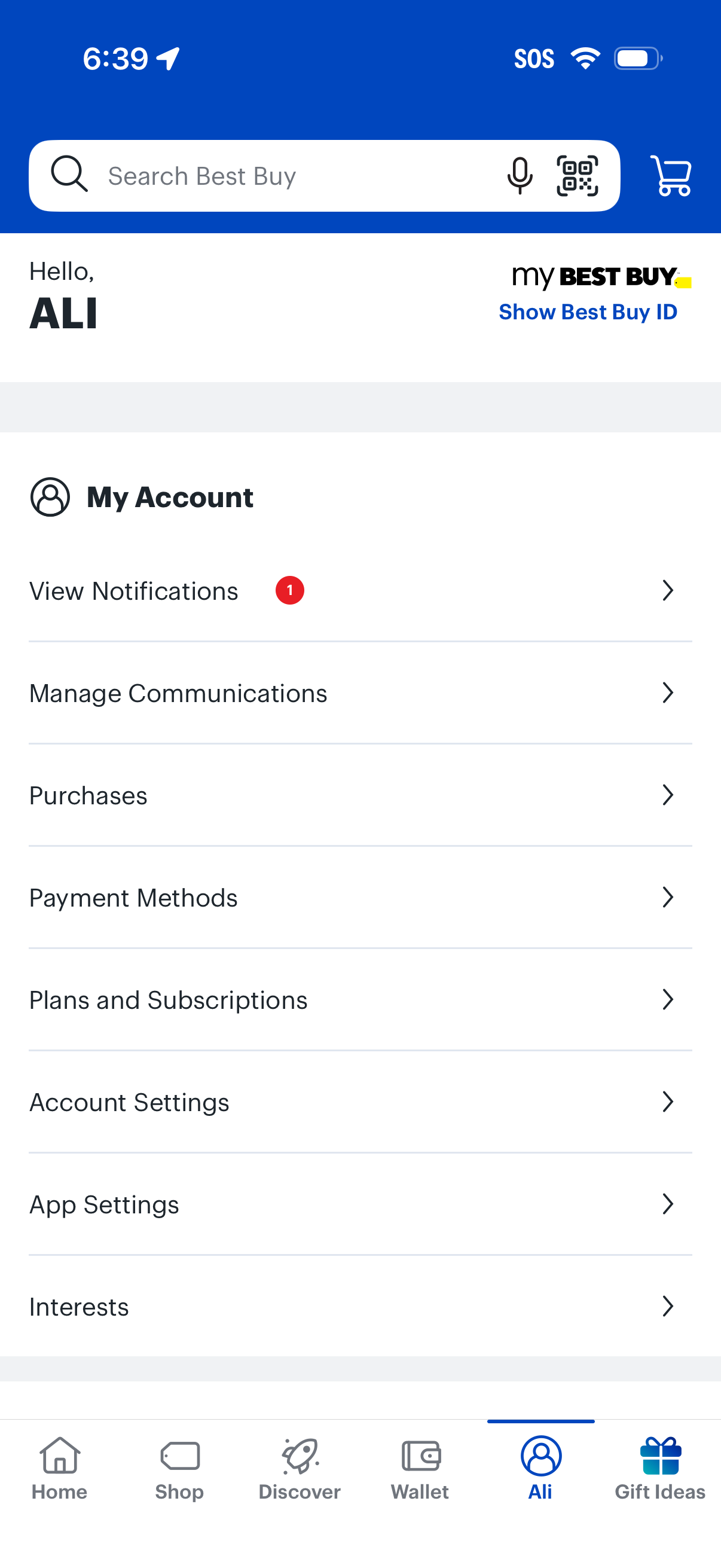
Account hub screen for a retail shopping app showing a searchable header with cart access and a “My Account” menu to view notifications, manage communications, review purchases, manage payment methods, handle plans/subscriptions, and adjust account/app settings and interests, with an option to display a membership ID.

Home screen of a retail app with a global search bar (including voice and barcode scan) and cart access, showing an empty state message that no service/repair services are connected to the account. Includes a dismissible help banner with a “Learn more” link and a prompt to “Track your service or repair,” plus bottom tab navigation.

Empty state for a “Your Products” library where users can manage owned items, with search, status filter (Active) and sort (Most Recent). Prominent CTAs let users add a product to view warranty/support options or start shopping via a “Shop Now” button.
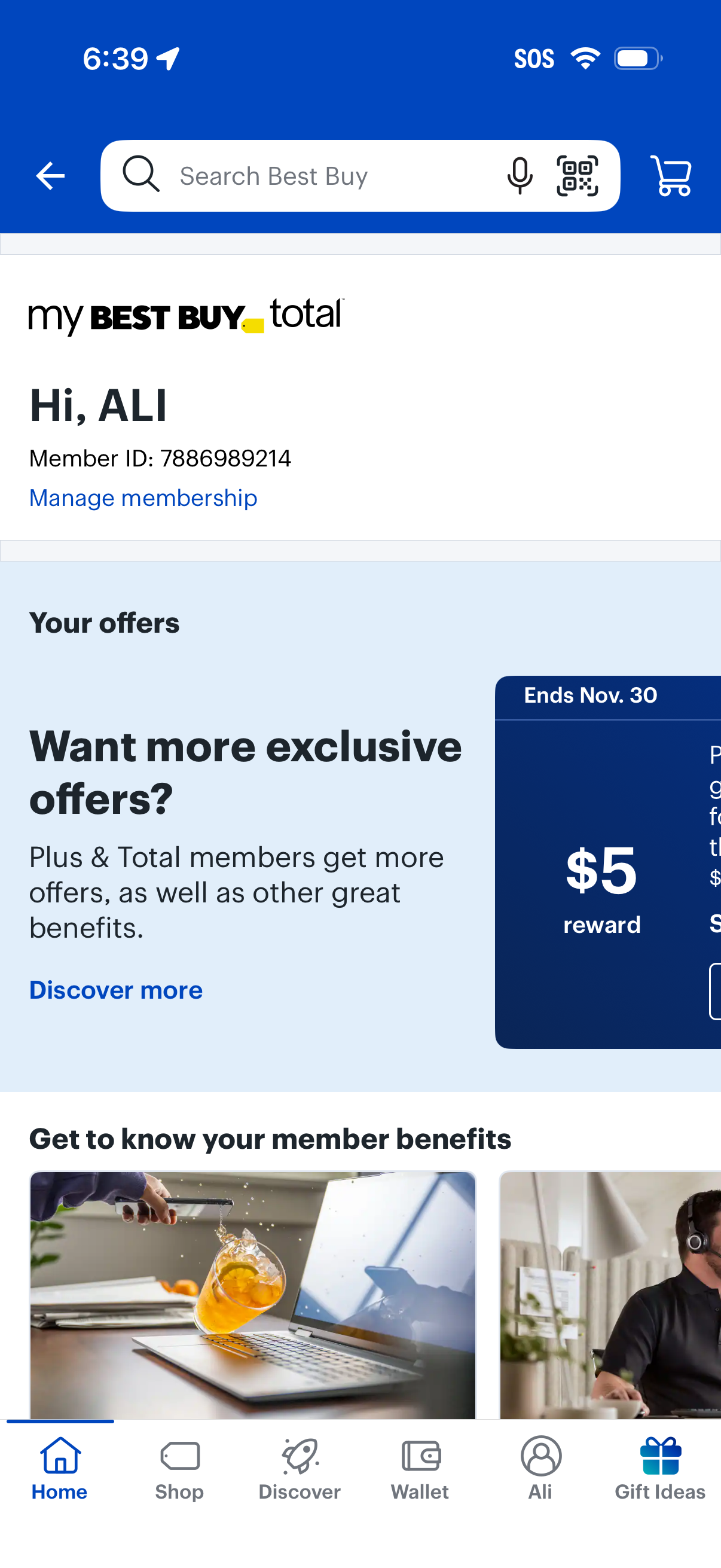
Retail app membership dashboard showing the user’s My Best Buy Total account with member ID and a link to manage membership. The screen highlights personalized offers and rewards with a promotional card and “discover more” CTA, while providing global search with voice/scan options, cart access, and bottom navigation to Home, Shop, Discover, Wallet, Profile, and Gift Ideas.