
Retail app “Gift Ideas” landing screen with a search bar (voice and QR scan) and cart shortcut, featuring a promotional banner and a “Who are you shopping for? ” selector.

Gift cards category landing screen for a retail app, showing Best Buy gift card options with a horizontal carousel for e-gift cards, corporate gift cards, and holiday designs. Includes promotional banner for instant e-gift card designs and a section for specialty gift cards by brand, with top navigation for back, search, and cart.

E-gift card recipient details form that asks for the recipient’s name and sender’s name, with a primary CTA to “Send A Digital Card. ” Top navigation includes back, search, gift cards, and cart access for continuing the purchase flow.
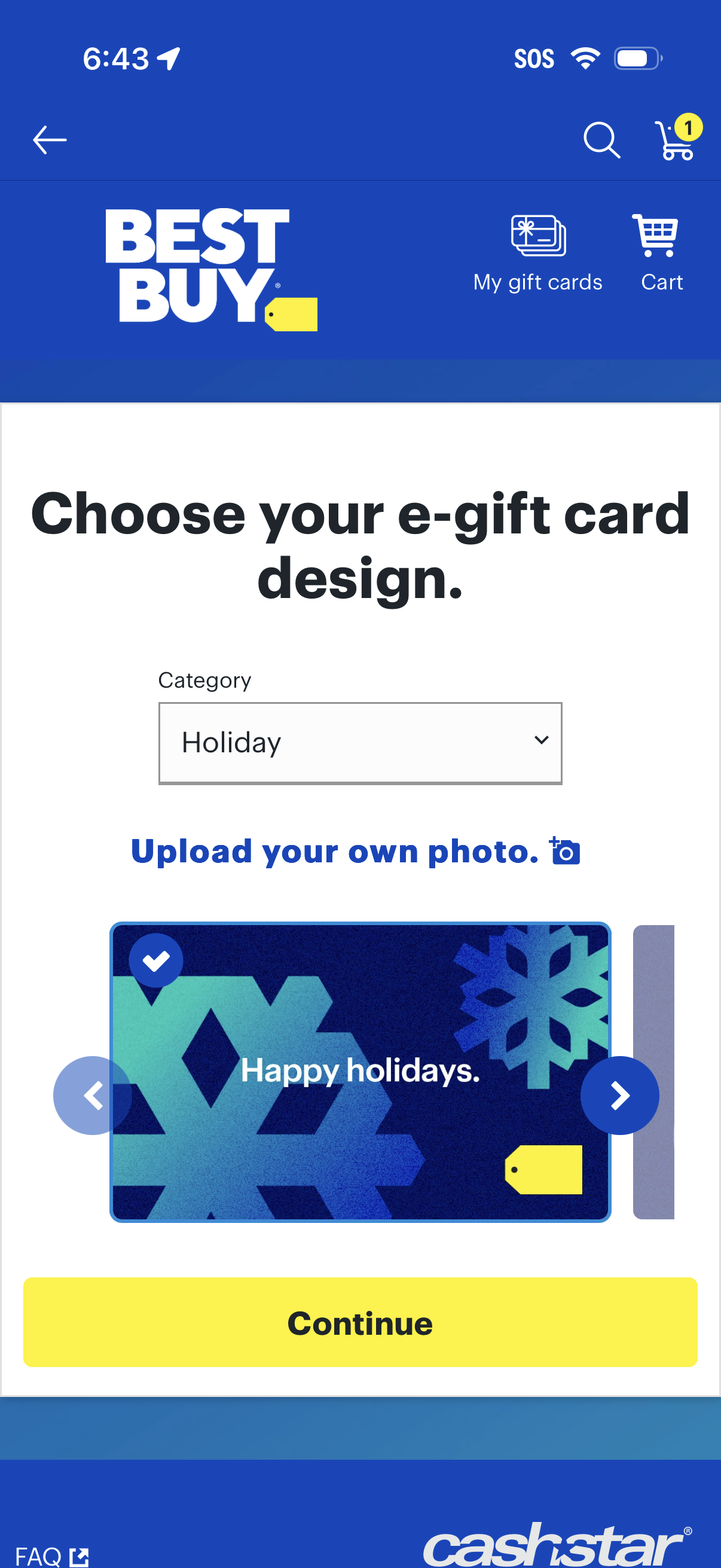
E-gift card customization screen where users choose a gift card design by selecting a category from a dropdown, browse template designs with a carousel, or upload their own photo. Primary action is a large “Continue” button, with quick access to search, cart, and “My gift cards.

E-gift card design selection screen where users choose a category from a dropdown (e. g.

E-gift card customization screen where users choose a gift card design by selecting a category (e. g.

E-commerce gift card purchase screen where users choose how much to give by selecting preset dollar amounts or adjusting a custom amount with plus/minus controls. Users can also set quantity, view installment payment info, access gift cards or cart from the header, and proceed via an “Add a message” button.

Gift card purchase customization screen where the user can add an optional personalized message in a text box with a 250-character limit, then tap Continue to proceed. Header includes navigation back plus quick actions for search, viewing gift cards, and accessing the cart.

Gift card delivery selection screen letting the user choose how to deliver a digital gift (send by email or generate a shareable link), enter and confirm the recipient’s email, and schedule a delivery date with a calendar picker. Primary action is an “Add to cart” button, with access to search, cart, and gift card management in the header.

Shopping cart review screen for purchasing an e‑gift card, showing recipient and delivery email, card design preview, price, quantity selector, and links to remove or view/edit details. Includes actions to add another card and view the order summary before checkout.