browse categories

Retail shopping browse screen with a search bar (text, voice, and barcode/QR scan) and cart shortcut, plus a segmented toggle to switch between Products and Services. Displays a grid of tappable product categories with icons (e.

Retail shopping app browse screen for TVs featuring a “Today’s top picks” product card with image, rating, sale price, and a prominent Add to cart button, plus category navigation links like TV & Home Theater and TV size filters. Top bar includes search with voice and barcode/QR scan, SOS/help, and cart icon with item count, and a bottom tab bar for Home, Shop, Discover, Wallet, assistant, and Gift Ideas.
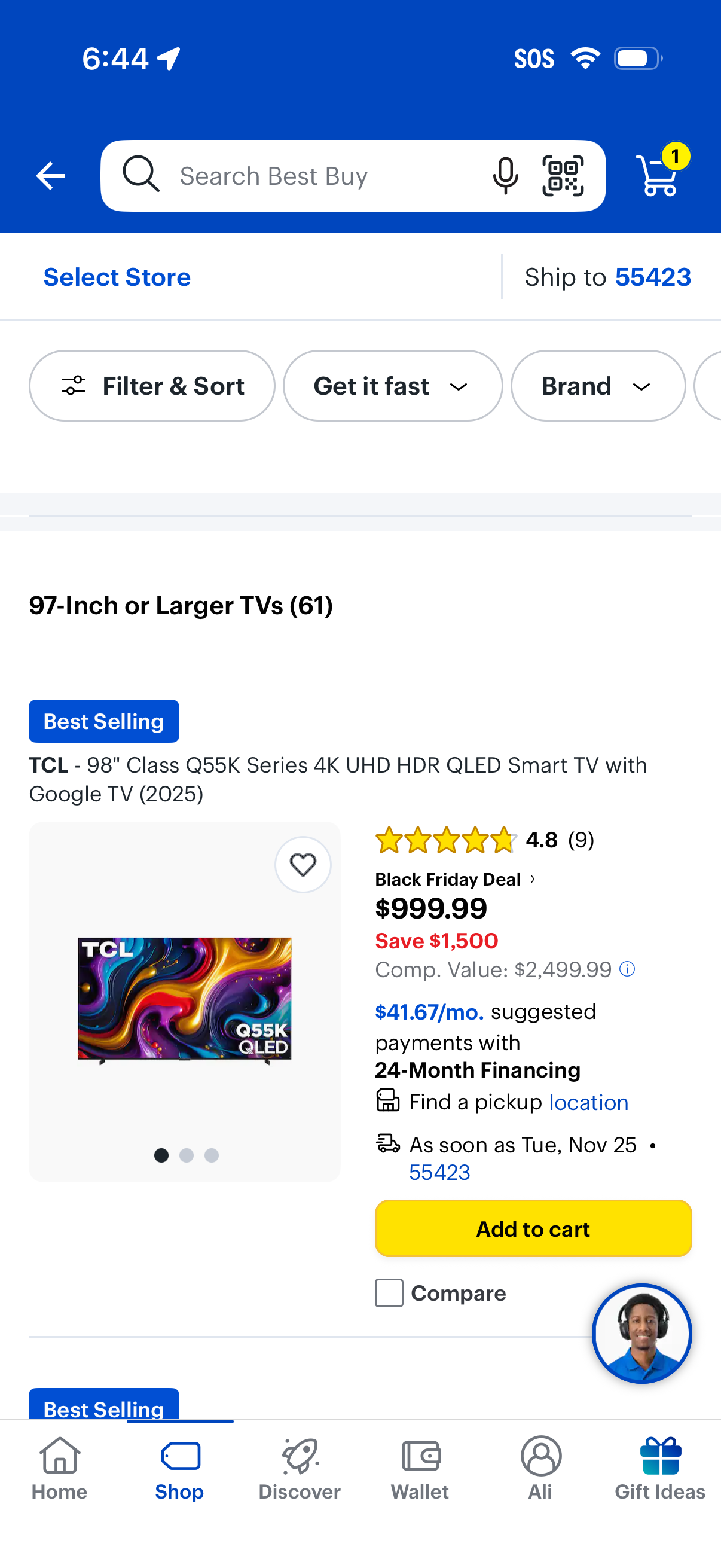
E-commerce category product listing page for “97-inch or larger TVs” with a top search bar (voice and barcode scan), store selection and ship-to location, and quick filter/sort chips like availability and brand. Each product card shows image, ratings, deal pricing and financing info, pickup/delivery details, wishlist, compare, and a prominent Add to cart button with cart icon showing item count.

Ecommerce product listing filter and sort bottom sheet for TVs, showing expandable facets like delivery speed, brand, deals, screen size, television type, refresh rate, price, condition, and features. Includes actions to clear all filters or apply and view the updated results count.