browse discover feeds

Shopping app discover/browse home screen with a top search bar (voice and barcode scan), cart shortcut, and category tabs like Latest, Gift Ideas, and Top-rated. The main content features a promotional “Holiday Toys” curated list card and bottom navigation for Home, Shop, Discover, Wallet, profile, and Gift Ideas.
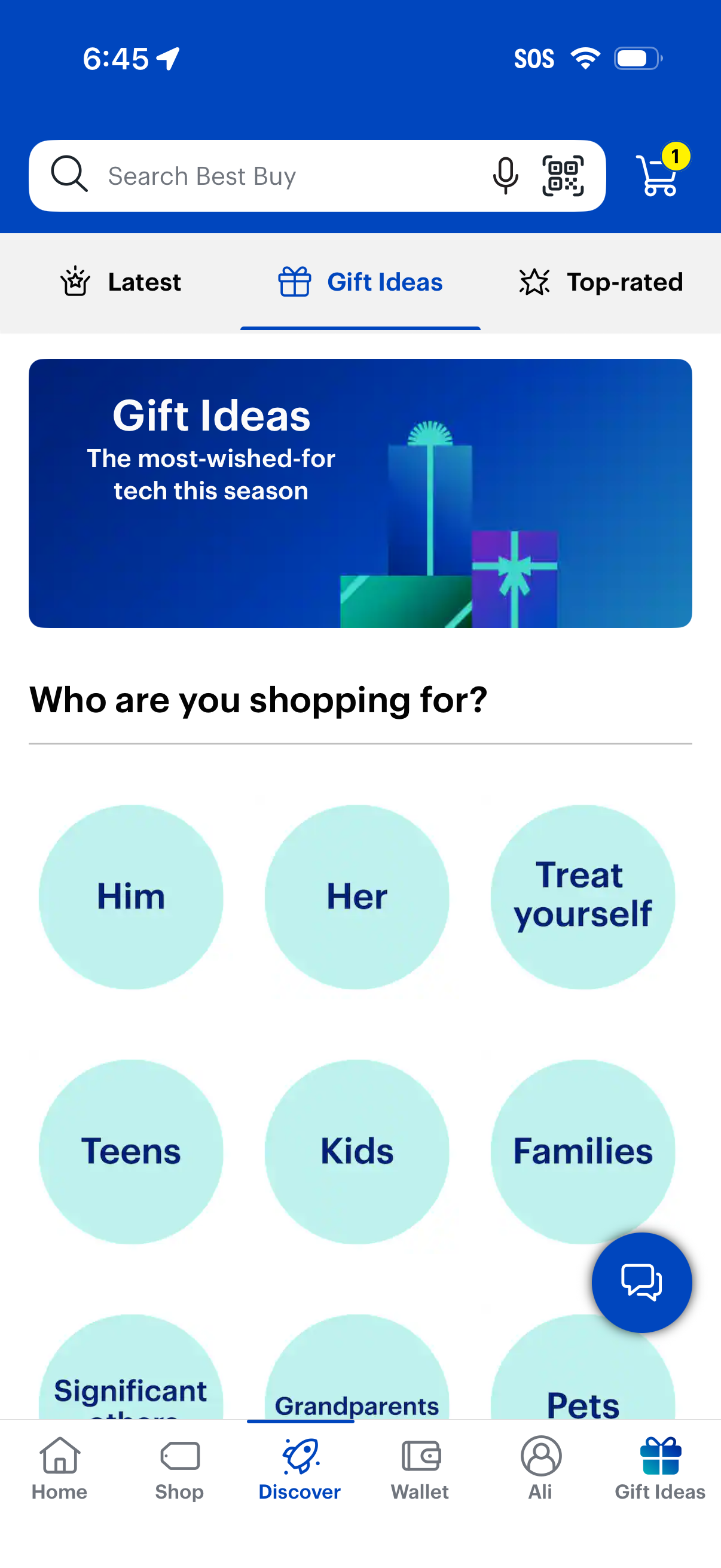
Ecommerce app “Gift Ideas” discovery screen with a search bar (including voice and QR scan) and cart icon, plus tabs for Latest, Gift Ideas, and Top-rated. Users can browse gift recommendations by recipient using large category buttons like Him, Her, Treat yourself, Teens, Kids, Families, Grandparents, and Pets.

E-commerce gift guide category page for “Gifts for him” showing curated holiday picks in a scrollable product list with images, ratings, prices, deal savings, and prominent “Add to cart” buttons. Includes navigation/back, breadcrumb to gift ideas, and a cart icon with item count.
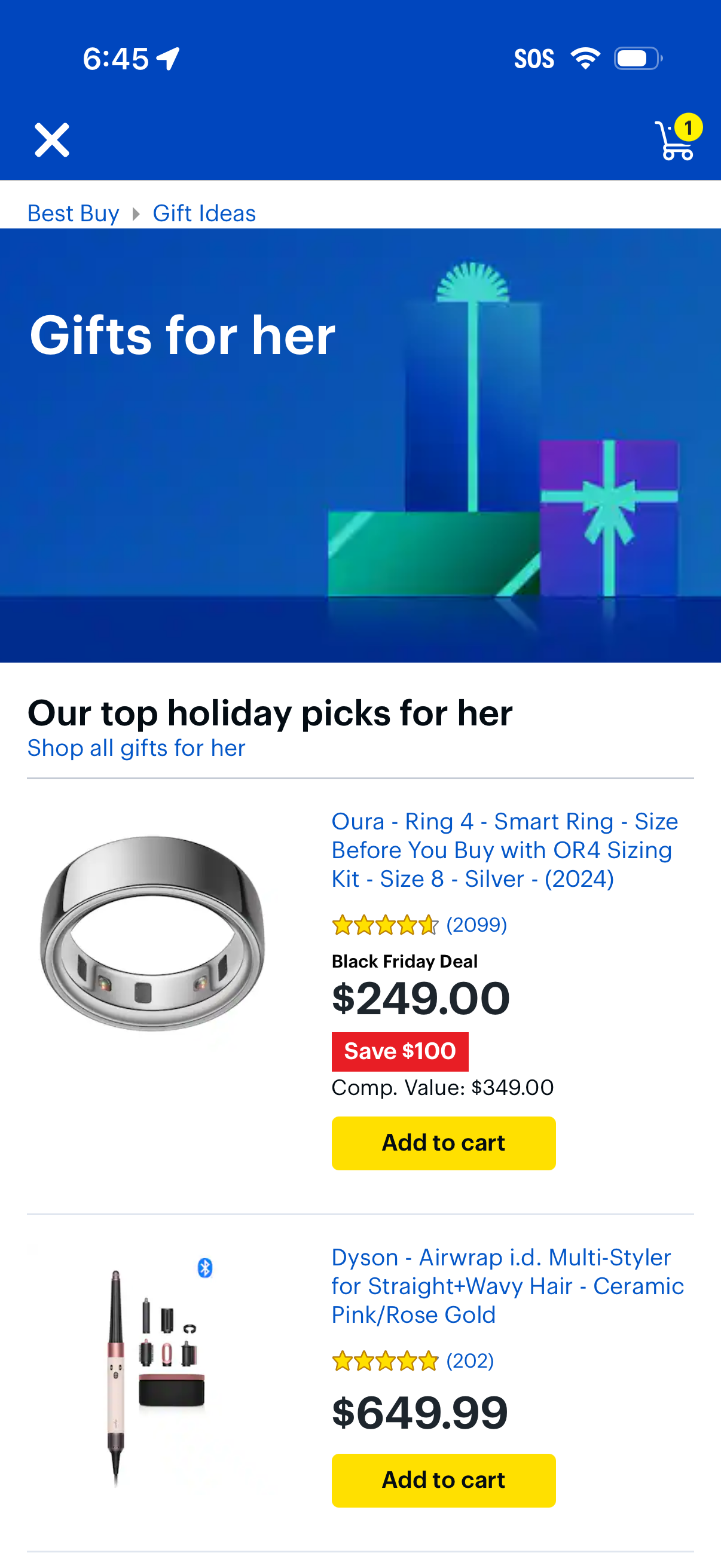
E-commerce gift ideas category page for “Gifts for her,” showing top holiday picks as a scrollable product list with images, ratings, prices, deal/savings badges, and prominent Add to cart buttons. Includes navigation back/close, breadcrumb to Gift Ideas, a “Shop all gifts for her” link, and a cart icon with item count.

Retail shopping app Discover page with a global search bar supporting text, voice, and barcode/QR scanning plus a cart shortcut. Users can browse curated content via tabs like Latest, Gift Ideas, and Top-rated, with a feed of top-rated product collections and access to bottom navigation (Home, Shop, Discover, Wallet, profile, Gift Ideas).

Discover/browse tab of a retail shopping app highlighting “Top-rated” products (4. 5 stars and up) with a prominent search bar supporting voice and barcode/QR scan and a cart shortcut.
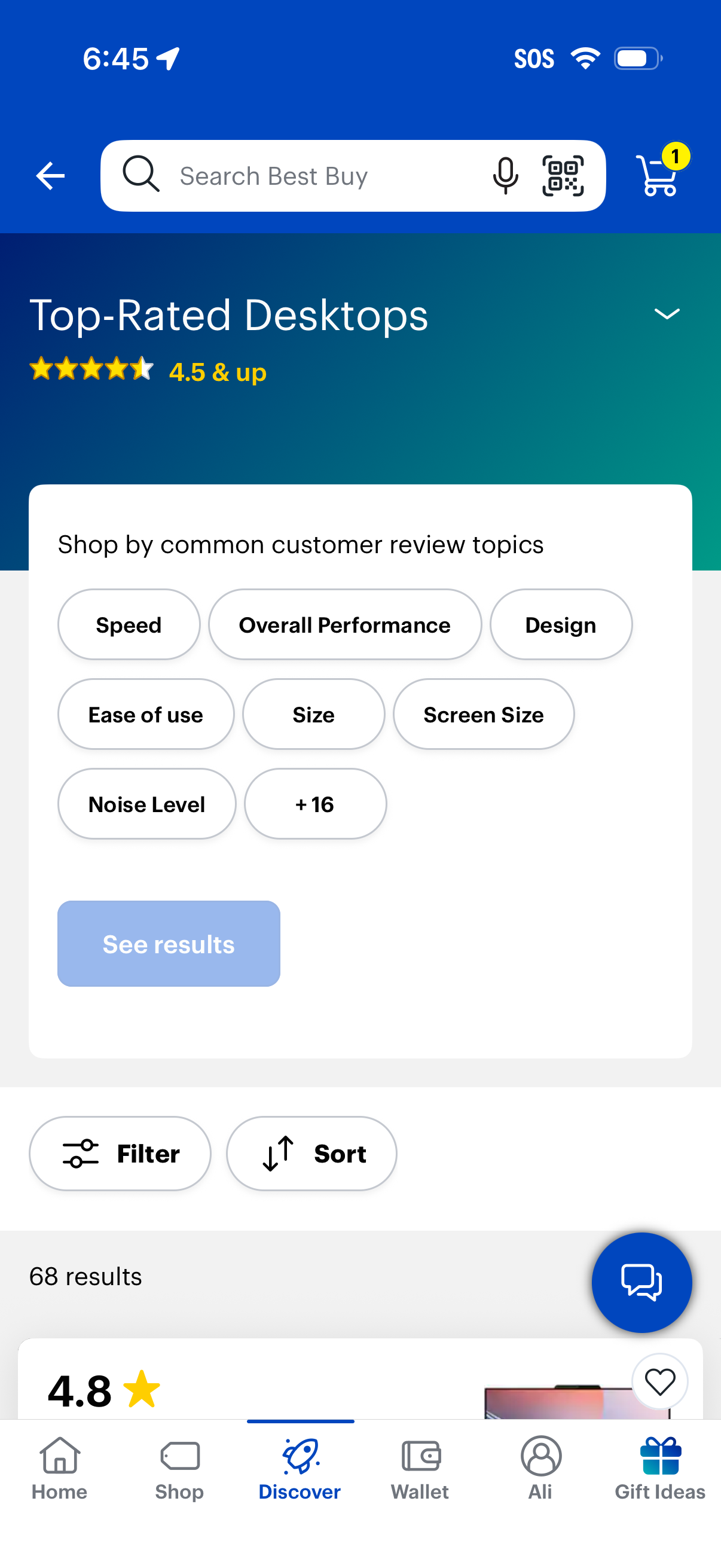
Shopping category results page for top-rated desktop computers showing a 4. 5+ star rating filter and “shop by common customer review topics” chips (speed, performance, design, ease of use, size, screen size, noise level) with a “See results” CTA.

Shopping discovery screen for “Top-Rated Desktops” showing a 4. 5+ rating collection with search bar (including voice and scan), cart access, and filter chips based on common customer review topics like speed, performance, design, and noise level.

Shopping category screen for “Top-Rated Desktops” (4. 5+ stars) showing a review-topics filter panel with selectable chips like Speed, Overall Performance, Design, and more, plus a “See results” CTA.