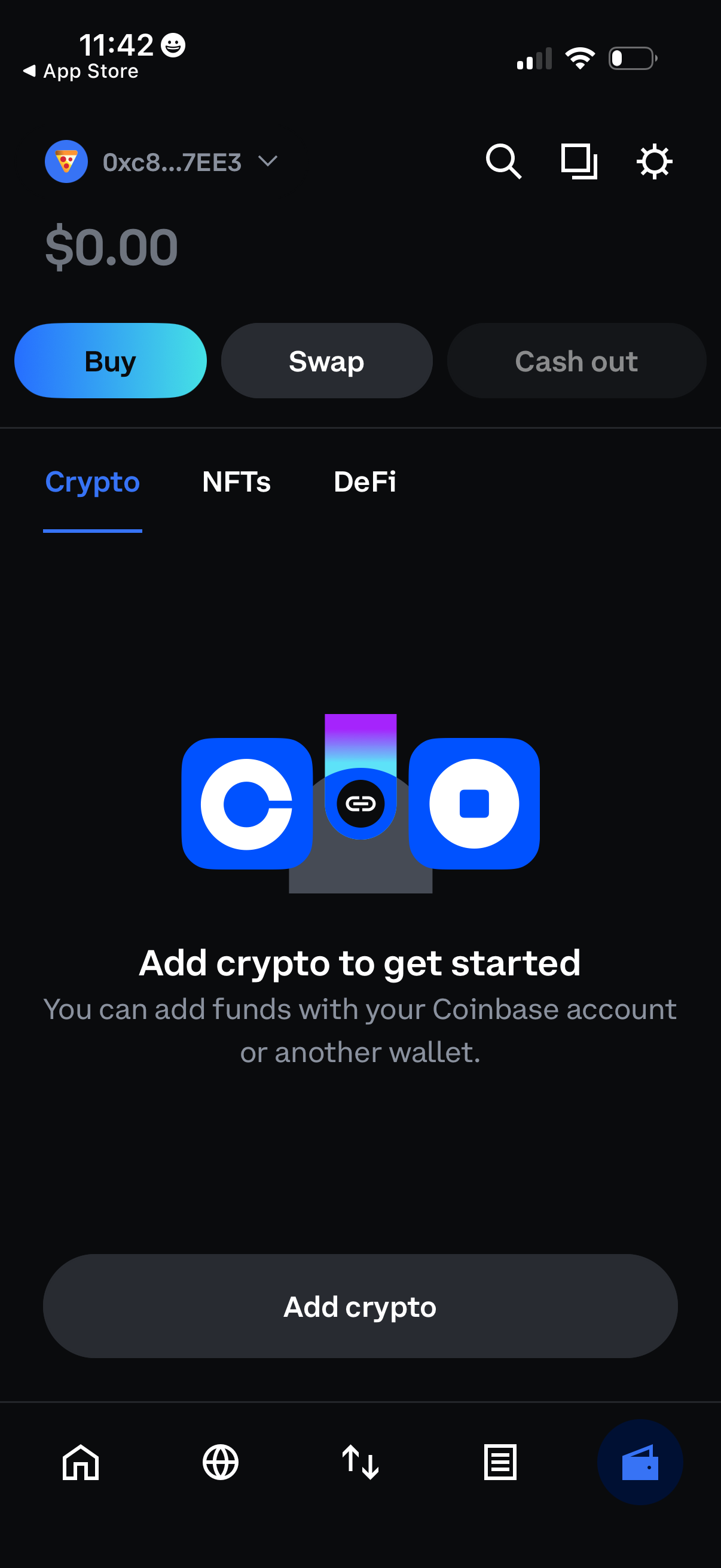
Crypto wallet home screen showing a $0 balance with primary actions to Buy, Swap, and Cash out, plus tabs for Crypto, NFTs, and DeFi. An empty-state prompt encourages the user to add funds via a linked exchange account or another wallet, with a prominent “Add crypto” button and top search/settings shortcuts.
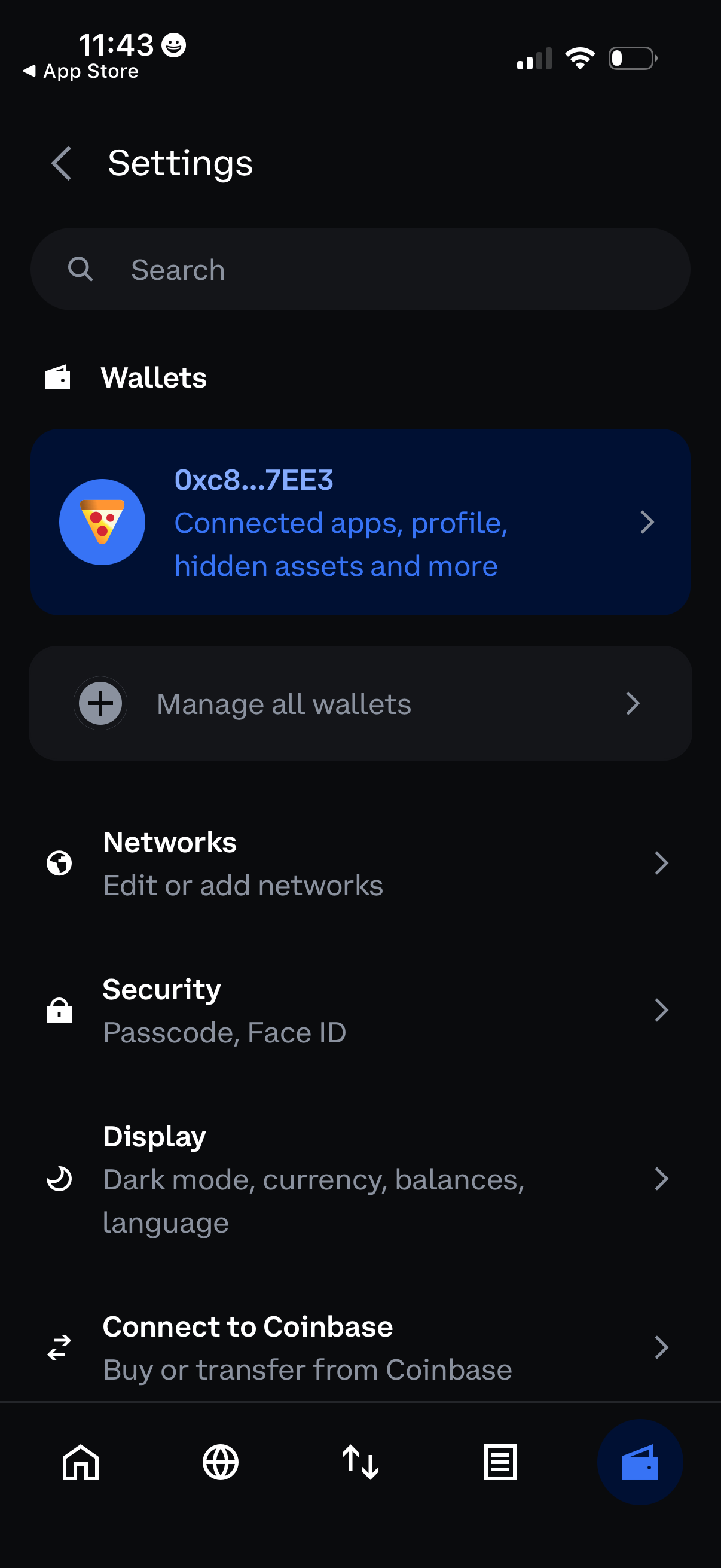
Settings screen for a crypto wallet app with a search bar and sections to manage wallets (view a specific wallet, manage all wallets), edit or add networks, and configure security options like passcode/Face ID. Also includes display preferences (dark mode, currency, balances, language) and an option to connect to Coinbase for buying or transferring funds.
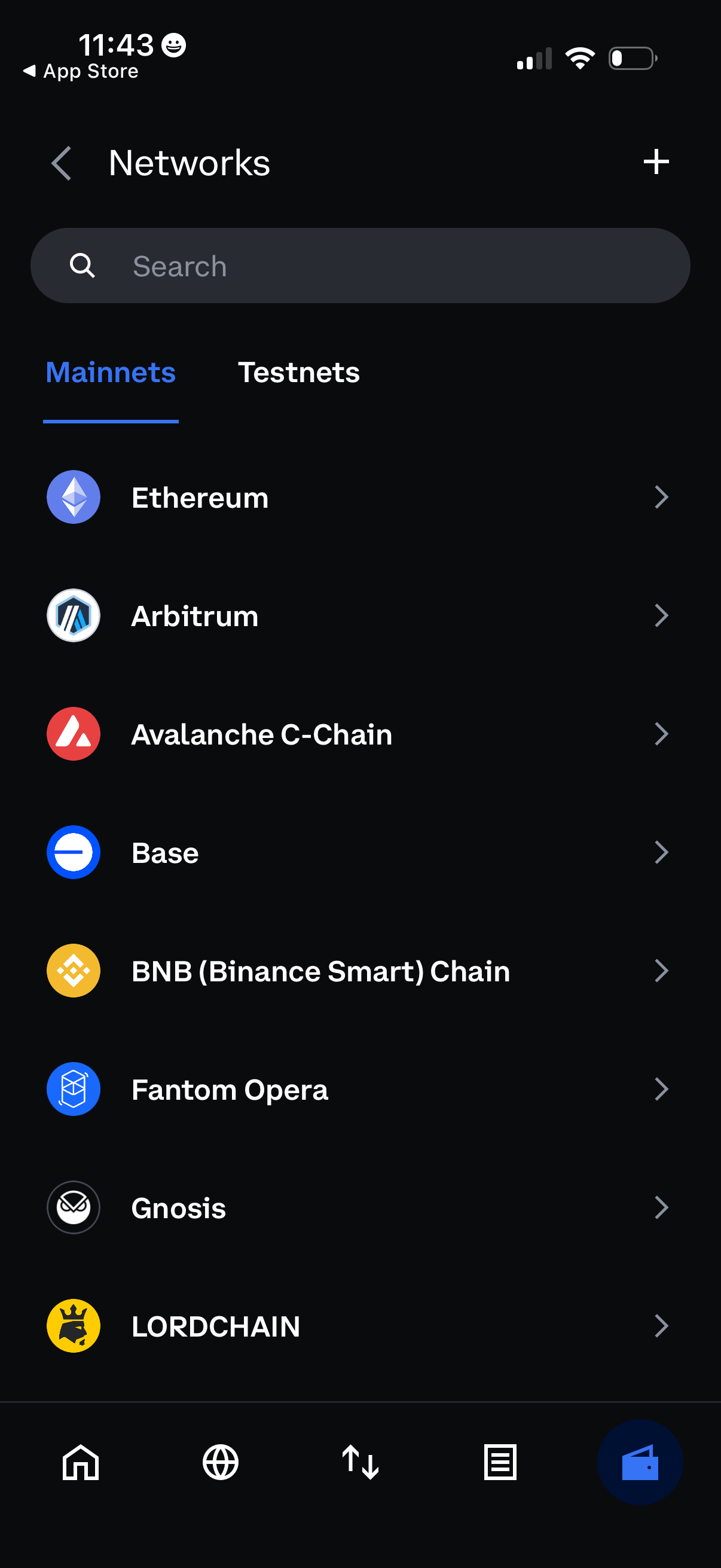
Network selection screen in a crypto wallet showing a searchable list of blockchain networks with tabs for Mainnets and Testnets. Users can tap a network to view/select it and use the plus button to add a new custom network.