buy stablecoin with apple
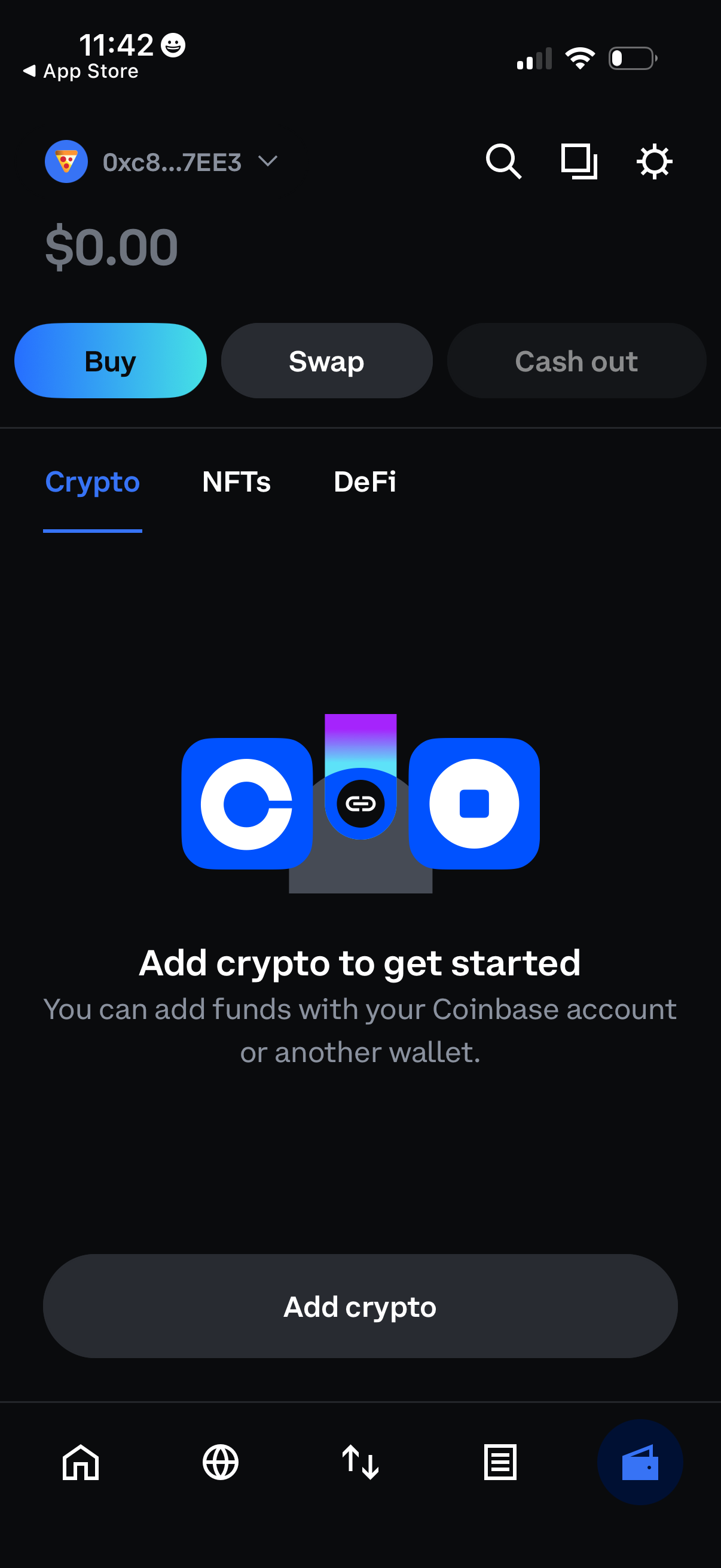
Crypto wallet home screen showing a $0 balance with primary actions to Buy, Swap, and Cash out, plus tabs for Crypto, NFTs, and DeFi. An empty-state prompt encourages the user to add funds via a linked exchange account or another wallet, with a prominent “Add crypto” button and top search/settings shortcuts.
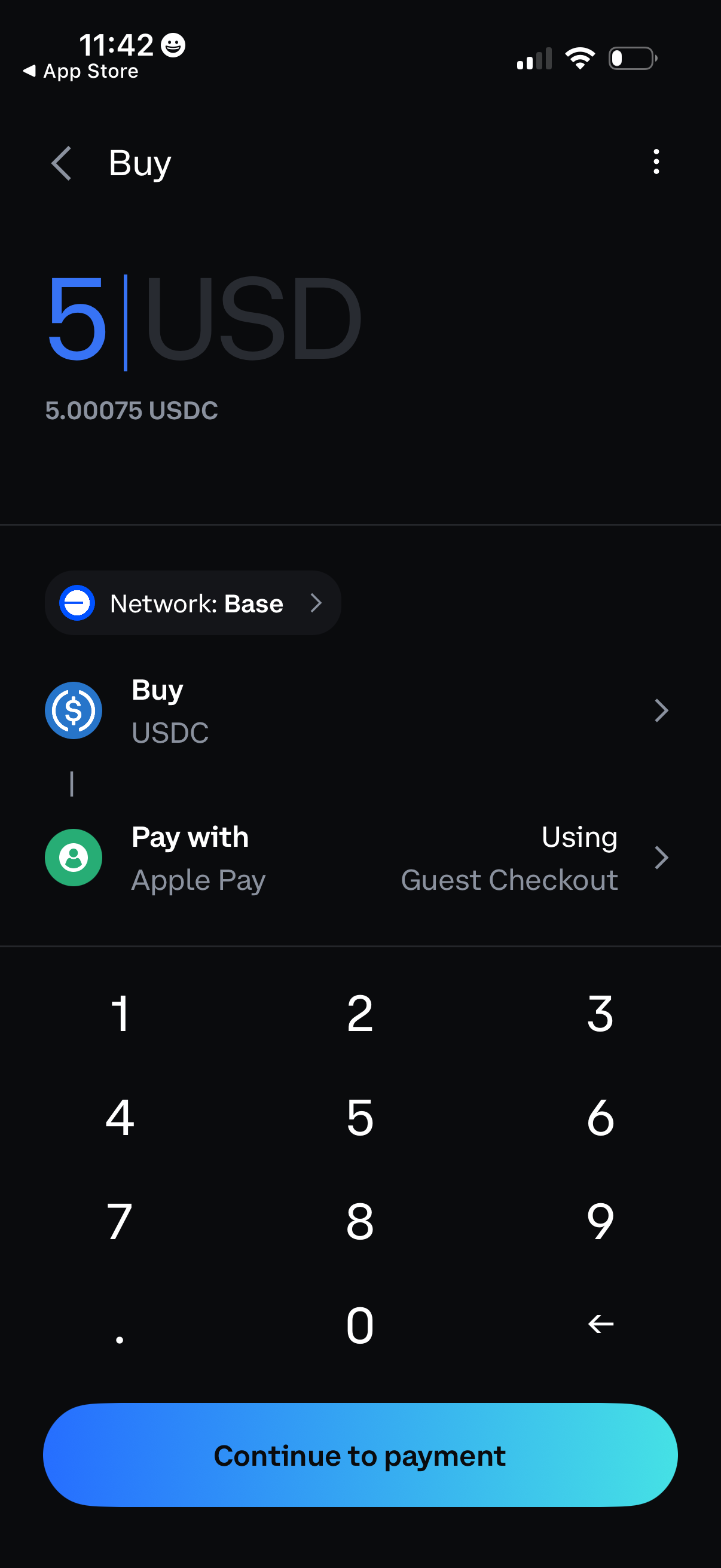
Cryptocurrency buy screen for purchasing USDC where the user enters a USD amount and sees the equivalent in USDC, with options to choose the blockchain network (Base) and pay via Apple Pay using guest checkout. Includes a numeric keypad for amount entry and a primary “Continue to payment” call to action.
A dark-themed loading screen showing a centered “Loading” label with a spinning progress indicator while a secure payment/checkout web view processes. A footer displays a lock icon and “Secured by Coinbase,” indicating a cryptocurrency payment authentication step in progress.
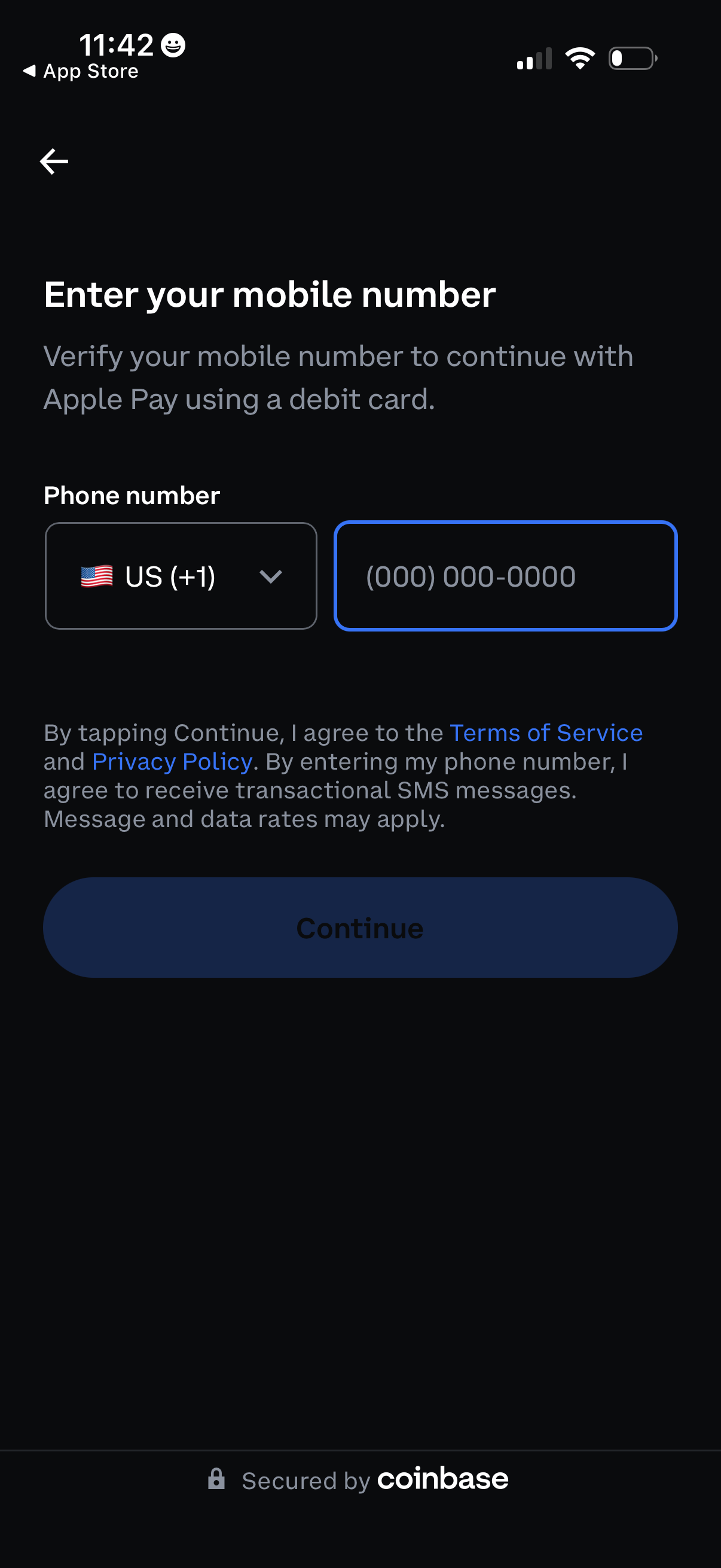
Mobile number verification screen for continuing with Apple Pay debit card setup, featuring a country code dropdown and phone number input field. Includes consent text linking to terms and privacy policy and a primary Continue button to proceed with SMS verification.
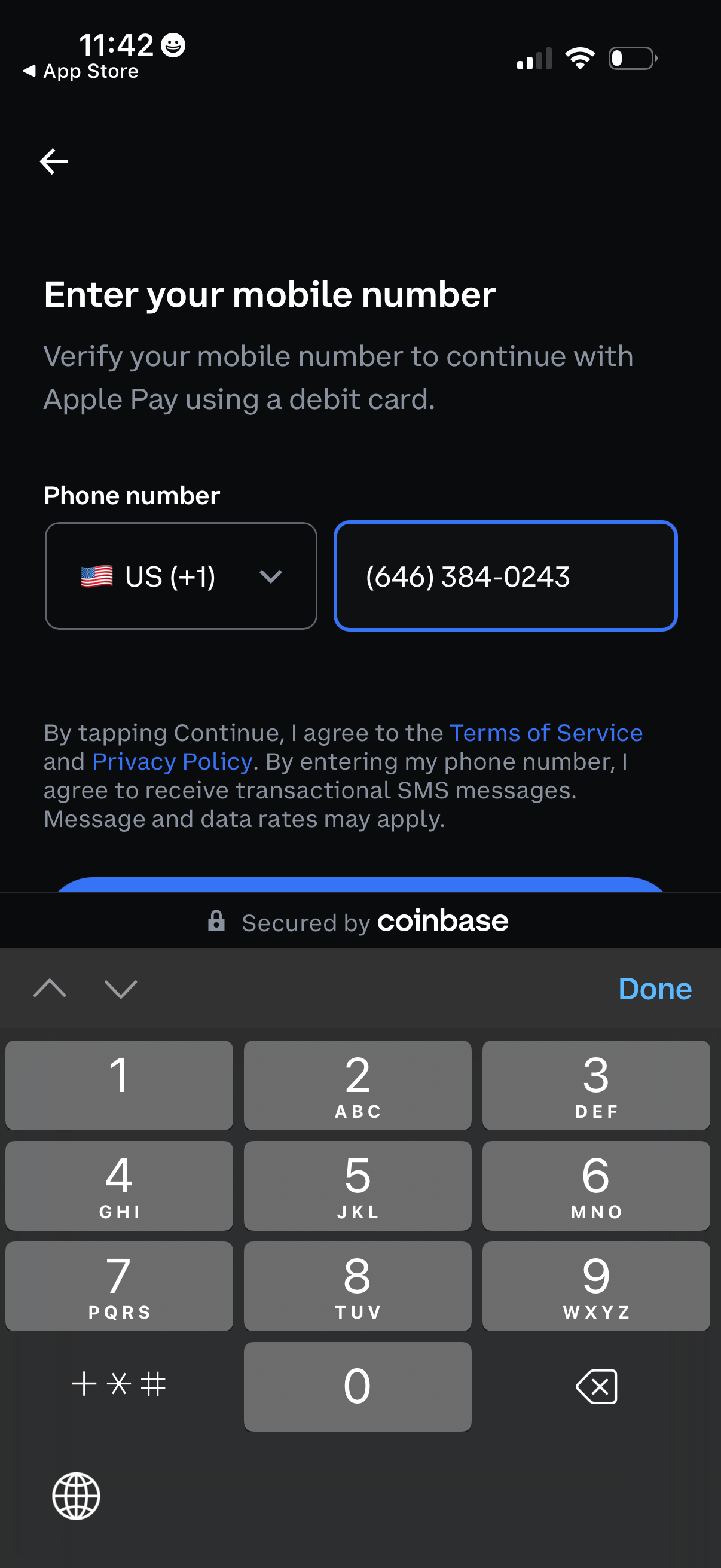
Mobile number verification screen for setting up Apple Pay with a debit card, prompting the user to select a country code and enter their phone number to receive transactional SMS. Includes links to Terms of Service and Privacy Policy and a continue flow secured by a payment provider.
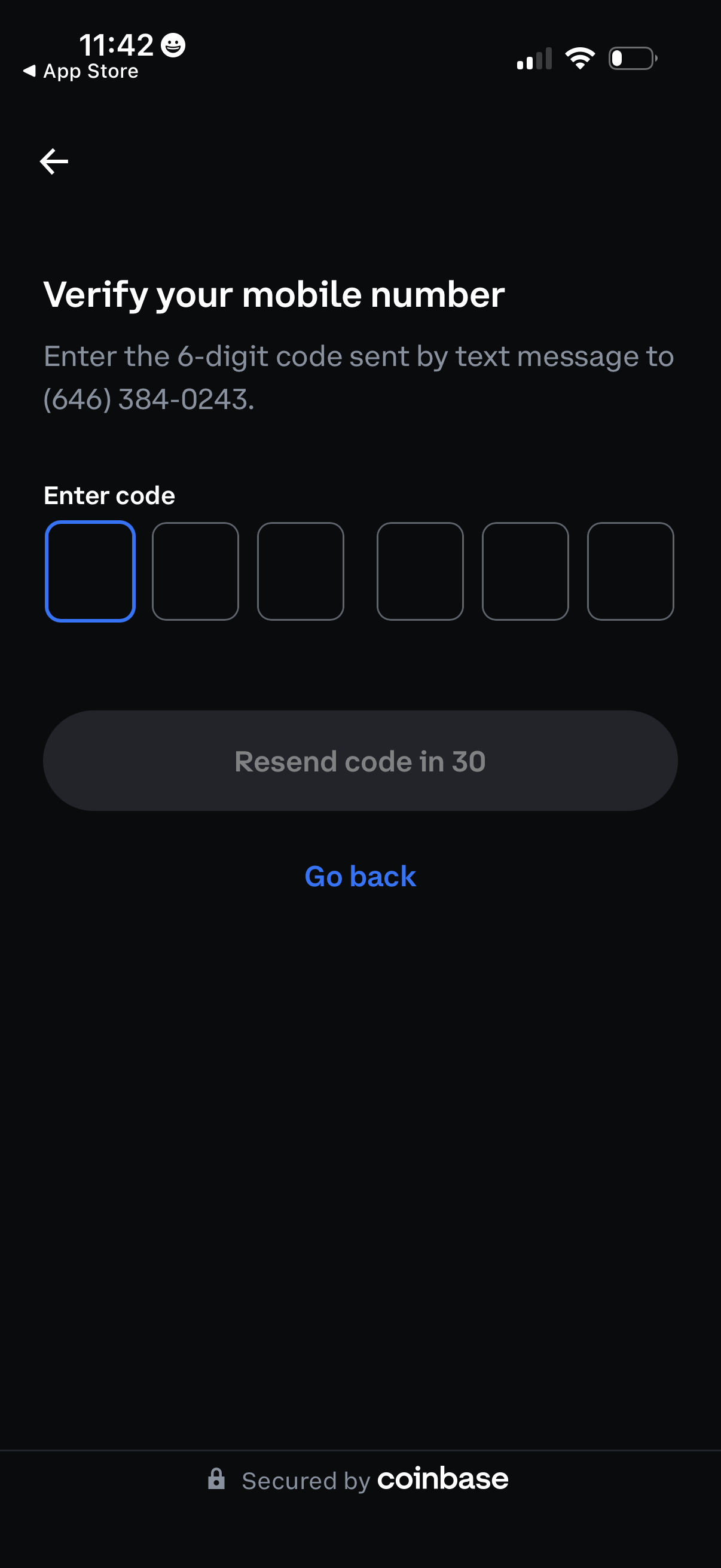
Mobile number verification screen prompting the user to enter a 6-digit SMS one-time passcode in segmented input boxes. Includes a disabled “Resend code” button with countdown timer and a “Go back” option for navigation.
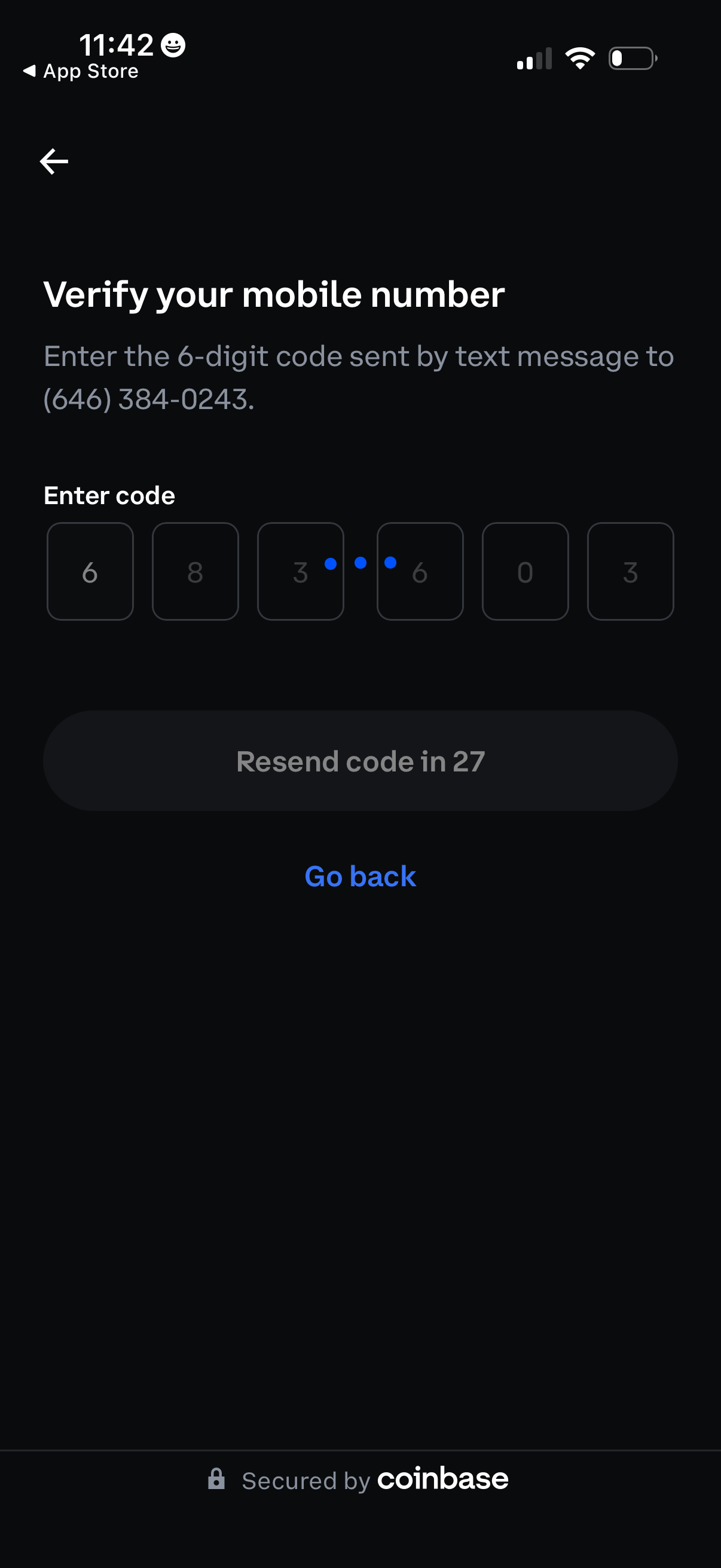
Mobile number verification (SMS OTP) screen prompting the user to enter a 6-digit code in separate input boxes sent via text message. Includes a disabled “resend code” button with countdown timer plus back navigation and a “Go back” link.
Dark loading screen with an indeterminate spinner and the message “Fetching the quote…” indicating a quote or price quote is being retrieved. Footer shows “Secured by Coinbase,” implying a crypto payment/transaction flow while the quote is generated.
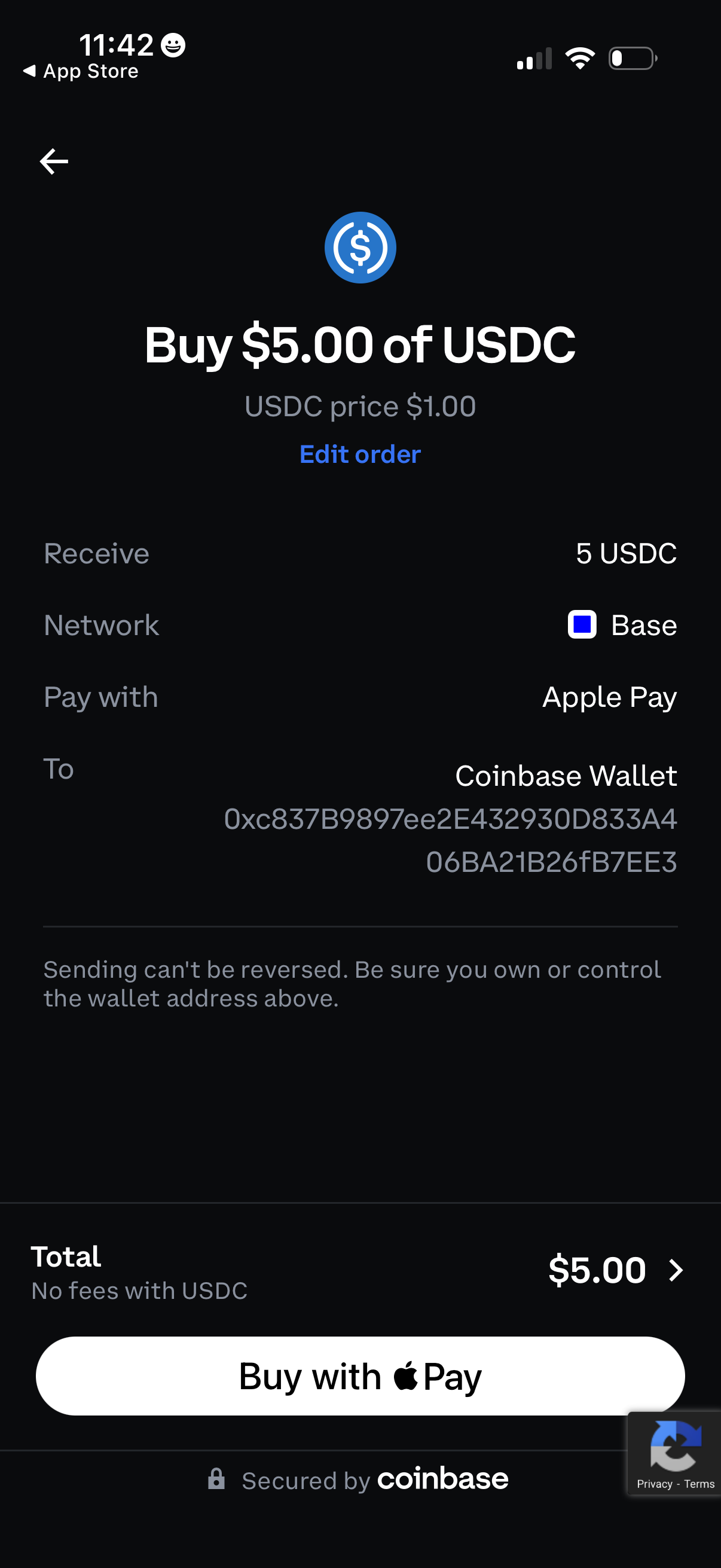
Crypto purchase checkout screen for buying a set amount of USDC, showing current USDC price and an option to edit the order. It summarizes receive amount, blockchain network, payment method (Apple Pay), destination wallet address, total cost, and provides a primary “Buy with Apple Pay” action with an irreversibility warning.