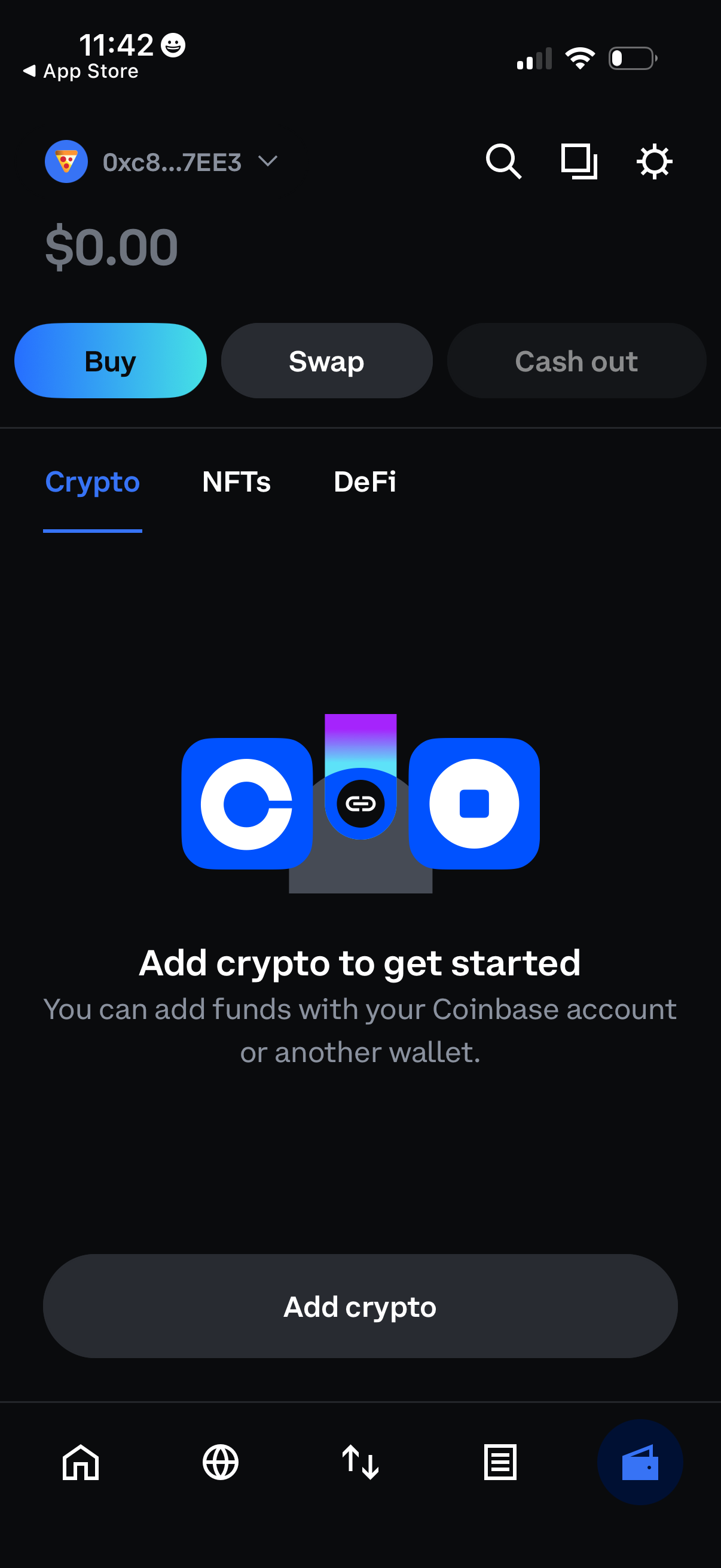
Crypto wallet home screen showing a $0 balance with primary actions to Buy, Swap, and Cash out, plus tabs for Crypto, NFTs, and DeFi. An empty-state prompt encourages the user to add funds via a linked exchange account or another wallet, with a prominent “Add crypto” button and top search/settings shortcuts.
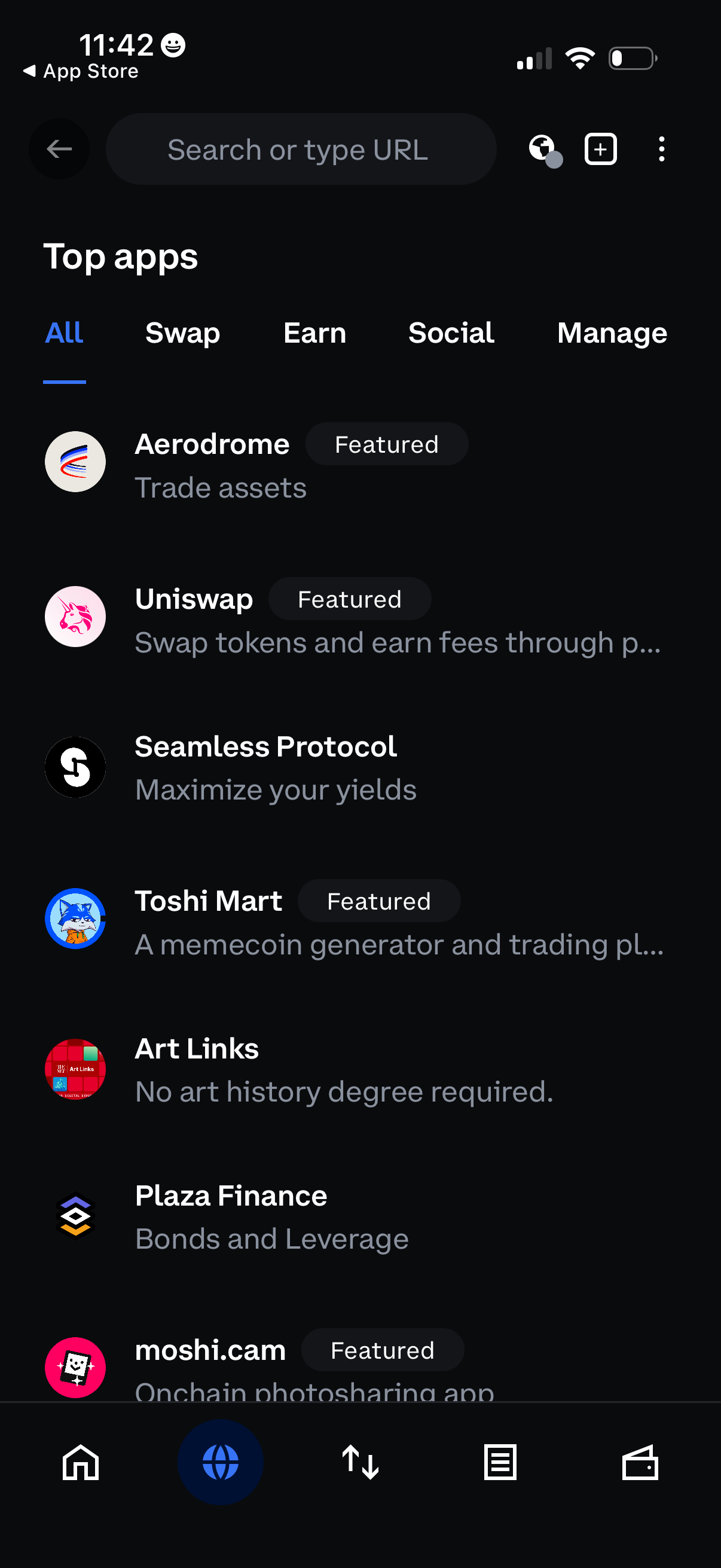
App directory “Top apps” screen with a search bar and category tabs (All, Swap, Earn, Social, Manage), showing a scrollable list of apps with icons, short descriptions, and “Featured” badges. Users can browse and discover apps by category or search, with bottom navigation for switching sections.
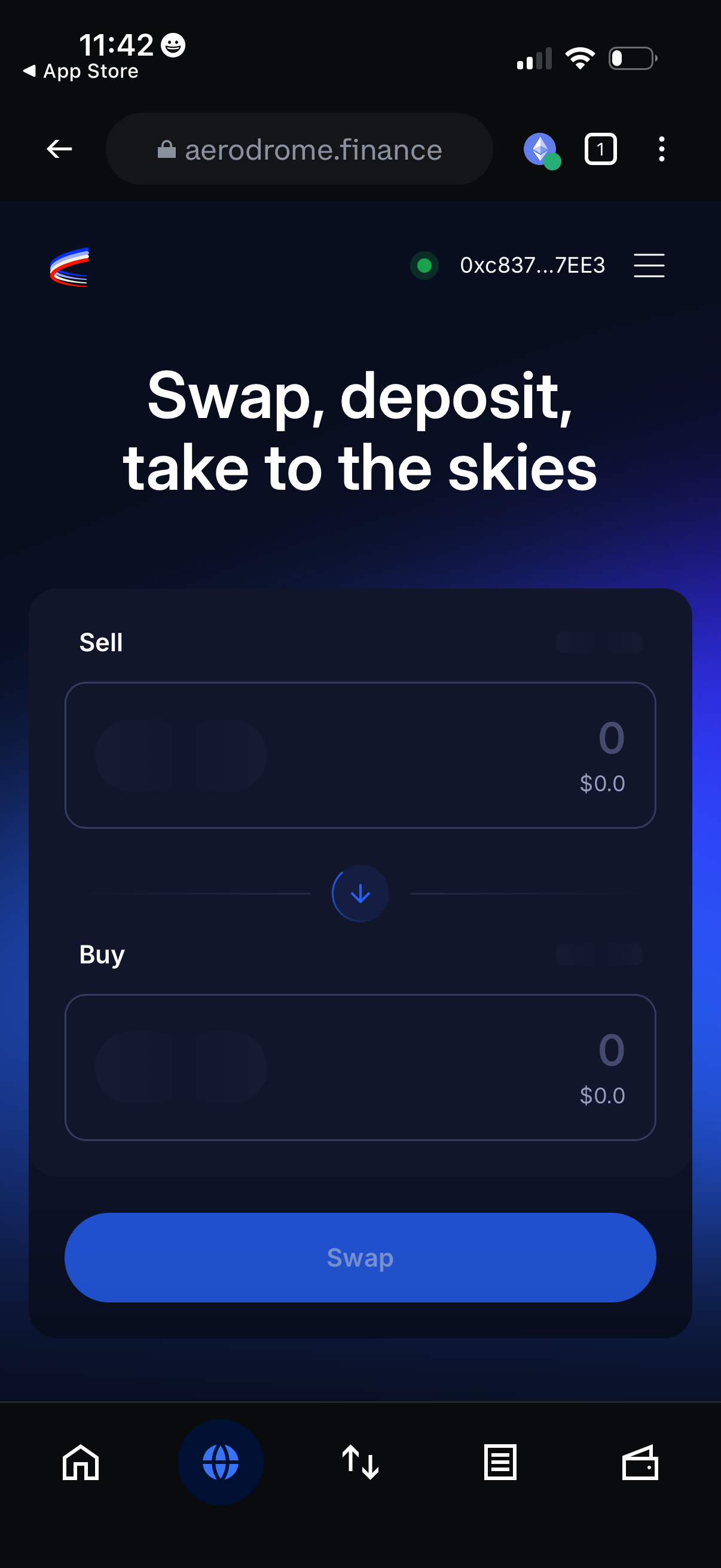
Crypto wallet DApp swap screen showing a token exchange form with “Sell” and “Buy” amount inputs, a toggle to flip direction, and a primary “Swap” button. The header displays connected wallet status/address with a menu, and bottom navigation provides access to home, web/browser, swap/transfer, activity, and wallet tabs.