manage saved data
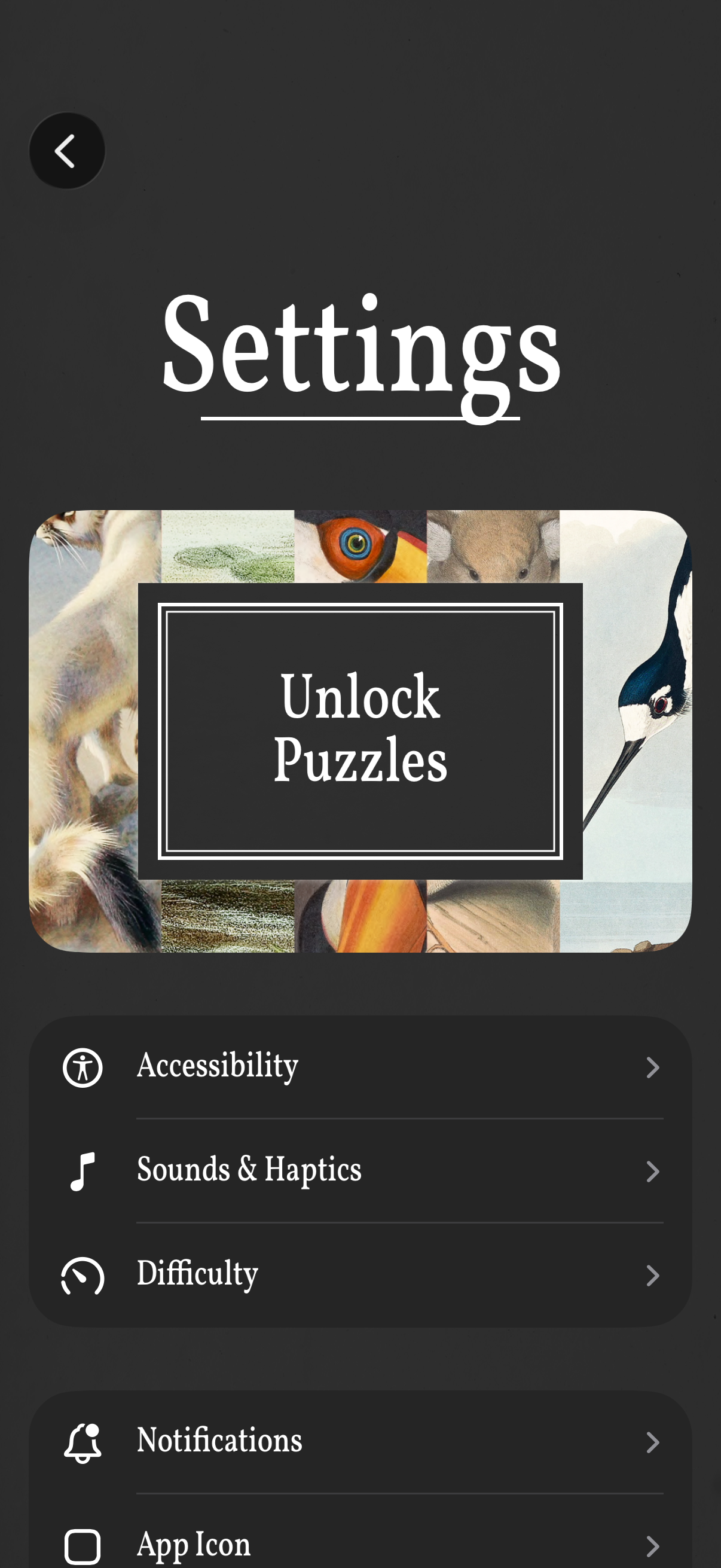
Settings screen for a puzzle game with a prominent “Unlock Puzzles” call-to-action and a list of configuration options. Users can open sections for Accessibility, Sounds & Haptics, Difficulty, Notifications, and App Icon, with a back button to return.

Saved Data management screen showing a partially solved puzzle entry with its title and a delete/trash action to clear progress. Includes a warning message advising users to contact support with a screenshot if a puzzle becomes unsolvable before deleting their saved progress.
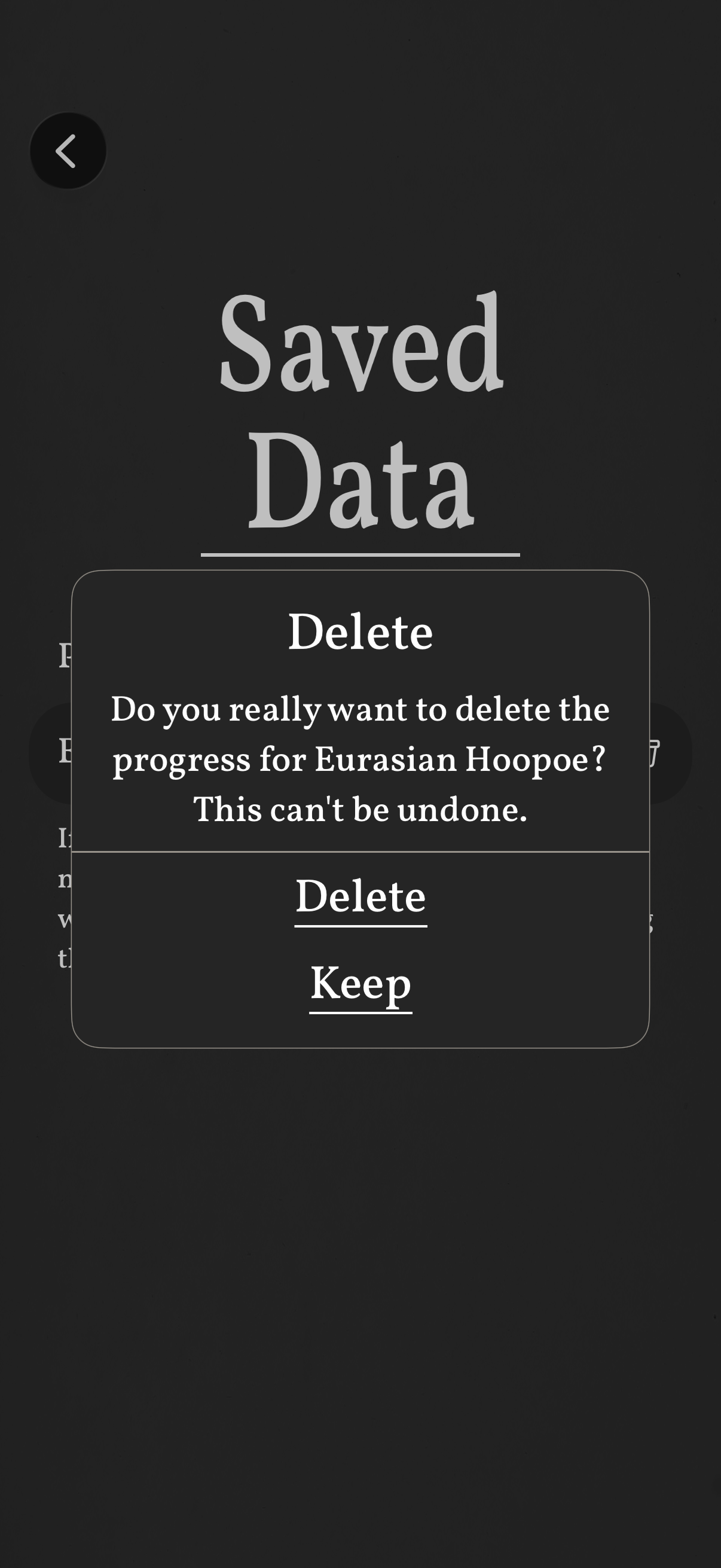
Saved Data screen showing a destructive action confirmation modal asking to delete saved progress, warning that the action can’t be undone. The dialog offers primary options to Delete or Keep, with a back button to return.
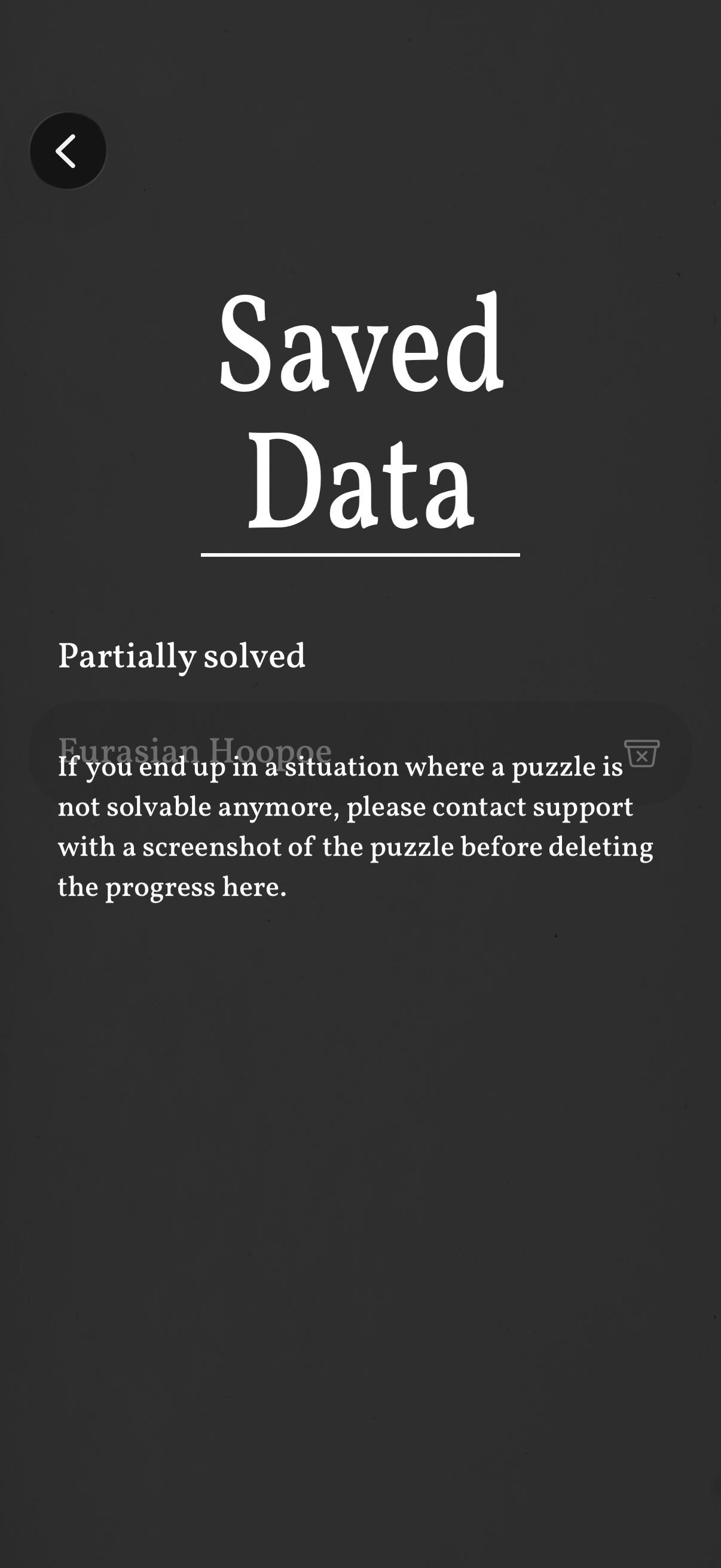
Saved data management screen for a puzzle game showing a “Partially solved” section with a saved puzzle entry. Includes guidance about unsolvable puzzles and an option to delete/reset progress, with a back navigation button.