change difficulty
1
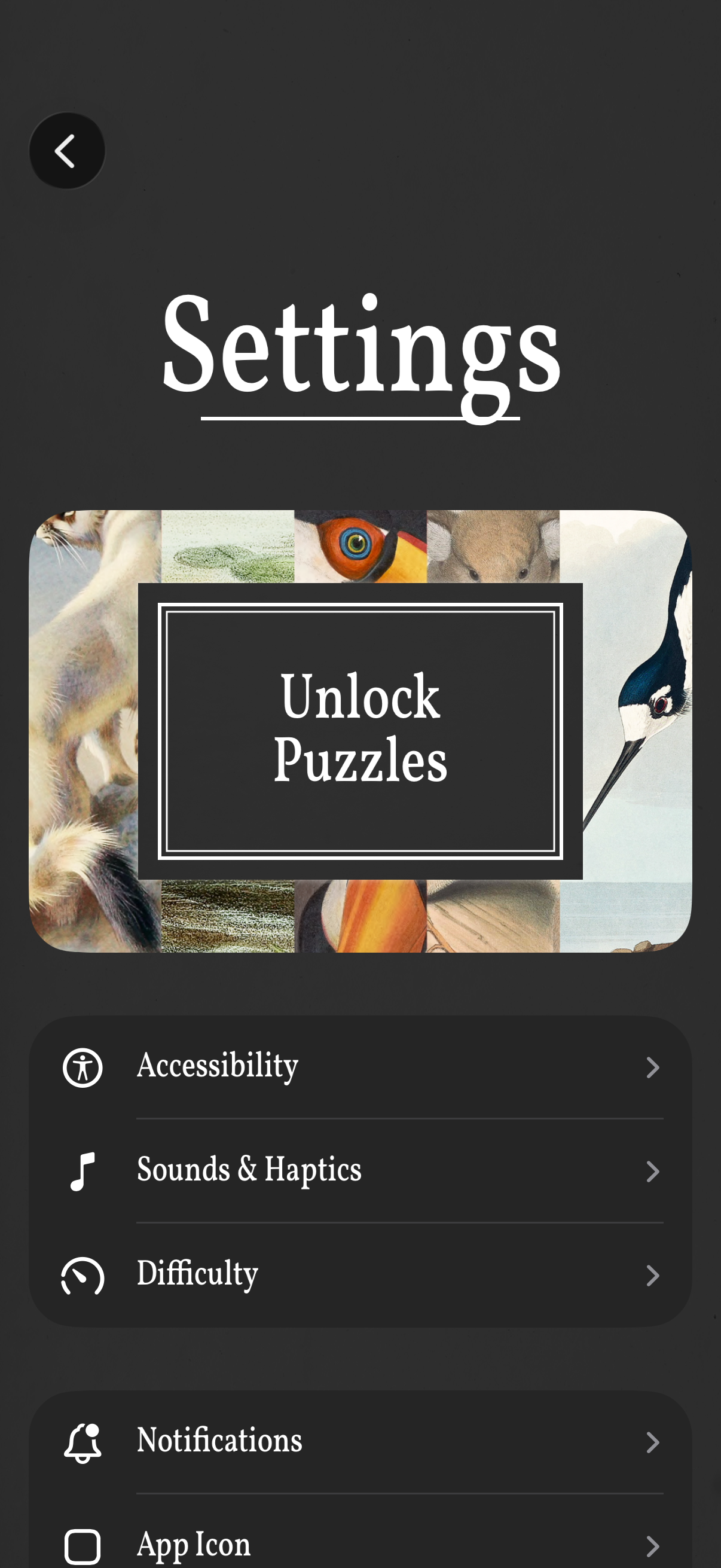
Settings screen for a puzzle game with a prominent “Unlock Puzzles” call-to-action and a list of configuration options. Users can open sections for Accessibility, Sounds & Haptics, Difficulty, Notifications, and App Icon, with a back button to return.
2
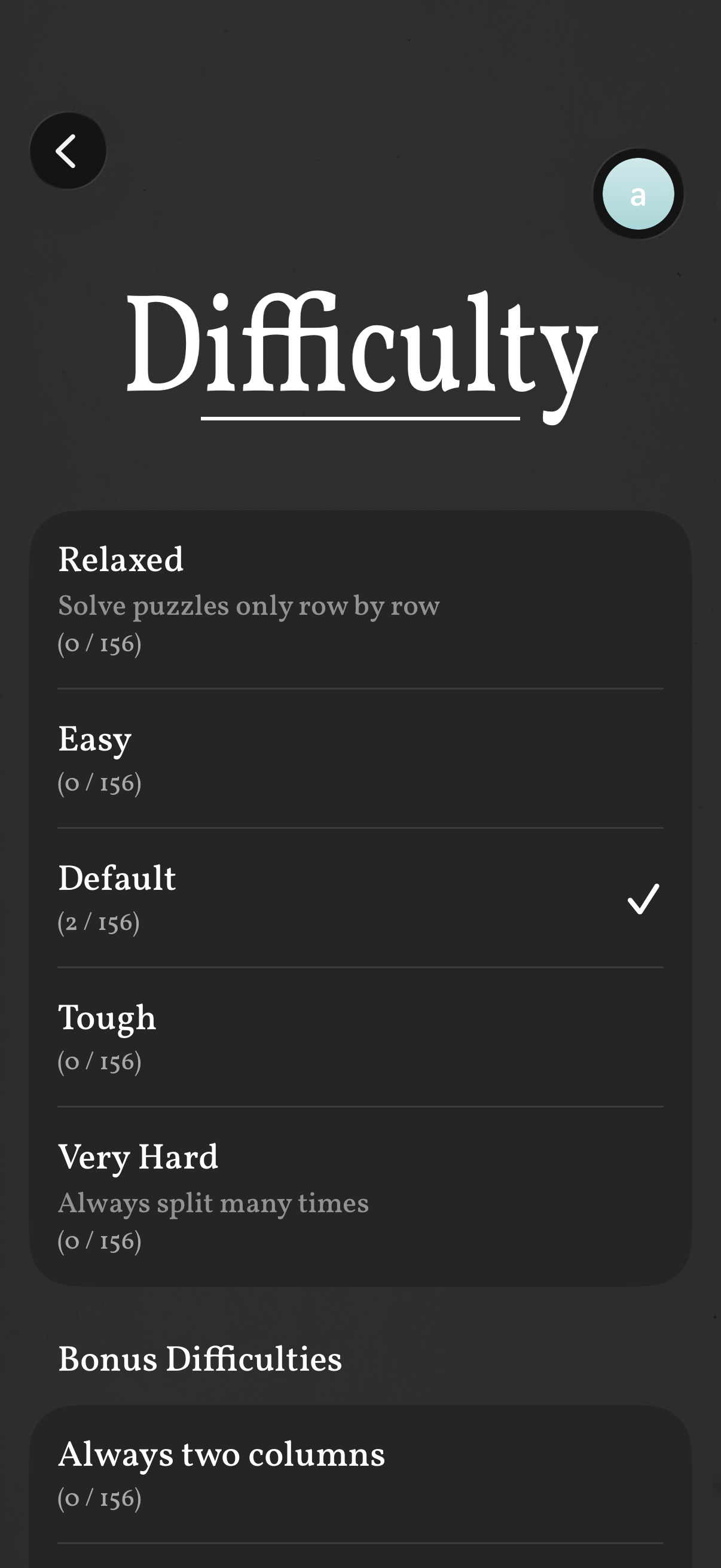
Difficulty selection settings screen for a puzzle game, showing a list of difficulty modes (Relaxed, Easy, Default, Tough, Very Hard) with brief descriptions, progress counts, and a checkmark indicating the currently selected option. Includes navigation back and a “Bonus Difficulties” section with additional challenge modifiers like “Always two columns.