enable notifications
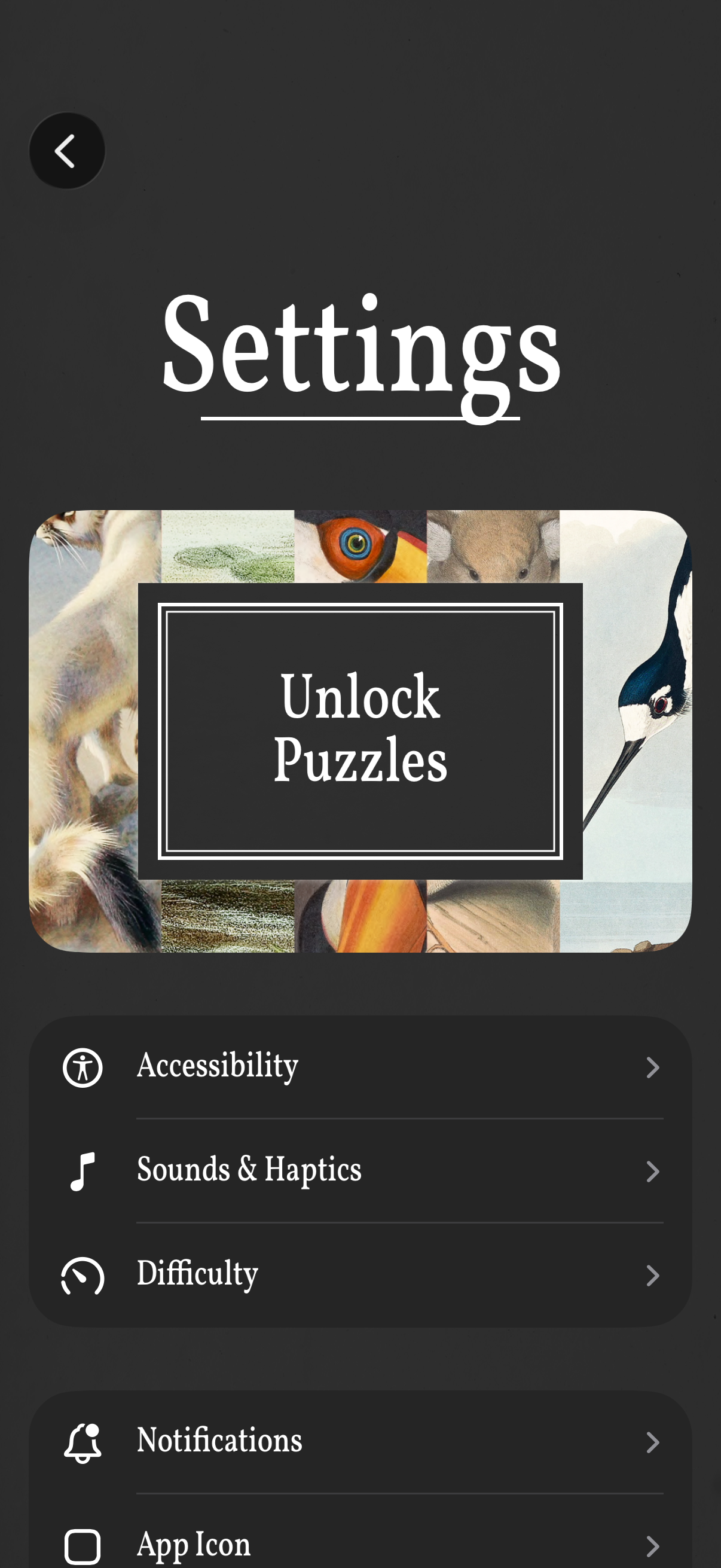
Settings screen for a puzzle game with a prominent “Unlock Puzzles” call-to-action and a list of configuration options. Users can open sections for Accessibility, Sounds & Haptics, Difficulty, Notifications, and App Icon, with a back button to return.
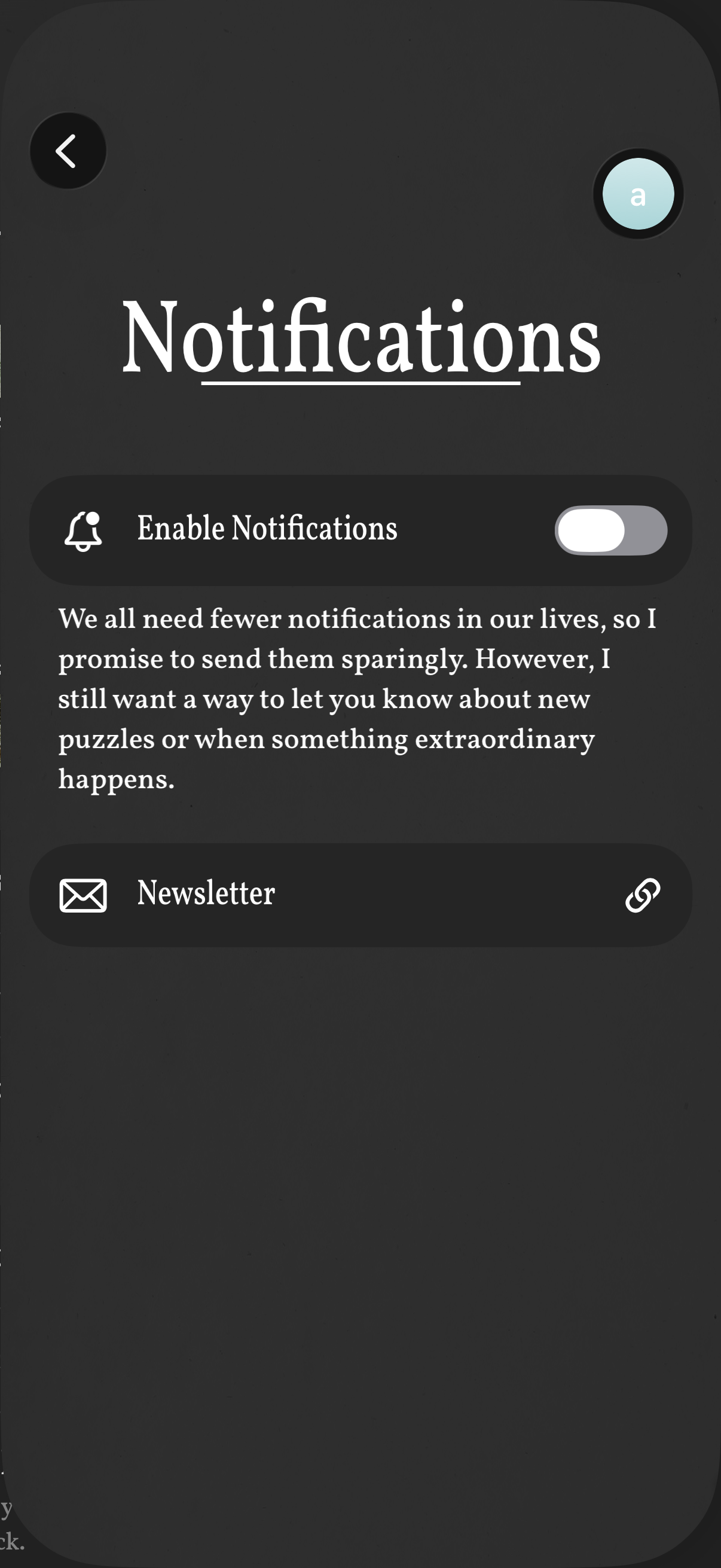
Notifications settings screen with a master toggle to enable or disable push notifications, accompanied by explanatory text about when alerts will be sent. Includes a separate Newsletter row that links out to manage email subscription preferences, with back navigation and profile access in the header.
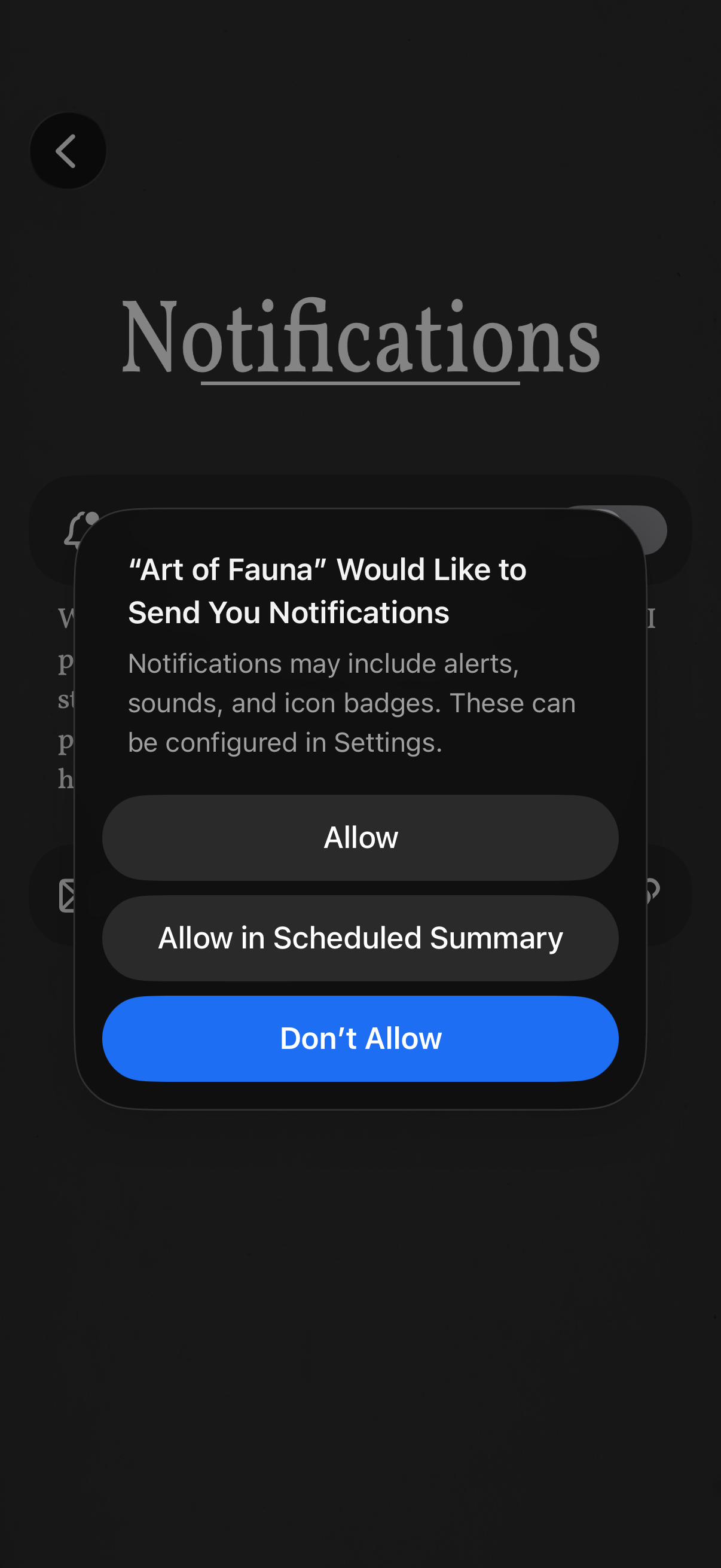
Notifications settings screen with an iOS system permission modal asking to enable push notifications, explaining alerts/sounds/badges. User can choose Allow, Allow in Scheduled Summary, or Don’t Allow.