adjust accessibility options
1
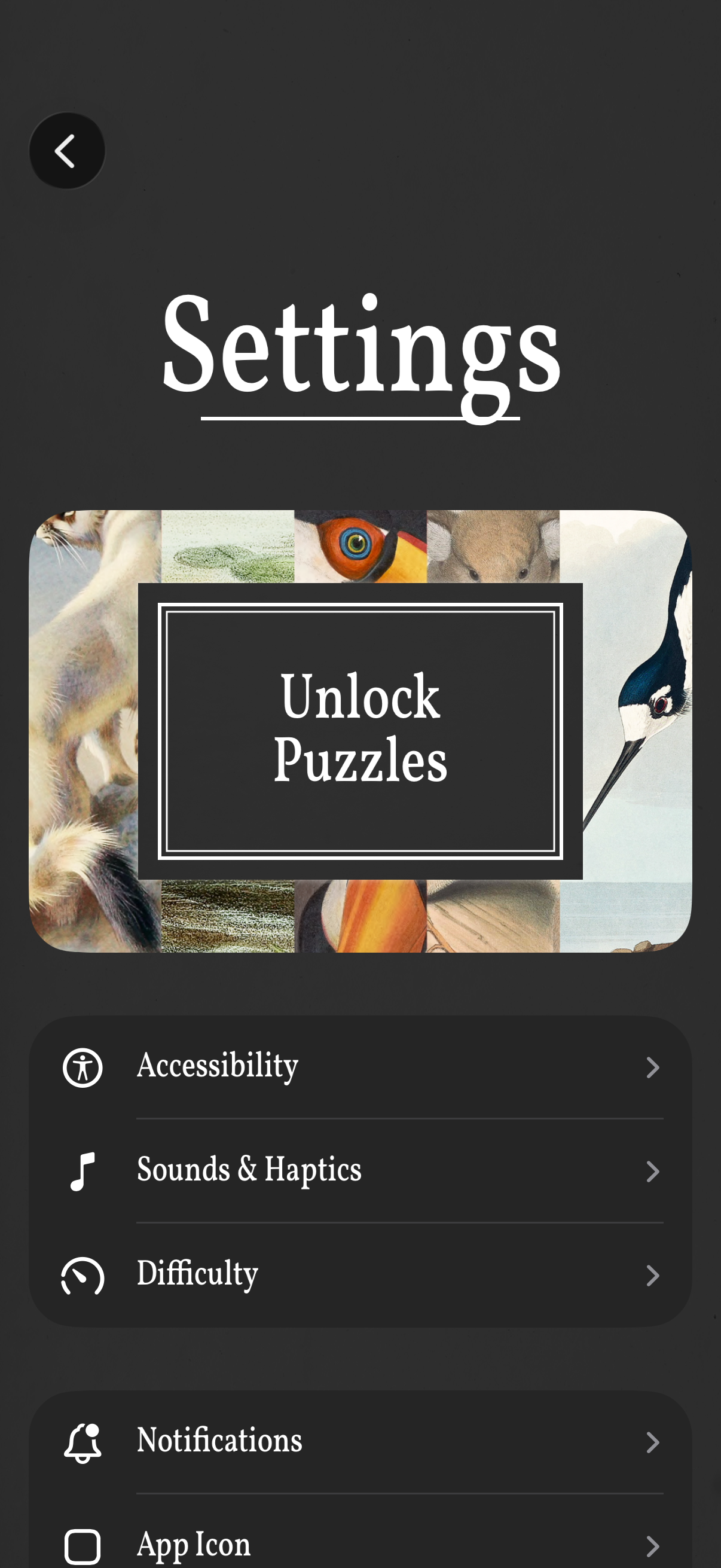
Settings screen for a puzzle game with a prominent “Unlock Puzzles” call-to-action and a list of configuration options. Users can open sections for Accessibility, Sounds & Haptics, Difficulty, Notifications, and App Icon, with a back button to return.
2

Accessibility settings screen with options to toggle Simplified Language and navigate to features like Phobia content filtering, VoiceOver, and Color Theme. The lower section shows a font selector with buttons for Default and dyslexia-friendly fonts such as OpenDyslexic, Lexend, and Atkinson Hyperlegible.